Which Is Better for Multi-Page Comic Storytelling: General AI Image Tools or Dedicated Comic Generators?
2026-08-14
Where Does the Real Bottleneck Sit — Image Quality or Sequential Continuity?
For multi-page storytelling, the deciding factor is almost never image quality — it's sequential continuity, and that's where general text-to-image tools like Midjourney and Adobe Firefly structurally underperform dedicated comic generators like Dashtoon, Canva's comic tools, and workflow-driven agents such as Comic Creator. General image models produce individually beautiful frames with no memory of what came before; comic-native systems trade some per-image fidelity for character locking, panel layout, lettering, and page assembly.
What actually separates the two categories across a 20+ page project:
✅ Character persistence — Midjourney requires an explicit Character Reference or Omni Reference per generation (Midjourney docs), while comic platforms maintain a character library across the whole project (Dashtoon) ✅ Page-level composition — panel grids, gutters, and reading order exist natively in comic tools and not at all in raw image generators ✅ Lettering infrastructure — speech balloons, captions, and SFX are first-class objects in comic-native tools (Canva) ✅ Narrative memory — script continuity across chapters is a language-model problem, not an image-model problem ✅ Per-image ceiling — general models still win on rendering fidelity, style range, and art-direction control
The honest answer is that most working creators end up using both. To see why, it helps to define what a multi-page project actually demands.
What Does Multi-Page Storytelling Actually Require That Single-Image Generation Doesn't?
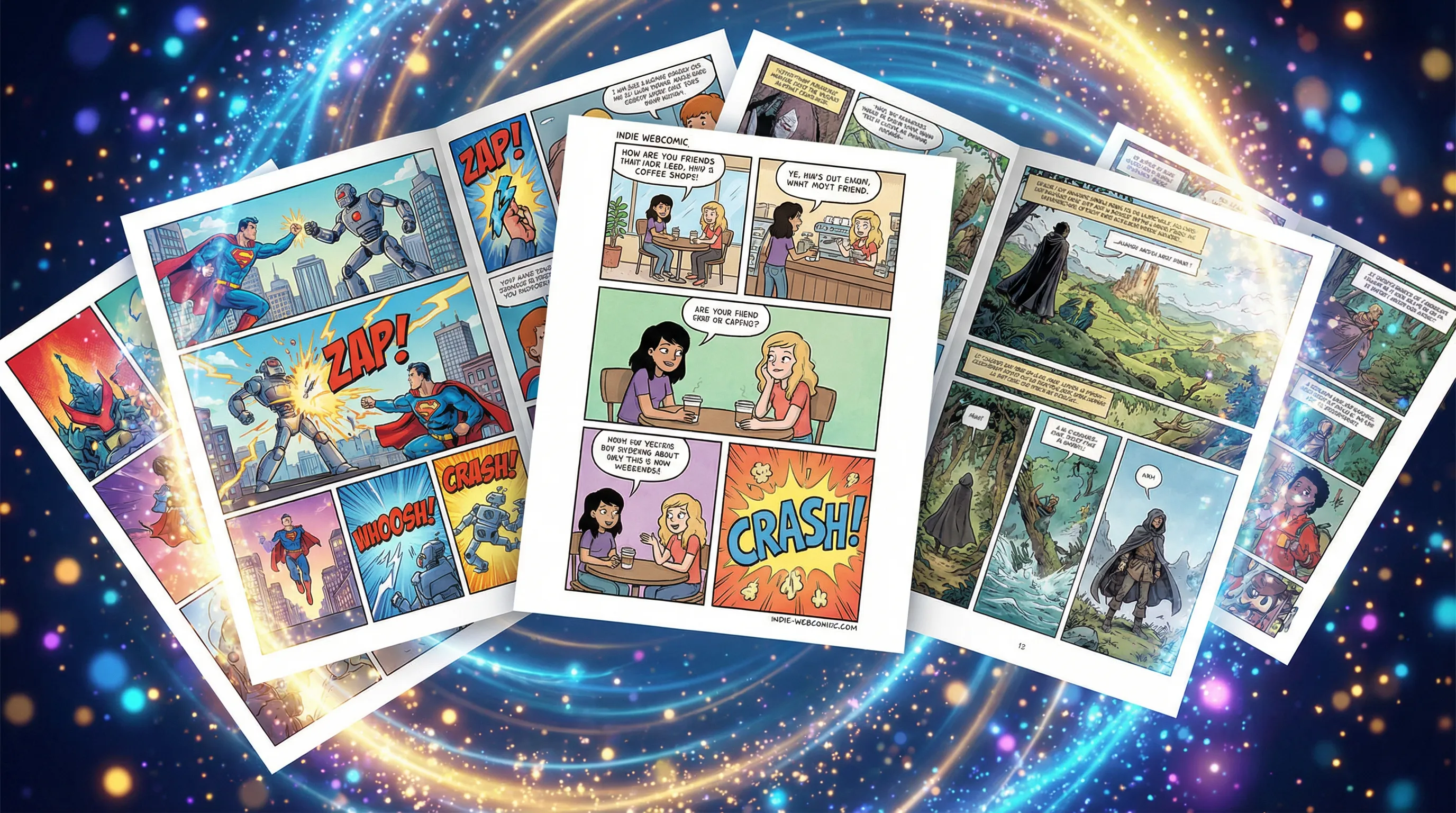
Multi-page storytelling requires five capabilities that single-image generation never has to solve: character consistency across dozens of renders, environment consistency across scenes, panel-to-panel visual continuity, page-level layout logic, and script-level narrative memory. A tool can be excellent at generating a striking image and still fail every one of these.
The gap is structural, not a matter of model quality. Text-to-image models are stateless — each generation is an independent event. Sequential art is the opposite: it's a chain where panel 4 only makes sense because of panels 1 through 3.
The five-layer continuity stack:
- Character continuity — same face, hair, build, and costume across every appearance
- Environment continuity — the same café, spaceship, or forest rendered consistently on return visits
- Style continuity — line weight, palette, and rendering approach held constant across pages
- Layout continuity — panel rhythm and reading flow that match the pacing of the script
- Narrative continuity — plot threads, character voice, and callbacks tracked across chapters
A Reddit creator who spent months testing single-model comic generation reported that
— generating a full page in one prompt proved more consistent than assembling separate panels, which reframes the problem as a composition issue rather than purely a character issue.The Five-Layer Continuity Test is the evaluation framework used throughout this article. Any tool considered for multi-page work should be scored on how many of these five layers it handles natively versus how many the creator must manually enforce.
How Do General Text-to-Image Tools Perform on Sequential Work?
General text-to-image tools handle layers 1 and 3 of the continuity stack with effort, and layers 2, 4, and 5 not at all. They are rendering engines, not storytelling systems — which makes them excellent for hero panels and covers, and expensive in labor terms for full pages.
🎨 Midjourney
Midjourney's Character Reference feature lets you recreate a specific character across multiple images by supplying a reference image, with a character weight parameter (--cw) controlling how much detail carries over — --cw 100 includes face, hair, and clothing, while --cw 0 focuses mainly on the face. In V7 this is replaced by Omni Reference.
Midjourney's own documentation is candid about the limits: it advises that intricate details like specific freckles or logos on clothing "might not come out exactly right," and that references act as inspiration rather than exact copies. For a 30-page book with a costumed lead, that caveat compounds across every panel.
Strengths: Highest per-image aesthetic ceiling, deep style-reference control, strong for splash pages and covers. Limitations: No panel layout, no lettering, no page assembly, no narrative memory. Reference drift is a documented ongoing issue across versions (Flowith analysis).
🔥 Adobe Firefly
Firefly positions itself as an all-in-one creative studio spanning images, video, audio, and vectors, with access to partner models including Nano Banana, FLUX, Runway, Luma, and GPT Image alongside Adobe's own commercially safe models. It also ships a dedicated comic generator feature for creating panels and strips from text prompts.
Firefly's meaningful differentiator for published work is legal posture: Adobe's own models are marketed as commercially safe, and outputs carry Content Credentials documenting how the file was created. For creators planning to sell a book, that matters more than it does for hobby projects.
Strengths: Commercially safe models, Content Credentials provenance, tight handoff to Photoshop and Express, broad model access in one subscription. Limitations: Panel-and-strip generation is a feature, not a project system — no persistent character library or multi-chapter continuity management.
🖌️ Open-model stacks (Stable Diffusion, ComfyUI, LoRA training)
Self-hosted stacks offer the strongest technical solution to character consistency — training a character LoRA effectively locks a design. The trade-off is that you're now doing ML ops instead of storytelling, and the layout, lettering, and script layers remain entirely unsolved.
Strengths: Deepest control, reproducible character locking, no per-image cost after setup. Limitations: Steep technical barrier, hardware requirements, zero built-in comic infrastructure.
What Do Dedicated AI Comic Generators Solve That General Tools Don't?
Dedicated comic generators solve the layout, lettering, and character-library layers natively — turning continuity from a per-prompt discipline into a project setting. They generally accept a lower per-image ceiling in exchange for finishing actual pages.
Dashtoon
Dashtoon Studio offers a character library where creators define character roles and appearances, then adjust specific elements like eye color, scars, tattoos, and hairstyles, with the stated goal of consistent character representation across an entire story. It also includes inpainting, magic eraser, segmentation, auto-colouring, and customizable text bubbles, plus a Creator Program for publishing to the Dashtoon Reader app.
The character-evolution feature — updating traits on the fly for long-running series — is one of the few explicit acknowledgments in this category that serialized work has different needs than one-shots.
Canva
Canva's comic generator pairs Magic Media generation with pre-made comic strip templates, speech balloons, text inserts, and photo effects, plus real-time collaboration and export to JPG, PNG, PDF, and PPTX. It's the most accessible entry point in the category and the strongest for education and marketing use cases, where turnaround matters more than art fidelity.
Canva's weakness for long-form work is the flip side of its strength: it's a design tool with AI generation attached, not a narrative continuity engine. Character locking across 40 pages is not what it's built for.
Anifusion, ComicInk, and category peers
A 2026 comparison of twelve tools found meaningful variance in how each handles character consistency, with most free tiers capping out around short-form output. Another roundup evaluating fifteen tools ranked Dashtoon strongest overall for webtoon creators and Firefly strongest for commercial and professional work — a split that maps cleanly onto the format-versus-legal-posture trade-off.
Agent-based creation tools
A third approach treats the comic as a script problem first. Jenova's Comic Creator, Manga Creator, and Webtoon Creator agents are built around sequential art structure — panel flow, page-turn beats, and format-specific pacing — with persistent cross-session memory holding the story bible, character sheets, and continuity notes across a long project. Webtoon Creator is specifically oriented toward vertical-scroll rhythm and episode hooks rather than print page layout.
Honest limitation: these agents are strongest at the narrative, layout-planning, and continuity-management layers. They are not a substitute for a dedicated rendering pipeline if your priority is pixel-level control over final art, and they don't ship a canvas editor with drag-and-drop balloon placement the way Canva or Dashtoon do. Creators wanting a single app that both plans and finishes the page will find comic-native studios more complete on the production side.
How Do the Leading Options Compare Across the Five Continuity Layers?
| Dimension | Midjourney | Adobe Firefly | Dashtoon | Canva | Jenova Comic Creator |
|---|---|---|---|---|---|
| Character consistency | Character/Omni Reference with --cw control; documented drift on fine details | Reference-based; varies by model selected | Persistent character library with editable traits | Template + prompt-based; no locked library | Story-bible memory across sessions; rendering depends on chosen image model |
| Panel layout | None — single images only | Comic panel/strip feature; no page system | Native frame and storyboard tools | Pre-made panel templates | Layout planned in script; assembly happens externally |
| Lettering / balloons | None | Requires Photoshop/Express handoff | Built-in customizable text bubbles | Built-in balloons and text inserts | Dialogue and placement specified in script |
| Narrative memory | None | None | Character continuity, not plot memory | None | Unlimited cross-session project memory |
| Per-image fidelity | Highest in category | Very high; multi-model access | Good; style-library constrained | Moderate | Depends on selected underlying model |
| Commercial safety | Standard terms | Adobe models marketed commercially safe with Content Credentials | Creator Program with publishing rights | Standard Canva license | Depends on selected underlying model |
| Pricing | Subscription tiers (verify current) | Free tier; Standard $9.99/mo (2,000 credits), Pro $19.99/mo (4,000 credits), Pro Plus $49.99/mo (Adobe plans) | Free tier plus paid Studio access | Free tier; Pro paid tier | Free tier; Plus $20/mo with 30× usage |
| Best For | Covers, splash pages, hero panels | Commercial print work needing provenance | Webtoon and serialized comic production | Fast strips, education, marketing | Script, structure, and multi-chapter continuity |
Pricing and features reflect published information at the time of writing and change frequently — verify current terms directly with each vendor.
Which Approach Wins for a One-Shot Versus a 100-Page Series?
The answer inverts depending on length: general text-to-image tools win for short-form and cover work, dedicated comic tools win for anything past roughly 8-10 pages, and the crossover point is where manual continuity labor exceeds the setup cost of a project-based system.
Under 8 pages (one-shot, pitch, strip): A general image tool plus manual assembly in Photoshop, Affinity, or Canva is often faster. Character drift across 20-30 renders is manageable by hand. Midjourney's fidelity advantage is most visible here.
8-40 pages (single issue, short graphic novel): Dedicated comic generators pull decisively ahead. At roughly 5-7 panels per page, a 30-page issue means 150-200 renders — the point where per-prompt reference management becomes the dominant time cost rather than an occasional annoyance.
40+ pages (serialized manga, webtoon season, graphic novel): Neither category is sufficient alone. Long-form work requires narrative memory — knowing which subplot resolved in chapter 3 and what a character's costume looked like 60 pages ago. This is where a script-and-continuity layer becomes non-optional, whether that's an AI agent holding the story bible or a rigorously maintained manual document.
The 2026 tool comparisons consistently confirm this pattern: reviewers testing character consistency, storytelling features, and export quality rank dedicated tools higher on completed-project metrics while general tools score higher on individual image assessments.
How Do You Build a Hybrid Workflow That Uses Both?
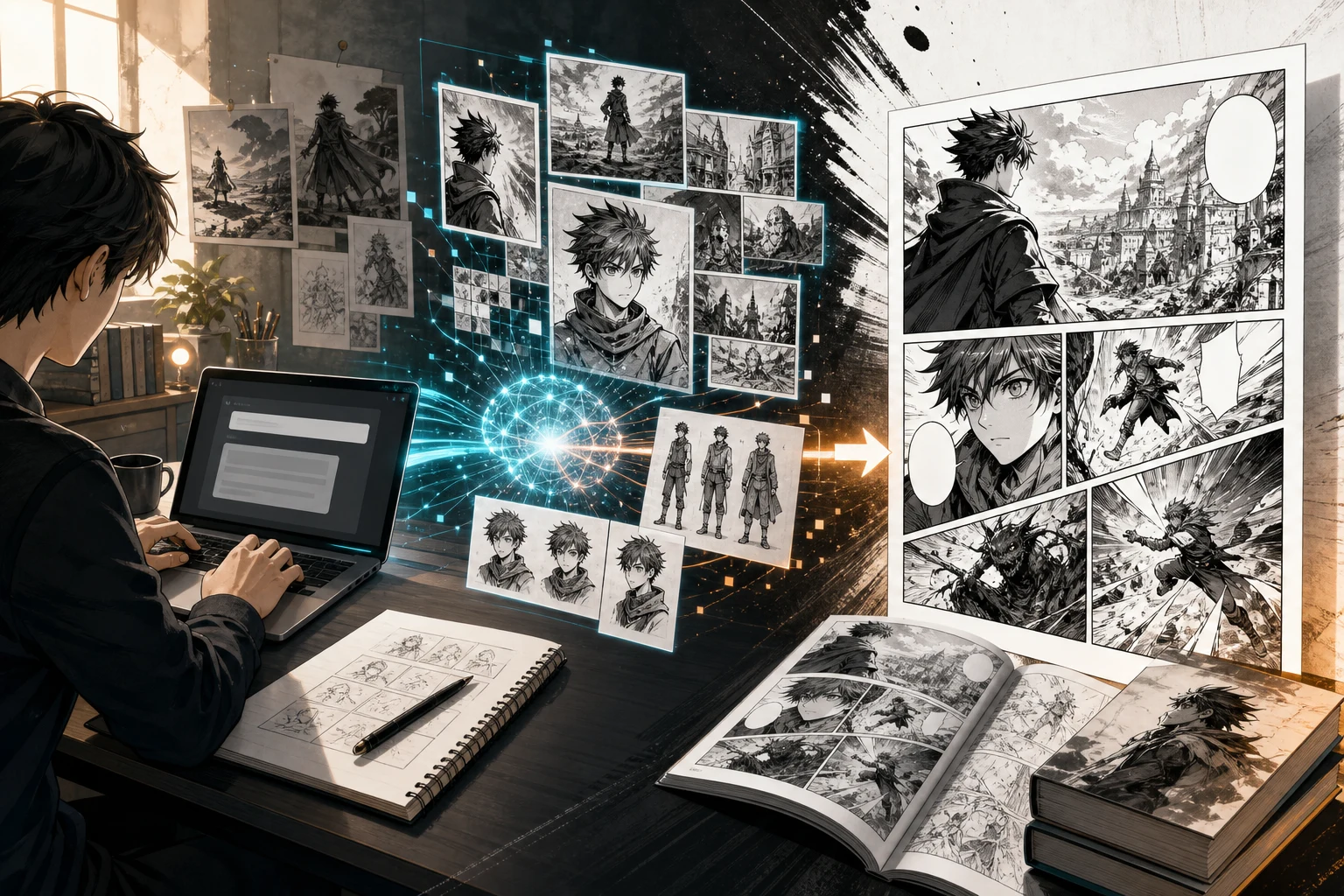
The most effective multi-page workflow in 2026 separates the three jobs — script, render, assemble — and assigns each to the tool best suited for it, rather than forcing one tool to do all three.
The three-stage hybrid:
- Script and continuity layer — lock the story bible, character sheets, and panel-by-panel breakdown before generating a single image
- Render layer — generate panel art with whichever model gives the fidelity and style you need
- Assembly layer — compose pages, place balloons, and export
Stage 1 with an agent-based tool. Open Comic Creator at jenova.ai/a/comic-creator and establish the project foundation:
"I'm writing a 24-page noir detective one-shot. Build me a story bible with three main characters — physical descriptions detailed enough to use as image-generation references, plus consistent costume notes. Then give me a page-by-page panel breakdown with dialogue."
Because the agent retains cross-session memory, returning weeks later to draft chapter 2 doesn't require re-uploading the bible.
Stage 2 with a general or dedicated generator. Take the character descriptions into Midjourney and generate a reference sheet for each character. Then use those images as Character References — per Midjourney's guidance, start with an image of a single character created by Midjourney rather than a photo of a real person, and combine the reference with a detailed text prompt describing the full scene.
Alternatively, load those same character descriptions into Dashtoon's character library, which handles the locking natively and skips the per-prompt reference management.
Stage 3 assembly. Dashtoon and Canva both handle panel placement and lettering in-app. If you generated in Midjourney or Firefly, Firefly's direct handoff to Photoshop and Express is the smoother path; Canva works as a lightweight assembly layer for creators not in the Adobe ecosystem.
For manga specifically, run stage 1 through Manga Creator instead — right-to-left reading order, tone work, and manga panel conventions differ enough from Western comics that format-aware scripting saves real revision time downstream.
What Do Practitioners Say About the Consistency Problem?
Practitioner consensus has shifted from "which model draws best" to "which system remembers best" — a reframing that explains why dedicated tools keep gaining ground despite lower per-image quality.
"The mistake most creators make is treating comic generation as an image problem. It isn't. A 30-page book is roughly 180 panels, and the model has no idea that panel 147 features the same character as panel 3. Every hour you spend fighting reference drift is an hour not spent on story. The teams shipping actual finished books are the ones who solved continuity at the project level before they generated a single frame."
"The second thing we consistently observe is that page composition beats panel composition. Generating a full page as a single image — even at some cost to individual panel quality — produces more coherent results than stitching six separately-generated panels together, because the model handles internal spatial relationships in one pass. Creators arriving at this independently is a strong signal it's a real property of how these models work, not a workflow preference."
"Our advice to anyone starting a long-form project: write the full story bible first, generate character reference sheets second, and only then start on pages. Reversing that order is the single most common reason multi-page AI comic projects get abandoned around page twelve."
— Jenova Product Team, 7 years building AI creative workflow agents
Does Commercial Safety Change the Recommendation for Published Work?
Yes — for creators planning to sell, license, or commercially distribute a book, model provenance becomes a hard selection criterion that can override workflow preference. Adobe's Firefly is currently the clearest option on this dimension.
Firefly's own models are marketed as commercially safe, and Adobe states that outputs include built-in Content Credentials to provide transparency about how a file was created or edited and who was involved. For a graphic novel headed to print or a Kickstarter, that documentation trail has practical value beyond the art itself.
Note the nuance: Firefly also offers partner models from OpenAI, FLUX, Runway, Luma, and others within the same interface. The commercial-safety claim applies to Adobe's own models, not automatically to every model accessible through the app — a distinction worth verifying before building a commercial project on a partner model.
Dashtoon addresses commercial use differently, through its Creator Program and Reader app distribution, which bundles publishing and monetization rather than provenance documentation. These are different solutions to different concerns, and serious commercial projects may need both.
What Should Different Creator Types Actually Choose?
The right choice is determined by project length, format, and commercial intent — not by which tool has the best demo reel.
📱 Webtoon and vertical-scroll creators: Dashtoon is the strongest fit, given its explicit webtoon orientation and character-evolution tooling for long-running series. Pair it with Webtoon Creator for episode structure and cliffhanger placement if you're planning a full season.
📚 Print graphic novelists: Firefly for rendering, given the Content Credentials and Photoshop pipeline, with a scripting layer handling the story bible. Expect to do page assembly in InDesign or Affinity Publisher regardless of generation tool.
🎓 Educators and marketers: Canva, unambiguously. Templates, collaboration, and PDF export solve the actual job — a four-panel explainer strip doesn't need a continuity engine.
🇯🇵 Manga creators: Manga Creator for structure and paneling conventions, then a rendering tool matched to your target style. The format's specific conventions — reading direction, tone work, panel bleeds — are where generic tools lose the most time.
🎨 Illustrators using AI selectively: Midjourney for covers, splash pages, and background plates, with hand-drawn or hand-inked figures composited over them. This hybrid is common among working professionals and sidesteps the consistency problem entirely by only using AI where consistency doesn't matter.
🧪 Technical creators: A self-hosted Stable Diffusion stack with trained character LoRAs gives the strongest consistency guarantees available, at the cost of building your own layout and lettering pipeline.
Academic work on human-AI co-creativity in storytelling — a scoping review covering 44 peer-reviewed publications from 2020 to 2025 — points in the same direction as practitioner experience: the productive configurations are collaborative and stage-divided rather than fully automated end-to-end.
References
- Midjourney Documentation — Character Reference and character weight parameters
- Adobe Firefly — Product overview, models, and Content Credentials
- Adobe Firefly — Plans and pricing comparison
- Adobe Firefly — AI comic generator feature
- Dashtoon — AI Comic Generator character library, editing tools, and Creator Program
- Canva — AI Comic Generator templates, balloons, and export formats
- Autoppt — 15 Best AI Comic Generators of 2026, tested for character consistency and export quality
- ComicInk — Best AI Comic Generators 2026: twelve tools tested
- Flowith — Midjourney V7 consistent characters and reference drift analysis
- ACM Digital Library — Human–AI Co-creativity in Storytelling: A Scoping Review of 44 publications, 2020–2025