AI Texting Coach: Decode Conversations and Reply in Your Voice
2026-08-28
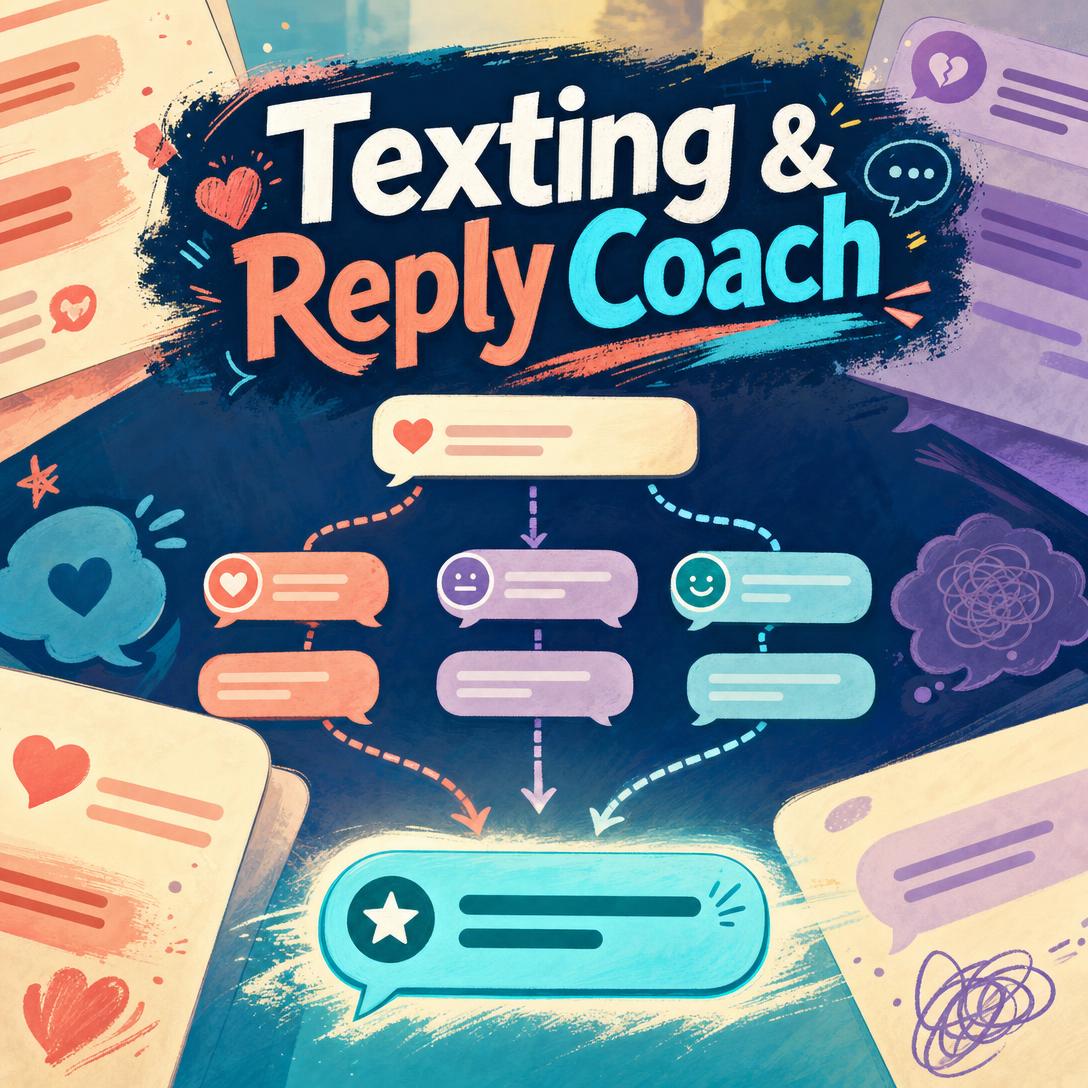
Texting & Reply Coach helps you read the room and hit send with confidence by analyzing the full thread — not just the last message — and drafting replies that sound like you. While a pause, a period, or a one-word “ok” can send you spiraling, this AI texting coach decodes the dynamic and hands you copy-pasteable options that match your voice, the relationship, and the goal of the moment.
✅ Reads conversation screenshots and maps interest, tension, and power shifts ✅ Crafts send-ready replies in your actual texting style — slang, punctuation, and all ✅ Covers dating, work, family, friendships, and group chats ✅ Knows when the smartest reply is no reply
Most people do not struggle because they cannot type. They struggle because texting compresses tone, timing, and intent into a few words with no facial expression to lean on. To understand why that gap is so costly, it helps to look at how much of modern relationship, work, and dating life now lives inside the message thread.
Quick Answer: What Is Texting & Reply Coach?
Texting & Reply Coach is an AI texting coach that reads your conversations, decodes the dynamics, and crafts send-ready replies that match your natural voice. Upload a screenshot or describe the thread and you get a clear read plus messages you can send immediately.
Key capabilities:
- Full-thread analysis of interest, emotional temperature, subtext, and red or green flags
- Voice-matched replies that copy your length, slang, emoji habits, and punctuation
- Relationship-specific strategy for new dates, partners, friends, family, and coworkers
- Honest calls on overthinking versus genuinely dismissive patterns
- Draft review before you send, plus guidance on when not to respond
Why Texting Feels Harder Than It Should
Texting is no longer a side channel. It is how attraction builds, how conflict starts, and how professional tone is judged when no one is in the room. Ninety percent of Americans prefer text messages to phone calls, which means a huge share of relational and workplace meaning now rides on short written lines.
That preference comes with speed pressure. Eighty-two percent of consumers read texts within five minutes of receiving them, and industry research puts SMS open rates near 98%, with most messages read within three minutes. When almost everyone texts every day — over 90% of consumers do — a delayed reply or a colder-than-usual “k.” can feel like a verdict.
Dating makes the stakes sharper. An SSRS poll in 2025 found that 39% of U.S. adults have used an online dating site or app, including 65% of adults aged 18–29. Among recent users, 54% of women say they have felt overwhelmed by the number of messages they received. More threads, more ambiguity, more chances to misread the room.
Research on couples points to a further twist: similarity of style matters more than volume. In work presented by Leora Trub, PhD, of Pace University, people who described their partner as having a similar texting style reported greater relationship satisfaction — and how couples texted was more important than how frequently they texted.
But getting that right in the moment is frustratingly difficult:
- You over-read the wrong details. A 30-minute gap, a missing emoji, or a period after “ok” can feel like rejection when it is often just someone walking into a meeting.
- Generic AI drafts do not sound like you. Polished, eager, or overly clever replies read as tryhard — and the other person can tell.
- Mixed signals are easy to miss. Slow fades, breadcrumbing, orbiting, and soft ghosting look like “they’re just busy” until the pattern is obvious in hindsight.
- The same person needs different registers. Banter with a close friend, calibrated warmth with a new match, and clean professionalism with a manager are three different languages.
- You do not always need a reply. Chasing, over-explaining, or rewarding a guilt trip can make the dynamic worse.
This is exactly what an AI texting coach was built to handle: not prettier sentences, but a better read of the thread and a reply you would actually send.
How It Works: From Screenshot to Send-Ready Reply
Using the AI texting coach is a short loop: show it the conversation, get a dynamic read, pick a reply that already sounds like you.
Step 1: Upload the Thread or Describe What Happened Share a conversation screenshot or paste the last few messages. The coach reads the full arc — who initiated, who asks questions, where the tone shifted — instead of reacting only to the last line. On your phone, uploading a thread is often faster than typing a recap.
"here's the screenshot — we matched on Hinge last week, went out once, and now their replies are getting shorter"
Step 2: Get a Direct Read of the Dynamic You receive a concise diagnosis: interest versus politeness, cooling off versus a busy day, testing versus genuine curiosity. The coach flags patterns such as slow fade, breadcrumbing, or your own anxiety spiral, and it says when a detail is probably meaningless.
"they replied 'ok.' with a period after I suggested Saturday — are they mad or am I overthinking this?"
Step 3: Choose a Send-Ready Reply in Your Voice You get one to three options labeled by approach — keep it casual, show interest, firm but kind — written the way you text. If you write in all lowercase with no periods, the suggestion will too. If you never use “lol,” neither will the reply.
"rewrite this so it sounds like me. I don't use exclamation points and I hate sounding eager"
Step 4: Review Your Own Draft Before You Send If you already wrote something, paste it in. The coach will tell you when it is good enough to send, and when it reads colder, needier, or more ambiguous than you intended. It will not rewrite a strong draft just to have something to add.
"I wrote this boundary text to my sister — does it come off as harsh or clear?"
Step 5: Build Voice and Relationship Context Over Time Each screenshot is also a style sample. Message length, emoji habits, slang, and formality get learned so later suggestions stay in character across dating, family, and work. Standing preferences — never double text, keep it under two bubbles, skip the exclamation points — stick for the next thread.
Try Texting & Reply Coach free — no credit card required.
Results & Use Cases
💕 New Match, Mixed Signals
- Scenario: You had a good first date. Follow-up texts were warm for two days, then replies shrank to one-liners with no questions back. You are staring at a 4-hour “seen” and drafting a paragraph you will regret.
- Traditional Approach: Ask three friends, reread the thread 20 times, and either double-text a joke that tries too hard or go silent and stew.
- Texting & Reply Coach: A pattern read (effort asymmetry, fewer questions, shorter length) plus a low-pressure reply that leaves the ball in their court without chasing.
- Matches your casual register so it does not sound like a speech
- Tells you honestly if this looks like a slow fade versus a busy week
- Gives you a version that invites plans without cornering them
If the confusion is bigger than one thread — mixed in-person signals, story views, delayed plans — Crush Decoder can sit beside the texting work and give a blunt read of the overall dynamic, not just the last bubble.
💼 Workplace Tone Without the Overthink
- Scenario: Your manager pinged you after hours with a vague “Can we talk tomorrow?” You want to sound calm and professional, not defensive or overly casual.
- Traditional Approach: Write and delete six versions, toggle between “Sure!” and a three-paragraph pre-explanation, then send something that still feels off.
- This reply coach: Calibrates formality to the existing thread, keeps the message short, and avoids the apology spiral that makes a simple scheduling text feel like a confession.
- Hierarchy-aware wording without stiffness
- One sendable line instead of a memo
- Optional follow-up if you need to set an after-hours boundary later
📱 Dating App Chat on Your Phone
- Scenario: You are on the train, a new match sent a dry opener, and you have ninety seconds before your stop. Typing a clever reply on a small screen usually produces either a one-word “haha” or a novel.
- Traditional Approach: Let the chat die, or paste it into a generic chatbot that returns a punchline you would never say out loud.
- The AI texting coach: You screenshot the chat from iOS or Android, get two options that fit the app’s pacing, and send before you lose the window.
- Built for short, mobile-length messages
- Avoids tryhard jokes that do not match your profile
- Helps you move from small talk toward a concrete plan
If the bottleneck is the profile and openers rather than a single reply, Dating App Advisor can tighten photos, prompts, and first-message strategy so you are not coaching every chat from a weak start.
👨👩👧 Family Boundary Without a Blowup
- Scenario: A parent is guilt-tripping you about the holidays over a long, ellipsis-heavy text. You want to be kind and still not fold.
- Traditional Approach: Write a defensive essay, send it, then spend the evening managing the fallout — or agree to plans you do not want.
- A voice-matched draft: Firm, relationship-appropriate language that states the boundary once, skips the over-explanation, and does not reward the guilt cycle.
- Distinguishes warmth from compliance
- Flags when not responding yet is the stronger move
- Keeps your real voice so it does not read as a copied script
When the thread turns into “we should actually hang out,” Date Planner can take the next step: a concrete plan, venue fit, and backup if the first idea falls through — so the good texting does not stall at “we should sometime.”
FAQ
Is Texting & Reply Coach free?
Yes. You can use Texting & Reply Coach on a free plan with core features and limited monthly usage. Paid tiers increase usage if you are coaching several conversations a day. There is no requirement to enter a credit card to try a screenshot-to-reply workflow.
How is an AI texting coach different from ChatGPT?
General chat tools can draft a polite message if you explain the whole situation. An AI texting coach is built to read the screenshot, map the dynamic, and write in your texting style — including lowercase, split bubbles, and the slang you actually use. It also treats silence as a strategy when a reply would chase, over-explain, or reward a guilt trip.
Can Texting & Reply Coach match my texting style?
Yes. The primary style signal is the messages you already sent in the screenshot: length, emoji use, punctuation, humor, and formality. You can also state rules (“never suggest I double text,” “I don’t use exclamation points”), and those preferences carry forward. A strategically smart reply that does not sound like you is treated as a failed reply.
Does this AI texting coach work on mobile?
Yes. It works on web, iOS, and Android with the same core workflow. Mobile is often the better path for this use case because you can screenshot iMessage, WhatsApp, Instagram, or a dating app and upload the thread without retyping it. Voice input is available when you would rather describe the situation than type it.
Can it help with professional or group-chat messages?
Yes. The same engine handles manager texts, client follow-ups, friend-group banter, and family threads. Professional mode watches hierarchy and formality. Group chats get different rules: audience awareness, when to take something to DMs, and how to re-enter a fast thread without derailing it.
How accurate is the conversation read?
Clear patterns — one-sided effort, consistent slow fade, a clean green-flag of mutual questions — are called directly. Ambiguous moments are labeled as ambiguous, with the most likely read and why. The overthinking filter matters here: a 20-minute delay is usually not a story, while a weeks-long pattern of shorter replies and zero questions often is. It will not pretend certainty it does not have.
Conclusion
Texting now carries a disproportionate share of dating, friendship, family, and work — and the format hides tone while speeding up expected replies. Similar styles correlate with happier couples, yet most people are left guessing at periods, pacing, and mixed signals with no one who can see the whole thread.
Texting & Reply Coach closes that gap: a full-thread read, send-ready replies in your voice, and an honest call when the best move is to wait. Upload the conversation, pick the option that sounds like you, and send.
Try it now, then explore more at Jenova.
For Developers: Texting & Reply Coach is available programmatically via the Jenova API — integrate conversation analysis and voice-matched reply generation into your application with a single API call. Full documentation →