AI Storyboard Artist: Shot-by-Shot Boards from Script to Set
2026-08-28
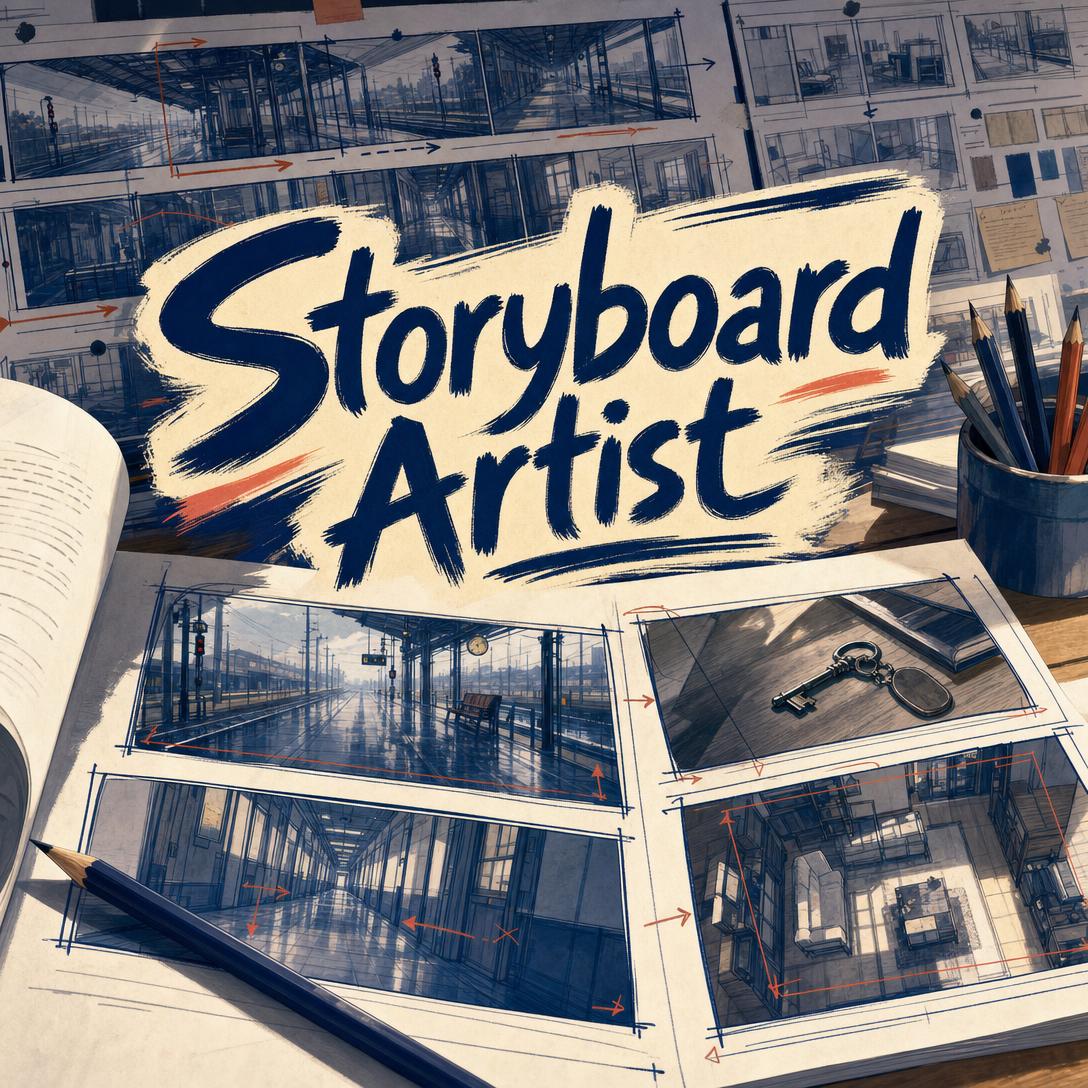
Storyboard Artist helps you turn scripts and concepts into production-ready storyboards by treating every frame as a camera decision. While most visual tools generate attractive stills, this AI plans coverage, continuity, and shot language a director, DP, or editor can actually use.
- ✅ Shot-by-shot boards with type, angle, movement, and duration notes
- ✅ Character, location, and style consistency locked across a scene
- ✅ Live-action and animation coverage, from thumbnails to pitch boards
- ✅ Formats from 2.39:1 cinematic widescreen to 9:16 vertical mobile
Filmmakers, animators, YouTubers, commercial directors, and game cinematic teams all need the same thing before cameras roll or frames are rendered: a visual plan the whole crew can read. To understand why that plan so often breaks down, it helps to look at how storyboards actually get made — and where they fail.
Quick Answer: What Is Storyboard Artist?
Storyboard Artist is an AI storyboard artist that turns scripts and concepts into shot-by-shot, production-ready visual sequences with deliberate camera direction. Each frame is planned as coverage a crew can shoot, not as a standalone illustration.
Key capabilities:
- Scene planning with shot lists, screen direction, and editorial coverage
- Camera language: shot types, angles, movement, cuts, and transitions
- Character sheets, location references, and locked visual style across shots
- Live-action blocking boards and animation performance boards
- Aspect ratios for film, broadcast, YouTube, and vertical social
- Scene compilation into annotated storyboard sheets
Creative Challenges in Pre-Production Storyboarding
A storyboard is the visual blueprint that tells cinematography, production design, VFX, and editorial what happens in each frame — camera angles, character placement, movement, dialogue, and sound cues included. When that blueprint is missing or unclear, the cost shows up on set.
25–40% — Location-related costs that previsualization can cut when shots are planned before the crew arrives.
Demand for that planning is rising with virtual production and previs pipelines.
$2.8 billion — Virtual production market size in 2025, with forecasts climbing into the following decade.
$1.2 billion — Previsualization software market in 2024, with analysts projecting multi-billion growth through 2033.
But getting a usable board in front of a crew is still frustratingly difficult:
- Drawing skill is treated as a gate. Directors who think in shots still stall because they cannot sketch a readable CU, OTS, or crane reveal.
- Hiring a board artist is slow and expensive for shorts, commercials, YouTube series, and pitch decks that need answers this week.
- Generic AI images look finished and communicate almost nothing. A pretty frame without shot type, movement, duration, or continuity is not a storyboard.
- Coverage gaps cause reshoots. Missing inserts, broken eyelines, and crossed axis lines only become obvious when the editor has no options.
Storyboards matter because they guide every department from cinematography to production design. In complex stunt and VFX sequences, they are essential for consistency. Late-stage changes — extra shoot days, re-animation, post fixes — are among the most expensive problems in production, and they usually start as an incomplete board.
Traditional thumbnailing still has a place. So do dedicated previs teams on large features. The gap sits in the middle: independent filmmakers, animation leads, commercial directors, and social creators who need production-literate boards without a full art department.
That is the job a production-minded AI storyboard artist is built to do.
How It Works: From Script Beat to Shootable Frame
The workflow mirrors a professional board artist’s process: lock the project, plan coverage, then generate each shot with camera metadata. You stay in director language the entire time.
Step 1: Lock the Project Foundation
Set title, project type (feature, short, commercial, animation, YouTube, game cinematic, pitch), genre, and scope. Choose a frame format so every composition is built for the actual screen — 2.39:1 anamorphic, 1.85:1 theatrical, 16:9 HD, 9:16 vertical, 1:1 square, or 4:3. Then lock a board style: Rough/Thumbnail for fast blocking, Clean Line for standard production, Tonal for lighting communication, Color Key for animation pre-production, or Presentation for investor and client decks.
If you already have a screenplay, paste or upload it. If you are still writing, a Film Screenwriter can take the concept through outline, draft, and revision so the board is translating a real scene, not a vague pitch.
"Short film, neo-noir, 16:9, tonal boards. Title: Night Shift. Two characters: Alex in a security uniform, Jordan in a maintenance jumpsuit. Recurring locations: lobby, break room, basement."
Step 2: Build References Before You “Shoot”
Production boards fail when character faces drift and rooms reshape between shots. Generate a style exemplar (the visual language, not a story beat), character reference sheets with front and three-quarter views, and location sheets for recurring sets. If you need deeper design work first — costume language, creature silhouette, world rules — Concept Art Creator can develop those designs so the board inherits a coherent look rather than inventing it shot by shot.
"Create a character sheet for Maya: early 30s, short dark hair, green bomber jacket, silver key on a cord. Neutral pose, front and 3/4, clean line."
Step 3: Plan Coverage, Then Generate Shot by Shot
Before any frame is drawn, you get a shot list: scene context, shot number, shot type plus angle plus movement, action, and key dialogue. Standard coverage starts with a master for geography, mediums for interaction, close-ups for emotion, and inserts for detail — then tightens or opens based on the beat. You can reorder, cut, or add shots before generation.
Each accepted frame comes back with production metadata: action, dialogue, camera move, duration, transition, and audio cues. Camera choices are intentional — a low-angle MCU for power, a pull-back to isolate, an insert to plant a prop the climax will pay off.
"Storyboard Sc.3, INT break room, night. Alex confronts Jordan about a missing keycard. Standard dialogue coverage plus an insert on Jordan’s bandaged hand. Hold the 180. Tonal, 16:9."
Step 4: Revise, Check Continuity, Compile the Sheet
Minor notes (expression, headroom, prop) regenerate the same shot. Major notes (new angle, different coverage) re-plan the camera, then redraw. Continuity is checked for screen direction, costume, and eyeline. When a scene is complete, shots compile into a production sheet: panel grid, shot numbers, action, dialogue, camera notes, project header.
Try it free — no credit card required.
Step 5: Adapt for Live-Action or Animation
Live-action boards guide the camera: blocking, placement, editorial rhythm. The DP still lights and operates. Animation boards are the performance: key poses, anticipation, timing. The same scene is boarded differently depending on which downstream team will execute it.
Creative Showcase: Boards Crews Can Actually Use
🎬 Independent Short With a Night Shoot
Scenario: A director has a 12-page noir short, one practical location, and a weekend crew. The climax is a break-room confrontation that must cut with a basement reveal.
Traditional Approach: Sketch unreadable thumbnails, hire a freelancer for several hundred dollars and a multi-day wait, or arrive on set with a shot list no one can visualize. Coverage holes show up in the edit.
Storyboard Artist: Scene-planned dialogue coverage (master, OTS pair, CU singles, insert), 180-degree lock, and a tonal board the DP can light from.
- Geography established before the tight shots
- Insert of the keycard planted before the payoff
- Duration estimates so the night shoot can be scheduled shot by shot
🎮 Game Cinematic and Animation Performance
Scenario: A narrative game team needs a two-minute cinematic: a character finds a key, the camera cranes off a desk, and the world drops into a memory.
Traditional Approach: Concept paintings that do not specify lens or cut rhythm, or animatics that take a week to block. Animation poses arrive too late for layout.
With shot-by-shot boards: Animation-first posing (anticipation, overshoot, settle), Color Key style for the lighting script, and camera notation the cinematic team can match in-engine.
- Pose clarity the layout artist can execute
- Crane and rack-focus notes instead of “make it emotional”
- Character sheets so the hero does not change face between beats
If you are still designing the hero before the sequence is boarded, Character Creator can lock appearance, costume, and distinctive features so every later frame matches.
📱 Vertical YouTube and Paid Social, Planned on a Phone
Scenario: A creator is shooting a 9:16 product story in a real apartment tomorrow. They need a 12-shot board: hook, demo, proof, CTA — composed for mobile, not a letterboxed afterthought.
Traditional Approach: Widescreen frames cropped in post, faces cut off, group staging that does not fit the vertical canvas.
On web, iOS, or Android: Lock 9:16, board close-ups and depth stacking, and walk the apartment with the shot list on your phone.
- Vertical composition from shot one, not a crop
- Hook shot designed as a CU, not a wasted wide
- Same character and product continuity across the sequence
📢 Client Pitch and Commercial Presentation Boards
Scenario: An agency director must show a 30-second spot to a client on Thursday. The client does not read shot lists. They need to see the tone.
Traditional Approach: Moodboards that are not shots, or Presentation-quality boards that take a specialist several days.
Presentation-style sequence: Polished frames with camera notes still attached, so the pitch looks finished and the production team still inherits real coverage.
- Client-facing images without stripping the shot language
- Format matched to the deliverable (16:9 broadcast or 9:16 paid social)
- Fast iteration when the client changes the ending
FAQ
Is Storyboard Artist free?
Yes. This AI storyboard artist is available on a free tier with core features and limited monthly usage — no credit card required. Higher tiers increase usage and add custom model selection. Usage resets on your billing date, so the full allowance is available from day one rather than dripped out daily.
How is an AI storyboard artist different from a generic image generator?
A generic generator produces isolated pictures. A storyboard has to specify shot type, angle, movement, duration, transition, and how this frame cuts with the next. Production boards also keep character, costume, and geography consistent, and they provide coverage an editor can cut — master, overs, singles, inserts — not just a hero angle. If a frame cannot be read by a DP in seconds, it is illustration, not a board.
Can I storyboard from a screenplay or outline?
Yes. Paste or upload a script, treatment, or outline and the scene is broken into beats, then into shots — not line-by-line illustrations. Dialogue that needs coverage, action that needs spatial geography, and emotional peaks that need tighter frames are flagged during planning. You approve the shot list before frames are generated, so the board follows the story rather than decorating every line.
Does this work on mobile?
Yes. Full feature parity across web, iOS, and Android means you can lock 9:16, generate a vertical sequence, and review metadata on set. Speech-to-text is available if you would rather talk through blocking than type it. Settings sync across devices, so a sequence started on a laptop can be revised on a phone between setups.
Can it handle both live-action and animation?
Yes. Live-action boards emphasize blocking, camera placement, and editorial options the DP and director will refine. Animation boards treat key poses as performance and include clearer timing. Tell the project type during setup and coverage, pose detail, and camera finality adjust accordingly. Commercials, music videos, YouTube, game cinematics, and pitch sequences are supported the same way.
How do I keep characters consistent across a scene?
Lock character reference sheets before the first story shot, and keep location and style exemplars in the same project. Story frames are not reused as character bibles — that is how faces drift. When a costume or injury changes, generate an updated sheet and apply it from that scene forward. Periodic continuity checks catch screen-direction and wardrobe errors before you compile the PDF.
Conclusion
Unplanned shoots waste locations, burn lighting setups, and leave editors without coverage. A production storyboard fixes that by making every frame a camera decision: what the audience sees, how the camera moves, and what the next cut needs.
AI Storyboard Artist gives filmmakers, animators, and video teams shot-by-shot boards with continuity, coverage, and metadata a crew can execute — from 2.39:1 features to 9:16 social. Start with a scene, a script page, or a single shot.
Try shot-by-shot storyboarding now. Explore more at Jenova.
For Developers: Storyboard Artist is available programmatically via the Jenova API — integrate shot-by-shot storyboard generation into your production or previsualization application with a single API call. Full documentation →