Free AI for Food Photo Enhancement: Fix Lighting, Swap Backgrounds & Optimize for Delivery Apps Without Paying for Editing Software
2026-04-02
Looking for a free AI for food photo enhancement that actually understands the difference between photographing ramen and photographing a croissant? AI Food Photo Enhancer turns dull, poorly lit phone snapshots into appetite-inducing images in seconds — handling color correction, texture sharpening, background replacement, and platform-specific formatting across every cuisine and food type. More than 22,000 restaurant owners, food bloggers, and home cooks have used this free AI to improve their food photos, with users reporting an average 40% increase in social media engagement and delivery app click-through rates after enhancing their images.
✅ Free to start — enhance food photos immediately with no credit card or software download ✅ Cuisine-aware color intelligence that treats Thai food differently from Japanese food ✅ Background cleanup and replacement with styled surfaces like marble, wood, or linen ✅ Platform-optimized output for Instagram, TikTok, Uber Eats, GrabFood, DoorDash, and menus
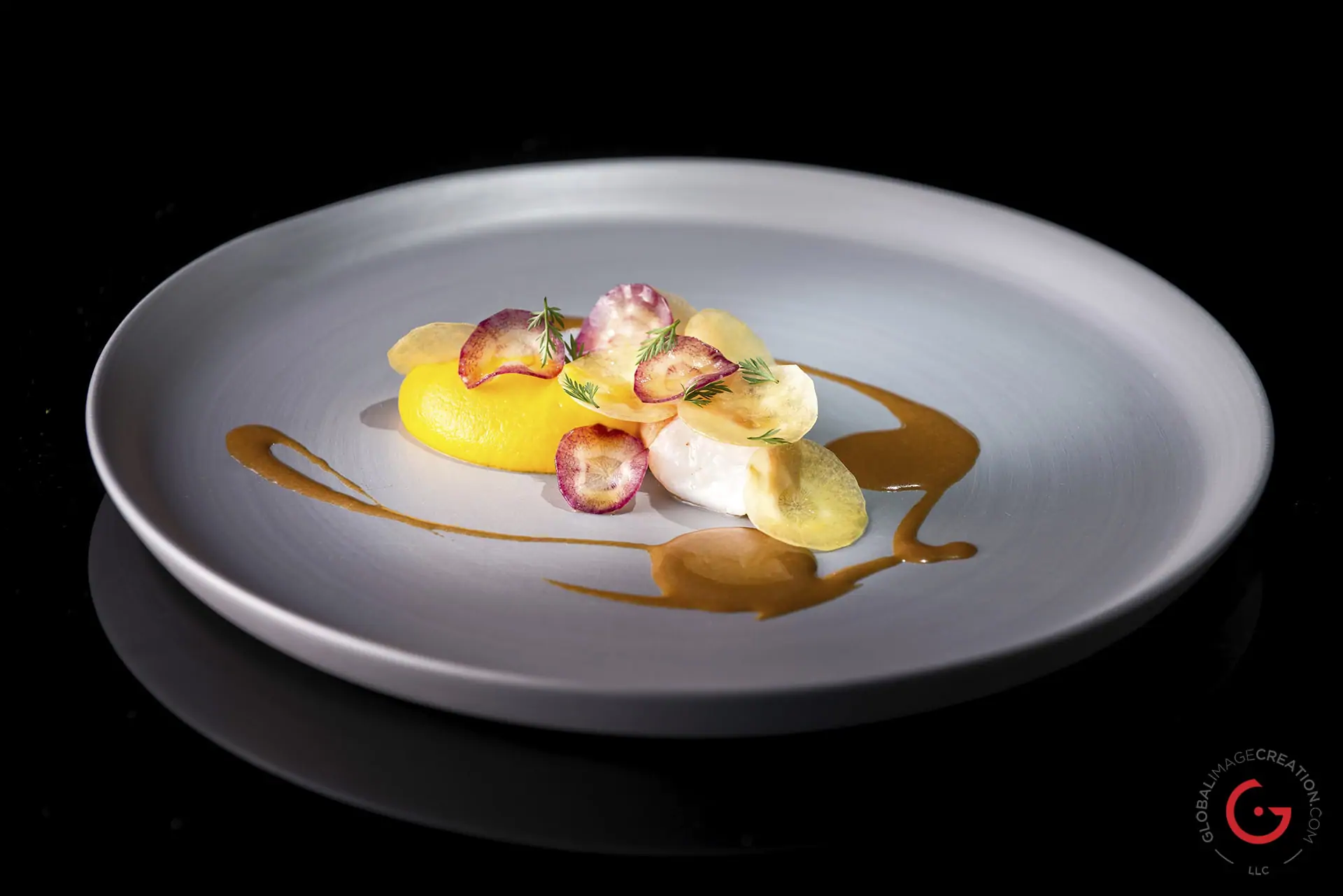
The economics of food photography have reached a breaking point in 2026. Visual quality directly determines whether someone orders your dish or scrolls past it — yet the tools to produce professional-quality images remain expensive, fragmented, and time-consuming. Here's why a free AI for food photo editing is no longer a nice-to-have but a competitive necessity.
Quick Answer: What Is AI Food Photo Enhancer?
AI Food Photo Enhancer is a free AI-powered food photography editor that analyzes your food images, identifies the cuisine and food type, and applies targeted corrections to maximize appetite appeal — all in seconds. It works across every food category, from hot entrees to desserts, drinks, and bakery items.
Key capabilities:
- Color correction and white balance tuned to cuisine-specific palettes
- Texture sharpening that preserves crispiness, creaminess, and gloss without over-processing
- Lighting fixes for flat, harsh, or underexposed phone shots
- Background replacement with styled surfaces — marble, wood, linen, slate, and more
- Style application — dark & moody, bright & airy, rustic, minimal, editorial
- Platform formatting for Instagram, TikTok, Uber Eats, GrabFood, DoorDash, Google Business, and printed menus
The Visual Economy of Food in 2026: Why Photos Are Your Most Important Marketing Asset
The restaurant industry is projected to reach $1.55 trillion in sales in 2026, according to the National Restaurant Association. In a market this large and competitive, the visual presentation of your food isn't a secondary concern — it's the primary driver of customer decisions.
The data is unambiguous:
- 74% of people use social media to decide where to eat — and 72% research restaurants on social media before visiting
- 57% of customer decisions are directly influenced by food photos — making photography the foundation of restaurant social media
- 40% of consumers try a new restaurant after seeing food photos online — and 60% of restaurants using Instagram see a spike in reservations
- Menu photos and descriptions increased sales by as much as 65% for restaurants that used them, according to Grubhub data reported by Square
Yet most food photos fail. Not because the food isn't good, but because phone cameras and kitchen lighting conspire against every dish you photograph.
📸 The Five Problems That Kill Food Photos
Every food photo that underperforms suffers from one or more of the same predictable, fixable issues:
- Bad lighting — Yellow kitchen lights, harsh overhead fluorescents, or flash washout strip away depth and make food look flat
- Dead colors — Phone cameras auto-adjust white balance in ways that turn vibrant greens muddy, golden crusts gray, and rich sauces matte
- Lost texture — Crispy edges look soft, glossy sauces lose their sheen, and the visual cues that trigger appetite disappear
- Cluttered backgrounds — Messy countertops, stacked dishes, and visible kitchen clutter distract from the food
- Wrong format for the platform — An image that works on Instagram looks terrible as an 80px thumbnail on a delivery app
Adding high-quality photos to your menu can increase delivery volume by 15% — DoorDash, reported by Claid.ai
💰 Professional Editing Is Too Expensive for Most Food Businesses
Professional food photography solves all of these problems — but at a price that excludes most of the people who need it most. A single professional food photography session costs $200–$2,000+. For a restaurant with a 50-item menu that changes seasonally, or a food blogger posting daily, the economics simply don't work.
Meanwhile, learning Lightroom or Photoshop takes weeks of practice, and even then, generic photo editing tools don't understand the specific visual rules of food photography — that Thai food needs vibrant saturated warmth while Japanese food calls for muted elegance, or that bakery items need golden tones while cold drinks need cool-toned backlit translucency.
📱 The Social Media Visual Arms Race
The 2025/2026 food photography trends analysis from ALXEATS identifies the dominant visual shifts shaping the industry: authenticity and "perfectly imperfect" moments, natural light with textural depth, dark and moody aesthetics for premium brands, and motion-based content for social media. These trends demand sophisticated editing capabilities — not just slapping a filter on a phone photo.
For Gen Z specifically, 84% actively try social media food trends, and 70% identify TikTok as their most valuable platform for food recommendations. With Gen Z representing 40% of global consumers, the visual standard for food content is only rising.
A free AI for food photo enhancement that understands these trends and applies them intelligently — not generically — changes the equation entirely.
How Free AI Compares to Paying for Photo Editing Tools
AI Food Photo Enhancer replaces the need for expensive software, professional photographers, or hours of manual editing by combining food-specific intelligence with instant processing.
| Paying for Separate Tools | Free AI for Food Photo Enhancement |
|---|---|
| Hire a photographer ($200–$2,000+ per session) | Upload and enhance instantly at no cost |
| Learn Lightroom/Photoshop (weeks of practice) | AI analyzes and corrects automatically |
| Generic filters that treat sushi and steak the same | Cuisine-aware editing with food-type-specific palettes |
| Manual editing per platform format (30–60 min/photo) | Auto-optimize for Instagram, delivery apps, menus, blogs |
| Reshoot when lighting changes | Fix lighting, color, and exposure in post |
| One style per preset | Switch between dark & moody, bright & airy, rustic, minimal, and more |
| $20–$50/month for photo editing subscriptions | Free tier available — start enhancing immediately |
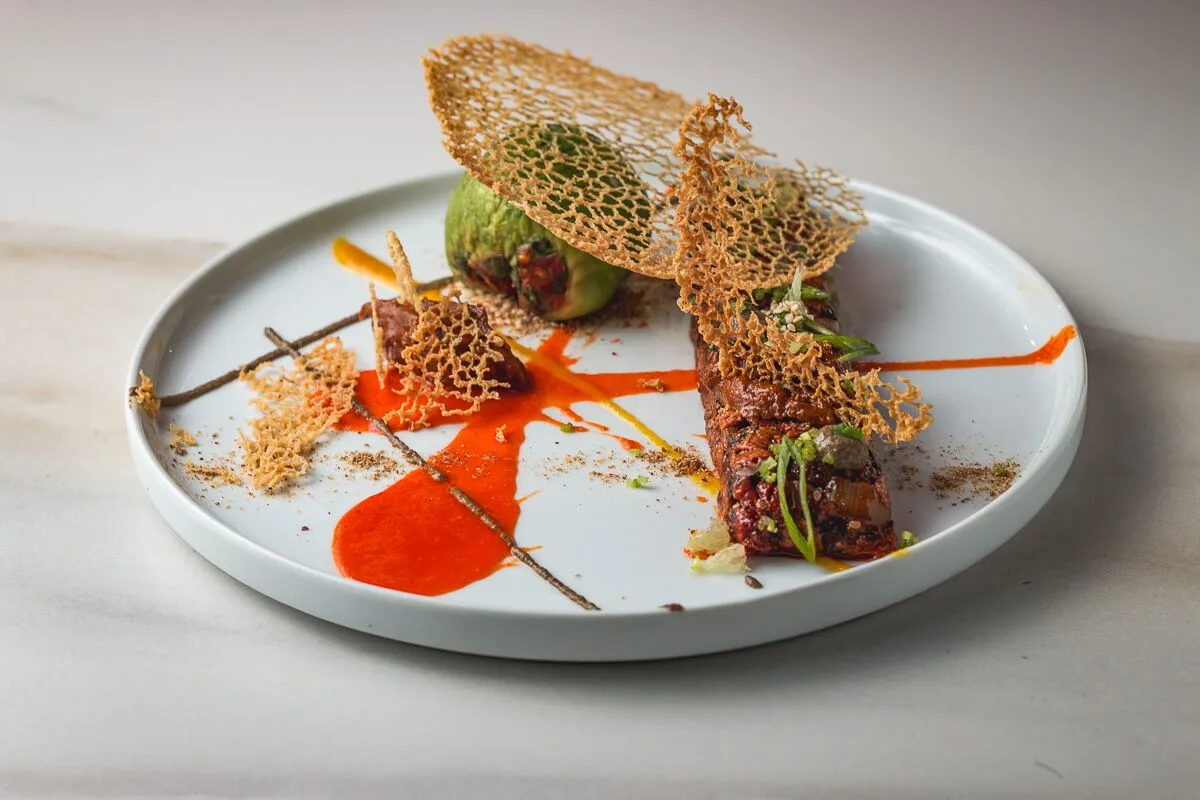
🍳 Cuisine-Aware Color Intelligence
Not all food should look the same. This AI understands that Thai and Southeast Asian dishes thrive with vibrant, saturated warmth — punchy greens and reds — while Japanese cuisine calls for muted, desaturated tones with clean whites. Italian food wants golden, rustic earth tones. Indian food demands rich saffron oranges and turmeric yellows. Mexican food pops with lime greens and chili reds.
This isn't a one-size-fits-all filter. The AI identifies the cuisine and food type, then applies the appropriate color palette and mood — the kind of nuanced editing that would take a professional photographer years to develop as instinct.
🔍 Hero Element Amplification
Every dish has one visual selling point — the cheese pull, the sauce drip, the caramelized edge, the layered cross-section, the condensation on a cold glass. AI Food Photo Enhancer identifies this hero element and amplifies it, making the most appetizing feature of your dish the focal point of the image.
🧊 Beyond Entrees: Every Food Category Covered
Food photography isn't just about steaming dinner plates. The AI handles the full spectrum with category-specific editing rules:
- Desserts & pastries — Soft pastel tones, frosting texture detail, chocolate drip enhancement
- Ice cream & frozen treats — Cool-toned editing, scoop shape definition, controlled melt appearance
- Bakery & bread — Golden warmth, crust detail sharpening, crumb structure reveal
- Cold drinks & bubble tea — Backlit translucency, condensation enhancement, boba visibility
- Salads & bowls — Bright, fresh tones with color pop on individual ingredients
- Fruits — Natural sheen, water droplet enhancement, vibrant skin color
How It Works: From Phone Snapshot to Professional Image in Five Steps
Step 1: Upload Your Food Photo
Take a photo of your dish with your phone or camera and upload it to AI Food Photo Enhancer. The AI accepts images of any quality — from quick phone snapshots taken under kitchen fluorescents to DSLR shots that just need polish.
Step 2: Let the AI Analyze Your Image
The AI automatically identifies the food type, cuisine, lighting conditions, composition, color balance, texture quality, and background. It detects whether you've photographed a steaming bowl of pho, a slice of tiramisu, or a matcha latte — and adjusts its approach accordingly.
Step 3: Get Enhanced Results Instantly
For quick results, the AI applies intelligent enhancements automatically — fixing lighting, correcting color, sharpening textures, and cleaning up the background. You'll receive an enhanced image with a brief explanation of what was changed and why.
"Make this food photo look more appetizing"
"Fix the yellow lighting on my pasta dish"
Step 4: Customize Your Style (Optional)
If you want more control, tell the AI about your goals. It will discuss style options, recommend approaches, and work with you to build a cohesive visual identity.
"I'm building my bakery's Instagram feed — I want warm, golden tones with a rustic feel"
"Enhance this for my GrabFood menu listing"
Step 5: Optimize for Your Target Platform
Specify where the photo will be used, and the tool optimizes accordingly — tight crops with high contrast for delivery app thumbnails that display at ~80px on a phone screen, signature-style consistency for Instagram feeds, editorial quality for blog hero images, or print-ready resolution for menu cards.
Real Scenarios Where Free AI Food Photo Enhancement Pays Off
📱 Small Restaurant: Updating 30 Delivery App Menu Items
Scenario: A family-owned Vietnamese restaurant needs to update all 30 menu items on GrabFood and Uber Eats. Current photos were taken under yellow kitchen lighting with the owner's phone two years ago.
Without free AI: Hire a food photographer for a half-day shoot ($500–$1,500), wait for edited files, re-upload to each platform. Or continue losing orders to competitors with better photos.
With AI Food Photo Enhancer:
- Upload each photo, specify "delivery app menu," and receive optimized images in seconds
- Cuisine-aware color grading applies vibrant warmth appropriate for Vietnamese food
- Tight crops and high contrast optimized for tiny delivery app thumbnails
- Consistent look across the entire menu — no more mismatched photo styles
- Total cost on the free tier: $0
Research from Culinary Culture confirms that "restaurants that optimize menu visuals can see a direct impact on order volume, often boosting sales of featured or high-margin items."
📊 Food Blogger: Maintaining a Consistent Feed Across Cuisines
Scenario: A food blogger posts 4–5 times per week across different cuisines — Korean BBQ on Monday, Italian pasta on Wednesday, Indian curry on Friday — and wants a consistent visual identity without spending hours in Lightroom per photo.
Without free AI: Shoot in controlled conditions, batch-edit in Lightroom with custom presets, manually adjust each image for cuisine-specific color needs (30–60 minutes per photo). Or accept inconsistent feeds that hurt engagement.
With AI Food Photo Enhancer:
- Upload photos from various shoots, specify the desired aesthetic ("bright & airy" or "dark & moody")
- Receive consistently styled images that maintain feed cohesion while respecting cuisine-specific color palettes
- Shooting tips included when source photos could be improved
- Time savings of 80%+ on post-processing
💼 Home Cook: Making Tonight's Dinner Instagram-Worthy
Scenario: A home cook made an impressive Thai green curry and wants to share it on Instagram, but the kitchen lighting made it look flat and the countertop is cluttered with cutting boards and spice jars.
Without free AI: Accept the mediocre photo, try phone filters that either oversaturate everything or add weird color casts, or give up and not post.
With Food Photo Enhancer:
- Upload the photo with a simple request — "make this look appetizing"
- The AI fixes the flat lighting, boosts the vibrant greens and reds appropriate for Thai cuisine, sharpens the texture of the basil and chili, cleans up the cluttered background
- Natural-looking enhancement — not the over-filtered look that screams "edited"
- Practical tips for better photos next time
🍰 Bakery: Building a Complete Menu and Website
Scenario: A bakery opening its second location needs consistent, high-quality images of 45+ items — croissants, cakes, bread loaves, pastries, and coffee drinks — for their new website, printed menu cards, and Google Business profile.
Without free AI: Multi-day professional shoot with food stylist, extensive retouching, print formatting. Budget: $2,000–$5,000+.
With this AI-powered solution:
- Upload photos taken in-house, specify "menu cards and website"
- Receive images with consistent golden-warm bakery tones, enhanced crust textures, visible crumb structure
- Category-aware editing — bread gets different treatment than pastries, which get different treatment than coffee
- Print-ready resolution with proper negative space for text overlay
- Style guide consistency across all 45+ items
📲 Restaurant Marketing: Social Media Ad Creative
Scenario: A restaurant owner wants to run Facebook and Instagram ads but knows that grainy, poorly lit phone photos make your restaurant look cheap — and that food and restaurant ads on Meta achieve a click-through rate of 1.67% with strong visuals.
Without free AI: Pay for a photographer, then pay again when you need fresh creative to combat ad fatigue.
With AI Food Photo Enhancer:
- Enhance existing photos to ad-quality standards in seconds
- Generate multiple style variations from the same source photo to combat creative fatigue
- Platform-optimized output for Meta's recommended formats
- Refresh ad creative weekly without additional photography costs
Frequently Asked Questions
Is AI Food Photo Enhancer really free?
Yes. You can access AI Food Photo Enhancer with a free Jenova account, which includes limited usage — enough to enhance photos and evaluate the quality before committing. For higher volume — like editing an entire restaurant menu or posting daily as a food blogger — paid plans start at $20/month and include significantly more usage, custom model selection, and no watermarks on generated content.
How is a free AI for food photo enhancement different from Instagram filters?
Instagram filters apply the same generic adjustment to every photo regardless of content. AI Food Photo Enhancer analyzes the specific food type, cuisine, and lighting conditions in your image, then applies targeted corrections — different treatment for sushi vs. steak vs. ice cream vs. bubble tea. It also handles background replacement, texture enhancement, hero element amplification, and platform-specific formatting that filters can't touch.
Can it enhance photos taken with a phone camera?
Yes — phone photos are the primary use case. The AI is specifically designed to correct the most common phone photography issues: mixed lighting, color casts, flat exposure, and cluttered backgrounds. While extremely dark or severely blurry photos may have limitations, most phone-quality images can be significantly improved.
Does it work for all types of food — not just dinner plates?
Absolutely. The AI handles desserts, bakery items, bread, ice cream, salads, fruits, bubble tea, cocktails, coffee, and every other food category. Each category has different visual rules — cold items are edited with cool tones, bakery items get golden warmth, drinks get backlit translucency — and the AI applies the appropriate treatment automatically.
Can I use it for my delivery app menu?
Yes. Specify your target platform (Uber Eats, GrabFood, DoorDash, Foodpanda, LINE MAN, etc.) and the AI optimizes for that platform's display requirements — including tight crops, high contrast, and vibrant colors that pop at the tiny thumbnail sizes (~80px) used in delivery app menu grids.
Does it work on mobile?
Yes. AI Food Photo Enhancer works across web, iOS, and Android with full feature parity. You can snap a photo in your restaurant kitchen and enhance it immediately from your phone — useful for updating a menu item on the spot or posting to social media while the dish is still fresh.
Stop Losing Orders to Bad Photos
In a market where 74% of people use social media to decide where to eat, 57% of customer decisions are directly influenced by food photos, and menu photos can increase sales by up to 65%, the gap between what your food looks like in person and what your camera captures is costing you real money every day.
Professional food photography solves this — but at prices that exclude most restaurants, food bloggers, and home cooks. Generic photo filters don't understand that food photography has its own rules. And learning Lightroom takes weeks you don't have.
AI Food Photo Enhancer closes that gap instantly — with cuisine-aware color intelligence, food-type-specific editing, background replacement, and platform optimization built in. It's free to start, works from your phone, and produces results that make people hungry.
Get started with AI Food Photo Enhancer for free and turn every photo into one that sells.