AI Digital Ad Designer: Scroll-Stopping Creatives for Every Platform
2026-08-28
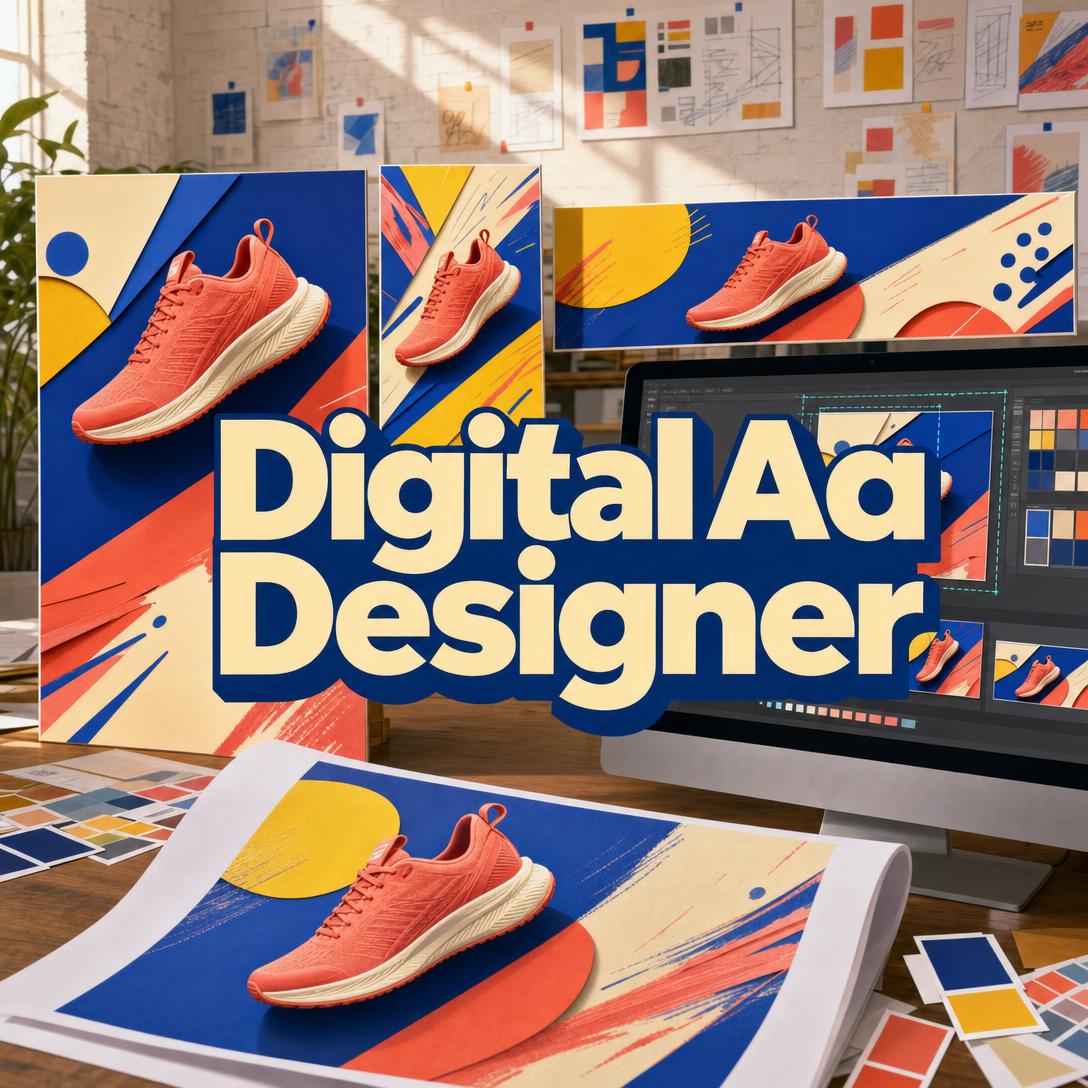
Digital Ad Designer helps you turn product photos, app screenshots, and campaign briefs into scroll-stopping, conversion-ready ad creatives across Meta, Google, LinkedIn, TikTok, Pinterest, YouTube, Snapchat, Amazon, and display networks. While most teams lose impressions to the wrong aspect ratio, a buried CTA, or creative that looks identical to last week’s feed, this AI builds each layout around a business outcome — stop the scroll, then earn the click.
- ✅ Platform-native layouts for feed, Stories/Reels, display, and shopping placements
- ✅ Fifteen creative types, from Product Hero and Offer Stack to UGC-style review posts
- ✅ Performance rules baked in: one message per ad, mobile-first hierarchy, thumb-zone CTAs
- ✅ Campaign sets that vary hooks and formats so you are not retargeting the same segment twice
Paid social rewards volume and specificity. To understand why that combination is so hard to sustain, it helps to look at how ad creative actually fails in the feed.
Quick Answer: What Is Digital Ad Designer?
Digital Ad Designer is an AI ad creative studio that turns product assets and a campaign brief into conversion-ready ads for every major platform. It works like a performance-minded art director: composition, copy, and format are chosen for the goal, not for a generic “ad” look.
Key capabilities:
- Product-hero, before/after, testimonial, comparison, offer-stack, lifestyle, and display-banner layouts
- Aspect ratios matched to Meta feed, Stories/Reels, Google Display, TikTok, Pinterest, LinkedIn, and more
- Hook angles and copy structures (pain point, social proof, urgency, transformation) tied to funnel stage
- Visual styles from studio-clean and premium-minimal to UGC-native and bold graphic
- Fast platform adaptations and single-variable A/B variants after the first winning frame
The Creative Challenges of Multi-Platform Advertising
Creative is no longer a monthly brand film. It is a weekly production problem. Motion’s 2025 creative-strategy research, drawing on $100 million in analyzed ad spend and hundreds of DTC operators, found that the fastest-growing brands now treat new ads as a standing output, not a campaign event.
50–70 new ads per week — What some top DTC brands now produce on Meta platforms alone
71% of DTC advertisers — Plan to increase Meta ads investment
69% of advertisers — Plan to raise spend on TikTok, Pinterest, Snapchat, YouTube, and other non-Meta channels
That volume collides with a second fact: ads fatigue faster than most production calendars can refresh them. More spend on more placements means more assets, and those assets die in days rather than months. But getting enough good creative is still frustratingly difficult:
- Every platform crops a different story. A 4:5 Instagram feed frame is not a 9:16 TikTok, a 2:3 Pin, or a 1.91:1 display banner. Copy-paste “one size” creative wastes the impression before the headline is even read.
- Specs and policies are unforgiving. Meta feed images work best at 1:1 or 4:5, with 4:5 recommended at 1440×1800 so mobile UI does not eat the offer. Pinterest expects 2:3 (1000×1500). TikTok in-feed is typically 1080×1920 at 9:16. Google responsive display needs at least one landscape (1.91:1) and one square (1:1). Miss the ratio, and the platform crops your CTA.
- Generic AI ads train people to skip. A Nielsen study cited in Motion’s research found consumers rated AI-generated ads as more annoying, boring, and confusing than traditional ads. Speed without art direction is just more noise.
- Policy review can kill a concept after you paid to produce it. Meta prohibits ads that assert or imply personal attributes such as health status, age, or financial situation, and it restricts content that tries to create negative self-perception around diet or weight loss. Health-style before/after frames are a common rejection trap.
Agencies and in-house studios can solve this with headcount. Most growing brands cannot staff a platform-native art director for every placement, every week. This is exactly what a dedicated ad creative studio is for.
How Digital Ad Designer Works
You do not brief a generic image model and hope the output looks like an ad. You brief the AI ad designer the way you would brief an art director: product, goal, offer, and where it will run. The first generation is meant to be shippable, then you adapt.
Step 1: Show What You Are Selling
Upload product photos, drop in app screenshots, paste a product URL, or describe a service or event. Physical products work best from real photography so the item in the ad is the item on the landing page — not an invented lookalike.
"Here are three photos of our coral running shoe — lateral, three-quarter, and sole. We sell direct-to-consumer. Primary color is coral with navy and cream."
If those shots still need background cleanup, color matching, or lifestyle compositing before they belong in paid media, Product Photo Editor can finish the photography so the ad starts from listing-quality assets.
Step 2: Name the Goal and the CTA
Awareness, consideration, conversion, and retargeting need different layouts. A Product Hero or lifestyle frame is a discovery tool. An Offer Stack or testimonial card is a closer. Say what the click should do — Shop now, Get the guide, Start free trial — and keep one message per ad.
"Conversion campaign. Headline: Light on your feet. Offer: 20% off first pair. CTA: Shop the drop. Instagram feed, 4:5."
Step 3: Generate the Primary Creative
When you do not specify a placement, feed-first 4:5 is a sensible default: Meta’s own image guide highlights 4:5 at 1440×1800, and mobile-feed tests often prefer 1080×1350 over a square because the extra height wins on-screen real estate. The studio then pairs a creative type (hero, problem–solution, feature list, UGC overlay, display banner) with a visual style that fits the brand — studio clean, bold graphic, premium minimal, or lo-fi native — instead of defaulting to a stock “ad template” look.
You can switch image generation models from the App control under the chat input. Different models handle product fidelity, typography, and graphic energy differently; a 30-second experiment here often beats a full regenerate later.
Step 4: Adapt the Winner to Every Placement
Once the primary frame is right, ask for derivatives rather than a redesign. A 1:1 square still travels across Meta, LinkedIn, X, Pinterest, and Google Display; 9:16 covers TikTok, Snapchat, and Meta Stories/Reels. LinkedIn should cool the emotion and lead with proof. TikTok should look like content, not a banner. Google Display has to survive banner blindness in a glance — images that are blurry or poorly laid out fail Google’s image-ad requirements.
"Adapt this 4:5 feed ad to 9:16 for Reels and TikTok. Keep the shoe hero and coral palette. Move the headline into the center safe zone and make it feel more native, less polished."
Step 5: Build Variants and a Campaign Set
A/B tests should change one dimension — hook, creative type, style, or CTA — not the entire ad. For a launch, plan three to five ads that cover different reasons to stop: pain point, transformation, social proof, offer, founder story. Repeating the same hook in five skins still talks to one audience segment.
"Build a four-ad set for this serum: (1) problem–solution, pain-point hook; (2) ingredient breakdown; (3) testimonial card; (4) offer stack with 48-hour language. Keep the same palette. Meta 4:5 first."
Try the AI ad designer free — no credit card required. Generate the primary, then spend your time on the variants that actually move CPA.
Creative Showcase: Ads Matched to Platform and Funnel
🛒 DTC Product Launch on Meta and Google
Scenario: A running-shoe brand is launching a coral colorway. They have studio photos, a 20% first-order offer, and budget split between Instagram feed and Google Performance Max.
Traditional Approach: A designer builds one square, a developer stretches it for display, and headlines get written in the ads manager at 11 p.m. Display versions lose the CTA in the crop. Feed versions look like every other sneaker grid ad.
Digital Ad Designer: A Product Hero in bold graphic style for 4:5 feed, a cleaner 1.91:1 landscape plus 1:1 square for responsive display’s required pair, and a Product + Variants frame that shows the colorway strip without competing with the headline.
- Focal point sits in the upper 60% of the mobile frame, above UI chrome
- One offer, one CTA, high-contrast type on a backing panel — not floating over the mesh
- Display versions stay glanceable: logo, product, promise, button
💼 B2B Feature Ad on LinkedIn
Scenario: A productivity app wants demo requests from operations leads. Screenshots of the dashboard are the product. The feed is professional and slow-scanned, not entertainment-first.
Traditional Approach: The same lifestyle photo used on Instagram, with a punchy consumer headline. Authority buyers skip it. Text is too small at 1.91:1.
This ad creative studio: A Feature Benefits layout — headline, three proof bullets, UI screenshot, restrained navy palette. Copy register shifts from hype to specificity (time saved, error rate, integrations). If the bullets need a conversion pass before they go on the image, Product Copywriter can tighten headline, offer, and landing-page echo so the ad and the form page say the same thing.
- Data and credibility ahead of emotion
- Screenshot treated as the hero product, not decoration
- Layout that still reads when LinkedIn compresses it in the desktop feed
📱 Stories, Reels, and TikTok From a Phone
Scenario: The same shoe brand wants a retargeting sequence for people who viewed the product page. Most impressions will be full-screen vertical, skipped in under a second, watched on a phone in line at a coffee shop.
Traditional Approach: Letterbox the feed ad into 9:16, add a sticker CTA, and hope. Important type sits under the caption bar. The polish itself signals “ad,” which TikTok users are primed to skip.
The AI ad designer: A UGC Review Post and a Problem → Solution frame, 9:16, with the hook in the first half-second and brand marks kept inside the center safe zone. Lo-fi lighting and social UI overlays are intentional, not a quality miss. You can brief and iterate on iOS or Android with the same workspace you use on desktop — useful when the person approving creative is not at a Mac.
- Native energy for entertainment feeds; no banner-like chrome
- Headline legible without pinch-zoom
- Separate retargeting hook (social proof or leftover offer) so cold and warm traffic are not shown the same line
When you also need organic posts, pitch decks, or packaging-adjacent graphics that should feel related but are not paid placements, Graphic Designer covers that wider visual workload without forcing every asset into an ads-manager crop.
Frequently Asked Questions
Is Digital Ad Designer free?
Yes. You can start on a free plan with full core features and limited monthly usage — no credit card required to try a first brief. Paid tiers increase usage (Plus starts at $20/month) if you are producing weekly campaign sets. Usage resets on your billing date, so the full allowance is available from day one rather than dripped as a daily cap.
How is this AI ad designer different from Canva or a general image generator?
Canva is a layout canvas; a general image model is a picture generator. This ad creative studio is both, pointed at paid media: it chooses creative type by funnel stage, writes to frameworks like PAS or AIDA, places the focal point where mobile UI will not hide it, and flags concepts that may trip Meta’s advertising standards (personal attributes, misleading claims, restricted health imagery). It will not pretend a rejected-risk concept is “compliant.” For pixel-perfect kerning, you can still finish type in your usual design tool after the composition is locked.
Can Digital Ad Designer make ads for Google, TikTok, and LinkedIn — not just Instagram?
Yes. Primary generation can target Meta feed (1:1 or 4:5), Stories/Reels and TikTok (9:16), Pinterest (2:3), LinkedIn (1:1 or 1.91:1), YouTube thumbnails (16:9), Amazon and display (1.91:1 and 1:1), and standard banner sizes. Cross-platform work should start with one primary, then adapt. An Instagram composition pasted onto LinkedIn or a Google banner usually fails on tone and crop, even when the product photo is excellent.
Does Digital Ad Designer work on mobile?
Yes. Web, iOS, and Android share feature parity, including speech-to-text if you would rather dictate a brief between shoots. That matters because most ad impressions are mobile; reviewing a 4:5 or 9:16 on the same class of device that will show it is a better proof than a desktop canvas alone.
Will my ads get rejected by Meta or Google?
No tool can guarantee approval. Meta’s review is largely automated and often completes within 24 hours, and ads can be re-reviewed after they go live. Common tripwires include implied personal attributes, fabricated testimonials, exaggerated health outcomes, and before/after treatments in sensitive categories. Google separately requires images that meet quality and layout standards. The right workflow is: flag the risk in the concept, verify the current policy on the platform, then generate. Do not treat any AI output as a legal or policy sign-off.
Can I use my real product photos instead of AI-generated products?
You should, for physical goods. The studio is built to place your photography or URL-extracted images in the layout so shoppers are not sold a shoe, bottle, or device that does not exist. Services, events, and abstract concepts can use generated scenes when you confirm that path. Always match the ad visual to the landing page; mismatch is a conversion leak and, in some categories, a trust problem.
From Brief to Ready-to-Run Creative
Advertisers are being asked to publish more ads, on more surfaces, with shorter lifespan and stricter crops. Motion’s operator survey shows both the volume demand and the skepticism: most teams will use AI more, but only the work that still feels specific will earn the stop.
Digital Ad Designer is the studio for that job — product in, platform-native creative out, with hooks and layouts you can actually test. Start with one product photo and one CTA. Then adapt the winner across the ratios your media plan already pays for.
Try Digital Ad Designer now. Explore more at Jenova.
For Developers: Digital Ad Designer is available programmatically via the Jenova API — integrate scroll-stopping, platform-native ad creative generation into your application with a single API call. Full documentation →