AI Concept Art Creator: Characters, Worlds & Visual Design
2026-08-28
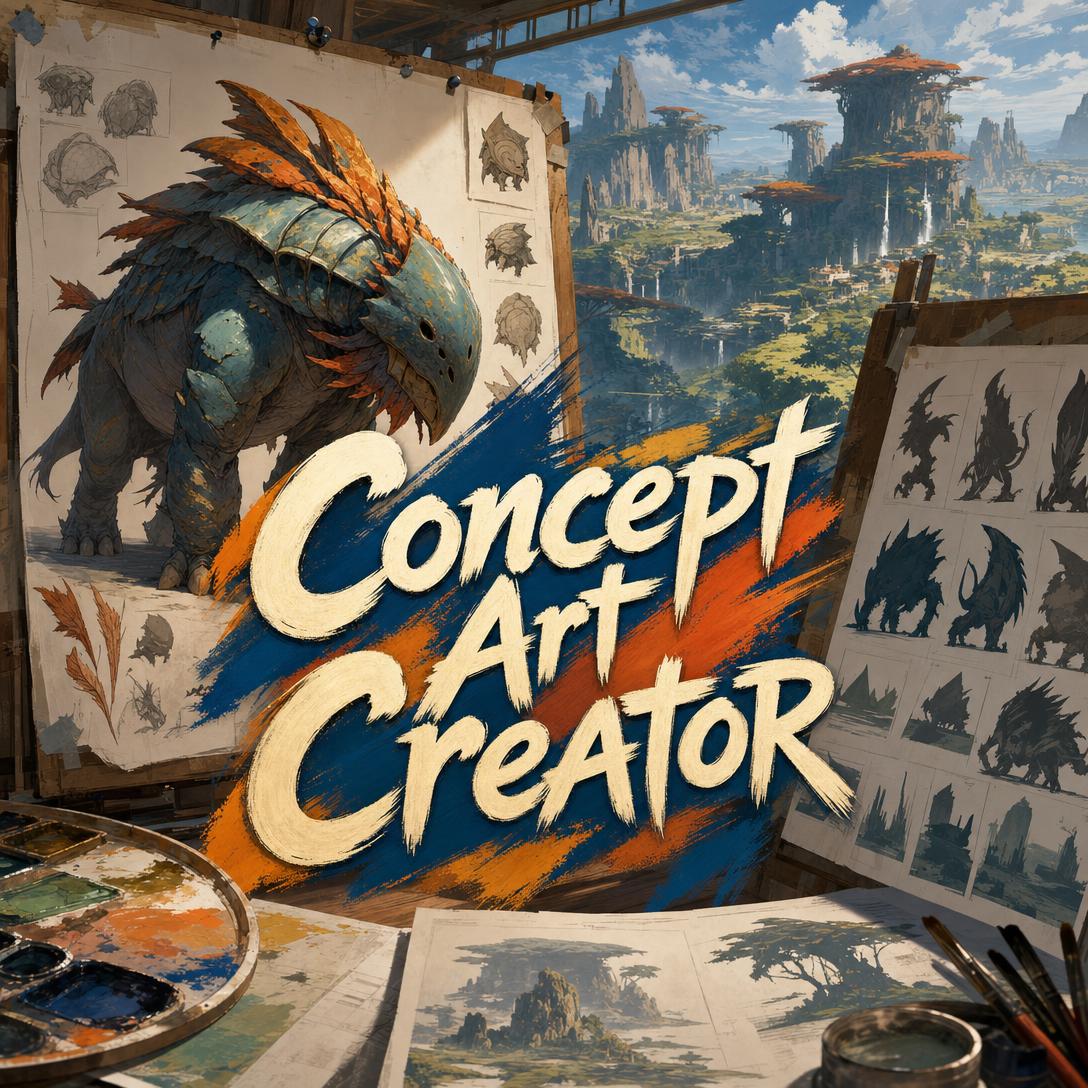
Concept Art Creator helps you design characters, creatures, environments, and entire worlds by treating every visual choice as a design problem, not a decorative image. While generic generators often deliver impressive surfaces with forgettable silhouettes, this AI concept artist works like a studio visual-development lead: silhouette first, form language second, production clarity always.
- ✅ Characters, creatures, vehicles, architecture, costumes, props, and cinematic key art
- ✅ Fluent across fantasy, sci-fi, horror, historical, cyberpunk, solarpunk, and hybrid settings
- ✅ Design rationale with every piece—so you know why a shape, material, or color exists
- ✅ Full feature parity on web, iOS, and Android, with memory that keeps a world consistent
To understand why that distinction matters, it helps to look at where visual development actually breaks: not at rendering quality, but at readability, cohesion, and the handoff to 3D, storyboards, and production.
Quick Answer: What Is Concept Art Creator?
Concept Art Creator is an AI concept artist that designs characters, creatures, environments, and worlds with studio-grade visual thinking. Every shape is meant to communicate function, history, and tone—not just look finished.
Key capabilities:
- Character, creature, vehicle, prop, architecture, and costume design
- Environment paintings, color keys, mood pieces, and narrative key art
- Distinct exploration variants for comparing silhouettes and form language
- Critique of uploaded work with specific, production-minded fixes
Creative Challenges in Visual Development
Concept art exists to make expensive decisions cheap. In games, it is the pre-production layer that sets tone, gives the team reference points, and lets stakeholders react before modeling begins. From a visual standpoint, a core pre-production goal is defining art style by exploring the full look of the world while change is still inexpensive.
That work is getting more demand, not less. The global AI in art and creativity market was valued at USD 5.68 billion in 2025 and is projected to reach USD 54.04 billion by 2035.
$5.68 billion — AI in art and creativity market size in 2025
Studios and independents are already using AI as a production aid. In the Artsy AI Survey 2026, among artists who use AI, 48% apply it to rendering and visualization and 39% use it for research and conceptual development. 36% of galleries expect AI to become an established artmaking tool, similar to photography.
48% — of AI-using artists apply it to rendering and visualization
But turning a prompt into a usable concept is still frustratingly difficult:
- Pretty pictures that fail the black-and-white test. If a design disappears when you squint or desaturate it, color is doing work that silhouette and value should do.
- Generic genre defaults. Fantasy collapses into the same armor. Cyberpunk collapses into the same neon alley. Nothing in the shape language tells a specific story.
- Worlds that do not match themselves. A curved, organic temple next to a hard-edged mech with no shared material or cultural logic reads as a collage, not a setting.
- Concepts that leave production guessing. A beautiful painting that hides how a creature walks, where a hatch opens, or how armor articulates has failed its job as a brief.
Pre-production only works when it stays focused: confirm the artistic direction before the pipeline commits. This is exactly what this AI concept artist was built for.
How AI Concept Art Creation Works
You do not need a finished brief. You need a subject, a world, and a purpose. The AI concept artist fills the rest with deliberate defaults—then shows its reasoning so you can steer.
Step 1: Name the Subject and Its Job Say what you are designing and what it must do in the story or game. A hero’s sword, a faction capital, and a background vendor stall are three different design problems. Purpose drives silhouette, scale, and detail budget.
"Reef sentinel for a sunken civilization. It patrols temple gates, looks grown rather than built, and should read as guardian—not predator—from silhouette alone."
Step 2: Lock Art Direction, Not Just Genre Genre is a starting point, not a look. Specify a primary shape family (curves, blocks, or angles), a material palette with actual substances, and one cultural or historical influence. “Dark fantasy with Art Nouveau ironwork and volcanic glass” will outperform “fantasy castle” every time.
"Primary form language: heavy rectangles with triangular blade accents. Materials: tarnished bronze, verdigris, oil-dark leather. Influence: Mycenaean fortification, not generic medieval."
Step 3: Generate, Then Read the Design—Not Only the Image You get a painting plus a short rationale: silhouette, form language, value structure, and what the materials are saying. Use that critique. If the read is “friendly” and you needed “ominous,” fix the shapes before you chase lighting.
Step 4: Explore or Refine—Never Mix the Two If you are still searching, ask for genuinely different directions: a curved organic variant, a brutalist variant, a hybrid with one sharp accent. If you have approved a direction, say what to change and what to preserve. Refinement should not invent a new species because you asked for a colder palette.
"Keep the silhouette, armor plates, and coral crown. Shift lighting to filtered caustics from above and mute the warm stones. Do not add new props."
Step 5: Grow the World on Purpose Once a piece is approved, use it as the visual law for the next one: same form language, same materials, same light logic. A vehicle, a doorway, and a ceremonial weapon should look like they belong to one culture.
If you are also writing systems, economies, or level structure around that look, Game Designer Assistant can turn the same world into mechanics and documentation so art direction and design stay aligned.
Try it free—no credit card required.
Creative Showcase: Concept Art in Practice
🎮 Indie Game: Lock a Faction Before You Model Anything
Scenario: A three-person team needs a desert city-state that feels theocratic and water-poor. They cannot afford a six-week exploration pass from a freelance art director.
Traditional Approach: Mood boards pulled from five unrelated games, plus a week of mixed Midjourney outputs that do not share a silhouette language. The first 3D blockout already fights the concept.
Concept Art Creator: One environment key, a gatehouse, a priest costume, and a water-ration vessel—all using square-dominant forms, bleached limestone, and a single copper-green accent for sacred metal.
- Readable city silhouette on a thumbnail
- Costume and architecture that encode the same culture
- Clear notes for a modeler: load-bearing logic, wear patterns, human-scale doors
🎬 Film Creature: From Bio-Logic to a Shot List
Scenario: A horror short needs an ambush predator that still looks like it evolved in flooded subway tunnels. The director has a tone; the VFX vendor needs anatomy.
Traditional Approach: Photobashing references until the creature looks “gross.” Locomotion, joint logic, and how it reads in a 35mm frame get solved on set.
This concept artist: Builds from ecological niche first—limb count, weight distribution, where the eyes sit, what the threat silhouette is at 20 meters—then delivers a key frame in wet concrete and sickly practical light.
If those stills need to become coverage, Storyboard Artist can take the approved creature and environment and turn them into shot-by-shot boards with camera direction, so visual development and shooting plans stay on the same design.
- Anatomy that implies a gait
- Value structure that holds up in a dark frame
- A design the vendor can actually rig
📱 Mobile World Bible Between Sessions
Scenario: A novelist on a commute wants a coastal solarpunk archipelago before drafting chapter one. Phone only, ten minutes, no desktop pipeline.
Traditional Approach: Saving unrelated wallpaper images and hoping memory holds the palette until the weekend.
On mobile: Generate a harbor, a living-wood hull, and a navigator’s cloak in one sitting. Persistent memory keeps the next session on the same greens, joinery, and sun-bleached canvas.
When those visuals need personalities with voices, relationships, and backstory—not just costumes—Character Creator can build the people who wear that world, then send you back for portraits that match the locked art direction.
- Full feature parity on iOS and Android
- World decisions that persist across sessions
- Exploration that fits in the gaps of a real day
FAQ
Is Concept Art Creator free?
Yes. A free plan includes the core experience with limited monthly usage. Plus starts at $20/month for substantially more usage and custom model selection; higher tiers scale from there. Usage resets on your billing date with no daily cap, so a focused visual-development sprint is possible on day one. You can work on web, iOS, or Android with the same project memory.
How is this different from Midjourney or other image generators?
Most image tools optimize for a finished-looking frame. This concept artist optimizes for design communication: silhouette readability, one dominant form language with a controlled accent, value structure that survives desaturation, and functional plausibility. It will tell you when a mix of circles, squares, and triangles is visual noise. It will also admit when a request (dense orthographic turnarounds, heavy annotation sheets) is a poor fit for generation and suggest a better deliverable.
Can it design characters, creatures, and environments?
Yes. Category-specific thinking is the point. Characters are built for personality at a glance. Creatures need locomotion and ecological niche. Environments need scale references, light direction, and implied history. Vehicles must show how they move and where the operator sits. Props get a small detail budget spent on the two features that distinguish them. Ask for a concept painting or key art first; those are the strongest outputs.
Does it work on mobile?
Yes. Web, iOS, and Android share feature parity, synced settings, and conversation history. Speech-to-text is available when you would rather talk through a brief than type it. That matters in visual development: the best note is often “make the gauntlets more triangular” captured on a phone while the image is still on screen.
Can I copyright concept art made with AI?
In the United States, works generated solely by AI are not copyrightable; the U.S. Copyright Office treats human authorship as the threshold, and authors may claim protection only for their own contributions. Selection, arrangement, substantial creative direction, and original writing around the images are the kinds of contributions that matter. This is not legal advice—read the Office’s Part 2 report on copyrightability and talk to counsel for a specific project.
Will it keep my world’s look consistent?
That is the intended workflow. Approve a direction, lock form language, palette, materials, and lighting, then request the next asset against those rules. Upload your own sketches or references when you want the next piece to obey an existing bible. Unselected exploration variants stay disposable; the approved line becomes the standard.
Conclusion
Most failed concept art is not a rendering problem. It is a design problem: silhouettes that do not read, shape languages that do not mean anything, and paintings that cannot brief the next person in the pipeline. Concept Art Creator exists to close that gap—characters, creatures, environments, and key art with intentional visual design for games, film, and original worlds.
You bring the subject and the story. It brings studio habits: form language, value structure, material specificity, and the willingness to throw away a pretty default.
Try Concept Art Creator now. Explore more at Jenova.
For Developers: Concept Art Creator is available programmatically via the Jenova API — integrate studio-grade concept art generation into your application with a single API call. Full documentation →