AI Business Card Maker: Professional Cards in One Prompt
2026-08-28
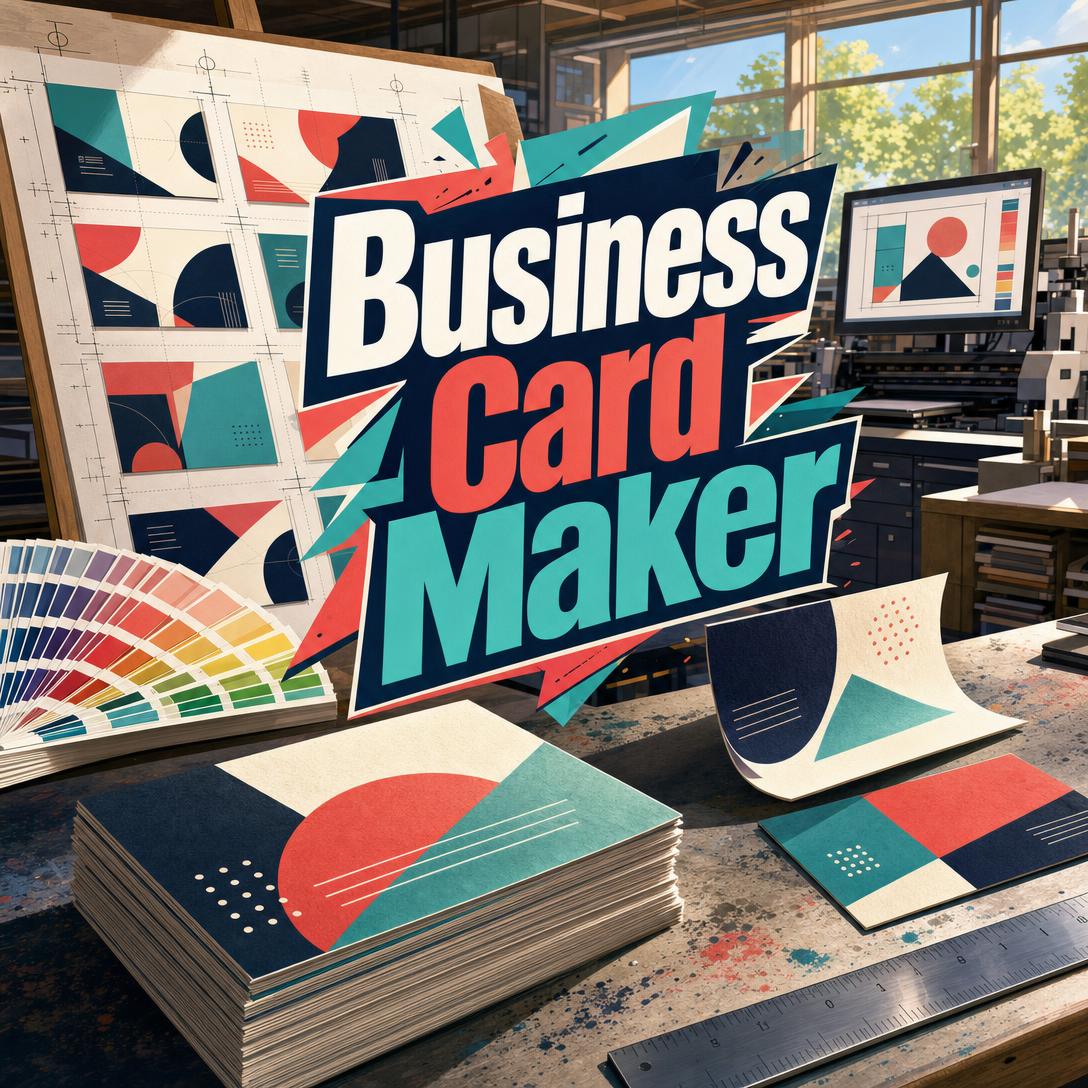
Business Card Maker helps you design a professional business card by turning a name, role, and brand cues into a complete layout — typography, hierarchy, color, and composition included. While most people still hand over a physical card at the moment that matters, getting one that actually looks designed is slow, expensive, or stuck in a template that looks like everyone else's. This AI produces a full-frame card from a single prompt, then iterates with the precision a 3.5-by-2-inch canvas demands.
✅ Hierarchy that reads in a glance — name, title, company, then contact ✅ Typography sized and spaced for print, not a poster shrunk down ✅ Style inferred from your role, brand, and the room the card will land in ✅ Double-sided, bilingual, and team-set layouts without starting over
A business card is the smallest piece of brand design most people will ever commission, and the one they hand to strangers the most. To understand why so many cards fail that test, it helps to look at what the format actually requires — and why generic design tools keep getting it wrong.
Quick Answer: What Is Business Card Maker?
Business Card Maker is an AI design studio that turns your name, role, and brand into a polished business card with professional typography and layout in one prompt. You describe who you are; it designs the card as a finished composition, not a blank template.
Key capabilities:
- Information hierarchy calibrated to your role — founder, counsel, freelancer, clinician, trades
- Layout frameworks from left-aligned stacks to type-only and logo-dominant compositions
- Brand-matched palettes, type personality, and logo placement when you have assets
- Cultural conventions for bilingual cards, meishi exchange, and region-specific formats
- Front/back pairs and team sets that lock a template while swapping personal details
Creative Challenges of Business Card Design
A business card still does work that a follow request cannot. In a VistaPrint survey of 800 U.S. working professionals, 78% still rely on cards regularly, and 76% said a memorable card had opened business doors. People around the world print more than 100 billion cards a year, with about 10 billion made in the United States alone.
The format is not dying. The problem is that most cards are either generic or illegible.
78% — of working professionals still use business cards regularly, with Gen Z reporting the highest weekly use at 55%
72% — of people judge a company or person by the quality of their business cards
That judgment happens in seconds, on a surface smaller than a phone screen. Every type size, margin, and color choice either earns trust or spends it. But getting a card that holds up is frustratingly difficult:
- The canvas punishes weak hierarchy. Ten elements on one side is not “complete.” It is unreadable. Names need a clear step up from titles; titles need a clear step up from phone numbers. Subtle size differences read as mistakes, not sophistication.
- Typography that works on a website fails at 3.5 inches. Body text belongs at 8–12 points, with names at 12–16. Drop below 7 points and the card stops functioning. Tight tracking on contact details is one of the most common amateur errors.
- Templates flatten personal brands. Clean layout is what people want — 62% of professionals rank it as the most valued feature — but template libraries produce the same centered sans-serif card for a litigator, a baker, and a staff engineer.
- Hiring a designer is slow; doing it yourself is a second job. Talker Research, in a survey of 1,000 U.S. small business owners commissioned by Adobe Express, found owners filling five distinct roles a day and logging more than 200 extra hours a year. Only 20% felt prepared for creative and brand marketing demands. Cost blocked outsourcing for 41%.
Nearly 75% — of small business owners who use AI said it increased their confidence on tasks outside their comfort zone; design and visual content is the second-most common AI use case, at 46%
Accessibility is another silent failure. The Job Accommodation Network notes that low contrast, decorative type, glossy stock, and all-caps body text make cards harder to read for everyone, not only people with low vision. A card that cannot be photographed, scanned, or read under trade-show lighting is a card that does not travel.
This is exactly the kind of constrained design problem a specialist is built for.
How It Works
This AI card designer generates a complete card in one step — visual design with the text already set into the layout. There is no “approve the copy, then pick a template.” You provide a name and a role. It infers hierarchy, type, palette, and composition, then you refine.
Step 1: Give a Name and What You Do
The minimum is a name plus a title or company. That is enough to choose a layout, set type contrast, and pick a visual direction that fits the person — not a generic industry cliché. A managing partner, a freelance illustrator, and a café owner should not share a card, even if all three asked for “clean and professional.”
"Maya Okonkwo, principal at Harbor & Line, commercial real estate, understated and precise"
Step 2: Add Brand Cues If You Have Them
Upload a logo, name your colors, or describe the tone. The card extends the brand instead of inventing a second one beside it. Logo placement respects hierarchy; palette comes from the brand, not a random accent. If you still need a mark before the card can exist, Logo Generator can produce a style-matched logo you can bring straight into the card.
"Use this logo, deep forest green and cream, letterpress feel, keep my phone number prominent"
Step 3: Generate a Full-Frame Card
The output is the card itself — flat graphic design, edge to edge — not a mockup on a desk or a 3D render with fake foil. Default format is a 7:4 horizontal card, with vertical, square, European 85×55 mm, or Japanese meishi proportions available on request. Front-side identity comes first; a back side can carry contact details, a QR code, or a bilingual panel.
"Horizontal card, left-aligned, navy field, warm gold name, white details, QR on the back"
Step 4: Iterate Without Unraveling the Design
Ask for a heavier name, a quieter palette, a vertical split, or a second language. Changes apply to what you named; the rest stays locked. Vague notes such as “make it more modern” get translated into specific moves — geometric sans, tighter grid, one accent, more margin — so you are not restyling from scratch.
"Keep the layout. Swap the serif for a geometric sans and move the logo to the top left."
Step 5: Prepare It for Print
Generated cards are high-quality screen images, not vendor-ready vector files. Short, bold text — names and company marks — renders most reliably. Long emails, URLs, and phone numbers are the riskiest elements at this scale, so keep on-card text lean and overlay precise contact details in an editor before sending a file to a printer. Pair a QR code with the printed number so the card still works if someone never scans.
MOO’s 2026 trend notes still treat the physical card as the object that turns a short conversation into a lasting connection. Design quality is what makes that object worth keeping.
Try Business Card Maker free — no credit card required.
Creative Showcase
📊 Independent Consultant, First Serious Card
Scenario: A newly independent operations consultant is speaking at a two-day industry meetup. She has a LinkedIn URL, a personal Gmail, and no designer on retainer. She needs a card that looks like a practice, not a side hustle.
Traditional Approach: An evening in a template tool, or $300–$800 and a week with a freelancer for a single two-sided design.
Business Card Maker: A type-forward horizontal card with her name as the focal point, a restrained navy-and-cream palette, and contact grouped at a readable size. One revision moves the website to the back with a QR code so the front stays quiet.
- Hierarchy matches how she introduces herself: name, then practice, then proof of reachability
- Enough margin that the card still reads after it is photographed
- A second version in portrait for a smaller card case, generated from the same direction
💼 Five-Person Studio, Matching Team Set
Scenario: A small architecture studio is attending a client open house. Five people need cards that look like one firm, with different names and titles.
Traditional Approach: Build a master file, then spend a day duplicating artboards and chasing typos in phone numbers.
This designer: The first card sets the template — logo placement, type pairing, band of color, back-side QR. Remaining cards replicate that system and change only personal details.
- Layout, palette, and logo lock so the set reads as one brand on a table
- Titles sized for the studio’s seniority language (Principal, Associate, Designer)
- If the studio still lacks a written visual system, Brand Kit Generator can produce palette, type, and guideline structure the cards then follow
📱 Real Estate Agent Redesigning Between Showings
Scenario: An agent is in a listing appointment parking lot, looking at a competitor’s card that puts a headshot and three phone numbers on the front. She wants something typographic that still makes the number impossible to miss — and she is working from her phone.
Traditional Approach: Wait until she is back at a desktop, hunt a “real estate” template, and live with a photo-heavy layout that looks like every other agent in the county.
On mobile: She types a short brief, generates a high-contrast card with the phone number elevated, then asks for a no-photo alternative and a bilingual English/Spanish back. Full feature parity across web, iOS, and Android means the same conversation continues on a laptop that night.
- Phone-first hierarchy for a sales context without looking loud
- Photo optional — typography can differentiate where headshot templates cannot
- When she later needs listing flyers or social graphics in the same visual language, Graphic Designer can extend the system beyond the card
🎯 Clinic Front Desk, Credentials Without Clutter
Scenario: A dermatology practice needs cards for two physicians and a physician assistant. Credentials must appear. The card still has to look calm in a clinical handoff.
Traditional Approach: Cram degrees onto one line until the name competes with alphabet soup.
Outcome: Name plus credentials as a single primary line, practice name secondary, a quiet teal accent drawn from the existing mark, and a back side for suite number, booking URL, and QR. Decorative type and mid-tone-on-mid-tone color are avoided so contrast stays high, in line with JAN’s guidance on readable cards.
- Credentials present without stealing the name
- Matte-friendly contrast for real card stock
- Team replication once the first physician’s card is approved
FAQ
Is Business Card Maker free?
Yes. You can use Business Card Maker on the free plan with all core features and limited monthly usage. Paid tiers increase usage and add options such as custom model selection. There is no credit card required to start, and the same agent is available on web, iOS, and Android with settings that sync across devices.
How is an AI business card maker different from a template?
Templates start from a fixed grid and ask you to fill holes. This designer starts from the person: role, seniority, brand assets, cultural context, and how the card will be handed over. It chooses hierarchy, type pairing, and layout framework, then generates a complete composition. You iterate on design decisions — weight, palette, sides, language — instead of shopping for a less-wrong template.
Can it design double-sided cards, team sets, and bilingual layouts?
Yes. Front sides carry identity (name, title, company, logo). Back sides take contact details, QR codes, taglines, or a second language. For Japanese, Chinese, Korean, Arabic, and other bilingual contexts, it can split languages by side and follow local hierarchy — company and title emphasis, RTL panels, honorifics — rather than dropping a translation into a Western layout. Team sets lock the approved template and swap names and titles.
Does Business Card Maker work on mobile?
It does. Conversations and generated cards work on web, iPhone, and Android with the same features, including image uploads for logos and existing cards. Speech-to-text is available if you would rather describe a direction than type it. A card started on a phone can be refined later on a desktop without losing history.
Are the cards print-ready?
They are finished designs at screen resolution, not print-vendor production files. You will not get SVG, AI, or die-cut paths. For professional printing, take the approved design to a vendor and overlay exact contact text if a phone number or email needs to be character-perfect. MOO recommends 8-point type or larger, with 7 point as a hard floor; keep that in mind when you add fine print.
Can it match my existing logo and brand colors?
Yes. Upload the logo and name the palette, or attach a brand guide. The card uses those colors rather than inventing a parallel scheme, selects the logo format that fits the layout (horizontal, stacked, or icon), and matches type personality to the mark. A VistaPrint survey found 94% of professionals want physical and digital cards to share the same look — brand-consistent cards are how that alignment starts.
Conclusion
A business card is still a physical argument about who you are. Most people keep handing them over; too many of those cards are cramped, template-flat, or designed at the wrong scale. Business Card Maker treats the 3.5-by-2-inch problem as a design brief: hierarchy, type, color, culture, and iteration, from one prompt to a card you can refine and print.
If you have been postponing a redesign until you “have time to sit down with a designer,” you already have enough to start — a name and what you do. Try Business Card Maker now. Explore more at Jenova.
For Developers: Business Card Maker is available programmatically via the Jenova API — integrate on-brand business card generation into your application with a single API call. Full documentation →