Best AI for Swift Development: Ship Production-Ready iOS Code with Expert Guidance
2026-03-02
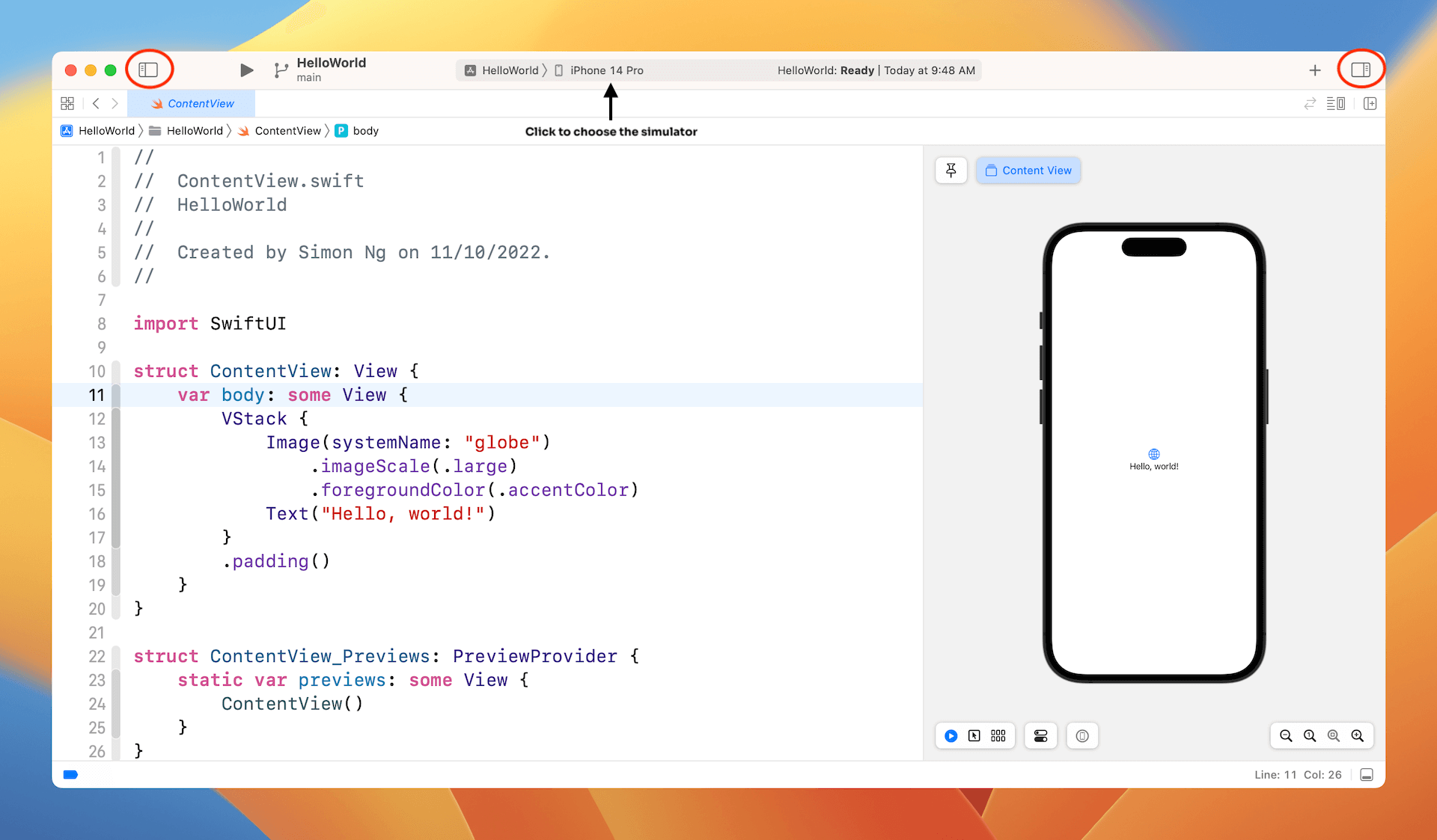
Looking for the best AI for Swift development? Jenova's Swift Coding Assistant delivers expert-level guidance across iOS, macOS, and the entire Apple ecosystem—generating syntactically correct, idiomatically Swifty code that compiles without errors on the first attempt. From navigating Swift 6's strict concurrency requirements to mastering SwiftUI's declarative patterns, this specialized AI eliminates the friction that slows down even experienced developers.
✅ Swift 6.2+ expertise — Latest language features and "Approachable Concurrency" patterns
✅ Debug compiler errors — Trace root causes through actor isolation and type system issues
✅ Framework fluency — SwiftUI, UIKit, SwiftData, Combine, and server-side Swift
✅ Production-ready output — Proper error handling, documentation, and thread safety
Over 58,000 developers have accelerated their Swift projects using this AI assistant—shipping cleaner code, resolving complex concurrency issues, and migrating legacy codebases faster than traditional approaches allow.
Quick Answer: What Is the Best AI for Swift Development?
The best AI for Swift development combines deep language expertise, current framework knowledge, and adaptive delivery that matches your experience level. Swift Coding Assistant meets all three criteria, functioning as a senior Swift engineer with comprehensive expertise across Apple platforms and modern concurrency patterns.
What sets it apart:
- Adaptive code delivery — Clean code for experienced developers, detailed explanations when learning
- Version-aware guidance — Tracks Swift 5.5 through 6.2+ features and migration paths
- Ecosystem depth — SwiftUI, UIKit, SwiftData, Combine, Observation, and Vapor
- Research-backed accuracy — Verifies APIs against current documentation, not outdated training data
- Project continuity — Persistent state tracking for multi-file development

Why Swift Developers Need Specialized AI Assistance in 2026
Swift development in 2026 is more powerful than ever—and more demanding. The language has evolved rapidly, with Swift 6 introducing compile-time data race safety that turns previously working code into hard compiler errors.
According to the State of Swift 2026 analysis, three major transformations defined Swift's 2025: the philosophical pivot from strict enforcement to "Approachable Concurrency" in Swift 6.2, continued SwiftUI maturation, and expanding cross-platform reach.
Yet this evolution creates significant friction for developers navigating the transition.
The Swift 6 Migration Crisis
Swift 6's strict concurrency model was designed to eliminate data races at compile time. In practice, it's created a migration crisis for existing projects:
"Swift 6 is the final reckoning for data races. It forces us to confront the concurrent flaws we've been ignoring for years." — Level Up Coding
Developer migration reports indicate that enabling strict concurrency on legacy codebases can generate 20,000+ warnings—turning what was working code into a wall of compiler errors.
The specific pain points include:
| Issue | Impact | Frequency |
|---|---|---|
Sendable conformance requirements | Third-party dependencies break | High |
@MainActor annotation propagation | Cascading refactoring required | High |
| Actor isolation boundary crossing | Synchronous code must become async | Medium |
| Non-isolated async function behavior | Unexpected thread context switches | Medium |
@retroactive conformance risks | Runtime undefined behavior | Low but critical |
The SwiftUI vs UIKit Decision
The framework landscape continues to evolve. According to industry analysis:
"The best iOS developers in 2026 aren't SwiftUI purists or UIKit holdouts—they're pragmatists who know both deeply."
SwiftUI 5.0 and iOS 26 represent the end of the "early adopter" phase. The Level Up Coding analysis notes that the tools are sharp, the performance is solid, and the roadmap is clear—but developers still need to understand when UIKit's manual control provides advantages for complex layouts.
Framework and Tooling Complexity
Modern Swift development spans multiple frameworks with different maturity levels:
| Framework | Status in 2026 | Key Consideration |
|---|---|---|
| SwiftUI | Mature, recommended for new projects | Missing some UIKit parity for complex layouts |
| SwiftData | Production-ready | Ecosystem still developing |
| Swift Testing | Modern replacement for XCTest | Requires Swift 6.0+ |
| Observation | Replaces Combine for many use cases | iOS 17+ only |
| Vapor/Hummingbird | Server-side Swift maturing | Different async patterns than Apple platforms |
How the Best AI for Swift Coding Solves These Challenges
Swift Coding Assistant is designed specifically for these Swift development challenges. It doesn't just generate code—it understands the Swift type system, concurrency model, and framework evolution to deliver solutions that actually compile and follow current best practices.
| Traditional Approach | With Swift Coding Assistant |
|---|---|
| Search Stack Overflow for similar errors | Direct root cause analysis with corrected code |
| Read framework documentation for API details | Researched, version-verified code with citations |
| Trial-and-error compiler fixes | Single-shot correct solutions with explanations |
| Generic code examples | Context-aware code matching your project patterns |
| Manual migration planning | Step-by-step refactoring with completeness checks |
Deep Language Mastery
The assistant maintains comprehensive knowledge of Swift's evolution:
| Swift Version | Key Features Supported |
|---|---|
| 5.5 | async/await, structured concurrency, actors, Sendable |
| 5.7 | if let shorthand, some in parameters, regex literals, any |
| 5.9 | Macros, parameter packs, ~Copyable, consume |
| 6.0 | Data-race safety by default, typed throws, @retroactive |
| 6.1 | InlineArray, Span, trailing commas, noncopyable generics |
| 6.2 | "Approachable Concurrency" relaxations, improved diagnostics |
Framework Fluency Across the Ecosystem
- Apple platforms — SwiftUI, UIKit, AppKit, Core Data, SwiftData, Combine, Observation
- Server-side — Vapor, Hummingbird with proper async patterns
- Testing — Swift Testing (modern) and XCTest (legacy) with appropriate test generation
- Cross-platform — Swift on Linux, Windows, Embedded Swift considerations
Research-First Accuracy
Before generating framework-specific code, the assistant researches current APIs and version-specific behaviors. This prevents the common failure mode of AI coding tools: generating plausible but outdated or incorrect code.
Step-by-Step: From Problem to Production Code
Step 1: Describe Your Swift Problem
Share your context naturally—compiler error messages, code that needs refactoring, or feature requirements. The AI adapts its response depth to your experience level.
"I'm getting 'Capture of 'self' with non-sendable type in @Sendable closure' in this NetworkManager class since upgrading to Swift 6"
Step 2: Receive Root Cause Analysis and Corrected Code
The assistant traces through the type system and actor isolation to identify the actual problem—not just the line the compiler flagged:
swift// BEFORE: Non-Sendable class captured in @Sendable closure
class NetworkManager {
    var cache: [String: Data] = [:]

    func fetchData(url: URL) async throws -> Data {
        // ❌ Error: Capture of 'self' with non-sendable type
        return try await withCheckedThrowingContinuation { continuation in
            URLSession.shared.dataTask(with: url) { data, _, error in
                if let data = data {
                    self.cache[url.absoluteString] = data // Captured here
                    continuation.resume(returning: data)
                }
            }.resume()
        }
    }
}

// AFTER: Actor-based solution with proper isolation
actor NetworkManager {
    private var cache: [String: Data] = [:]

    func fetchData(url: URL) async throws -> Data {
        if let cached = cache[url.absoluteString] {
            return cached
        }

        let (data, _) = try await URLSession.shared.data(from: url)
        cache[url.absoluteString] = data
        return data
    }
}
Key decisions embedded:
- Converted class to actor for thread-safe mutable state
- Used modern
URLSession.data(from:)instead of completion handler - Proper async/await without continuation bridges
Step 3: Get Production-Ready Code with Proper Patterns
Code includes appropriate error handling, documentation comments, and follows Swift API Design Guidelines. No try! or force unwrapping in production paths.
swift/// A thread-safe network manager that caches responses.
actor NetworkManager {
    private var cache: [URL: CachedResponse] = [:]
    private let session: URLSession

    struct CachedResponse: Sendable {
        let data: Data
        let timestamp: Date
    }

    init(session: URLSession = .shared) {
        self.session = session
    }

    /// Fetches data from the given URL, returning cached data if available and fresh.
    /// - Parameter url: The URL to fetch
    /// - Parameter maxAge: Maximum cache age in seconds (default: 300)
    /// - Returns: The fetched or cached data
    /// - Throws: Network or decoding errors
    func fetchData(from url: URL, maxAge: TimeInterval = 300) async throws -> Data {
        if let cached = cache[url],
           Date().timeIntervalSince(cached.timestamp) < maxAge {
            return cached.data
        }

        let (data, response) = try await session.data(from: url)

        guard let httpResponse = response as? HTTPURLResponse,
              (200...299).contains(httpResponse.statusCode) else {
            throw NetworkError.invalidResponse
        }

        cache[url] = CachedResponse(data: data, timestamp: Date())
        return data
    }
}

enum NetworkError: Error, LocalizedError {
    case invalidResponse

    var errorDescription: String? {
        switch self {
        case .invalidResponse:
            return "The server returned an invalid response"
        }
    }
}
Step 4: Iterate and Refine
Continue the conversation to handle edge cases, add tests, or explore architectural alternatives. The tool maintains context across the session.
"Add Swift Testing tests for the NetworkManager, including mock URLSession"
Real-World Use Cases
💼 Enterprise Swift 6 Migration
Scenario: Legacy codebase with 50,000+ lines needs Swift 6 strict concurrency adoption
Traditional Approach: Weeks of manual refactoring, uncertain completeness, potential runtime regressions
Swift Coding Assistant: Systematic migration with completeness verification, actor boundary analysis, and incremental adoption strategy
- Identifies
Sendableconformance gaps with specific fixes - Suggests
@MainActorplacement without over-annotation - Flags
@retroactiveconformance risks - Generates migration roadmap with risk prioritization
📱 SwiftUI-to-UIKit Bridge Development
Scenario: Team transitioning to SwiftUI but needs to maintain UIKit components
Traditional Approach: Documentation diving, trial-and-error with UIViewRepresentable
This AI-powered solution: Direct implementation with proper coordinator patterns and state synchronization
swiftstruct MapViewRepresentable: UIViewRepresentable {
    @Binding var region: MKCoordinateRegion
    let annotations: [MKAnnotation]

    func makeUIView(context: Context) -> MKMapView {
        let mapView = MKMapView()
        mapView.delegate = context.coordinator
        return mapView
    }

    func updateUIView(_ mapView: MKMapView, context: Context) {
        mapView.setRegion(region, animated: true)
        mapView.removeAnnotations(mapView.annotations)
        mapView.addAnnotations(annotations)
    }

    func makeCoordinator() -> Coordinator {
        Coordinator(self)
    }

    class Coordinator: NSObject, MKMapViewDelegate {
        var parent: MapViewRepresentable

        init(_ parent: MapViewRepresentable) {
            self.parent = parent
        }

        func mapView(_ mapView: MKMapView, regionDidChangeAnimated animated: Bool) {
            parent.region = mapView.region
        }
    }
}
🔧 Compiler Error Debugging
Scenario: Obscure "Expression is 'async' but is not marked with 'await'" error in actor-isolated code
Traditional Approach: Forum searching, speculative fixes, frustration
The assistant: Root cause identification with corrected code section
- Traces actor isolation through call chain
- Identifies suspension point reentrancy risks
- Provides
awaitplacement with state revalidation pattern
🎓 Learning Swift Concurrency
Scenario: Developer experienced with GCD needs to understand async/await and actors
Traditional Approach: Video courses, documentation, slow experimentation
Swift Coding Assistant: Interactive learning with your actual code context
- Translates GCD patterns to structured concurrency
- Explains
TaskvsTaskGroupvsasync letwith your use case - Demonstrates actor reentrancy with concrete examples
Frequently Asked Questions
Is this the best AI for Swift development compared to GitHub Copilot?
GitHub Copilot and Cursor provide inline completions and chat. Swift Coding Assistant specializes in Swift-specific depth: strict concurrency migration, framework version awareness, and researched API accuracy. It's designed for Swift developers who need expert-level guidance, not just code generation.
Can it help with Swift 6 strict concurrency migration?
Yes. This is a core strength. The assistant understands Sendable conformance, actor isolation, and the specific error patterns Swift 6 introduces. It provides migration strategies from gradual adoption to complete refactoring, including the new "Approachable Concurrency" patterns in Swift 6.2.
Does it work with my existing Xcode project?
The assistant works with code you paste into the conversation. It cannot directly access your file system or git repository—provide relevant code sections and context for accurate assistance.
What Swift versions are supported?
Swift 5.5 through 6.2+ with full feature awareness. The AI asks your target version before using version-specific features like macros (5.9+) or strict concurrency mode (6.0+).
Can it generate tests for my code?
Yes. The assistant generates test suites using Swift Testing (modern, Swift 6.0+) or XCTest (legacy) based on your project. Tests cover happy path, edge cases, and error cases with descriptive names and proper mocking.
Is my code kept private?
Yes. Conversations and code are never used to train public AI models. Data is encrypted in transit and at rest, not sold or shared with advertisers.
Conclusion: Ship Production Swift Code with Confidence
Swift development in 2026 demands expertise across a rapidly evolving language, strict concurrency requirements, and framework complexity. The best AI for Swift development transforms this challenge into a streamlined workflow—providing research-backed, production-ready code that compiles correctly the first time.
Whether you're migrating to Swift 6, debugging obscure compiler errors, or learning modern concurrency patterns, this AI delivers the depth and accuracy that generic coding tools cannot match.
Get started with Swift Coding Assistant and write Swift code with confidence.