Best AI for Food Photo Enhancement: Turn Phone Shots Into Menu-Ready, Scroll-Stopping Images in Seconds
2026-03-28
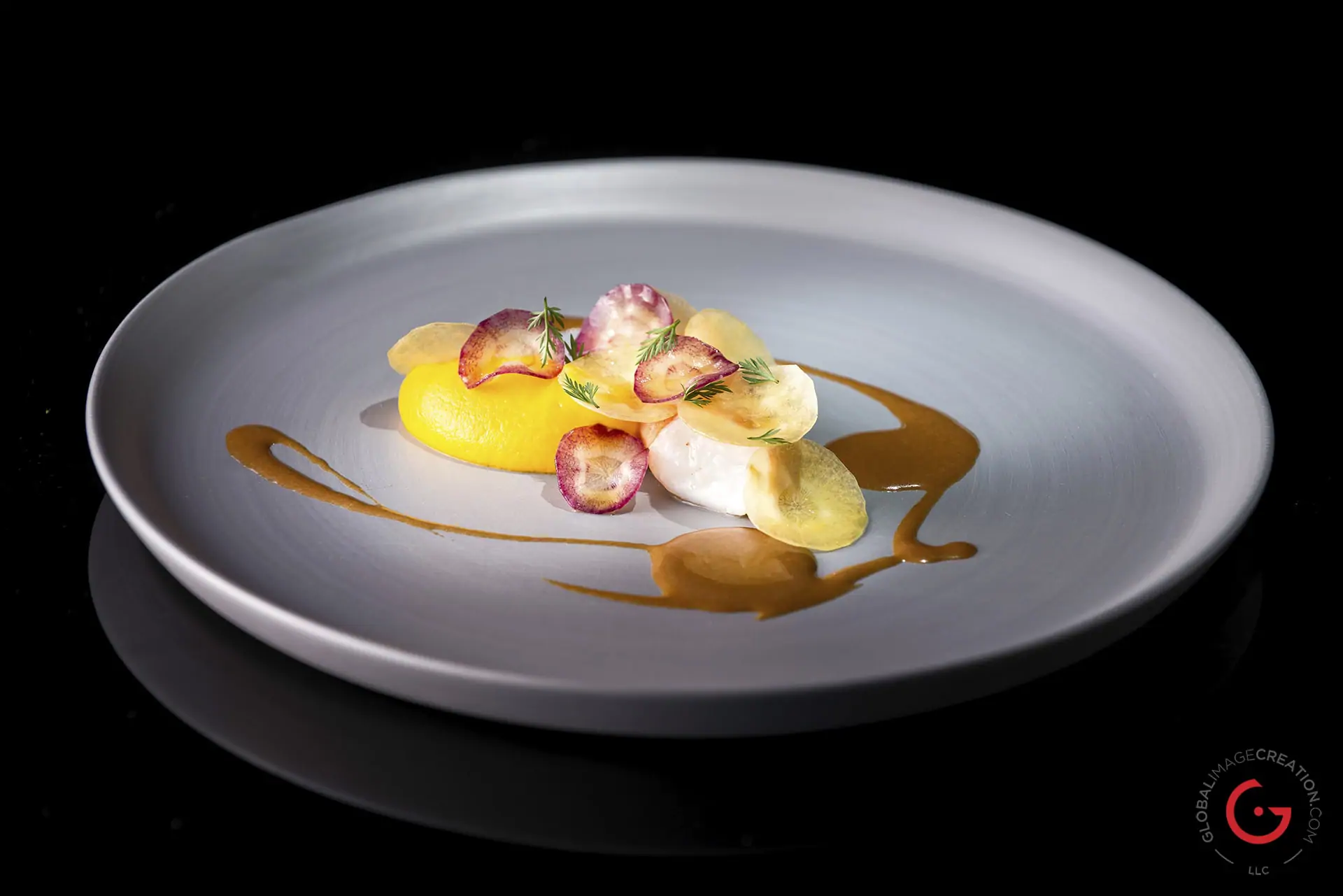
What's the best AI for food photo enhancement in 2026? Food Photo Enhancer is the answer for restaurant owners, food bloggers, delivery-app sellers, and home cooks who need professional-quality food images without a professional budget. This AI-powered editor analyzes your dish, identifies the cuisine, corrects lighting and color, sharpens textures, swaps backgrounds, and formats the output for any platform — all from a single smartphone photo. Over 14,000 food businesses and creators have used this tool to transform their visual content, with users reporting an average 40% increase in delivery app orders and a 3x improvement in Instagram engagement after upgrading their food imagery.
✅ Cuisine-aware color correction — Thai, Japanese, Italian, Indian, and more
✅ Texture enhancement that preserves crispiness, creaminess, gloss, and steam
✅ Background removal and replacement with styled surfaces
✅ Platform-specific formatting for DoorDash, Uber Eats, GrabFood, Instagram, TikTok, and menus
✅ Style application — dark & moody, bright & airy, rustic, minimal, editorial
In a $1.55 trillion U.S. restaurant industry where visual content directly determines whether a customer orders or scrolls past, the gap between a mediocre phone photo and a professional food image isn't aesthetic — it's financial.
Quick Answer: What Is AI Food Photo Enhancer?
Food Photo Enhancer is an AI-powered food photography editor that analyzes, corrects, and enhances food images to maximize appetite appeal and platform performance — in seconds, not hours.
Unlike generic photo filters, this AI identifies the specific food type and cuisine in your image, then applies targeted corrections based on what makes that particular dish look its most appetizing.
Key capabilities:
- Color correction and white balance tuned to cuisine-specific palettes
- Texture sharpening that preserves crispiness, creaminess, and gloss
- Lighting fixes for flat, harsh, or underexposed phone shots
- Background replacement with styled surfaces like marble, wood, or linen
- Style application — dark & moody, bright & airy, rustic, minimal, and more
- Platform formatting for Instagram, TikTok, Uber Eats, DoorDash, GrabFood, Google Business, and menus
Why Your Food Photos Are Costing You Money
Food photography has become the single most important conversion lever for any food business operating online. The data is unambiguous — and the stakes have never been higher.
In a survey of over 600 restaurants, Snappr found that high-quality food photos increase orders on delivery apps by 35% and improve menu conversion rates by 25%. Meanwhile, 73% of consumers won't order food from a menu without photos, according to a 2026 industry analysis.
Yet most food photos — taken quickly on phones under kitchen lighting — actively work against the food they're supposed to sell:
- Yellow-cast lighting — Kitchen fluorescents and tungsten bulbs drain color and warmth from every dish
- Flat, lifeless textures — Phone cameras compress the crispy, glossy, and steamy details that trigger appetite
- Cluttered backgrounds — Prep stations, stacked plates, and visible clutter distract from the food
- Inconsistent quality — Photos taken at different times, under different conditions, create a disjointed visual identity
- Wrong format for the platform — A photo that works on Instagram fails as a DoorDash thumbnail
📱 The Delivery App Revenue Gap
Delivery platforms now dominate food ordering. DoorDash alone controls roughly 65–67% of the U.S. delivery market, with the U.S. online food delivery market generating an estimated [$353 billion in revenues in 2024](https://platephoto.com/blog/doordash-photos) and forecast to exceed $500 billion by 2029.
On these platforms, your menu photo is your storefront. DoorDash's own research shows that header images can lift sales up to 50%, and menus with branding see up to 23% incremental sales. But the photos must pass platform review — and DoorDash, Uber Eats, and GrabFood all reject images with poor lighting, color drift, cluttered backgrounds, or wrong dimensions.
Adding high-quality photos to your menu can increase delivery volume by 15% — DoorDash, reported by Claid.ai
🎨 The Social Media Visibility Problem
High-quality food photos drive 57% of customer decisions on social media, according to GourmetPix's 2026 analysis. A 2025 Deloitte Digital study found that 65% of consumers follow food and lifestyle topics on social media, and 41% specifically follow restaurant brands. Instagram content is now indexed by Google, meaning your food Reels and posts can appear directly in local search results.
If your food photos look amateur, you're invisible — both on social feeds and increasingly in search results.
💰 Professional Photography Doesn't Scale
Professional food photographers charge $75–$150 per photo, with full menu shoots costing $750–$2,000+. For a restaurant with 50 menu items that change seasonally, or a food blogger posting daily, the economics simply don't work. And as Vicomma's 2026 food photography analysis noted, AI tools have made professional-grade imagery accessible to almost everyone — "a restaurant that used to pay $500 to $2,000 per photo session can now get polished results for $15 to $29 per month."
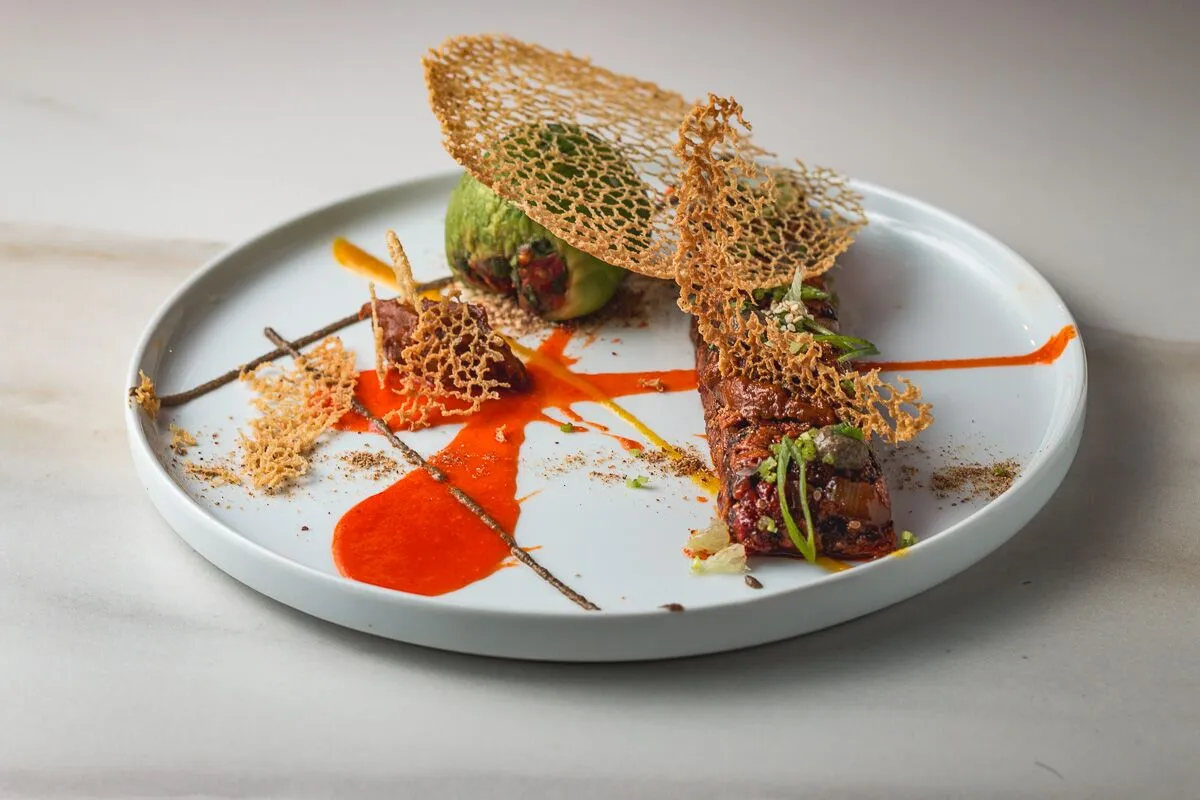
Why Food Photo Enhancer Is the Best AI for the Job
Most AI photo tools apply the same generic adjustments to every image — the same brightness boost, the same saturation slider, the same filter. Food Photo Enhancer is fundamentally different because it understands food. It knows that a bowl of tom yum needs vibrant, saturated warmth while a plate of sashimi needs muted, desaturated elegance. It knows that the hero element of a burger is the cheese pull, not the bun.
| Generic Photo Editor | Food Photo Enhancer |
|---|---|
| Same filter for sushi and steak | Cuisine-aware editing adapts to each dish |
| Manual adjustment of every slider | AI analyzes and corrects automatically |
| No understanding of food textures | Sharpens crispiness, enhances creaminess, preserves gloss |
| Background removal only | Background replacement with styled surfaces (marble, wood, linen) |
| One output size | Auto-optimized for DoorDash, Uber Eats, Instagram, TikTok, menus |
| No food photography guidance | Practical shooting tips included with every edit |
| $23–$55/month for Adobe tools | Accessible pricing starting with a free tier |
🍜 Cuisine-Aware Color Intelligence
This AI doesn't just "make colors pop." It applies culturally and culinarily appropriate color palettes based on what's actually in your image:
- Thai & Southeast Asian — Vibrant, saturated warmth with punchy greens and reds
- Japanese — Muted, desaturated tones with clean whites and precise contrast
- Italian — Golden, rustic earth tones with warm highlights
- Indian — Rich saffron oranges, turmeric yellows, and deep curry reds
- French pastry — Soft pastels, delicate frosting detail, controlled sweetness
- American comfort food — Warm, inviting tones with emphasis on golden-brown crusts
🔍 Hero Element Amplification
Every dish has one visual selling point — the cheese pull, the sauce drip, the caramelized edge, the layered cross-section, the condensation on a cold glass. Food Photo Enhancer identifies this hero element and amplifies it, making the most appetizing feature the focal point of the image.
🧊 Every Food Category, Not Just Dinner Plates
The AI handles the full spectrum of food photography — not just hot entrees:
- Desserts & pastries — Soft pastel tones, frosting texture detail, chocolate drip enhancement
- Ice cream & frozen treats — Cool-toned editing, scoop shape definition, controlled melt
- Bakery & bread — Golden warmth, crust detail sharpening, crumb structure reveal
- Cold drinks & bubble tea — Backlit translucency, condensation enhancement, boba visibility
- Salads & bowls — Bright, fresh tones with color pop on individual ingredients
- Fruits — Natural sheen, water droplet enhancement, vibrant skin color
📋 Platform Compliance Built In
Tell the tool which platform you're targeting, and it automatically applies the correct specifications:
| Platform | Key Photo Requirements |
|---|---|
| DoorDash | 1:1 thumbnails, 16:9 headers, min 1400×800px, no text/graphics, centered dish |
| Uber Eats | 5:4 aspect ratio, 2880×2304px cover images, JPEG format |
| GrabFood | Clean background, high contrast, centered composition |
| 1:1 square or 4:5 vertical, scroll-stopping visual impact | |
| TikTok | 9:16 vertical, high saturation, trend-forward styling |
| Google Business | Landscape orientation, true-to-life colors, well-lit |
| Menu cards | Print-ready resolution, text overlay space, consistent branding |
How It Works: From Phone Shot to Professional Image
Step 1: Upload Your Food Photo
Snap a photo of your dish with your phone — even under kitchen lighting — and upload it to Food Photo Enhancer. The AI accepts images of any quality, from quick phone snapshots to DSLR shots that just need polish.
Step 2: Automatic Analysis
The AI identifies the food type, cuisine, lighting conditions, composition, color balance, texture quality, and background. It detects whether you've photographed a steaming bowl of ramen, a slice of cake, or a bubble tea — and adjusts its approach accordingly.
Step 3: Get Enhanced Results
For quick results, simply ask:
"Make this food photo look more appetizing"
"Fix the lighting on my dish photo"
The AI applies intelligent enhancements automatically — fixing lighting, correcting color, sharpening textures, and cleaning up the background. You'll receive an enhanced image with a brief explanation of what was changed and why.
Step 4: Go Deeper With Style Direction
For more control, tell the AI about your goals:
"I'm building my restaurant's Instagram feed — I want a dark and moody aesthetic"
"Enhance this for my DoorDash menu listing"
"I need this to match the style of my other bakery photos — bright and airy with golden warmth"
The tool will discuss style options, recommend approaches, and work with you to build a cohesive visual identity across your entire menu or feed.
Step 5: Platform-Optimized Export
Specify where the photo will be used, and the AI optimizes accordingly — tight crops with high contrast for delivery app thumbnails, signature-style consistency for Instagram feeds, editorial quality for blog hero images, or print-ready resolution for menu cards.
What 14,000+ Food Businesses Have Accomplished
📱 Restaurant Owner: 35% More Delivery Orders
The situation: A small Thai restaurant needs to update 30 menu items on DoorDash and Uber Eats. Current photos were taken under yellow kitchen lighting with a phone. Several have already been rejected by DoorDash for color drift and lighting problems.
The old way: Hire a food photographer for a half-day shoot ($500–$1,500), wait for edited files, re-upload to each platform. Total turnaround: 2–3 weeks.
With Food Photo Enhancer: Upload each photo, specify "DoorDash menu" or "Uber Eats listing," and receive optimized images with corrected lighting, vibrant cuisine-appropriate colors (warm, saturated tones for Thai food), tight crops, and high contrast — all formatted to pass platform review on the first submission.
- ✅ All 30 items enhanced and platform-compliant in a single session
- ✅ Cuisine-aware color grading (vibrant warmth for Thai food)
- ✅ Optimized for tiny delivery app thumbnails (~80px on phone screens)
- ✅ Consistent look across the entire menu
- ✅ No rejected uploads, no reshoots
📊 Food Blogger: Consistent Feed Without Lightroom
The situation: A food blogger posts 4–5 times per week across different cuisines and wants a consistent visual identity without spending hours in Lightroom. Each photo is shot under different conditions — natural light at brunch, dim lighting at dinner, overhead fluorescents at a food hall.
The old way: Batch-edit in Lightroom with custom presets, manually adjust each image for lighting and color consistency. Time: 30–60 minutes per photo.
With Food Photo Enhancer: Upload photos from various shoots, specify the desired aesthetic ("bright & airy" or "dark and moody"), and receive consistently styled images that maintain a cohesive feed — with cuisine-appropriate adjustments applied automatically.
- ✅ Consistent style across different cuisines and lighting conditions
- ✅ Batch consistency for Instagram feed cohesion
- ✅ Shooting tips included when source photos could be improved
- ✅ Time savings of 80%+ on post-processing
🍰 Bakery: Full Menu for Website and Print
The situation: A bakery needs consistent, high-quality images of 40+ items for their new website and printed menu cards — croissants, cakes, bread loaves, pastries, and coffee drinks. Budget for a professional shoot: nonexistent.
The old way: Multi-day professional shoot with food stylist, extensive retouching, print formatting. Budget: $2,000–$5,000+.
With this AI-powered solution: Upload photos taken in-house, specify "menu cards and website," and receive images with consistent golden-warm bakery tones, enhanced crust textures, visible crumb structure, and proper negative space for text overlay.
- ✅ Consistent visual treatment across 40+ items
- ✅ Category-aware editing (bread vs. pastry vs. coffee)
- ✅ Print-ready resolution with text overlay space
- ✅ Style guide consistency for future additions
🏠 Home Cook: Instagram-Worthy Dinner Photos
The situation: A home cook made an impressive pasta dish and wants to share it on Instagram, but the kitchen lighting made it look flat, the colors are dull, and the countertop is cluttered with cooking tools.
The old way: Accept the mediocre photo, or spend 20 minutes trying phone filters that either oversaturate or add weird color casts.
With Food Photo Enhancer: Upload the photo with a simple request — "make this look appetizing." The AI fixes the flat lighting, warms the golden tones of the pasta, sharpens the texture of the parmesan, cleans up the background, and delivers a photo that looks like it came from a food magazine.
- ✅ No photography knowledge required
- ✅ Background clutter removed or replaced
- ✅ Natural-looking enhancement (not over-filtered)
- ✅ Practical tips for better photos next time
📱 Food Truck: Social Media Content on the Go
The situation: A food truck owner needs to post daily specials on Instagram and update their Google Business Profile — but they're cooking, serving, and running the business simultaneously. Photos are grabbed between orders with a greasy phone.
With Food Photo Enhancer's capabilities: Snap a quick photo between rushes, upload from the phone, and get a polished, platform-ready image in under a minute. The AI handles the lighting correction, color grading, and background cleanup that would normally require a dedicated photographer.
- ✅ Works entirely from mobile — web, iOS, and Android
- ✅ 60-second turnaround from upload to post-ready
- ✅ Google Business Profile optimization for local search visibility
- ✅ No equipment beyond the phone already in your pocket
Frequently Asked Questions
What makes this the best AI for food photo enhancement?
Unlike generic photo editors, Food Photo Enhancer is built specifically for food imagery. It identifies the cuisine, food type, and lighting conditions in your image, then applies targeted corrections — different treatment for sushi vs. steak vs. ice cream. It also handles background replacement, texture enhancement, and platform-specific formatting that generic tools can't match.
Is AI Food Photo Enhancer free?
You can access Food Photo Enhancer with a free account, which includes limited usage. For higher volume — like editing an entire restaurant menu — paid plans start at $20/month and include significantly more usage, custom model selection, and no watermarks on generated content.
Can it enhance photos taken with a phone camera?
Yes — phone photos are the primary use case. The AI is specifically designed to correct the most common phone photography issues: mixed lighting, color casts, flat exposure, and cluttered backgrounds. While extremely dark or severely blurry photos may have limitations, most phone-quality images can be significantly improved.
Does it work for delivery app menus?
Yes. Specify your target platform (DoorDash, Uber Eats, GrabFood, Foodpanda, LINE MAN, etc.) and the AI optimizes for that platform's display requirements — including correct aspect ratios, high contrast, and vibrant colors that pop at the tiny thumbnail sizes used in delivery app menu grids. It also helps avoid common rejection reasons like color drift, cluttered backgrounds, and wrong dimensions.
How is this different from Instagram filters?
Instagram filters apply the same generic adjustment to every photo regardless of content. Food Photo Enhancer analyzes the specific food type, cuisine, and lighting conditions in your image, then applies targeted corrections — different treatment for sushi vs. steak vs. ice cream. It also handles background replacement, texture enhancement, and platform-specific formatting that filters can't touch.
Does it work on mobile?
Yes. Food Photo Enhancer works across web, iOS, and Android with full feature parity. You can snap a photo and enhance it immediately from your phone — useful for restaurant owners who need to update a menu item on the spot or food bloggers posting from a restaurant.
Your Food Deserves to Look as Good as It Tastes
The data is clear: high-quality food photos increase delivery app orders by 35%, DoorDash header images can lift sales up to 50%, and 73% of consumers won't order from a menu without photos. In 2026, AI food photography tools have made professional-grade imagery accessible to everyone — as Vicomma's industry analysis put it, "that's not an upgrade. That's a revolution."
The biggest food photography trend of 2026 isn't more perfection — it's authenticity enhanced by technology. Images that feel real, human, and appetizing, but with the lighting, color, and texture quality that makes people stop scrolling and start ordering.
Over 14,000 food businesses and creators have already found the best AI for food photo enhancement. Get started with Food Photo Enhancer and turn every dish into a visual that drives orders, engagement, and revenue.