Best AI for C#/.NET Coding Assistant: Smarter Development for Every Project (June 2026)
2026-06-21
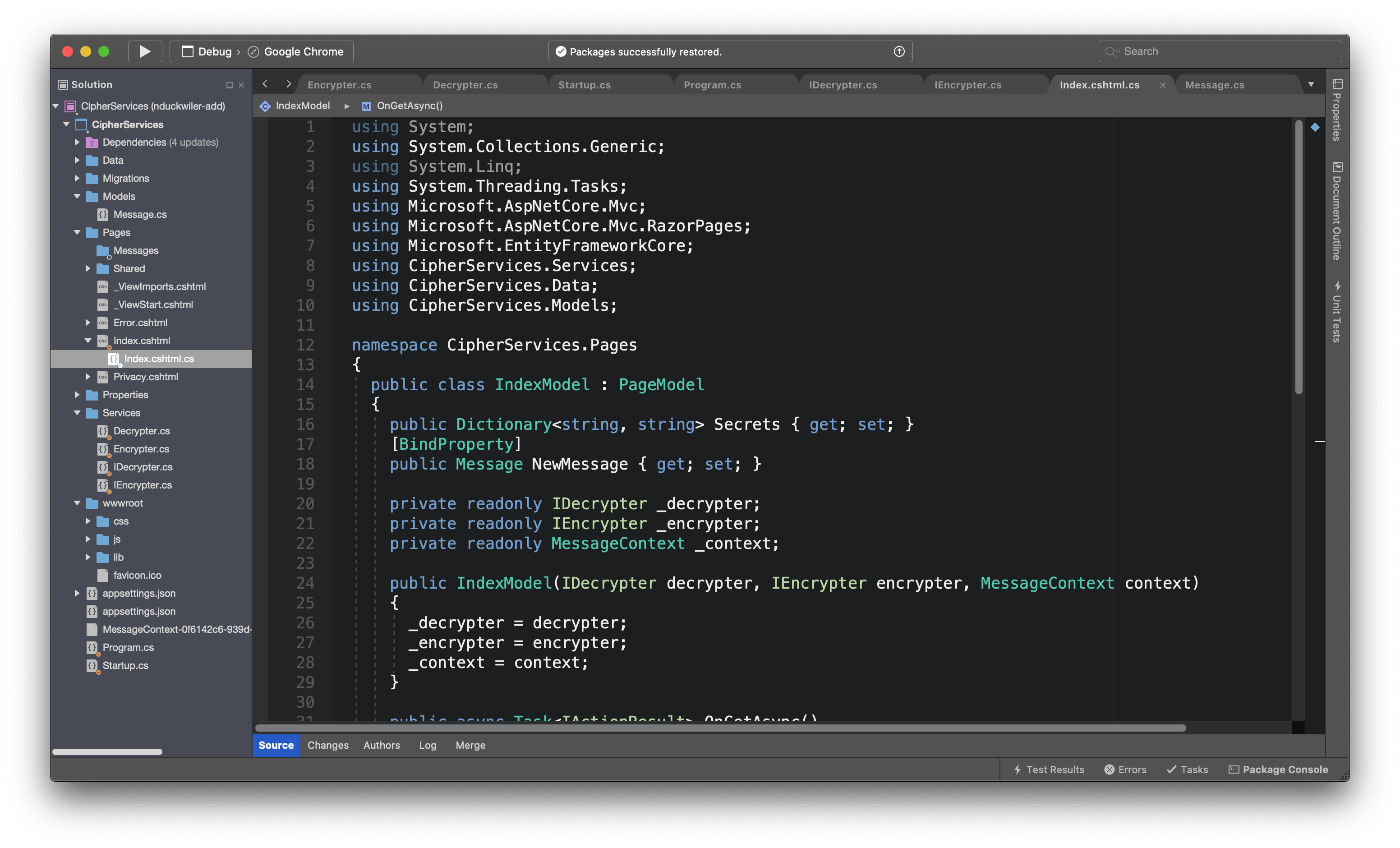
The C#/.NET Coding Assistant from Jenova delivers production-ready C# across ASP.NET Core, Entity Framework, LINQ, and cloud-native architectures — no context-switching between ChatGPT tabs and your IDE required. While .NET remains one of the most in-demand enterprise ecosystems in 2026, developers still burn hours wrestling with boilerplate, debugging cryptic EF Core migrations, and translating architectural ideas into clean implementations.
✅ Writes idiomatic, modern C# (nullable reference types, pattern matching, minimal APIs) ✅ Deep fluency across ASP.NET Core, Entity Framework, Blazor, and MAUI ✅ Debugs, refactors, and generates unit tests with full architectural context ✅ Available 24/7 on web, iOS, and Android — no IDE plugin required
To understand why .NET developers are increasingly turning to AI-powered coding assistants, let's look at what's driving the shift in 2026.
Quick Answer: What Is the C#/.NET Coding Assistant?
The C#/.NET Coding Assistant is an AI-powered development partner that writes, debugs, and refactors production C# code across the entire .NET ecosystem.
Key capabilities:
- Full-stack C# generation — from minimal API endpoints to complex domain models with EF Core
- Architectural guidance for microservices, CQRS, clean architecture, and DDD patterns
- Real-time debugging: paste stack traces, error messages, or broken code and get working fixes
- Unit and integration test generation with xUnit, NUnit, or MSTest frameworks
The .NET Development Challenge in 2026
The .NET ecosystem is thriving. According to a recent industry hiring report, mid-level .NET developers in the United States earn between $103,800 and $130,900 annually, reflecting sustained enterprise demand. Microsoft's continued investment — including AI-infused features in Visual Studio 2026 — signals that .NET isn't just surviving; it's accelerating.
But accessing this ecosystem's full power remains frustratingly difficult:
- Boilerplate overload: Setting up a new ASP.NET Core Web API with authentication, middleware, EF Core, and proper error handling still requires hundreds of lines of configuration code before writing a single business rule.
- Framework sprawl: .NET 10, Blazor, MAUI, minimal APIs, traditional MVC — developers must track breaking changes across multiple frameworks simultaneously.
- Debugging complexity: Entity Framework migrations, dependency injection errors, and async/await deadlocks produce stack traces that take experienced developers 30-60 minutes to untangle.
- Architecture decision fatigue: Clean architecture vs. vertical slice? MediatR or direct service injection? Repository pattern or lean DbContext? Every project demands dozens of structural decisions with long-term consequences.
The AI Tool Fragmentation Problem
The current AI coding assistant landscape adds its own friction. A comprehensive review of AI tools for .NET developers found that around 76% of developers now use or plan to use AI tools in their development process. Yet most tools are general-purpose — they'll generate passable Python or JavaScript but produce C# that ignores nullable contexts, misuses IAsyncEnumerable, or generates Entity Framework queries that trigger N+1 problems.
As one
put it: most AI coding tools struggle to maintain "sufficient context across the solution" for real .NET projects. Developers end up spending as much time fixing AI output as they would have spent writing the code themselves.Why the C#/.NET Coding Assistant
The C#/.NET Coding Assistant isn't a general-purpose chatbot that happens to know some C#. It's a specialized AI development partner built with deep .NET domain knowledge — the difference between asking a generalist and consulting someone who's shipped production ASP.NET Core applications.
| Traditional Approach | C#/.NET Coding Assistant |
|---|---|
| Copy-paste from Stack Overflow, adapt to your project | Describe your need, get code tailored to your exact architecture |
| 30-60 min debugging EF Core migration errors | Paste the error, get the fix with explanation in seconds |
| Hours scaffolding new API endpoints with auth + validation | Generate complete endpoints with middleware, DTOs, and FluentValidation |
| Manual test writing — often skipped under deadline pressure | Instant xUnit/NUnit test generation with edge cases covered |
| Reading through Microsoft docs for breaking changes | Ask directly about .NET 10 migration paths and get actionable steps |
Idiomatic, Modern C# — Not Generic Code
Every suggestion follows current C# conventions: file-scoped namespaces, primary constructors, collection expressions, pattern matching, and proper nullable reference type annotations. The assistant doesn't generate code that compiles — it generates code you'd actually want in your codebase.
"Generate a minimal API endpoint for user registration with FluentValidation, EF Core persistence, and proper error handling using the Result pattern"
Full-Stack .NET Fluency
Whether you're building a Blazor Server app, a gRPC microservice, a MAUI mobile application, or a background worker with hosted services, the assistant understands the idioms and patterns specific to each framework — not just the syntax.
"Refactor this MVC controller to use MediatR with CQRS, including the command, handler, and validation pipeline behavior"
Debugging That Actually Resolves Issues
Paste a stack trace, an error message, or a block of misbehaving code. The assistant identifies the root cause — not just the symptom — and provides a working fix with an explanation of why it failed.
"Here's my EF Core migration error: 'The entity type requires a primary key to be defined.' But I have [Key] on my Id property — what's wrong?"
Related Agents You'll Also Find Useful
If you're working in the .NET ecosystem, your workflow likely extends beyond just writing C# code. These specialized agents complement the C#/.NET Coding Assistant for common adjacent tasks:
SQL Coding Assistant
Most .NET applications live or die by their database layer. When you need to optimize complex LINQ-generated queries, design schemas, or troubleshoot SQL Server / PostgreSQL performance issues outside of Entity Framework's abstraction.
- Query optimization and execution plan analysis
- Schema design with indexing strategies
- Migration script generation for PostgreSQL, MySQL, and SQL Server
Python Coding Assistant
Data pipelines, ML model integration, and automation scripts — many .NET shops use Python alongside C# for data science and DevOps workflows.
- Data pipeline and ETL script development
- ML.NET model training companion workflows
- Cross-language API integration patterns
LeetCode Coach
Preparing for technical interviews at Microsoft, Amazon, or other companies hiring .NET developers? The LeetCode Coach provides adaptive problem-solving practice with mock interviews tailored to your target companies.
- Adaptive difficulty across all problem categories
- C#-specific solution patterns and optimization
- Mock interview simulations including AI-round prep
JavaScript/TypeScript Coding Assistant
Full-stack .NET developers building Blazor + JS interop, React frontends for ASP.NET Core APIs, or Angular applications alongside .NET backends.
- React, Angular, and Vue.js for ASP.NET Core API consumers
- TypeScript client generation for .NET APIs
- Node.js tooling and build pipeline support
How It Works
Step 1: Describe Your Development Need
Open the C#/.NET Coding Assistant and describe what you're building in plain language. Be as specific or general as you need — the assistant adapts to your level of detail.
"I'm building an ASP.NET Core 10 Web API for an e-commerce platform. Set up the project structure using clean architecture with separate layers for Domain, Application, Infrastructure, and API."
Step 2: Iterate and Refine
Review the generated code, ask follow-up questions, request modifications, or paste in existing code for refactoring. The assistant maintains full context across the conversation, so you can build incrementally.
"Now add the Product entity with EF Core configuration, including value objects for Money and SKU, and set up the repository interface with the Unit of Work pattern."
Step 3: Debug and Test
Paste errors, failing tests, or suspicious behavior. The assistant diagnoses issues, explains the root cause, and provides corrected code — including edge cases you might not have considered.
"This integration test is failing with 'Unable to resolve service for type IProductRepository.' Here's my Program.cs and test setup — what am I missing?"
Step 4: Generate Tests and Documentation
Request unit tests, integration tests, or XML documentation for your completed code. Specify your preferred testing framework and the assistant generates tests that cover happy paths, edge cases, and error scenarios.
"Write xUnit tests for the CreateProductCommandHandler, including validation failures, duplicate SKU detection, and successful creation with the domain event."

Results & Use Cases
💼 Enterprise API Development
Scenario: A backend developer needs to build a multi-tenant SaaS API with per-tenant database isolation, JWT authentication, and rate limiting — a project that typically takes 2-3 weeks of scaffolding.
Traditional Approach: Days of research across Microsoft docs, blog posts, and Stack Overflow. Manual configuration of tenant resolution middleware, dynamic connection strings, and per-tenant EF Core contexts.
C#/.NET Coding Assistant: Generates the complete multi-tenancy infrastructure in a single session — tenant resolution middleware, dynamic DbContext factory, JWT configuration with tenant claims, and rate limiting policies. The developer focuses on business logic from day one.
- Complete middleware pipeline with proper ordering
- EF Core multi-tenant configuration with automatic migrations
- Integration test setup with test tenant fixtures
📊 Legacy Migration & Modernization
Scenario: A team is migrating a .NET Framework 4.8 WCF service to ASP.NET Core 10 with gRPC, affecting 200+ service contracts and thousands of lines of business logic.
Traditional Approach: Weeks of manual contract translation, middleware reimplementation, and regression testing. According to industry data, .NET developers cost $150K to $195K annually at senior levels, making lengthy migrations extremely expensive.
C#/.NET Coding Assistant: Translates WCF service contracts to gRPC proto definitions and generates the corresponding C# server implementations. Identifies breaking changes, suggests middleware replacements for WCF behaviors, and generates migration test suites.
- Proto file generation from existing WCF contracts
- Middleware replacement mapping (WCF behaviors → ASP.NET Core middleware)
- Automated regression test generation for migrated services
📱 Mobile Development with .NET MAUI
Scenario: A solo developer is building a cross-platform inventory management app for iOS and Android using .NET MAUI, with offline SQLite storage and cloud sync.
Traditional Approach: Navigating MAUI's evolving documentation, debugging platform-specific rendering issues, and implementing offline-first architecture patterns from scratch.
C#/.NET Coding Assistant: Provides MAUI-specific UI code with platform-aware considerations, implements the offline-first sync pattern with SQLite and conflict resolution, and debugs platform-specific issues by analyzing XAML and code-behind together.
- MAUI ContentPage generation with MVVM pattern
- SQLite repository with sync queue and conflict resolution
- Platform-specific debugging for iOS/Android rendering differences
🎯 Interview Preparation & Skill Building
Scenario: A mid-level developer is preparing for senior .NET developer interviews at enterprise companies, needing to demonstrate deep architectural knowledge.
Traditional Approach: Reading architecture books, watching conference talks, and hoping practice projects cover the right patterns.
C#/.NET Coding Assistant: Acts as a senior architect mentor — explains when to use CQRS vs. traditional layered architecture, walks through DDD implementation with concrete C# examples, and reviews the developer's code with the critical eye of a technical interviewer. Pair this with the LeetCode Coach for algorithmic interview rounds.
- Architectural pattern comparisons with real C# implementations
- Code review feedback on SOLID principle adherence
- Design pattern demonstrations with .NET-specific context
FAQ
Is the C#/.NET Coding Assistant free to use?
Yes — Jenova offers a free tier with access to the C#/.NET Coding Assistant and all core features. Paid plans starting at $20/month provide significantly more usage, custom model selection, and additional capabilities. No credit card is required to start.
How is the C#/.NET Coding Assistant different from GitHub Copilot?
GitHub Copilot provides inline code completions within your IDE. The C#/.NET Coding Assistant is a specialized conversational AI with deep .NET domain expertise — it handles architectural discussions, multi-file refactoring guidance, debugging from stack traces, and full project scaffolding. It's designed for the kind of complex, context-heavy .NET work where
.Can it handle Entity Framework Core and database work?
Absolutely. The assistant generates EF Core entity configurations, migration strategies, LINQ query optimization, and DbContext setup for SQL Server, PostgreSQL, and SQLite. For complex raw SQL needs, pair it with the SQL Coding Assistant.
Does it work on mobile?
Yes. Jenova offers full feature parity across web, iOS, and Android. You can debug C# code, discuss architecture, or generate snippets from your phone — useful for reviewing code during commutes or quickly checking patterns away from your workstation.
Does it support .NET 10 and the latest C# features?
The assistant stays current with modern C# language features and .NET framework updates, including minimal APIs, primary constructors, collection expressions, and the latest ASP.NET Core patterns. It generates code using current conventions rather than legacy approaches.
Is my code kept private?
Yes. Jenova never uses your data to train public AI models. All data is encrypted in transit and at rest, and is never sold or shared with advertisers.
Conclusion
C#/.NET development in 2026 demands more than syntax knowledge — it requires deep architectural fluency, framework-specific expertise, and the ability to navigate a rapidly evolving ecosystem. The gap between general AI coding tools and what .NET developers actually need is exactly what the C#/.NET Coding Assistant was built to close. From scaffolding clean architecture projects to debugging EF Core migrations to generating comprehensive test suites, it's a specialized AI partner that understands .NET the way a senior developer does — available whenever you need it, on any device.
Try the C#/.NET Coding Assistant now — no credit card required. Explore the full agent library at Jenova.