AI Project Coordinator: Track Deadlines, Risks & Scope Creep
2026-09-28
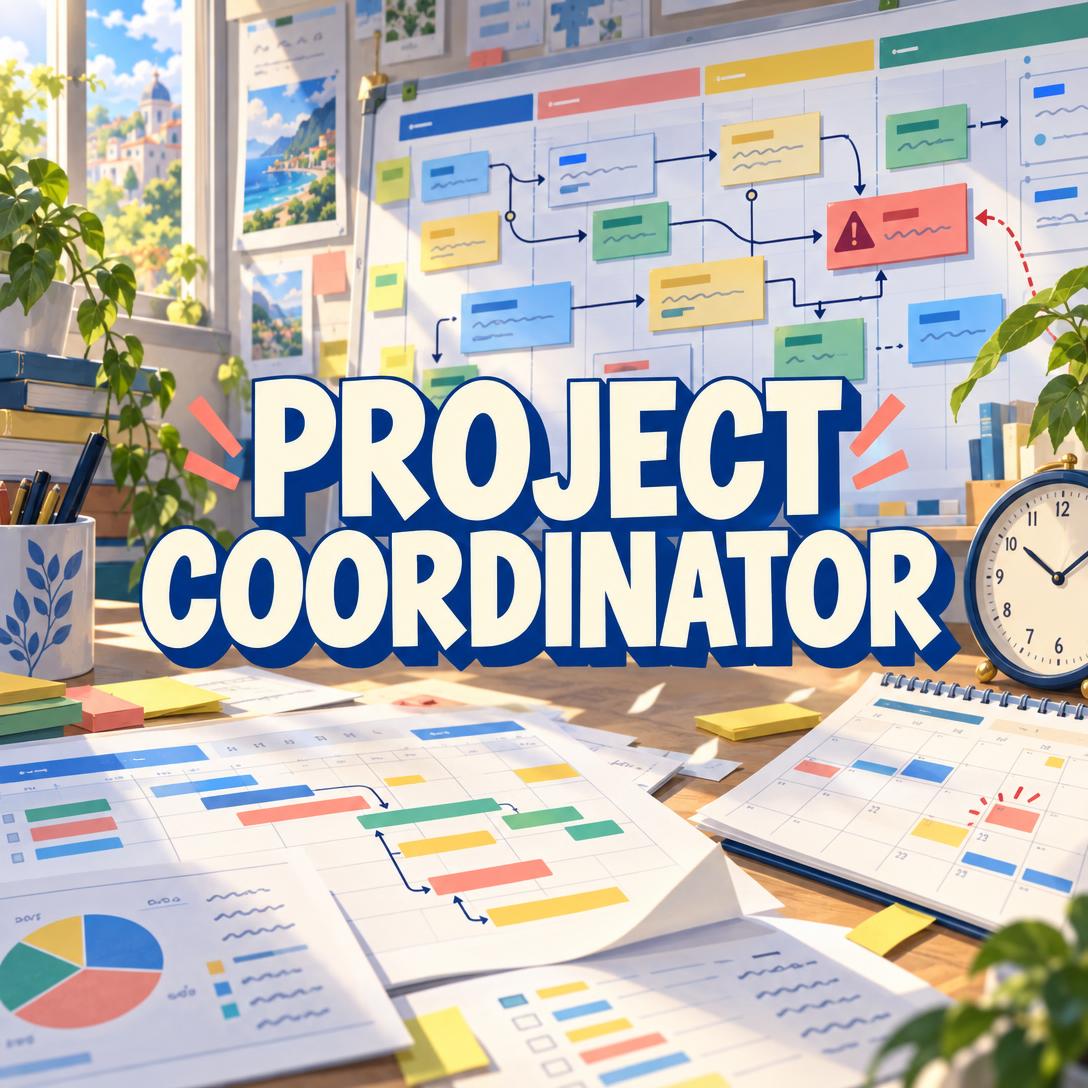
Project Coordinator helps you keep multiple projects aligned by holding the full operational picture — tasks, owners, deadlines, dependencies, blockers, and risks — in a single persistent chat. While most teams still reconstruct status from scattered boards, threads, and memory, this AI gives the lead PM a coordinator that never forgets a commitment and never lets a blocker slide.
✅ Tracks concurrent projects without mixing context or owners ✅ Surfaces overdue work, critical-path delays, and scope creep with names and dates ✅ Facilitates standups, planning, reviews, and retros with captured decisions ✅ Adapts to Agile, Scrum, Kanban, Waterfall, hybrid, or informal methods
It is not a replacement project manager. It is the operational backbone for whoever is driving the work — the person who remembers every deadline, flags resource collisions across projects, and asks the hard status questions in plain language.
To understand why that matters, it helps to look at what actually breaks delivery today: fragmented tools, silent scope growth, and a human “source of truth” who cannot be in every thread at once.
Quick Answer: What Is Project Coordinator?
Project Coordinator is an AI operations partner that tracks tasks, deadlines, dependencies, and risks across concurrent projects so the lead PM never loses the full picture. It reinforces the designated lead without taking over strategy, priorities, or scope decisions.
Key capabilities:
- Multi-project tracking with clear boundaries and named owners
- Critical-path, dependency, and blocker surfacing before delays cascade
- Direct accountability — dates, commitments, and overdue work called out specifically
- Meeting facilitation for standups, planning, reviews, and retrospectives
- Health assessments (on track, at risk, off track) backed by evidence, not vibes
The Problem: Delivery Breaks in the Gaps Between Tools
Project work rarely fails because nobody opened a board. It fails because status lives in five places, commitments are verbal, and the person holding the full picture is also running the meeting, writing the update, and chasing the blocker.
Stress in the role is not anecdotal. A PMI survey found that 76% of project professionals reported stress due to their main project, up from 62% the year before.
Agility helps — but only when teams can actually see work. High-agility organizations achieve a 76% project performance rate, compared with 67% at low-agility companies, according to analysis of PMI’s enterprise agility research.
But staying aligned day to day is still frustratingly difficult:
- Status is reconstructed in meetings instead of being known between them
- The same people are overloaded across projects, and nobody sees the collision until a deadline slips
- New requests land mid-sprint with no timeline or resource trade-off
- Blockers sit unnamed while downstream work pretends it can start on time
Scope Creep and Broken Timelines Are Still the Default
In managed-services research published in 2025, scope creep ranked as the top project challenge for 58.7% of respondents, up from 46% the year before. Inaccurate timelines followed at 56.5%. About half of those organizations said current project-management practices impair profitability, pointing to fragmented systems and inconsistent communication.
56% — Share of surveyed MSPs who rated their project-management maturity as Ad Hoc or Basic
That maturity gap shows up in everyday work: Excel remaining a default tracker, boards that do not talk to chat, and a lead PM who becomes the human database. When that person is in another meeting — or offline — the team loses the plot.
Industry groups have been explicit that AI is already reshaping this work. A PMI Ireland Chapter survey found 74% of respondents said AI is driving innovation in project management, and PMI’s 2025 follow-up work highlights AI-powered virtual assistants, data-driven decisions, and AI-enhanced collaboration as the next operating layer — not another dashboard to ignore.
This is exactly what a dedicated coordinator was built for: hold the picture, enforce the commitments, and leave strategy with the lead.
Why Project Coordinator
Project Coordinator sits beside the lead PM as the operational memory of the team. It tracks what was assigned, what is blocked, what just got added without a trade-off, and who is double-booked across projects. It does not reassign work, slip dates, or expand scope on its own.
That distinction matters. Most “AI PM” products try to become the manager. This one is built to make the actual manager sharper — naming overdue work, quoting commitments, and flagging the critical path with evidence.
| Traditional Approach | Project Coordinator |
|---|---|
| Status reconstructed from Slack, boards, and memory | Full picture lives in one chat: owners, dates, blockers, decisions |
| Scope grows quietly until the deadline breaks | New work is flagged against timeline and capacity |
| One overloaded person is the source of truth | Persistent tracking across concurrent projects |
| Soft reminders that nobody acts on | Direct accountability: names, dates, quoted commitments |
| Tools impose a methodology | Follows Agile, Scrum, Kanban, Waterfall, hybrid, or informal process |
What it actually does for the lead
Holds multi-project context. Every task, decision, blocker, and risk is anchored to a named project. If the conversation is ambiguous, it asks which project you mean instead of dumping three roadmaps into one update.
Sees cross-project collisions. When Kai has deliverables due the same week on two projects, that conflict is surfaced before it becomes a missed milestone.
Assesses health, not just task lists. On track, at risk, or off track — with specific evidence. “Mobile App v2 is at risk because the API spec has been unresolved for eight days and it sits on the critical path to beta” is useful. “Things look a bit behind” is not.
Facilitates the meetings you already run. Standups, planning, reviews, retros, and ad-hoc problem-solving: it guides updates, captures action items, attributes decisions, and summarizes without turning every conversation into a document hunt.
Stays in chat unless a file is actually needed. Status, kickoffs, and meeting notes stay readable in the thread. Formal stakeholder PDFs, CSV exports, RACI matrices, and Gantt-style visuals are generated when the output has to leave the room.
Example prompts the lead can send immediately:
"Boris is lead. Active projects: Mobile App v2 (beta Oct 15), Brand Refresh (concepts Oct 3), Q4 Campaign (brief Sep 30). Team: Kai engineering, Sam design, Lena marketing, Marco QA. Build the project overview and flag cross-project dependencies."
"Kai, the API integration was due Tuesday. What's blocked downstream, and should we re-sequence Sam's login flow?"
"That's three new items this sprint with no deadline change. Name the trade-off: extend, cut, or add capacity."
Teams that want the next layer of AI in this domain are already moving that way. Project-management trend research for 2025 consistently ranks AI and analytics among the top operating shifts, and analysts citing Gartner have reported a 25% improvement in project delivery rates for organizations using AI in project management. The useful version of that trend is not autopilot management. It is a coordinator that never drops a date.
How It Works
Step 1: Designate the lead and roster the team
Open a chat — group chat is the intended setup — and name who holds decision authority. If no lead is named, the chat owner is treated as default. Invite the people doing the work so assignments, blockers, and status live in one place instead of being relayed secondhand.
"Lead is Maya. Team: Jordan (backend), Priya (design), Owen (QA). We'll run two-week sprints. Don't reassign work without Maya."
Step 2: Anchor every project with scope, method, and the next milestone
Kick off each active project with goals, constraints, methodology, and the next real deadline. The coordinator adapts vocabulary to the work — a software sprint and a brand campaign do not get the same board language. Uncommitted brainstorming is not tracked as a task; explicit assignments and “I’ll have it by Friday” commitments are.
"Kick off Website Redesign. Scope: marketing site + blog templates. Constraint: must ship before the Nov launch window. Method: milestone-based. Next milestone: homepage copy lock on Oct 8. Priya owns design, Jordan owns CMS."
Step 3: Run the work through standups, planning, and ad-hoc updates
Use the chat as the operating system. In a standup, each person covers done / next / blockers; action items are captured with owners. In planning, scope is decomposed, dependencies named, and risks logged. When someone adds work mid-cycle, the coordinator flags the scope-triangle trade-off instead of silently expanding the sprint.
"Standup for Website Redesign and Mobile App v2. Go person by person. Then give me overdue items and anyone with colliding deadlines this week."
If calendar holds, reviews, or travel are the bottleneck rather than task state, Personal Secretary can handle scheduling, email triage, and logistics so the coordinator stays focused on project health rather than inbox traffic.
Step 4: Ask for a health check — then act on the conflicts it names
Request an across-the-portfolio read. You get per-project health, open blockers with downstream impact, upcoming deadlines, and resource conflicts. Strategic calls — cut scope, move a date, reassign — stay with the lead. If the lead is absent, tracking continues; those decisions wait.
"Health check all projects. What's on the critical path, what's at risk, and who is over capacity before Friday?"
Step 5: Export only when the work has to leave the chat
Need a stakeholder PDF, a CSV of the task register, a RACI, or a timeline graphic? Ask for that deliverable. For day-to-day coordination, a structured chat answer is faster than another file nobody opens.
"Export a one-page status report for the VP: health by project, blockers, decisions this week, and next milestones. PDF."
Try Project Coordinator free — no credit card required.
Results & Use Cases
📊 Product Team Running Three Concurrent Workstreams
Scenario: A product lead is shipping a mobile app beta, a brand refresh, and a launch campaign in the same six-week window. Engineering, design, and marketing share people. The API spec is stalled; campaign creative cannot start until brand concepts lock.
Traditional Approach: Three boards, a weekly status meeting that re-explains the same dependencies, and a spreadsheet that is stale by Tuesday. Cross-project load is invisible until someone misses a date.
Project Coordinator: One chat holds all three projects with separate context, a visible dependency chain (campaign → brand identity → app beta), and a named blocker on the critical path. The lead gets a health call with evidence, not a vibe.
- Stops project information from blending in updates
- Names who is waiting on whom, with dates
- Flags when the same person is due on two critical items in one week
💼 Founder-Led Agency Coordinating Client Delivery
Scenario: A small agency founder is the default PM across four client retainers. Scope requests arrive in email. Timelines were optimistic. Profitability is leaking through untracked extras — the same pattern about half of MSPs tied to weak project practices.
Traditional Approach: The founder is the memory. Excel and chat threads. New work is accepted to keep the client happy, then the original deadline is treated as still real.
This AI coordinator: Treats the founder as lead, tracks only real commitments, and calls out new items that landed without a timeline or resource adjustment. It will say the quiet part: extend, cut, or staff — pick one.
- Enforces a commitment threshold so brainstorms do not become phantom tasks
- Keeps a decisions log when scope or dates actually change
- Gives the founder a clean status narrative before a client call
When the issue is not task tracking but the business model around that delivery — pricing, ops, and what to stop doing — Business Co-Pilot is the better partner for strategy while the coordinator keeps the live portfolio honest.
📱 Mobile Standup Between Meetings
Scenario: The lead is offsite, on a phone, with twelve minutes between a customer call and a planning session. They need who is blocked, what is due in two weeks, and whether yesterday’s “we’ll decide tomorrow” actually got decided.
Traditional Approach: Open four apps, scroll Slack, guess. Or skip the check and walk into planning unprepared.
The coordinator, on iOS or Android: A single prompt produces a by-project snapshot — health, blockers, upcoming deadlines, and open decisions — formatted to read on a phone. Full feature parity with web means the same session state, not a watered-down mobile view.
- Works in the same persistent chat as the rest of the team
- Speech-to-text helps when typing a standup recap on the move
- No need to generate a PDF just to know what is on fire
If the follow-up is an external status email to a stakeholder who is not in the chat, Email Writer can draft that update in the lead’s voice from the same facts — without turning the coordinator into a copywriter.
FAQ
Is Project Coordinator a project manager or a PM tool?
It is an AI coordinator that assists the designated lead. It tracks assignments, deadlines, blockers, and risks; it does not reassign work, change dates, or make scope decisions. Strategy stays with the human PM (or the chat owner if no lead is named). That authority model is the point: accountability without a bot quietly rewriting the plan.
Is Project Coordinator free?
Yes. Project Coordinator is available on a free tier with all core features and limited usage. Paid plans increase usage — Plus at $20/month, Premium at $50, Pro at $100, and higher tiers for heavier teams — with monthly limits that reset in full on the billing date rather than dribbling out as daily caps.
How is this different from Asana, Jira, or Monday.com?
Those products are boards and issue databases. This is a chat-native coordinator that remembers commitments, facilitates meetings, and narrates project health with named evidence. It can work alongside a team’s existing method and tools — including suggesting Asana or Linear when the team already lives there — rather than forcing a migration on day one. Excel is still a default tracker for a large share of delivery teams; a persistent coordinator is built for the conversation where the real commitments happen.
Can it manage multiple projects in one chat?
Yes. Multi-project intelligence is core. It keeps project boundaries explicit, organizes updates without blending workstreams, and tracks when the same person has overlapping deadlines. Cross-project dependencies are named as chains, not buried in a generic “risks” list.
Does Project Coordinator work on mobile?
Yes. Web, iOS, and Android have full feature parity, with settings and conversation history synced across devices. That is what makes the between-meetings health check practical instead of theoretical.
Will it nag the team if a deadline passes overnight?
No — and that limitation is worth knowing. It cannot run background alerts, send a Monday digest on a schedule, or initiate contact outside the conversation. The practical workaround: start sessions with a status check and ask for upcoming deadlines in every summary so the team catches them while they are actually talking.
Conclusion
Missed dates, silent scope growth, and a lead PM acting as human memory are still how concurrent work falls apart. Boards do not fix that if commitments live in chat and collisions live in people’s calendars.
Project Coordinator gives the lead an operational backbone that tracks the full picture across projects, names blockers with downstream impact, and refuses to let new work arrive without a trade-off. You keep authority. It keeps the register honest.
Try Project Coordinator now. Explore more at Jenova.
For Developers: Project Coordinator is available programmatically via the Jenova API — integrate multi-project tracking, blocker surfacing, and meeting facilitation into your application with a single API call. Full documentation →