AI Product Photo Editor: Marketplace-Ready Images That Convert
2026-08-27
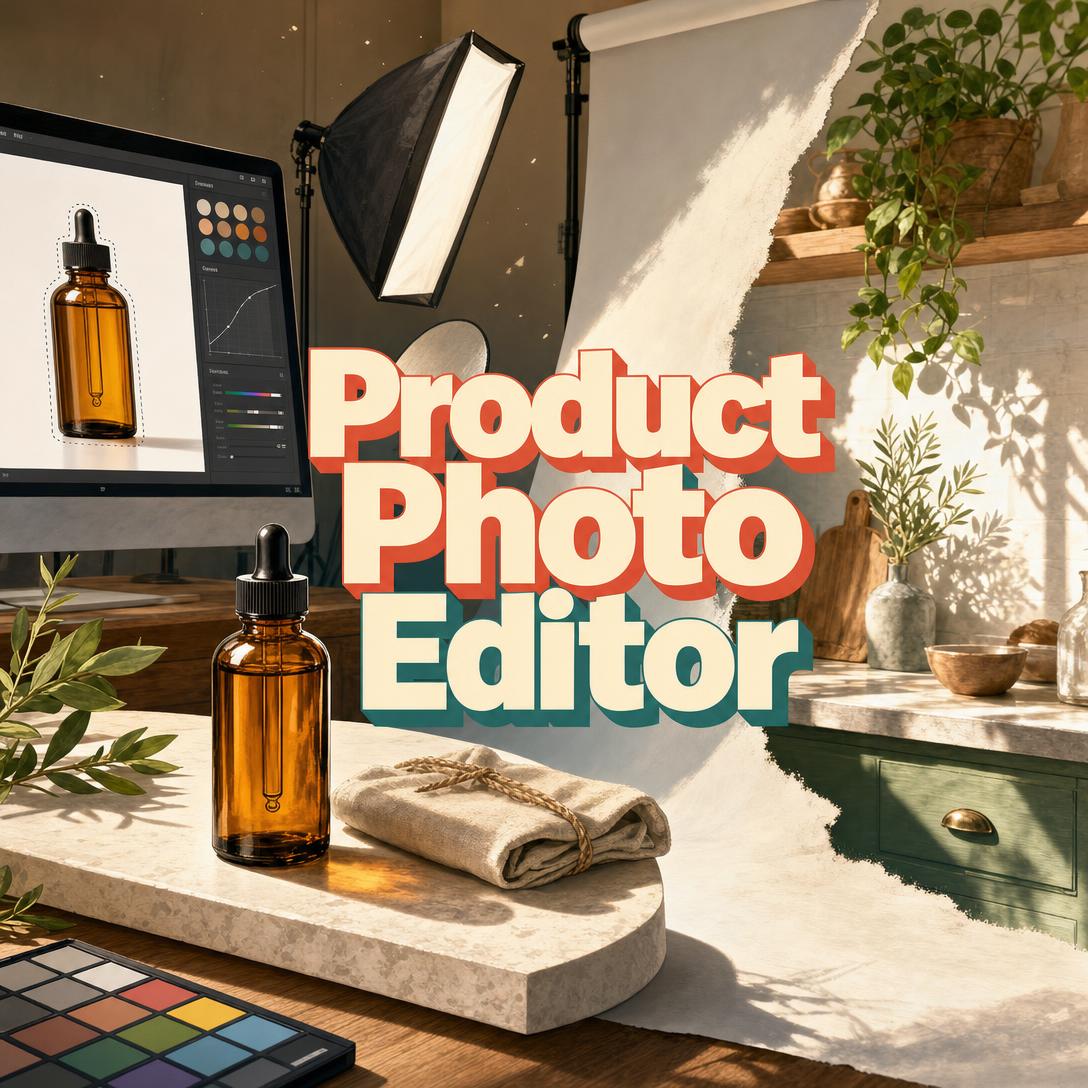
Product Photo Editor helps you turn ordinary product photos into marketplace-ready images by handling background work, color correction, retouching, lifestyle compositing, and platform-specific formatting in one conversation. While most sellers lose clicks to cluttered backgrounds, off-color packaging, and images that fail Amazon or Shopify rules, this AI produces listing photos that look professional and still match the real product.
✅ White-background heroes that meet Amazon MAIN-image rules ✅ Lifestyle composites with matched lighting, scale, and perspective ✅ Color, shadow, and retouching that stay true to the actual item ✅ Crops and dimensions tuned for Amazon, Shopify, Etsy, and social shops
Shoppers decide with their eyes long before they read a description. To understand why listing photos fail — and what to do about it — it helps to look at how image quality, platform rules, and returns actually collide for sellers today.
Quick Answer: What Is Product Photo Editor?
Product Photo Editor is an AI product photography specialist that edits, retouches, and formats listing images so they convert on Amazon, Shopify, Etsy, and other sales channels. It treats every photo as both a visual and a merchandising problem.
Key capabilities:
- Background removal, pure-white replacements, gradients, and lifestyle scenes
- Color correction, white balance, exposure, and catalog-wide consistency
- Dust, scratch, and surface retouching without changing the product
- Platform crops and specs for Amazon, Shopify, Etsy, eBay, and social shops
Why Product Photos Lose Sales
Online shoppers cannot pick up the item, so the photo set is the product. Industry research keeps landing on the same point: image quality sits at the center of the purchase decision.
67% of online shoppers — cite image quality as the top factor in their buying decisions
When those images mislead, the cost does not stop at a lost click. Returns eat margin, inventory, and review scores.
34% of consumers — say they returned an item because of misleading product images
$890 billion — U.S. product returns in 2024, with online return rates 21% higher than other channels, according to NRF-cited research
30% of online orders — are returned, versus 8.89% of in-store purchases
But getting images that both convert and stay accurate is frustratingly difficult:
- Marketplace rules are strict and easy to miss — a non-white Amazon MAIN image can suppress the listing in search
- Phone photos from a kitchen table rarely match catalog lighting, color, or crop
- Studio shoots and freelance retouchers do not scale when you add SKUs every week
- A hero shot that looks fine on a laptop can fail as an Etsy thumbnail or a 4:5 Instagram crop
Marketplace rules are not optional
Amazon does not treat the main image as a creative suggestion. Seller Central requires a realistic photo of the actual product, a pure white background (RGB 255, 255, 255), the product filling about 85% of the frame, no cut-off edges, and no text, logos, or props that are not included. Images under 500 pixels on the longest side fail technical checks; 1,000 pixels or more unlocks zoom.
Shopify is more flexible on style but still has hard file limits. Product images can be up to 5000 × 5000 px (or 25 megapixels) and must stay under 20 MB, and square 2048 × 2048 px files typically display best across product and collection templates.
Handmade and marketplace shoppers are just as visual. An Etsy buyer survey found that 90% of shoppers said photo quality was a deciding factor.
This is exactly what Product Photo Editor was built for.
Why Product Photo Editor
Product Photo Editor is a product photography specialist and visual merchandising strategist — not a generic filter pack. You upload a photo, name the destination (Amazon MAIN, Shopify hero, Etsy thumbnail, pitch deck, lookbook), and get edits ranked by what will actually move the listing: background, color, crop, shadow, and supporting shots.
It adapts to the seller in front of it. A first-time Etsy maker shooting on a phone gets plain-language tips and a clean white background. A catalog manager gets tight color matching, shadow direction lock, and a consistent set across SKUs.
| Traditional Approach | Product Photo Editor |
|---|---|
| Kitchen-table photo that fails Amazon MAIN | Pure-white hero, 85% fill, compliant crop |
| Learn Photoshop masks, then resize for every channel | One conversation: edit + platform formatting |
| Studio wait times when you launch a new SKU | Phone photos pushed to listing standard the same day |
| Catalog that looks like five different brands | Locked lighting, shadows, and color across the set |
| Pretty images that still get returned | Accuracy-first retouching that matches the real product |
Backgrounds that match the channel
Amazon MAIN wants RGB 255, 255, 255 and nothing else. Shopify and brand sites often want lifestyle. Etsy thumbnails need to read at postage-stamp size. The editor does not apply one “make it pretty” look. It builds the background, shadow, and crop for the slot you are filling — white sweep, soft gradient, marble counter, or a full room scene.
Color, texture, and product fidelity
Apparel needs drape and fabric grain. Jewelry needs sparkle without blown highlights. Cosmetics need true-to-swatch color. Food needs warmth and freshness cues. Electronics need clean edges and honest materials. Edits stay anchored to the uploaded product so the listing does not oversell texture, size, or finish.
Image sets, not one-off jpegs
A single hero is rarely enough. Amazon recommends at least six additional images plus video. The editor thinks in sets: hero, lifestyle, detail, scale, and infographic-style support frames, with the same white balance and shadow direction so the gallery feels like one shoot.
"Remove the cluttered table. Replace with pure white RGB 255, 255, 255. Add a soft drop shadow. Keep the bottle shape, label, and color unchanged for Amazon MAIN."
"Place this mug on a sunlit marble counter with a linen napkin — match perspective and window light, keep the glaze color exact."
How It Works
Step 1: Upload the product photo Start a session and drop in the shot you have — phone photo, studio raw, or a mixed catalog set. The editor reads lighting, background clutter, color cast, sharpness, and whether the frame can be saved or needs a reshoot.
"Here's my skincare bottle on the bathroom counter. This is for an Amazon listing."
Step 2: Name the platform and the job Say whether this is an Amazon MAIN, a Shopify square hero, an Etsy thumbnail, an Instagram 4:5, a lookbook spread, or a pitch-deck slide. Constraints change the edit: white background and 85% fill for Amazon search, lifestyle-heavy styling for a brand site, small-size punch for Etsy.
"Shopify collection page, 2048 × 2048, warm lifestyle, same shadow style as the last three SKUs."
Step 3: Review the ranked plan, then run the edit On vague requests (“make this look better”), you get a short diagnosis first: what is hurting conversion, what is easy to fix, and what a reshoot would solve faster than editing. You confirm. Then the editor removes or replaces the background, corrects color and exposure, retouches dust and scuffs, and builds shadows or a lifestyle composite.
"Don't change the product. Fix white balance, clean the lid scuffs, and give me a soft natural shadow on white."
Step 4: Verify against the real item Every output is checked for warped shapes, invented logos, color drift, and composite lighting that does not match. You are asked to confirm proportions, color, and branding before you publish — because a beautiful image that misrepresents the SKU drives the return rates above.
Step 5: Format the rest of the set Once a style is locked — lighting temperature, shadow softness, background treatment — later uploads in the same session follow it. Ask for the supporting frames Amazon and Shopify shoppers expect: detail crop, in-use lifestyle, scale reference, and a mobile-first vertical.
Try Product Photo Editor free — no credit card required.
Results & Use Cases
📦 Amazon MAIN that survives search
Scenario: A cosmetics seller has a sharp phone photo of an amber dropper bottle, but the background is a tiled bathroom and the bottle sits too small in the frame. The listing is live with a non-compliant main image.
Traditional Approach: Rebuild the shot on a sweep, or spend an evening on manual clipping paths, then still miss the 85% fill and pure-white requirement.
Product Photo Editor: Isolated bottle, RGB 255, 255, 255 background, product filling the frame, soft contact shadow, label left intact. Supporting slots get a lifestyle bathroom scene and a texture close-up of the dropper.
- MAIN image that can stay in search
- Zoom-ready resolution guidance (1,000+ px on the long side)
- Extra frames mapped to Amazon’s recommended gallery, not a single hero
🛍️ Shopify catalog with one visual system
Scenario: A home-goods brand is adding 12 SKUs to Shopify. Each photo was shot in a different room. Collection pages look like a flea market.
Traditional Approach: Re-shoot the line or accept a messy grid. Shopify’s own guidance favors high-resolution square images; 2048 × 2048 is the size that usually displays best.
Product Photo Editor: One approved style — warm daylight, soft shadow, light stone surface — applied across the set, exported square for product and collection templates.
- Consistent lighting temperature and crop
- Files kept within Shopify’s 20 MB / 5000 px limits
- Heroes that still feel like the brand, not a generic white-box marketplace
When the photos are ready, Product Copywriter can draft the title, bullets, and product page copy to match the same positioning — so the gallery and the words sell the same product.
📱 Phone-to-listing on iOS or Android
Scenario: A weekend Etsy seller photographs ceramic mugs with a phone, between glaze loads. There is no studio, no laptop, and the first photo is the thumbnail.
Traditional Approach: Upload the original. Thumbnails go muddy, and 90% of Etsy shoppers weigh photo quality.
Product Photo Editor: Runs on mobile with the same editing depth as desktop. The seller shoots by a window, uploads, and gets a clean hero plus a styled flat lay that still reads at thumbnail size.
- No desktop workstation required
- Thumbnail-first crop for Etsy search
- Honest craft details kept — not a plastic “stock” look
Those same files can feed paid social. Digital Ad Designer turns a finished product plate into platform-native ad creatives so you are not redesigning the bottle from scratch for Meta or display.
🎯 Pitch deck and crowdfunding, not just marketplaces
Scenario: A hardware startup needs a prototype to look presentation-ready for investors. The unit works; the garage photos do not.
Traditional Approach: A day-rate product shooter, or slides full of raw snapshots that undercut the build quality.
Product Photo Editor: Neutral gradient, no clutter, honest materials, feature callouts that still look like photographs. Lifestyle context is used where it helps the story, not to invent a finished retail SKU you do not have.
If you are also tightening unit economics, channels, and listing operations around those visuals, E-Commerce Business Partner can work the commercial side — research, listing structure, and ops — while the photo set stays the conversion layer.
FAQ
Is Product Photo Editor free?
Yes. Product Photo Editor is available on a free plan with core editing features and monthly usage limits. Paid plans increase usage if you are processing full catalogs. You can start with a single SKU, lock a visual style, and only upgrade if the volume requires it. No credit card is required to try a first edit.
How is Product Photo Editor different from Photoshop or a background-remover app?
Photoshop is a manual workstation. One-tap background removers only solve isolation. This editor combines retouching with merchandising: Amazon MAIN rules, Shopify square heroes, Etsy thumbnail punch, lifestyle composites, and catalog consistency. You describe the destination and the constraint. You do not build clipping paths, then separately look up each platform’s pixel rules.
Can it create Amazon white-background product images?
Yes. Ask for an Amazon MAIN treatment and you get a pure white background (RGB 255, 255, 255), the product filling most of the frame, no extra text or badges, and a shadow style that still looks like a photograph. It will not add Prime badges, lifestyle props, or mannequins on MAIN — those violate Amazon’s product image guide. Lifestyle and infographic frames belong in secondary slots.
Does Product Photo Editor work on mobile?
Yes. It runs with full feature parity on web, iOS, and Android, including speech-to-text if you would rather talk through an edit on the warehouse floor. A seller can shoot, upload, and approve a white-background hero from a phone without moving files to a desktop editor.
Will the edited photo still match my real product?
Product accuracy is the hard constraint. The editor is instructed not to add, remove, or restyle product features, and to flag shots that cannot be saved (severe blur, clipped product, unreadable texture). You are asked to confirm shape, color, and logos before you publish. That matters: misleading images are a documented driver of returns, and returns already run far hotter online than in store.
What platforms and file sizes does it support?
Amazon, Shopify, WooCommerce, Etsy, eBay, Instagram/TikTok Shop, Facebook Marketplace, plus non-marketplace uses such as lookbooks, pitch decks, and ads. It will target Amazon’s zoom-friendly 1,000+ px guidance and Shopify’s 2048 × 2048 square recommendation when those are the destinations you name. Print and presentation work can shift toward higher resolution and tighter brand color instead of marketplace white.
Conclusion
Shoppers judge products from photos, and marketplaces punish images that break the rules. Weak lighting, busy backgrounds, and off-color files do not just look amateur — they suppress listings, cut conversion, and feed the return cycle that already costs retailers hundreds of billions a year.
An AI product photo editor that understands merchandising closes that gap. You keep the product you actually sell. You get the white background, the lifestyle scene, the matched catalog, and the crop each channel expects — without a studio day for every new SKU.
Try Product Photo Editor now. Explore more at Jenova.
For Developers: Product Photo Editor is available programmatically via the Jenova API — integrate product image editing and visual merchandising into your application with a single API call. Full documentation →