AI PowerPoint Generator: Professional PPTX From Any Content
2026-09-28
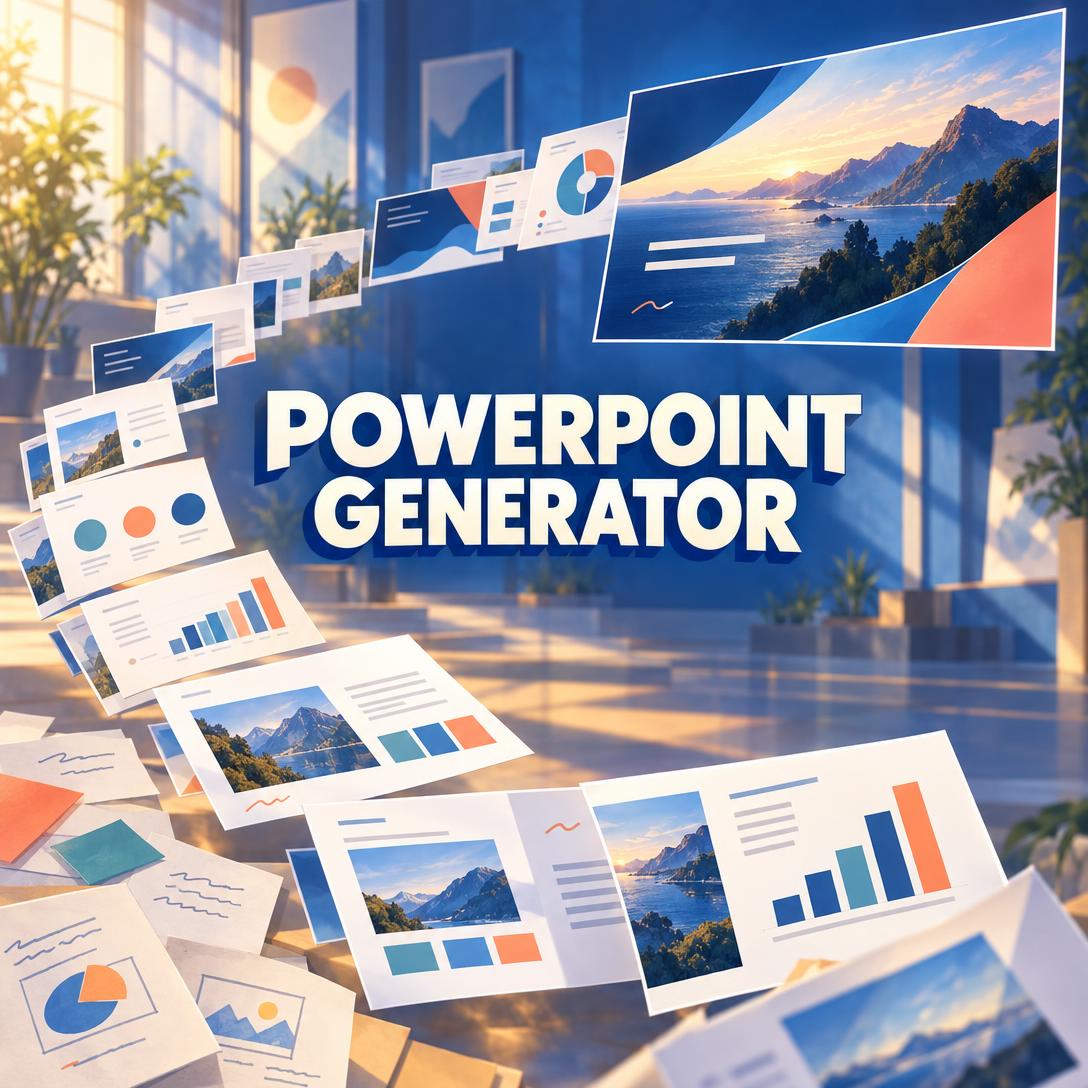
PowerPoint Generator helps you turn reports, briefs, outlines, and rough notes into presentation-ready PPTX decks by distilling content into one idea per slide and applying the layout conventions of the deck you actually need. While most professionals still lose hours restyling templates—and audiences still tune out dense slides—this AI builds visual hierarchy, speaker notes, and type-aware structure instead of a wall of bullets.
✅ Distills long-form material into slide-appropriate density, with speaker notes for overflow ✅ Applies pitch, QBR, sales, training, and conference-talk conventions from context ✅ Outputs native PPTX you can open, edit, and present in PowerPoint ✅ Accepts text, documents, images, URLs, and a specified slide count
To understand why this matters, it helps to look at why so many decks still fail in the room—even when the underlying work is strong.
Quick Answer: What Is PowerPoint Generator?
PowerPoint Generator is an AI presentation formatter that turns reports, briefs, and notes into professionally structured PPTX decks matched to each presentation type. It optimizes slide structure, content density, layout, and visual hierarchy rather than rewriting your strategy.
Key capabilities:
- One core idea per slide, with supporting detail in sub-bullets or speaker notes
- Automatic conventions for pitch decks, business reviews, sales decks, training, and talks
- Data slides that emphasize takeaways, not raw number dumps
- Native PPTX output, then in-place revisions from your feedback
- Flexible inputs: raw text, documents, structured briefs, images, URLs, or a mix
The Problem: Strong Work, Weak Slides
Business still runs on slides. Quarterly reviews, board updates, sales meetings, training sessions, and investor conversations all depend on decks that can be scanned in seconds and spoken in minutes. The trouble is that most of the labor goes into making slides look like slides, not into making them easy to follow.
Attention is already fragile. In a recent professional survey, four out of five attendees admitted they had shifted focus away from the speaker during the last presentation they attended.
Four out of five — Share of attendees who admitted they shifted focus away from the speaker during the last presentation they attended
The same research found that delivery and structure matter more than topic density: 91% said a genuinely strong presenter kept them engaged regardless of how complex the material was.
91% — Share who found a genuinely strong presenter engaging regardless of content complexity or density
That gap is a design problem, not an intelligence problem. Cognitive-load research on multimedia instruction has long shown that how information is presented shapes whether people can actually use it. Richard E. Mayer’s work on PowerPoint and cognitive load makes the same point in practical terms: the medium does not create understanding; the method does. When a slide asks the audience to read a paragraph, decode a chart, and listen to a new point, working memory fills up and attention drops.
But getting from a finished report to a clean deck is still frustratingly difficult:
- Source material is too long for slides, so people paste paragraphs and shrink the font
- The same generic template is used for a 10-slide pitch and a 30-slide operating review
- Data is dumped as tables instead of a single takeaway the room can remember
- Talking points live on the slide, so the presenter ends up reading instead of presenting
- Last-minute changes mean rebuilding layout by hand, often on the way to the meeting
Demand for faster slide workflows is rising with it. Industry estimates put the AI presentation generation market between $884 million and $2.43 billion in 2026, with category growth reported in a 49%–83% year-over-year range through 2025–2026. Speed is not the whole job. If the output ignores presentation type, overloads each slide, or arrives in a format your stakeholders cannot edit, you have only moved the work downstream.
This is exactly what a specialized PPTX formatter is built to solve.
Why PowerPoint Generator
This AI presentation formatter treats slide-making as a production problem: extract the core message, match the deck type, and render a file you can actually present. It does not critique your argument or rewrite your strategy. It takes the content you already have and structures it the way experienced presentation designers do—one idea per slide, hierarchy you can read at a glance, and notes for everything that should be spoken rather than shown.
That distinction matters. Adobe Research’s DocPres study, as summarized in industry analysis, found staged, source-grounded generation far more usable than dumping a whole document into a single prompt—3.2 versus 1.2 for usability and 3.9 versus 2.3 for readability. In other words, outline first, map content to slides, then write each slide with local context. That is the workflow this product follows.
Web-native AI slide tools can be fast when you only need a link. They often stumble when the audience expects a real PowerPoint file. Analyses of the category note that PPTX export is a frequent breaking point—charts shift, fonts substitute, and animations disappear. If your meeting lives in PowerPoint, native PPTX is the deliverable.
| Traditional Approach | PowerPoint Generator |
|---|---|
| Hours restyling templates and shrinking fonts | Distills source material and applies type-aware layouts automatically |
| One generic template for a pitch, a QBR, and a workshop | Pitch, review, sales, training, and conference conventions inferred from context |
| Dense slides that force the presenter to read | One core idea per slide; overflow moved into speaker notes |
| Web-native AI decks that break on PPTX export | Native PPTX built for PowerPoint editing and presenting |
| Charts shown as raw numbers | Takeaways pulled into callouts; tables reserved for comparison |
Content distillation without changing your meaning
The core skill is density control. Long reports, research memos, and meeting notes contain more detail than a slide can carry. This formatter extracts key points, statistics, and quotes, then keeps one core idea on the slide. Supporting detail becomes a short sub-bullet or a speaker note with talking points, data context, and transition cues. Your message stays intact; only the packaging changes.
"Distill this 18-page Q3 review into an executive deck. Keep metrics on-slide as takeaways, and put methodology and caveats in speaker notes."
Type-aware structure, not a random stack of slides
Pitch decks, business reviews, workshops, conference talks, and sales decks are different genres. A seed pitch is typically a short, high-impact sequence: problem, solution, market, traction, team, ask. A QBR wants an executive summary, KPI dashboard, section dividers, and an appendix. Training needs learning objectives, step-by-step breakdowns, and recap slides. Conference talks work best with one-idea-per-slide pacing and notes-driven depth.
The formatter identifies type from your material and applies those conventions. If you specify a slide count, it honors it. If you do not, it sizes the deck to the content and the genre.
"Build a 12-slide seed pitch from this memo: problem, solution, market, traction, team, and ask. Minimal on-slide text."
Visual hierarchy and data that can be read in a glance
Titles, subtitles, body text, and captions are sized and placed so the eye knows where to go. Section divider slides mark topic changes in longer decks. Agenda slides appear when the presentation is long enough to need a map. On data slides, the point is the takeaway, not the spreadsheet. Comparative numbers belong in tables; a single metric belongs in a callout.
That matches what presentation research keeps repeating: every slide should communicate one idea, as simply as possible. If the visual requires a lengthy explanation before it makes sense, it has already failed.
How It Works
You do not need a design system or a blank-template ritual. Share the source, get a structured PPTX, then revise the same file.
Step 1: Share the source material Paste a brief, upload a document, drop in images, or point to a URL. Include any constraint that matters: audience, slide count, or deck type. If the source is a long report, you do not need to pre-outline it.
"Turn this customer-research summary into a 10-slide sales deck for a mid-market CRO. Pain, proof, benefits, and a clear CTA."
If the narrative itself is still rough, Writing Assistant can tighten the source document first so the slides inherit a cleaner argument rather than a first-draft memo.
Step 2: Let the formatter choose structure The PPTX generator identifies whether you need a pitch, QBR, training session, conference talk, sales narrative, or a balanced general deck. It plans the slide sequence, decides what belongs on-slide versus in notes, and sets an appropriate length. You are not asked to pick a theme pack before the content exists.
Step 3: Receive a native PPTX, not a mockup
The file arrives as an editable presentation: title hierarchy, section dividers where needed, distilled bullets, data callouts, and speaker notes for anything too dense for the canvas. Open it in PowerPoint, present it, or send it to colleagues who expect a .pptx.
Step 4: Revise the same deck in place Ask for fewer slides, a stronger opening, a dedicated appendix, or a specific image on slide 6. The previous version is the starting point, so you are editing a real deck rather than regenerating from zero and losing what already worked.
"Shorten this to 8 slides, move the competitive table to an appendix, and add a divider before the ask."
Try it free — no credit card required.
Results & Use Cases
The broader presentation software market is still large—about $9.65 billion in 2026—because slides remain the default artifact of professional communication. The useful question is not whether AI can make a deck. It is whether it can make this deck, in the format your audience already uses.
📊 Quarterly Business Review From a Long Report
Scenario: A finance or operations lead has a 20-page review packed with KPIs, commentary, and appendix tables, and a 30-minute leadership slot tomorrow.
Traditional Approach: Copy sections into a template, fight with chart layout, and either overload every slide or leave half the insight in a document nobody opens during the meeting.
PowerPoint Generator: The report becomes an executive-summary slide, a KPI dashboard, sectioned narrative slides, and an appendix for detail. Talking points sit in notes so the presenter can narrate the “which means that” behind each metric.
- Agenda and dividers for a 10+ slide operating review
- Takeaways on-slide; methodology in notes
- Leadership can scan; the presenter can still go deep
If one dataset still needs a standalone visual for a pre-read or a leave-behind, Infographic Maker can turn that comparison into a single, shareable graphic without forcing the whole QBR into poster format.
💼 Investor Pitch Deck Under Deadline
Scenario: A founder has a memo, traction snapshot, and team bios—and a partner meeting in 48 hours. The story is there. The 10-slide arc is not.
Traditional Approach: Borrow a template, compress paragraphs, and discover too late that the “ask” is buried on slide 14.
With this PPTX formatter: The deck follows pitch conventions—problem, solution, market, traction, team, ask—usually in the 8–15 slide range, with high-impact numbers on-slide and the narrative in notes.
- Minimal text, preserved meaning
- Sequence that matches how investors actually scan a first meeting
- Easy revisions after the first dry run
When the written offer still needs to exist alongside the slides, Proposal Generator can produce the RFP response or partnership proposal, then that document becomes the source for a client-facing sales or pitch deck.
📱 Sales Deck on the Way to a Client Meeting
Scenario: A seller is on a train or in a rideshare with a discovery-call transcript, three proof points, and a pricing one-pager. The meeting is in 40 minutes. A laptop-and-template workflow will not finish in time.
Traditional Approach: Forward a stale 22-slide corporate deck and skip to “the relevant bits” while the buyer waits.
On mobile: Open the same product on iOS or Android, paste the transcript and proof points, and request a short pain-benefit-proof-CTA sequence. Review the PPTX on the phone, tweak the close, and walk in with a deck that matches this account rather than last quarter’s generic story.
- Full feature parity across web, iOS, and Android
- Honors a requested slide count when time is the constraint
- Images and screenshots can be placed instead of described later
🎯 Workshop and Training Materials
Scenario: An enablement lead has a process document and needs a session that teaches, not a document that got pasted onto 40 slides.
Traditional Approach: Wall-of-text slides, no recap, and a facilitator who reads.
Here: Learning objectives, progressive step-by-step slides, and recap checkpoints, with facilitator language in speaker notes. Slide count scales with the material instead of an arbitrary 10-slide cap.
- Built for workshops, not board pitches
- Recap slides so learners can reconstruct the flow
- Notes carry examples and transition cues the room never has to read
FAQ
Is PowerPoint Generator free?
Yes. There is a free tier with core features and limited usage, so you can generate real PPTX files before paying. Paid plans start at $20/month for substantially higher usage, with higher tiers if you produce decks every week. Usage resets monthly on your billing date, with no daily caps. You do not need a separate design subscription to get a native PowerPoint file.
How is PowerPoint Generator different from Gamma, Copilot, or Canva AI?
Many AI slide products optimize for a prompt-to-link experience, in-app design systems, or assistance inside an existing Office or Workspace file. This formatter specializes in distillation and genre conventions, then delivers editable PPTX. It will not overhaul your strategy or invent a story you did not provide. If your stakeholders live in PowerPoint, that native file—and speaker notes that keep slides scannable—is the practical difference.
Can it turn a long report or PDF into a slide deck?
Yes. Long-form reports, articles, briefs, and mixed inputs are the intended starting point. The system extracts key points, statistics, and quotes, maps them to a slide sequence, and parks overflow in notes. Grounded, staged generation is the more reliable path for document-to-slides work, which is why flat whole-document prompting scores so poorly on usability in DocPres evaluations. You should still review facts and figures before you present.
Does PowerPoint Generator work on mobile?
Yes. Web, iOS, and Android share feature parity, including speech-to-text if you would rather dictate a brief than type it. Settings sync across devices, which is why a commute-time sales deck is a realistic workflow rather than a demo. Generate on your phone, then open the same PPTX on a laptop for a final pass if you want a larger canvas.
Does it create a real PPTX file I can edit in Microsoft PowerPoint?
Yes. The deliverable is a PowerPoint file, not a web-only preview that you hope will export cleanly. That matters for legal, finance, and enterprise teams that cannot present from a third-party link and cannot spend the evening repairing broken charts after export. You can also request revisions against the existing file instead of starting over.
Will it invent statistics or change my argument?
It is instructed not to invent URLs, quotes, or statistics, and not to alter your core message while restructuring for visual impact. If you ask it to pull in outside research, sources should appear as footnotes or a references slide. Treat every AI deck as needing a human pass—a limitation the wider category still shares—especially on numbers, names, and claims that will be on a screen in front of your boss or a customer.
Conclusion
Most presentation failure is not a shortage of content. It is a mismatch between a 20-page document and a room that will give each slide a few seconds. Cognitive load, genre confusion, and last-mile formatting still turn good work into unread slides.
An AI PowerPoint generator that distills first, applies the right deck conventions, and outputs native PPTX closes that gap without asking you to become a slide designer. You keep the argument. The formatter handles density, hierarchy, notes, and structure.
Try PowerPoint Generator now. Explore more at Jenova.
For Developers: PowerPoint Generator is available programmatically via the Jenova API — integrate professional PPTX generation into your application with a single API call. Full documentation →