AI Pixel Art Creator: Character Sprites, Scenes & Retro Game Art
2026-10-06
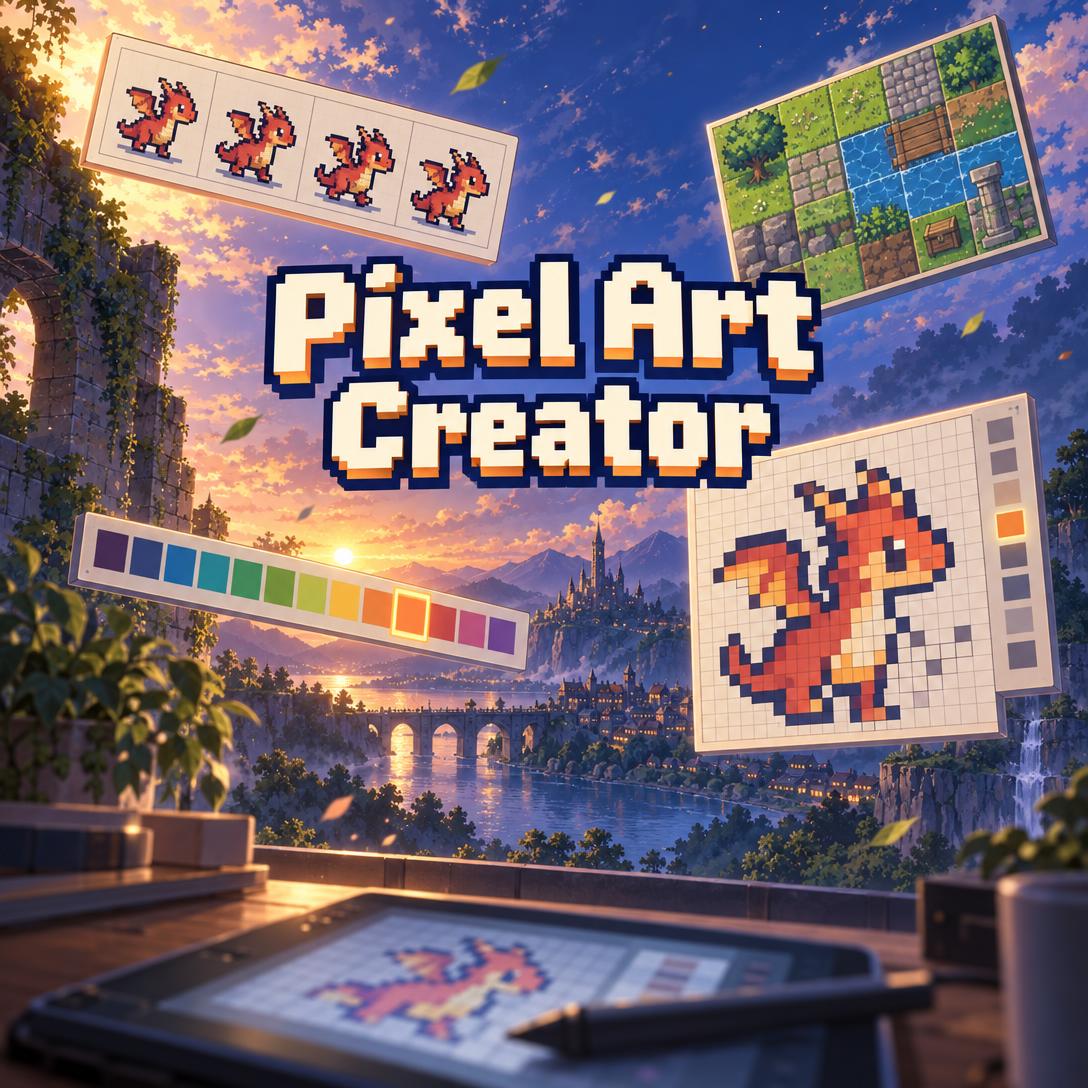
Pixel Art Creator helps you design character sprites, environments, item icons, and full pixel art scenes by combining image generation with the judgment of a veteran pixel artist. Pixel art looks simple, but every pixel, palette slot, and outline choice matters. This AI handles that complexity, giving you concept-grade art and clear design reasoning in minutes.
- ✅ Era fluency: 1-bit, Game Boy, NES, SNES, GBA, modern indie, HD pixel art, and isometric
- ✅ Palette discipline: Hardware palettes, community palettes like PICO-8 and Endesga 32, or custom ramps with hue shifting
- ✅ Craft-level critique: Diagnoses pillow shading, banding, orphan pixels, and other common mistakes in your own work
- ✅ Honest about limits: Tells you when an asset needs final cleanup in a dedicated editor
Pixel art is having a moment with indie developers, hobbyists, and lean studios. However, producing consistent, readable art at native resolution remains one of the hardest bottlenecks in small-team game development. To see why a specialized AI pixel artist matters, let's look at the challenges creators face today.
Quick Answer: What Is Pixel Art Creator?
Pixel Art Creator is an AI pixel art studio that generates sprites, scenes, icons, and palette studies with expert art direction to help game developers and artists define a cohesive visual style in minutes. It acts like a collaborator who has shipped games. It reasons through resolution, palette, and readability before generating any image.
Key capabilities:
- Character, creature, environment, and scene illustrations in any pixel art era
- Palette design using hardware, community, or custom color ramps
- Detailed critiques of your uploaded pixel art with clear, actionable fixes
- Locked art direction so multiple assets stay visually consistent
The Creative Challenges of Making Pixel Art for Games
Pixel art rewards precision. At 16×16 or 32×32, nothing hides. A single stray pixel can break a silhouette, and a bloated palette can make an entire tileset feel muddy. For solo developers, the art pipeline is often where projects stall.
1 in 3 developers — already use generative AI to streamline game development workflows, according to the GDC 2025 State of the Game Industry Report
1 in 10 developers — were laid off the previous year, per GDC's 2025 survey
Smaller teams carry more of the creative load. As one indie developer described the situation, the options for getting art are basically to make it yourself, commission someone, or find someone willing to work for free.
But getting game-ready pixel art is frustratingly difficult:
- Readability at native resolution is unforgiving. A sprite that looks great at 400% zoom can become unreadable at actual size.
- Consistency breaks easily. Changing outline thickness, light direction, or proportions between assets ruins the visual cohesion of a game.
- Palette design is half the craft. Most beginners use too many colors and value-only ramps, which makes their work look flat.
- Generic AI image tools miss the medium. They often produce blurry "pixel-style" images with soft gradients, mixed pixel sizes, and no grid discipline.
The Trust Factor Around AI Game Art
There is also a reputational challenge. Players notice when studios use AI poorly.
85% of gamers — reported a below-neutral attitude toward generative AI in video games in a Quantic Foundry survey of 1,799 players
Platforms are responding. Steam now requires publishers to disclose generative AI use in player-facing content, though efficiency tools used behind the scenes are treated differently. Industry analysis consistently supports one approach: generative AI works best as a support layer in pre-production. Problems arise when teams ship final assets without strong art direction and review gates.
This is exactly the gap this AI pixel artist was built to close. It provides fast concept exploration grounded in real pixel art craft, while being honest about where human finishing work is needed.
How Pixel Art Creator Works
Using the AI feels like briefing an experienced pixel artist. You describe what you need, and it reasons through era, resolution, palette, and rendering before generating anything.
Step 1: Describe Your Subject and Purpose
Tell Pixel Art Creator what you're making and what it's for, such as a game asset, a standalone illustration, or an avatar. If your request is vague, it will ask one quick question to clarify. Otherwise, it uses strong defaults and starts working.
"A fire-breathing baby dragon for my top-down RPG — the player's companion pet"
Step 2: Set the Era or Constraint Level
Name a hardware era, a reference game, or a palette. Choosing "Game Boy" means four shades and a 160×144 mindset. Choosing "SNES-era" unlocks richer palettes and layered parallax. If you don't specify an era, the AI defaults to a modern indie style.
"16-bit SNES style, warm palette, dark colored outlines instead of black, light from the top-left"
Step 3: Review the Art and Design Notes
Each image comes with brief notes explaining the palette logic, proportion choices (such as a 1:3 classic RPG head-to-body ratio), and rendering approach. Different image models handle pixel art differently. Some produce cleaner edges, while others produce better color, so experimenting with them is often worth the effort.
Step 4: Explore Variants or Refine Precisely
Ask for genuinely different directions, like a Game Boy version versus an Endesga 32 version. You can also make targeted changes, such as "make the wings smaller and shift the shadows cooler," and everything else will stay the same. When you approve a piece, its choices become the locked art direction for the rest of your asset set.
"Give me three directions for this dragon: chibi, classic RPG, and a dark 1-bit version"
Step 5: Take Approved Concepts Into Production
Generated pixel art is excellent for concept art and visual direction. However, exact-resolution sprite sheets, seamless tiles, and frame-consistent animations still need manual work. Editors like Aseprite handle that finishing stage with features like Pixel Perfect strokes, onion skinning, tiled mode for testing patterns, and sprite sheet export to PNG and JSON. When you scale your art for display, the AI will remind you to use nearest-neighbor filtering. Bilinear filtering blurs and destroys the pixel grid.
You can try it on the Free tier and see how it handles your first sprite.
Creative Showcase: What You Can Make
🐉 Concepting a Hero Sprite and Bestiary for a Solo Project
Scenario: A solo developer building a Metroidvania needs a player character and six enemy types before starting the vertical slice.
Traditional Approach: The developer would spend days drawing iterations in an editor or wait on commission revisions, often before the art style is even finalized.
Pixel Art Creator: The AI generates the hero in several style directions. After the developer approves one, the AI locks the palette, outline style, and proportions, then designs each enemy as a separate image in that same style.
- Silhouette-first design keeps every enemy distinct at gameplay scale
- Shared palette ramps tie the bestiary together visually
- The AI proactively suggests what to design next to complete the set
If you're also working out how those enemies behave, Game Designer Assistant can help you balance enemy roles, progression, and level pacing alongside your visual design.
🏰 Key Art and Scene Illustrations for a Store Page
Scenario: An indie team needs a polished pixel art scene for their store page capsule and pitch deck, like a cliffside castle town at sunset.
Traditional Approach: Commissioning a finished scene illustration requires a detailed brief and multiple revision rounds.
The AI's approach: The AI treats the scene as a finished composition with a clear focal point, value structure, atmospheric depth, and leading lines. It renders the scene on a larger canvas with a richer palette suited to HD pixel art.
- Dithered sky transitions instead of smooth gradients
- Separation between foreground, midground, and background layers that you can easily turn into parallax
- Multiple variants for testing which mood fits your game best
For a painterly visual development pass that goes beyond the pixel grid, Concept Art Creator can help you explore creature and world designs before you translate them into pixels.
🔍 Critiquing Your Own Sprite Work
Scenario: A hobbyist uploads a 32×32 knight sprite that "looks off" but can't pinpoint why.
Traditional Approach: The hobbyist would post on forums and wait for feedback, which is often vague or contradictory.
Expert critique: The AI starts by pointing out what works, then maps the specific problems to known anti-patterns:
- Pillow shading: Shadows follow the outline instead of a light source. Fix: Choose a single light direction and shade the forms accordingly.
- Inconsistent jaggies: Curves that step 3-1-3-2 instead of progressing smoothly (4-3-2-1).
- Color bloat: 30 colors where 12 would create stronger cohesion.
It prioritizes fixes in this order: readability, then palette, then cleanup, then shading. It can also generate an improved version to demonstrate the techniques.
📱 Sketching Ideas on Your Phone Between Sessions
Scenario: A developer gets an idea for a potion icon set while commuting and wants to capture it before it fades.
Traditional Approach: The developer would scribble notes in a phone app and try to remember the visual idea later at a desktop.
On mobile: The developer uses speech-to-text in the iOS or Android app to describe the idea. The AI then generates icon concepts that use shape for category and color for type, such as red for health and blue for mana. Because sessions sync across devices, the developer can continue refining the icons at their desk.
- Consistent outline weight and shading across the entire icon set
- Instant identification at small sizes
- Full feature parity between web and mobile
When it's time to share your progress, Social Media Content Generator can turn your new art and patch notes into platform-native devlog posts.
Frequently Asked Questions
Is Pixel Art Creator free to use?
Yes. You can use the AI pixel artist on Jenova's Free tier, which includes all core features with limited usage. Paid plans start at $20 per month for Plus, which offers 30× more usage, custom model selection, and no watermarks. Higher tiers scale up from there. Usage resets monthly on your billing date with no daily caps, so you can generate a full concept batch in a single session.
Can AI make production-ready sprite sheets and tilesets?
Not reliably, and an honest tool should say so. Image generation is excellent for concept illustrations, character designs, environments, palette studies, and style exploration. However, cross-frame animation consistency, seamless tiling, and exact pixel resolutions usually need manual cleanup. The best workflow uses AI to set the visual direction, then finishes the sprites in an editor like Aseprite, which includes pixel-art-specific tools like Pixel Perfect mode and shading ink.
How is this different from a general AI image generator?
General image generators often produce a "pixel-style" look with mixed pixel sizes, soft gradients, and no palette discipline. This dedicated pixel art AI reasons through the craft first, including era constraints, resolution budget, palette ramps, outline policy, and light direction. It also avoids prompt terms known to produce 3D or photorealistic results. In addition, it critiques your own work and keeps entire asset sets consistent.
Does Pixel Art Creator work on mobile?
Yes. Jenova offers full feature parity across web, iOS, and Android, with built-in speech-to-text for describing ideas hands-free. Your conversations and settings sync across devices. This means you can start a character concept on your phone and refine it later on a desktop.
Do I need to disclose AI-generated pixel art in my game?
It depends on the platform and how you use the art. Steam requires disclosure for AI-generated content consumed by players, but efficiency tools used behind the scenes are treated differently. Many developers use AI for concept exploration and then hand-finish the final assets. Always check the current policy of each storefront you publish on.
What pixel art styles and eras does it support?
It supports every major era, including 1-bit monochrome, Game Boy's four shades, NES 8-bit, SNES and Genesis 16-bit, GBA and DS, modern indie, HD pixel art, and isometric with 2:1 grid discipline. When you name an era, the AI applies that era's full set of constraints. It also works with community palettes like PICO-8, DB32, AAP-64, and Endesga 32/64.
Conclusion: Better Pixel Art Starts With Better Decisions
Pixel art is a medium of constraints. Readability at native resolution, disciplined palettes, and consistency across every asset are what separate a cohesive game from a collection of mismatched sprites. Lean teams don't always have a dedicated pixel artist, and generic image tools don't understand the grid.
An AI pixel art creator that thinks like a shipped-game artist fills that gap. It helps you explore styles quickly, lock your art direction early, diagnose problems in your own sprites, and move into production with a clear visual plan. Whether you're building 16-bit RPG characters, a Game Boy-style mood piece, or HD key art, the right game art generator saves you weeks of trial and error.
Try Pixel Art Creator now and design your first sprite today. Explore more at Jenova.
For Developers: Pixel Art Creator is available programmatically via the Jenova API — integrate AI pixel art generation and art direction into your game tools or creative application with a single API call. Full documentation →