AI Photo Editor: Photorealistic Retouching That Looks Natural
2026-08-28
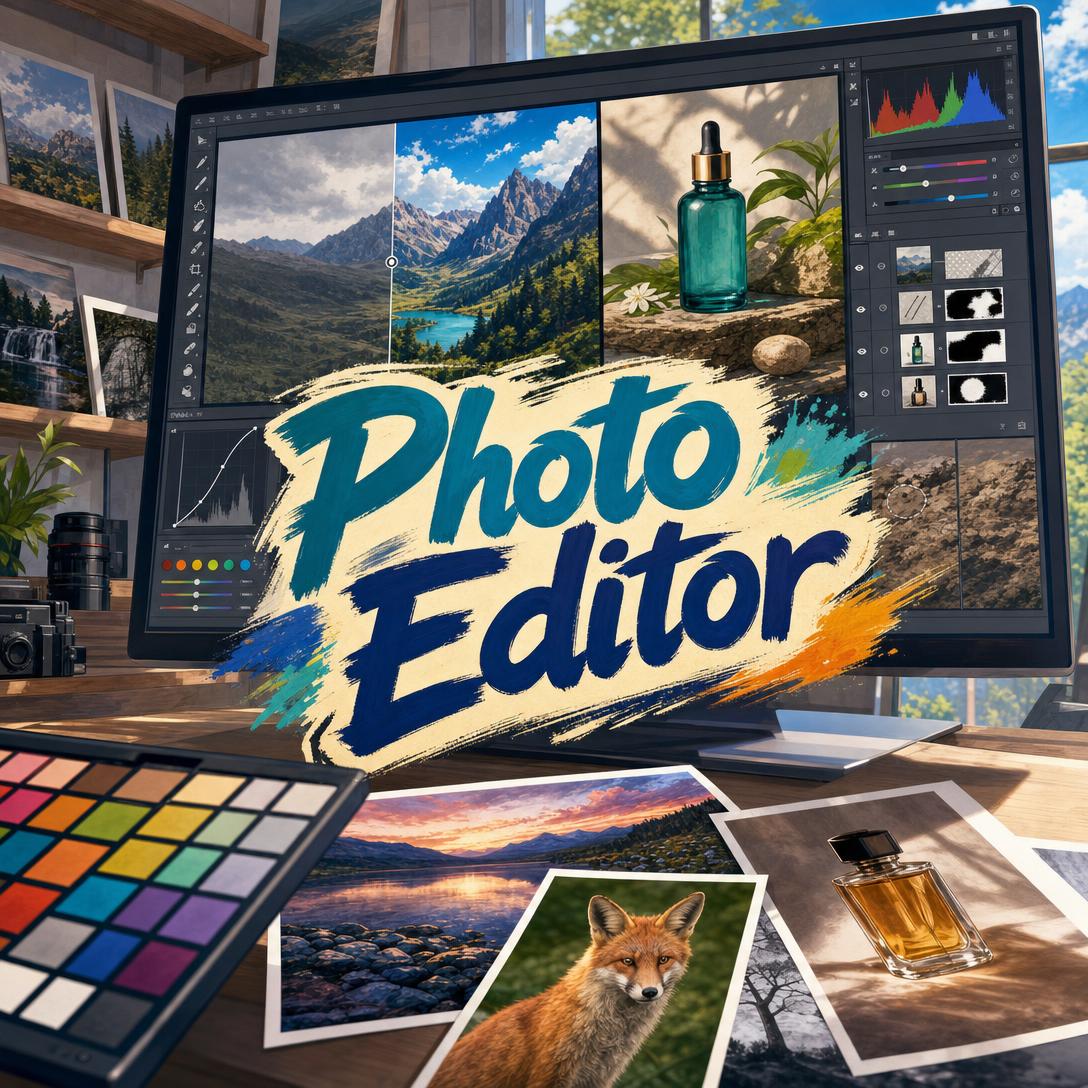
Photo Editor helps you turn the photos you already have into photorealistic, professionally finished images by retouching, color-correcting, and enhancing what the camera actually captured. While desktop software takes years to master and phone filters often leave plastic skin and obvious processing, this AI provides invisible edits that look like a naturally perfect photograph.
✅ Invisible retouching that preserves pores, texture, and real facial character ✅ Expert handling of portraits, products, landscapes, events, and restoration ✅ Conversational editing — describe the change, review the result, refine in seconds ✅ Full quality on web, iPhone, and Android, with style memory across sessions
Most photos fail in post, not in camera. A cool white balance, a gray sky, a cluttered background, or unretouched skin can make a strong shot look amateur next to work that has been properly finished. To understand why this gap persists, it helps to look at the creative challenges photographers, sellers, and everyday shooters still face.
Quick Answer: What Is Photo Editor?
Photo Editor is a professional AI photo retoucher that enhances existing photos — portraits, products, landscapes, and more — into photorealistic results that look naturally perfect. It edits what you shot. It does not invent a new picture from a text prompt.
Key capabilities:
- Portrait retouching that keeps skin texture, identity, and age-appropriate detail
- Exposure recovery, white balance correction, and restrained color grading
- Background cleanup, natural bokeh, sky replacement, and distraction removal
- Domain-aware finishing for headshots, products, food, travel, events, and restoration
Creative Challenges in Photo Retouching
Demand for finished images has never been higher. The AI image editor market was valued at USD 88.7 billion in 2025, and e-commerce, social profiles, and personal archives all compete on visual quality. The bottleneck is not taking pictures. It is finishing them at a professional standard without destroying what made the photo worth keeping.
67% of online shoppers — cite image quality as the top factor in their buying decisions
That pressure shows up everywhere a photo has a job to do. LinkedIn portraits, product listings, travel posts, wedding galleries, and dating profiles are judged in a glance. Unfinished files look cheap. Over-finished files look fake. Both outcomes cost trust.
21× more profile views — LinkedIn profiles with a photo versus those without, underscoring how much a single portrait has to carry
But getting a photo to that standard is still frustratingly difficult:
- The software wall. Professional tools reward people who already know frequency separation, dodge and burn, masking, and color management. Everyone else either under-edits or over-cooks the file.
- The filter problem. One-tap beauty sliders erase pores, flatten faces, and push teeth into neon white. Viewers notice. Heavily filtered faces can hurt how attractiveness and authenticity are perceived.
- The cost of a human retoucher. Sending a batch of headshots or catalog images to a specialist is slow and expensive, especially when you need revisions the same afternoon.
- The consistency gap. A wedding set, a store listing, or a personal brand feed falls apart when every frame has a different white balance, skin treatment, or background treatment.
**US$ 1.4 billion** — [Global photo retouching service market in 2024, projected to reach US$ 3.5 billion by 2035](https://www.smartphotoeditors.com/blog/advanced-portrait-retouching-workflow-from-capture-to-final-print/)
There is also a craft problem that market size does not capture. Good retouching is assessment first, technique second. A portrait with temporary blemishes needs different work than a landscape with a dead sky, and a matte ceramic mug needs different work than a glossy perfume bottle. Applying a “portrait preset” or a “product LUT” because of what the photo is — rather than what it needs — is how images lose material accuracy, lighting logic, and identity.
The American Society of Media Photographers draws a useful line here: assistive editing that speeds post-production is not the same as generating a new scene or a synthetic likeness. Clients, contests, and platforms increasingly care about that distinction. Photographers need tools that finish real captures with restraint — and that do not silently replace the person or the place in front of the lens.
This is exactly what a dedicated AI photo retoucher was built for.
How It Works
Photo Editor works from the file you upload. It assesses the actual problems in that frame — exposure, color cast, blemishes, distractions, noise, soft focus — then applies only the changes that serve this photo. Default behavior is natural enhancement: the subject on their best day, not a different person, and not a processed look.
Step 1: Upload the Photo You Want Finished Editing starts from a real image, not a description of one. Portraits, products, interiors, landscapes, scans of old prints, and phone snapshots all work. Match your intended use in your first message if you know it — LinkedIn, print, a product listing, a wedding gallery — so output framing and polish can follow the destination.
"Here's my headshot. I need it for LinkedIn — natural skin, clean background, no heavy makeup look."
Step 2: Let It Assess, Then Direct the Edit If the intent is clear (“enhance,” “fix the skin,” “recover this underexposed landscape”), work begins immediately. If a choice would change the photo’s meaning — aggressive noise reduction versus detail, a new sky versus the original weather — you get a short question instead of a guess. You can also be specific. Name what to change and what to protect.
"Smooth forehead redness, keep my freckles and laugh lines, brighten the eyes slightly, and leave the background exactly as it is."
Step 3: Review, Compare, and Refine You get a photorealistic result, not a filter overlay. Ask for a side-by-side if you want to judge the delta. Push further only where it still looks unedited: a touch more catchlight, a cleaner hem, a warmer grade. Pull back if anything reads as plastic, over-symmetrical, or lit from a direction the scene never had.
"The skin is close. Soften the under-eyes a little more but don't flatten the sockets. Also remove the lint on the left lapel."
Step 4: Lock a Style and Finish a Batch Once a look is approved — warm natural headshots, cinematic travel grade, catalog-neutral product — that style can carry across the rest of the set. Preferences such as “keep freckles,” “no teeth whitening,” or “always warm grading” persist so you are not re-briefing every file. Export for the destination: 4:5 for a professional portrait, original aspect for print, platform-aware crops for social.
"Match the rest of these seven headshots to the first one — same background, same skin treatment, same warmth."
Step 5: Use the Right Model for the File Different image models have different strengths in quality, style, and speed. Switch models from the App control under the chat input when a portrait needs tighter identity hold, a landscape needs cleaner sky integration, or you want a faster pass for a large batch. Experimenting on one hero frame, then locking the winner for the rest of the set, is the practical workflow.
If you are also trying to improve what happens before the edit — lighting, posing, composition, and what to fix in camera — Photography Coach can critique the original capture and tighten the shoot so there is less to rescue later. Try Photo Editor free — no credit card required.
Creative Showcase
💼 Professional Headshots That Still Look Like You
Scenario: A consultant needs a new LinkedIn portrait from a phone photo shot near a window. The expression is good. The skin is uneven, the background shows a messy bookshelf, and the white balance is slightly green.
Traditional Approach: Book a studio session, or spend an evening in Photoshop on frequency separation, background replacement, and output sharpening. A retoucher adds cost and a multi-day turnaround.
Photo Editor: Window light is respected, not replaced with fake studio wrap. Skin tone is evened without erasing pores. Temporary blemishes go; freckles and structure stay. The bookshelf becomes a clean, warm gray with realistic edge handling in the hair.
- “Best day” identity: recognizable, rested, not airbrushed into a different face
- Professional polish suitable for bios, speaker pages, and corporate directories
- Consistent treatment if you follow with a full team set
🌄 Landscapes, Travel Frames, and Recovered Skies
Scenario: A hiking photo has rich foreground rock and a blank, gray sky. A trash bag sits at the edge of the trail. Colors feel faded because the camera protected highlights.
Traditional Approach: Mask the sky in Photoshop, hunt for a stock sky that matches sun direction, clone out the bag, then grade without crushing the foreground. Easy to get a postcard sky that does not belong to that hour of day.
This AI retoucher: Lifts shadow detail, restores atmospheric color within a natural range, removes the distraction with texture that matches the surrounding ground, and — if you request it — replaces the sky with lighting that follows the existing sun angle.
- No neon foliage, no flattened depth, no “HDR halo” look
- Sky work that obeys color temperature and light direction
- Useful for travel blogs, prints, and personal albums that should still feel like the place you stood
📱 Social and Dating Photos Edited on Your Phone
Scenario: You are on the train with a promising café photo. The face is slightly underexposed, a stranger’s shopping bag sits behind your shoulder, and last night’s breakout is doing too much work.
Traditional Approach: Open a mobile filter pack, slam beauty smoothness, and hope nobody notices the waxy skin or the warped jaw. Or wait until you get home to a desktop.
Photo Editor on mobile: Same retouching standard as desktop. Under-eye depth stays. Skin texture stays. The bag disappears. Color is lifted to match the café’s actual warm light rather than a generic “glow” preset. Full feature parity across web, iOS, and Android means you can start on a phone and refine later on a laptop without losing the thread.
- Approachable, lifestyle energy instead of studio-perfect plastic
- Fast enough to post the same afternoon
- Memory of your limits (“don’t slim my face,” “keep the mole”) on the next upload
🛍️ Product and Food Frames That Earn the Click
Scenario: A small brand shot a ceramic mug and a plated dessert on a kitchen table. The mug’s glaze looks muddy, a power outlet is visible on the wall, and the food has gone slightly dull under indoor mixed light.
Traditional Approach: A catalog studio day, or hours of pathing, color-managed retouching, and reflection control. Skip it, and listings leak conversions.
Up to 27% higher conversion rates — reported by businesses using advanced product photography techniques
Up to 30% sales boost — e-commerce brands after upgrading product photography
Natural product finishing: Color fidelity on the glaze, clean but physically plausible shadows, outlet removed, steam and gloss cues restored on the food without turning it into plastic. Materials stay materials — matte stays matte, gloss stays gloss.
If the next job is a full catalog with marketplace crops, lifestyle composites, and merchandising rules, Product Photo Editor extends that workflow into listing-ready visual merchandising. For restaurant menus, delivery apps, and cookbook-style plates, Food Photo Enhancer leans harder into freshness cues — condensation, crumb structure, and appetite-driven color — while the general retoucher remains the right home for mixed personal and professional libraries.
- True product color instead of “more saturation”
- Backgrounds that recede so the object can sell
- A path from one hero SKU to a consistent set
FAQ
Is Photo Editor free, and how much does it cost?
Yes. You can use Photo Editor on a free plan with core features and limited monthly usage. Paid tiers increase usage — Plus at $20/month, Premium at $50/month, and higher plans for heavier volume — with usage resetting in full on each billing date rather than dribbling out as a daily cap. There is no separate fee per edit. Choose a plan based on how many photos you finish in a month, not on locked tools.
How is an AI photo editor different from Photoshop or phone filters?
Photoshop is a manual workshop. It can do anything if you already know masking, color science, and retouching craft. Phone filters are the opposite: fast, blunt, and easy to spot. This AI photo editor sits in between. You upload a real photo, describe the change in plain language, and get a photorealistic result that preserves lighting direction, anatomy, and texture. It will not replace a full composite artist for impossible scenes, and it will not pretend a beauty slider is the same as retouching.
Can Photo Editor retouch portraits without making skin look fake?
That is the default. Skin work follows a simple rule: if someone can tell it was edited, it went too far. Pores, fine lines, and natural variation stay. Temporary blemishes and redness can go. Teeth and eyes get subtle, healthy adjustments — not glowing whites or glass irises. Faces remain slightly asymmetric, because perfect symmetry reads as artificial. Tell it what to protect (“keep the scar,” “no jaw reshaping”) and those limits hold across a batch.
Does Photo Editor work on iPhone and Android?
Yes. Web, iOS, and Android share feature parity, including image uploads, conversational refinements, and saved editing preferences. A mobile-first pass is practical for social crops and dating photos; a desktop pass is still comfortable for large prints and long batches. Chat history and style memory sync, so a look approved on your phone can continue on your computer without a new brief.
Can this AI generate a new photo from scratch?
No. It edits existing photos. It does not create a person, a product, or a place that was never in front of a camera, and it does not merge different people’s faces. If you need a brand-new image rather than a finished capture, say so up front and use a generation workflow instead. That boundary matters for likeness, advertising honesty, and the difference between assistive retouching and synthetic media — a distinction working photographers now document in contracts and delivery notes.
What kinds of photos can I edit besides portraits?
Portraits are only one lane. The same retoucher handles product shots, food, landscapes, travel, real estate frames, wedding and event coverage, black-and-white tonal work, vintage or film-style grades, and restoration of damaged prints. What changes is the quality standard applied: identity and texture for people, material accuracy for objects, atmospheric honesty for places. RAW files, video, and graphic-design text overlays are out of scope.
Conclusion
Unfinished photos leave money, opportunity, and memory on the table. Over-finished photos do the same thing in the opposite direction — they look processed, lose trust, and no longer resemble the person, product, or place you meant to show. An AI photo editor that treats retouching as invisible craft closes that gap: assess the file, change only what it needs, and stop before the edit becomes the subject.
Photo Editor is built for that standard. Upload a headshot, a catalog frame, a hiking vista, or a phone snapshot. Direct the retouch in a sentence. Walk away with a result that still looks like photography. Try it on the next photo that almost works — then keep the approved style for the rest of the set.
Explore more at Jenova.
For Developers: Photo Editor is available programmatically via the Jenova API — integrate photorealistic photo retouching into your application with a single API call. Full documentation →