AI Meta Ads Image Generator: Product Photos to Feed-Ready Ads
2026-08-27
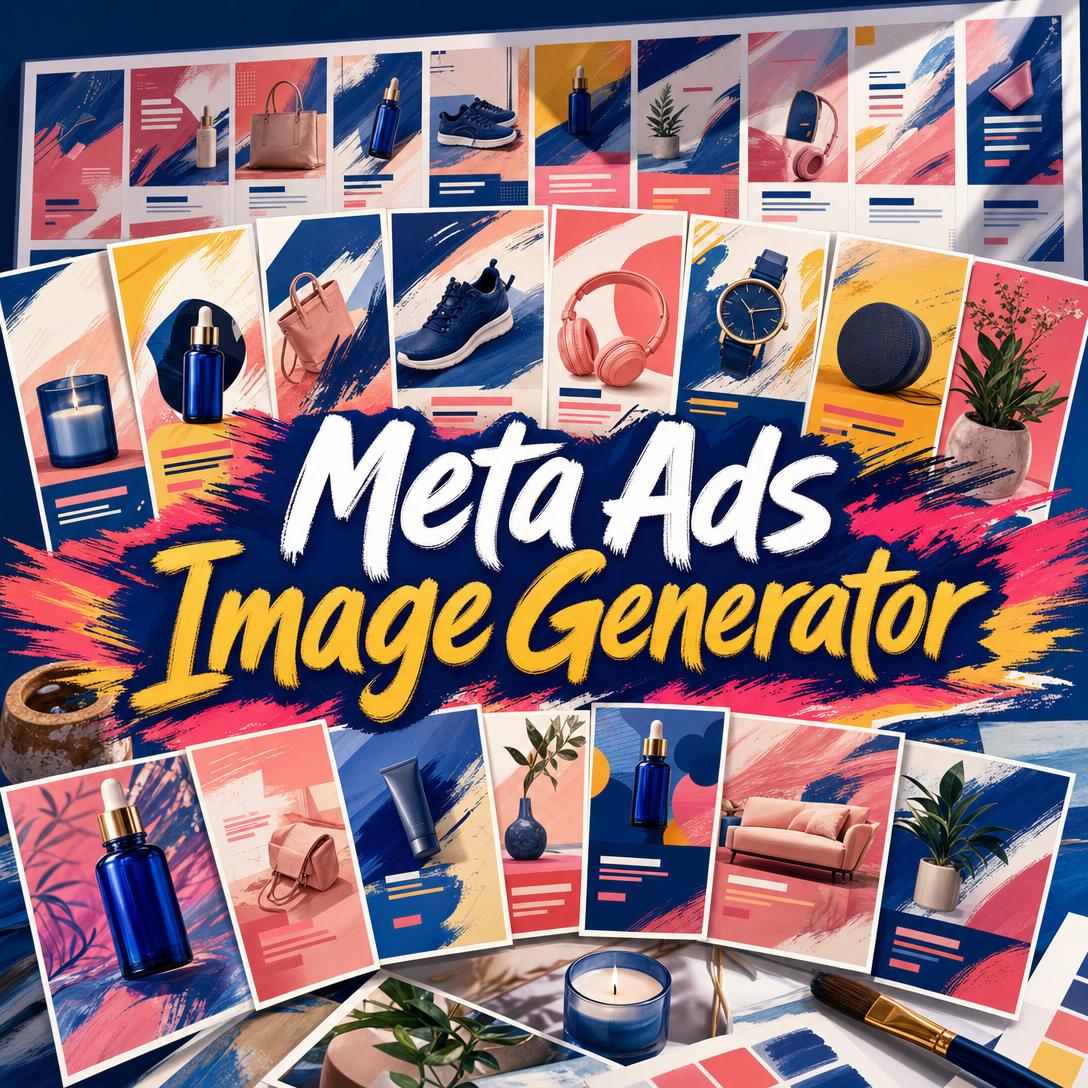
Meta Ads Image Generator helps you turn product photos into ready-to-run Facebook, Instagram, and Threads ads by composing layout, copy, and visual style in one pass. While most advertisers still bounce between a designer, a copywriter, and a placement spec sheet, this AI produces scroll-stopping creatives matched to funnel stage, brand energy, and mobile feed reality.
- ✅ 15 layout templates spanning discovery, education, conversion, and retargeting
- ✅ Persuasion copy (headlines, offers, CTAs) composed into the visual—not bolted on after
- ✅ Mobile-first ratios for Feed, Stories/Reels, carousel, and search placements
- ✅ Batch campaign sets so you can test hooks without rebuilding every ad from scratch
Creative fatigue on Meta is no longer a quarterly problem. It is a weekly one. Top direct-to-consumer teams now ship dozens of new ads just to keep performance from decaying, and generic studio shots disappear between Reels and friends' posts. To see why volume and distinctiveness both matter, look at what advertisers are actually up against in the feed.
Quick Answer: What Is Meta Ads Image Generator?
Meta Ads Image Generator is an AI ad creative engine that turns product photos and campaign briefs into ready-to-run Facebook, Instagram, and Threads ads. It designs for the placement you need, not a one-size square that gets cropped in Stories.
Key capabilities:
- Product-photo-true creatives for physical goods (your bottle, not an invented one)
- 15 format templates, from Product Hero to Offer Stack and UGC Review
- Six visual styles, from Studio Clean to UGC Native and Premium Minimal
- Goal-matched copy frameworks such as AIDA, PAS, Before-After-Bridge, 4U, and FAB
- Feed (4:5), Stories/Reels (9:16), and carousel (1:1) compositions with mobile safe zones
Creative Challenges Facing Meta Advertisers
Meta remains a core growth channel, and spend is still rising. 71% of DTC advertisers surveyed by Motion said they planned to increase Meta ads investment, while 69% planned to raise spend on other platforms as well. More budget without more distinctive creative is how CPMs climb and results flatten.
50–70 new ads per week — what some of the fastest-growing DTC brands now produce on Meta platforms alone, according to a Meta creative strategist interviewed for Motion's 2025 creative trends report
That volume exists because ads die faster. The same report notes that creative fatigue is accelerating: a winning image lasts days, not months. Meanwhile, WordStream's 2025 Facebook ads benchmarks put average traffic-campaign CTR at 1.71% and average leads-campaign CTR at 2.59%. Most impressions never earn a click. The creative has about a second in a mobile thumb-scroll to prove it belongs there.
$27.66 average cost per lead — Facebook leads campaigns across industries, up about 21% year over year, per WordStream
Costs are still far below search for many advertisers—[Google Ads average CPC of $5.26](https://www.wordstream.com/blog/facebook-ads-benchmarks-2025) versus **$0.70** for Facebook traffic campaigns—but that advantage evaporates if the image is cropped wrong, the headline is unreadable on a phone, or the ad is rejected in review.
But producing enough on-spec, on-brand, non-generic Meta images is frustratingly difficult:
- Spec sprawl. Feed wants 4:5 for maximum mobile real estate; Stories and Reels need 9:16 with UI safe zones; carousel and search prefer 1:1. Hootsuite's size guide lists Facebook Feed ads at 1440 × 1440 (1:1) or 1440 × 1800 (4:5), with a 30 MB cap. One Canva file rarely survives all of those crops.
- Policy landmines in the copy and crop. Meta's Advertising Standards prohibit ads that assert or imply personal attributes—race, age, health status, financial status, gender identity, and more. A headline like "Are you struggling with debt?" can fail review even when the product is legitimate.
- AI sameness. McKinsey data cited by Motion found 65% of organizations already use generative AI in at least one function, and 79% of DTC advertisers expected to expand AI in creative production. Feeds are filling with the same white-background bottle and the same "ultra-realistic" glow. Scroll-stoppers now come from contrast, hierarchy, and a real product—not from looking like an ad template.
- Split workflows. A designer owns the frame, a copywriter owns the hook, and a media buyer owns the placement. Each extra handoff is another day the campaign sits in "draft."
This is exactly what a dedicated Meta ad creative engine was built for.
How It Works
You do not brief a generic image model and hope the output fits Ads Manager. You brief a Meta-specific art director: product in, placement and goal stated, finished creative out.
Step 1: Share What You're Selling and What the Ad Must Do
Upload product photos (best for physical goods), paste a product URL, or describe a service, event, or app. State the outcome—awareness, consideration, purchase, or retargeting—and the CTA you want on the image. For a physical product, the actual bottle, shoe, or device stays in the frame; it is not reinvented.
"Here's my vitamin C serum on white and on skin. Conversion ad for Instagram Feed. Offer: 20% off first order. CTA: Shop the serum."
Step 2: Lock Template, Style, and Placement—or Get a Recommendation
Choose a layout (Product Hero, Before & After, Testimonial Card, Offer Stack, and 11 others) and a visual treatment (Studio Clean, Lifestyle Editorial, Bold Graphic, Premium Minimal, Organic / Handcrafted, or UGC Native). Template and style are independent: a luxury brand can run UGC Native if authenticity is the play; a supplement can run Ingredient Breakdown for education and Problem → Solution for conversion. Unsure? Ask for a recommendation tied to this funnel stage, not the industry default.
Default Feed size is 4:5. TheOptimizer's 2026 Meta size guide recommends 1080 × 1350 for Feed because the vertical frame occupies more mobile screen than a square. Stories and Reels use 9:16 with critical content kept out of the top and bottom UI chrome.
"Use Feature Benefits Card, Bold Graphic, 4:5. Three bullets max. Don't default to a white studio background."
Step 3: Generate, Then Read the Ad Like a Media Buyer
Meta Ads Image Generator composes the visual and the on-image copy. Headlines stay short enough to read on a phone. The hero sits in the upper portion of the frame so mobile UI does not bury it. After the image lands, check three things: Does the rendered text match the brief? Does the layout match the template? Does the product still look like your product?
If a word is off, edit that element rather than regenerating the whole ad. You can also switch image models from the App control under the chat box when you want a different balance of fidelity, style, and speed.
"Keep this layout. Change the headline to 'Glow that shows up on camera.' Leave the bottle and CTA untouched."
Step 4: Spin Variants and Batch the Campaign
One ad is a test. A set is a campaign. After the first creative, ask for a single-dimension variant—new hook, new style, new template, or new CTA—not a total redesign. Then request a 3–5 ad batch with intentional diversity: a discovery hero, an education card, a proof-led conversion ad, a UGC retargeting frame. Shared palette and typography keep the set on-brand while hooks compete.
Try the AI ad creator free — no credit card required. If you also need stills cleaned up before they go into ads, Product Photo Editor handles background, color, and lifestyle compositing so the source file is already listing-ready.
Creative Showcase
🧴 Product Hero for a DTC Serum Launch
Scenario: A skincare founder has two phone photos of a cobalt dropper bottle and a weekend to launch a Facebook conversion campaign. No studio, no designer on retainer.
Traditional approach: Brief a freelancer, wait on revisions, then rebuild the file at 4:5 and 9:16. Copy is written in a separate doc and often exceeds what is readable on a phone.
With this AI ad creator: Upload both angles, set the goal to purchase, and run Product Hero in Premium Minimal for Feed plus a Problem → Solution variant. The bottle stays photoreal; the headline, price badge, and CTA are composed for thumb-stop contrast.
- One message per frame—no competing subheads
- Warm conversion palette without looking like a stock "sale" template
- A/B pair ready: transformation hook versus ingredient hook
🛍️ Multi-Product Grid for an E-Commerce Drop
Scenario: A bag-and-sneakers shop needs one collection ad that still lets each SKU read at phone scale.
Traditional approach: A designer builds a busy collage that collapses on mobile. SKU names become 8-point type. CTR lags the Apparel / Fashion traffic benchmark of 1.29% because nothing is the focal point.
With Meta Ads Image Generator: Multi-Product Grid plus a shared CTA bar. Two to four products, individual captions, one offer. A second ad in the set uses Product + Swatches for colorways.
- Header banner for the drop name; products remain large
- Carousel option at 1:1 if you want a swipe story (hook → products → proof → CTA)
- If the collection also needs marketplace listing copy, Product Copywriter can draft the product page while the ads stay image-first
📱 Stories and Reels Creatives From Your Phone
Scenario: A beauty buyer is commuting and needs 9:16 assets before a flash sale that night. Almost all of the impression pool is mobile—Sprout Social projects 82.9% of social ad spend will run on mobile by 2030—so a 1.91:1 landscape crop is wasted money.
Traditional approach: Stretch a Feed square, watch the headline hide under the username bar, and hope Advantage+ placement saves it.
On mobile with this engine: Full web, iOS, and Android parity. Brief a 9:16 UGC Review or Offer Stack, keep the product and CTA in the center ~76% of the frame, and export. Lo-fi is not a compromise here: 42% of top-spending ads in Motion's spend analysis were classified as lo-fi production, and 53% of DTC advertisers planned to invest more in that look.
- Thumb-zone CTA that feels tappable, not decorative
- Casual, phone-native treatment when authenticity will beat studio polish
- Same session, same brand lock—Feed and Stories do not drift into two different identities
Running Google, TikTok, or display as well as Meta? Digital Ad Designer covers conversion-minded creatives across those surfaces so the campaign system stays consistent without forcing every platform into a 4:5 Facebook frame.
FAQ
Is Meta Ads Image Generator free?
Yes. You can use Meta Ads Image Generator on the free plan with all core features and limited monthly usage. Paid tiers raise the usage multiple if you are batching full campaign sets: Plus is $20/month, Premium $50, Pro $100, with higher tiers for heavier production. Usage resets on your billing date, with no daily caps. No credit card is required to start.
How is this different from Canva or a generic image AI?
Canva gives you a blank artboard and Meta-sized templates; a generic image model gives you a picture that may invent your product and ignore Ads Manager crops. This tool is a Meta ad creative engine: 15 message-structure templates, placement ratios, copy frameworks, policy-aware flags, and batch variants. Physical products stay visually true to your upload or URL extract. You still finish pixel-perfect type in Figma or Canva if a styled font renders imperfectly—the brief is honest about that limit.
Can it make Instagram Stories, Reels, and carousel ads?
Yes. Specify Stories/Reels (9:16), Feed (4:5 or 1:1), or carousel (1:1 per slide). For carousels, the sequence is planned as a narrative—hook, features, proof, CTA—with consistent palette and type across slides. Meta's Ads Guide remains the source for current placement specs; when a placement rule changes, ask the agent to verify before you export a large set.
Will these ads get rejected by Meta?
No creative tool can promise approval. Meta's ad review is largely automated, usually finishes within 24 hours, and can re-review ads after they are live. This engine flags high-risk patterns—personal-attribute language, negative self-perception in wellness copy, fabricated testimonials—and suggests cleaner alternatives. It will not invent reviews or claim compliance certainty. You remain responsible for Advertising Standards, local law, and Special Ad Category rules where they apply.
Does Meta Ads Image Generator work on mobile?
Yes. Web, iOS, and Android share feature parity, including image generation, iteration, and campaign batching. That matters because you will often brief and approve 9:16 assets on the same device that will show them. Speech-to-text is available if you would rather dictate a brief than type it on a train.
Can I use my own product photos and brand colors?
That is the intended path for physical goods. Upload photos or share a product URL so the real item is the hero. Add brand colors, logo, and any inspiration ads you want the style locked to. Services, events, and concepts can be generated from scratch when you do not have photography. If you need the source images cleaned first—dust, color, background—run them through a product photo pass, then bring the finished stills here.
Conclusion
Meta will keep charging for attention. What it will not do is wait while your team resizes a square, rewrites a headline that implied a health status, and books another designer round because the first three ads fatigued. Traffic CTRs still cluster near 1.7%; lead costs have climbed; and the teams winning the feed are the ones shipping new, placement-correct images every week.
Meta Ads Image Generator closes that gap: product photos in, template and style chosen for the actual job of the ad, copy composed for a phone, variants and batches when one frame is not a strategy. Try it on the next drop, the next retargeting set, or the Stories flight you have been stretching from a Feed crop.
Explore more at Jenova.
For Developers: Meta Ads Image Generator is available programmatically via the Jenova API — integrate Meta-ready ad image generation into your application with a single API call. Full documentation →