AI Marketing Visual Designer: Campaign Imagery That Converts
2026-08-28
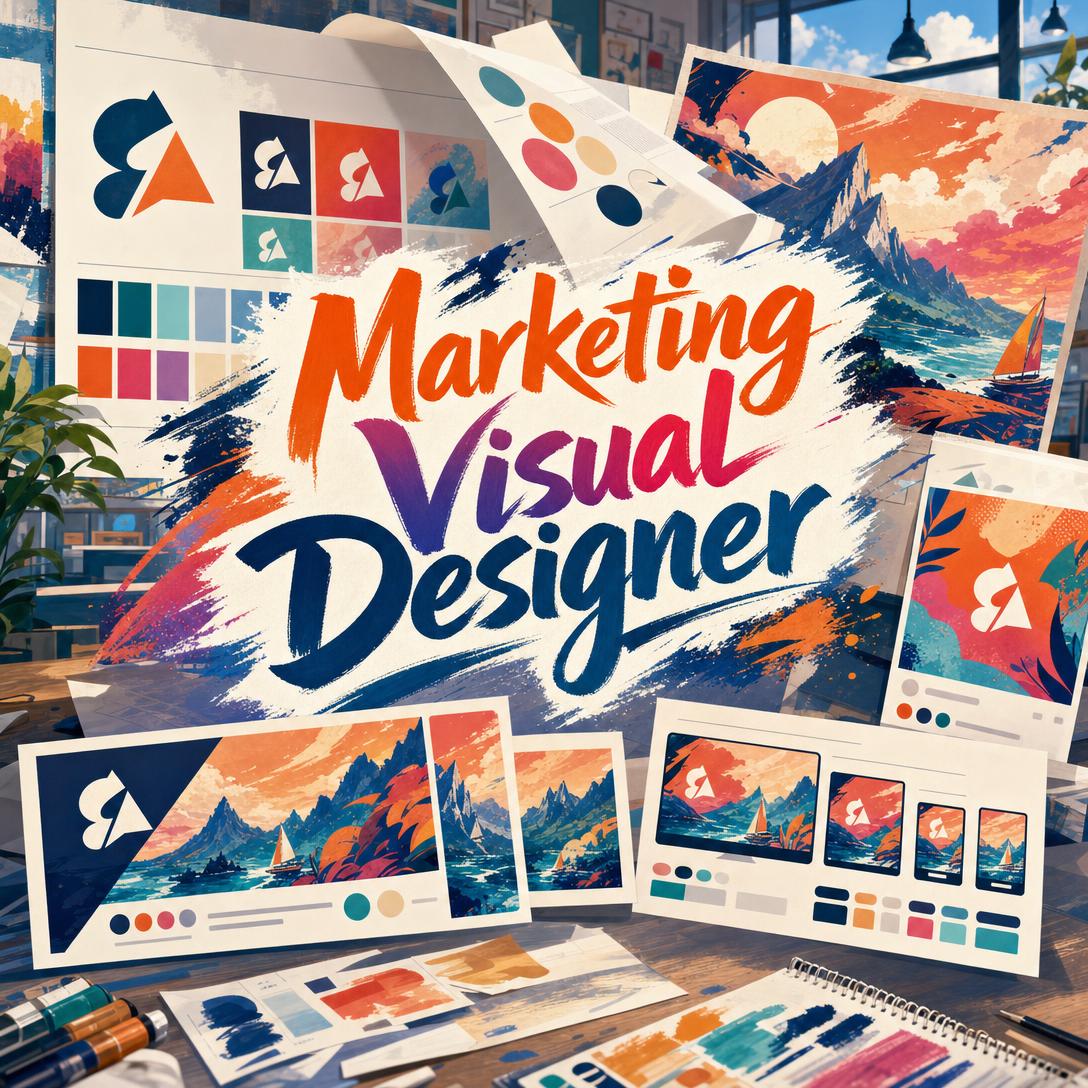
Marketing Visual Designer helps you produce brand-consistent campaign imagery by combining creative-director strategy with hands-on visual generation. While most teams ship mismatched crops, drifting palettes, and one-off images that never look like a system, this AI builds cohesive visual languages — logos, hero shots, social assets, and ads that hold together across every channel.
✅ Campaign architecture from a single hero image to every required format ✅ Brand-consistent color, motif, and typography locked across the set ✅ Platform-ready crops for Instagram, LinkedIn, Stories, display, email, and print ✅ Strategic recommendations on style, hierarchy, and funnel-stage fit — not just raw generation
Visual production is no longer a side task. Marketers now treat images, video, and color as the variables they test first, and nearly three in four report using AI for media creation. To understand why a dedicated marketing visual designer matters, it helps to look at the creative bottlenecks teams still hit when they try to scale campaign imagery without a system.
Quick Answer: What Is Marketing Visual Designer?
Marketing Visual Designer is an AI creative director that produces brand-consistent campaign imagery, logos, social assets, and digital ads optimized for every major platform. It thinks in visual systems, not isolated pictures.
Key capabilities:
- Hero-to-derivative campaign architecture so every crop still looks on-brand
- Logo, palette, and motif extraction from existing brand materials
- Platform-specific formats, safe zones, and attention patterns
- Style direction across photography, illustration, and graphic layout
- A/B variants and seasonal tweaks without breaking the visual language
Creative Challenges Marketers Face With Campaign Visuals
Demand for visual content keeps rising, and the production model has not kept up. Twenty-two percent of marketers named expanding from text into visual and audio content as their most effective diversification move. At the same time, the AI-in-marketing market is scaling from $20.4 billion in 2024 toward $35.0 billion in 2026. Volume is not the hard part anymore. Coherence is.
75% of marketers — use AI for media production, including images and video
63% of consumers — prefer to find brand and product information on mobile
4:5 and 9:16 — vertical, mobile-first ratios now outperform square images on most networks
$14.66 billion — size of the global visual content market
But getting from a brief to a publish-ready set is still frustratingly difficult:
- One concept, eight crops. Instagram feed, Stories, LinkedIn, X, display, email headers, and a website hero all want different aspect ratios. A single square export gets letterboxed, cropped through the logo, or compressed into noise.
- Brand drift across the sprint. Color shifts a few hex values. The type gets heavier. The lighting mood changes between “hero” and “carousel.” By week two the campaign no longer looks like one brand.
- Generic AI aesthetics. Default generators lean toward overworked, same-looking imagery. Adobe’s 2026 creative forecast points the other way — toward organic texture, imperfect analog cues, playful type, and warm, human-centered style. Teams that ship default “AI art” look dated against that shift.
- Strategy missing from the brief. A conversion-stage product shot and an awareness-stage brand film still get treated as the same request: “make an image.” Funnel fit, competitive differentiation, and what to A/B test rarely make it into the file.
Eighty-eight percent of marketers already use AI in day-to-day work. The gap is not access to generation. It is having a creative partner that treats every asset as part of a campaign system.
This is exactly what Marketing Visual Designer was built for.
How It Works: From Brief to a Cohesive Visual System
Marketing Visual Designer works the way a senior creative director works: lock the hero, then derive everything else. You describe the goal, share brand materials, and get a visual system rather than a pile of unrelated pictures.
Step 1: Share the Goal, Audience, and Brand Start with the business job, not a vague style adjective. Name the offer, the audience, the funnel stage, and the channels. Upload logos, guidelines, or past ads if you have them. The designer extracts palette, motifs, typography personality, and positioning before generating.
"Summer launch for a clean-beauty serum, women 25–40, Instagram + site hero. Warm, credible, not clinical. Here’s our current packaging and brand PDF."
If you do not have a finished identity yet, Brand Kit Generator can build the logo, palette, type, and guidelines first so campaign work starts from a locked system instead of guesswork.
Step 2: Lock a Visual Direction, Then the Hero For a new campaign, you get two or three distinct directions before anything is produced at volume — for example, sunlit editorial photography versus painterly still life versus bold promotional layout. Once you approve a direction, the hero image becomes the consistency anchor: lighting, palette, composition, and motifs that every later asset must follow.
"Propose three directions for a B2B analytics rebrand aimed at CTOs on LinkedIn. I want precise and modern, not dark-mode cliché."
Step 3: Derive Platform Formats From the Hero With the hero approved, request the crops that actually matter. Vertical 4:5 feed posts (1080 × 1350) and 9:16 Stories/Reels (1080 × 1920) now do more work than square on mobile-first networks. LinkedIn and Facebook feed still favor landscape around 1.91:1. Email headers and site heroes often need ultra-wide 3:1 or 21:9. The concept stays the same; hierarchy and safe zones change.
"Adapt this hero to Instagram 4:5, Stories 9:16, LinkedIn landscape, and a 21:9 site banner. Keep the product, lighting, and terracotta palette. Protect logo and headline from story UI."
Step 4: Build Variants and Support Assets A/B versions, audience segments, and seasonal tweaks come next — then icons, patterns, and textures that extend the system. Ask what is worth testing (crop, background energy, typography weight) instead of randomizing everything at once. Visual assets are the top variables marketers test when they optimize performance.
"Create two variants of the 4:5 ad: one with the product in-use, one with a clean studio crop. Same palette. Headline stays under six words."
You can also switch image models from the App control under the chat input when a project needs a different balance of style, fidelity, and speed.
Try the designer free — no credit card required.
Creative Showcase: Campaign Visuals in Practice
🚀 Product Launch: Hero, Then Every Crop
Scenario: A specialty coffee brand is launching a limited summer blend. They need a site hero, Instagram grid and Stories, a retail poster, and a set of digital ads that still feel like one campaign.
Traditional Approach: A freelancer produces one hero over several days. Someone on the team crops it badly for Stories, rebuilds the poster in a separate file, and the ads pick up a cooler palette from a stock template. The launch looks like four vendors, not one brand.
Marketing Visual Designer: The team locks a warm editorial direction — golden-hour light, linen, ceramic, terracotta and cream — then generates the hero and every derivative from that language.
- One approved hero defines lighting, palette, and product styling
- Format derivatives keep the same world across 4:5, 9:16, 1.91:1, and print 2:3
- Support textures and wordmarks stay on-palette for packaging inserts and email
💼 B2B Rebrand: A Visual Language Leadership Will Approve
Scenario: A mid-market analytics company is tired of generic “glowing dashboards on black.” The CMO wants a light, precise system for LinkedIn, the website, and Google Display.
Traditional Approach: A brand agency quotes a six-figure identity program. Meanwhile the demand-gen team keeps shipping mismatched banners because sales cannot wait.
This AI designer: Reads existing materials, articulates the observed palette and positioning, then proposes a direction — structured geometry, restrained accent color, generous whitespace — before producing the hero and a responsive display set.
- Direction is reasoned from audience and competitive differentiation, not a default “tech” look
- LinkedIn landscape, site hero, and 1:1 / 16:9 / 9:16 display variants stay in one system
- Stakeholders review a coherent set instead of a moodboard of unrelated images
If the same team also needs scroll-stopping paid units with copy already composed for Meta placements, Digital Ad Designer can extend the campaign into performance-focused ad creatives without abandoning the locked visual language.
📱 Mobile Content Sprint for a Founder On the Go
Scenario: A solo founder is at a pop-up, shooting product on a phone. She needs Stories, a feed post, and a last-minute promo tile before the weekend rush. Most marketers already see mobile accounting for more than half of traffic, and vertical full-screen formats punish sloppy crops.
Traditional Approach: She posts the phone photo as-is. The product sits under the Stories sticker zone. The feed crop cuts the label. The promo tile uses a clashing template.
The visual designer, on iOS or Android: She uploads the photo, states the offer and the three formats, and gets on-brand crops with safe zones respected — 1080 × 1920 for Stories, 1080 × 1350 for feed, 1:1 for a grid tile — plus a headline hierarchy that still reads at phone size.
- Full feature parity on web, iOS, and Android, so the sprint does not wait for a desktop
- Safe-zone awareness for Stories UI, stickers, and swipe-up chrome
- Brand colors pulled from packaging in the photo, not a random preset
🎯 Seasonal Promo Set Without Breaking the Brand
Scenario: A home-goods retailer needs a holiday layer on an existing spring campaign: warmer light, gift-focused props, and three headline variants for A/B tests.
Traditional Approach: A new freelancer “makes it festive.” Snow overlays, a new font, and a red that does not exist in the brand kit. Returning customers do not recognize the shop.
Campaign visual design with memory: Previous hero, palette, and motifs stay in the conversation. The holiday set is treated as a variant family — same geometry and type personality, seasonal props and copy only.
- Variants test one variable at a time (prop, crop, or type weight)
- Support patterns and gift-tag icons extend the system instead of replacing it
- Off-brand requests get flagged before they ship
When the job expands past campaign imagery into brochures, infographics, or one-off print pieces, Graphic Designer is the natural next stop for layout-heavy work that still needs to sit next to the campaign.
FAQ
Is Marketing Visual Designer free?
Yes. You can use Marketing Visual Designer on the free tier with all core features and limited monthly usage. Paid plans start at $20/month for Plus (30× usage), with higher tiers if you are producing full campaign systems every week. Usage resets on your billing date with no daily caps, and there is no credit card required to start.
How is this different from a generic AI image generator?
Generic generators optimize for a single impressive picture. This product is built as a marketing visual designer: it reasons about funnel stage, brand consistency, platform crops, and how assets work together. It will propose directions, challenge a brief that undercuts the goal, and keep palette, motif, and lighting stable from hero to Stories. You still get images — you also get a system a creative director would recognize.
Can it create Instagram, LinkedIn, and ad-ready sizes?
Yes. Tell it the channel and it applies the working specs: Instagram feed at 1:1 or 4:5 (1080 × 1080 or 1080 × 1350), Stories and Reels at 9:16 (1080 × 1920), LinkedIn and Facebook landscape near 1.91:1, X at 16:9 or 1:1, YouTube thumbnails at 16:9, display sets, email headers, and print posters. It also accounts for safe zones so logos and headlines do not sit under interface chrome.
Does Marketing Visual Designer work on mobile?
It does. Web, iOS, and Android share feature parity, including speech-to-text and synced settings. That matters because vertical mobile-first ratios now outperform square on most networks, and a founder or social lead often needs a 9:16 story while they are away from a desktop. Upload a phone photo, name the formats, and ship a consistent set.
Can it keep my colors, logos, and style consistent across a whole campaign?
That is the core job. Upload guidelines or existing assets and it extracts palette (including hex values), recurring motifs, and type personality, then treats the approved hero as the lock. New requests are checked against that language. If a later prompt would drift — a new accent color, a conflicting illustration style — it flags the inconsistency instead of silently breaking the system.
Is the output ready to publish, or do I still need a designer?
Publish-ready for most social, display, and web hero uses, especially when you specify format and safe zones. Complex logo lockups, legal-required disclaimers, or print with tight bleed and spot color may still need a specialist pass. Use this AI when you need a coherent campaign set fast; keep a human designer in the loop for packaging dielines, trademark-sensitive marks, and final prepress.
Conclusion
Campaigns fail visually in the gaps: the Story that crops the logo, the ad that picked up a different red, the “AI image” that looks like everyone else’s. Marketing Visual Designer closes those gaps by working as a creative director — locking a hero, deriving platform-ready assets, and holding brand language steady from first brief to last variant.
If you need logos, social tiles, digital ads, and campaign imagery that actually belong together, start with a clear goal and one hero. The rest of the system follows.
Try Marketing Visual Designer now. Explore more at Jenova.
For Developers: Marketing Visual Designer is available programmatically via the Jenova API — integrate brand-consistent campaign visual generation into your application with a single API call. Full documentation →