AI Manga Creator: Page-by-Page Stories from One-Shot to Epic
2026-08-28
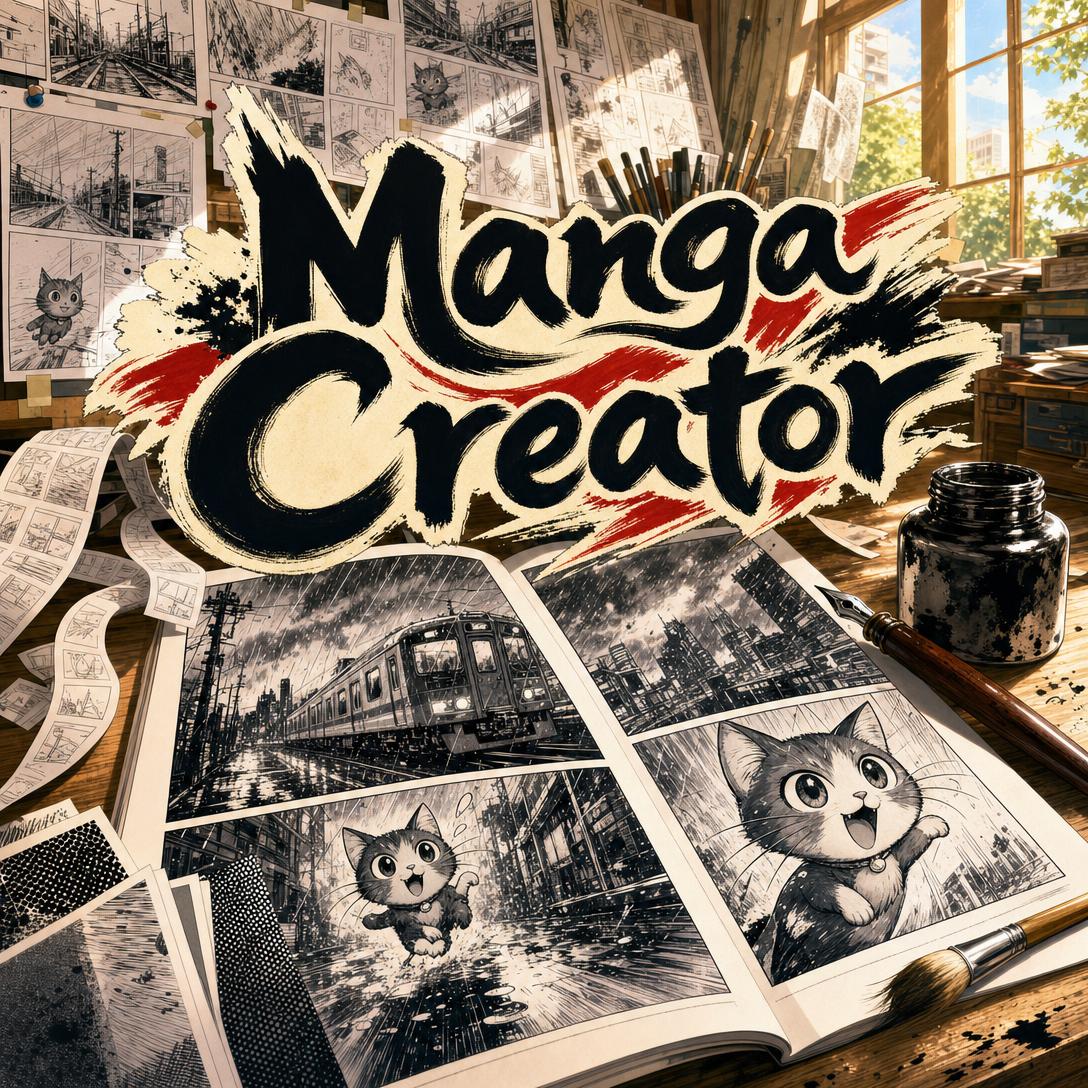
Manga Creator helps you finish real manga — not one-off illustrations — by building each page with locked characters, panel flow, and a consistent art style. While most AI image tools drift after a few pictures, this AI mangaka treats your project like a series: style bible, character sheets, and page-by-page continuity from a 16-page one-shot to a 200-page epic.
✅ Page-by-page generation with professional 2:3 manga layouts and readable speech balloons ✅ Locked style templates — shonen action, shoujo romance, seinen drama, slice-of-life, or chibi comedy ✅ Character sheets and style exemplars so faces, costumes, and linework stay stable across chapters ✅ Black-and-white, full color, or selective color, plus left-to-right or right-to-left reading
Japan’s manga business is still enormous, and digital reading now carries most of the revenue. The bottleneck for new creators is no longer “can I publish online.” It is whether you can sustain visual storytelling — panel grammar, pacing, and a cast that still looks like itself on page 87. To see why that gap matters, it helps to look at how manga is actually made.
Quick Answer: What Is Manga Creator?
Manga Creator is an AI mangaka that builds complete stories page by page so characters, panels, and art style stay consistent from one-shots to long series. You direct the beats; it handles composition, visual rhythm, and continuity.
Key capabilities:
- Story setup with title, genre, tone, scope, language, and reading direction
- Style lock across five manga traditions, plus a dedicated style exemplar page
- Character reference sheets for every significant cast member
- Panel-by-panel page direction with dialogue in speech balloons
- Continuity across scenes, costume changes, and landmark story moments
The Creative Challenges of Making Manga
Manga is not “a drawing with speech bubbles.” It is a timed visual language: panel size, gutter, splash pages, speed lines, screentone, and the page-turn reveal. Readers feel pacing before they notice craft. That is why a beautiful single illustration can still fail as manga — it does not teach the eye where to go next.
Demand for the medium remains huge. Print and electronic manga sales in Japan hit a record ¥704.3 billion in 2024, and comics accounted for 44.8% of the country’s publishing market. Digital is doing the heavy lifting:
¥512.2 billion — E-comics sales in Japan in 2024, up 6.0% year over year
Print tankōbon and magazines fell in the same period, which is exactly why so many new stories now live or die on phones and tablets. Even after a 1.7% contraction in Japan’s manga market in 2025, the category is still a multi-hundred-billion-yen engine. The opportunity for original digital work is real. The production problem is still brutal.
But turning fandom into finished pages is frustratingly difficult:
- Drawing skill is still the gate. Digital tools moved inking and tone onto screens, yet you still have to draw every panel.
- Consistency collapses over length. Hair, eyes, costumes, and architecture drift — the classic tell of AI-assisted comics.
- Panel grammar is a craft, not a filter. Grid vs. diagonal splash, quiet two-shots vs. action overflow, and when to withhold a face are learned skills.
- Solo creators wear five jobs. Writer, character designer, layout artist, inker, and letterer, usually at night after work.
A Celsys survey of more than 8,000 European visual creators found 68.4% already draw digitally, and 31.5% already make some form of comics. Among people who were not making comics, 38.4% named manga as a genre they wanted to try — one of the top new categories. Interest is not the missing piece. Throughput is.
Academic work on manga production has made the same point for years: digitization often arrives only in the later drawing stages, while the expensive early work — scenario reuse, character bibles, revision history — stays messy. Generic image generators skip that production model entirely. They give you a pretty frame with no cast bible, no reading order, and no reason page 12 matches page 2.
Meanwhile, 80 percent of content creators now use AI somewhere in their workflow. The useful question is not whether AI belongs in comics. It is whether the AI can hold a series together. That is the job this AI mangaka was built for.
How to Create Manga with AI, Page by Page
Manga Creator runs like a small studio with a stubborn editor. You do not dump a premise and hope for 40 matching pages. You lock the bible first, then generate story pages against it.
Step 1: Lay the story foundation
Name the title, genre, tone, and scope — one-shot, mini-series, or long serialization. Decide language and reading direction (English left-to-right, Japanese right-to-left). Spell out who the characters are, how they speak, and which visual details must never drift: a left-eye scar, a cracked pendant, a house-color uniform trim.
"Working title: Rain Line. Seinen drama, black and white. English, left-to-right. 40-page one-shot. Protagonist Hana, 17, short silver hair, oversized school coat, speaks in short sentences. Rival Kaito, always smiling, never blinks first."
If you are still inventing the cast, Character Creator can help you lock names, silhouettes, and portraits before those designs enter the manga bible. That extra hour of design work is cheaper than redrawing a protagonist who changes face every chapter.
Step 2: Lock style, color, and reference sheets
Choose a style template that matches tone — bold shonen action, soft shoujo romance, cinematic seinen drama, clean slice-of-life, or super-deformed chibi comedy. Lock color mode: traditional black and white with screentone, full color, or selective color. Then generate a style exemplar (the visual language, not a story page) and character sheets in neutral poses.
Those sheets are the consistency anchor. Story pages are outputs. Mixing the two is how faces melt. For a large cast, group sheets by main cast, supporting cast, and locations.
"Lock Seinen Dramatic, black and white with heavy cross-hatching. Generate a style exemplar, then a character sheet for Hana and Kaito in uniform, multiple angles, names in the corner."
Step 3: Direct the page, panel by panel
High-level requests such as “they fight on the roof” produce vague pages. Strong pages come from beats: what the reader learns in each panel, what is said, and where the eye should land. The mangaka composes layout — regular grid for talky scenes, size jumps for impact, splash panels for reveals — and places dialogue in balloons.
"Page 8, five panels. 1: wide rainy platform, train lights in the puddles. 2: Hana’s hand on the strap, cracked pendant visible. 3: Kaito across the car, smiling. 4: her POV, his eyes reflecting the window. 5: the doors close; she did not move. Hana says: 'Not today.' No other dialogue."
Step 4: Review continuity, then keep going
Each accepted page should keep characters on-model, panels readable in the correct order, margins even, and text in the project language (no stray Japanese SFX in an English book). Revise expressions or rewrite a layout the same way a sensei would send a page back. Landmark moments — first appearance, power awakening, confession — get tagged so later chapters can callback without guessing.
On phone or tablet, the same loop works between classes or on a commute: dictate the next page’s beats, check the art, approve, and continue. Memory carries the bible, recent pages, and plot threads so a weekend gap does not reset the series. Try it free — no credit card required.
Creative Showcase: One-Shots, Series, and Mobile Pages
⚔️ Shonen one-shot with a finished fight
- Scenario: You have a 24-page tournament ending — the underdog finally lands a named technique — but you cannot draw speed lines, impact frames, and two on-model fighters for a month of nights.
- Traditional Approach: Thumbnails, pencils, inks, tones, and lettering in Clip Studio or on paper. A Celsys-backed creator survey found digital drawing is now the default for most European visual artists, yet “digital” still means you produce every panel. A tight action one-shot can eat weeks.
- Manga Creator: Lock Shonen Action, generate both fighters’ sheets, then board the bout page by page: establishing wide, exchange of blows, reaction close-ups, full-width clash, quiet aftermath.
- Bold linework and speed lines stay in-template
- Panel size does the choreography instead of cramming six equal boxes
- Chibi cutaways can break tension without abandoning the main style
💕 Shoujo chapter that actually turns the page
- Scenario: A confession on the school stairwell. The emotion lives in eyes, flowers, silence, and the balloon you don’t fill.
- Traditional Approach: Soft screentone, sparkle effects, and emotional close-ups are their own craft. Inconsistent faces kill romance faster than clumsy dialogue.
- This AI mangaka: Lock Shoujo Romance and a two-person reference sheet. Script the page around what changes: she sees the letter, he looks away, the last panel is only her hand on the rail.
- Delicate gradients and close-ups carry the tone
- Speech patterns stay in character — no identical “anime voices”
- You can extend the same pair into a multi-chapter arc without redesigning them
If your next project is a Western-style issue with dynamic splash pages and full-color sequential art rather than manga panel grammar, Comic Creator is the closer fit for that visual tradition.
📱 Serialize on your phone between stops
- Scenario: You commute 40 minutes and want a weekly 8–10 page chapter online, in English, before the algorithm forgets you exist.
- Traditional Approach: A full digital pipeline at a desk. Miss a week and the series stalls. Print-first habits also fight the screen: e-comics already dwarf print manga in Japan, and readers expect regular digital drops.
- The mangaka on mobile: Sketch tonight’s beats on iOS or Android, generate the page, fix one balloon, approve. Persistent memory keeps last chapter’s clothes, the locked east-wing mystery, and the pendant you have not explained yet.
- Full web / iOS / Android parity, including speech input for panel dictation
- 2:3 portrait pages that read like a tankōbon, not a landscape illustration
- Chapter recap when you return after a break
If the same story should run as a vertical-scroll episode with color and cliffhanger rhythm for phones, Webtoon Creator is built for that format instead of printed-page spreads.
Frequently Asked Questions
Is Manga Creator free?
Yes. Manga Creator is available on a free plan with core features and limited monthly usage. Paid tiers start at $20/month for substantially more generation headroom, custom model selection, and no watermarks, with higher plans if you are producing long series. Usage resets each billing month with no daily cap, which matters more than a headline price when a single chapter may need reference sheets plus eight story pages and a revision.
How is this different from Clip Studio Paint or a generic AI image tool?
Clip Studio Paint is a professional drawing environment used by millions of illustrators and mangaka; you still pencil, ink, tone, and letter. A generic image model can output a striking “manga-style” picture, then lose the face, the gutters, and the reading order on the next try. This AI mangaka is a sequential-art partner: style exemplar, character sheets, panel purpose, balloon text, 2:3 page specs, and continuity from prior pages. It does not replace learning craft. It removes the requirement that you personally draw every frame to see the story exist.
Can it produce a 200-page serialized manga?
That is the design target — one-shots through 200+ page series — provided you do the unglamorous setup. Cast sheets, a locked template, and panel-level direction are what keep page 140 from inventing a new nose. The workflow also tracks plot threads, relationships, and landmark pages so payoffs do not vanish. You should still expect to review and revise; long-form quality is an editing practice, not a single prompt.
Does Manga Creator work on mobile?
Yes. It runs with full feature parity on web, iOS, and Android, including speech-to-text if you would rather dictate panel beats than type them on a train. Settings and project memory sync, so a character sheet you approved on a laptop is the same sheet you generate against on your phone. For vertical-scroll, full-color episodes rather than tankōbon pages, use Webtoon Creator instead.
Can I copyright manga I make with AI?
This is not legal advice, and rules differ by country. In the United States, the Copyright Office’s Part 2 report (January 29, 2025) focuses on whether a work contains sufficient human authorship. Purely machine-made output is generally not protectable; Congressional Research Service analysis reaches the same human-authorship core. The Office has registered AI-assisted artwork when human creative control was documented. Directing story, panel purpose, dialogue, style, and revisions is the kind of control worth keeping records of. Consult an attorney for your case.
Can it do shonen, shoujo, seinen, and color?
Yes. During setup you lock one primary template — Shonen Action, Shoujo Romance, Seinen Dramatic, Slice-of-Life, or Chibi/Comedy — and a color mode. Chibi can still appear as comic relief inside a dramatic book without throwing out the main linework. Dialogue, narration, and sound effects follow the project language, which avoids the common glitch of Japanese onomatopoeia landing in an English chapter.
Conclusion
Making manga used to mean a desk, a deadline, and a second job as your own inker. The audience is still there — Japan’s manga market remains a giant, and digital reading now pays most of the bills — but the people who want to draw manga far outnumber the people who can sustain a cast, a style, and a chapter cadence.
Manga Creator closes that gap as a standalone AI mangaka: bible first, pages second, continuity as a rule rather than a hope. You bring the story beats. It brings panel grammar, locked art, and a memory that lasts longer than a single generating session.
Try Manga Creator now. Explore more at Jenova.
For Developers: Manga Creator is available programmatically via the Jenova API — integrate page-by-page manga generation with locked style and character consistency into your application with a single API call. Full documentation →