AI Greeting Card Maker: Custom Designs and Messages Instantly
2026-08-27
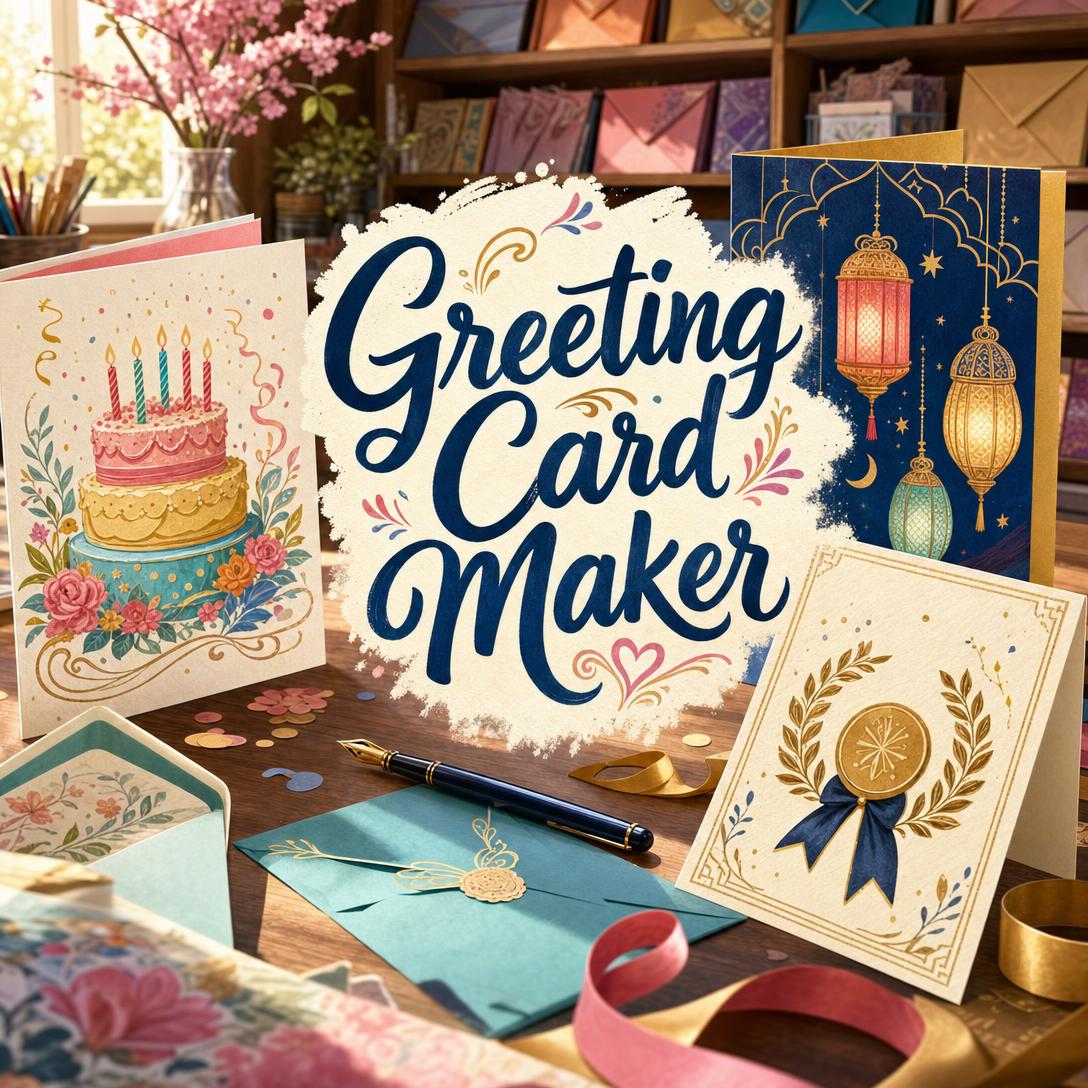
Greeting Card Maker helps you create a complete greeting card — illustration, layout, and message together — by matching visual style and wording to the occasion, the recipient, and the relationship. While drugstore racks and template libraries still push one-size-fits-all designs, this AI produces a card that feels chosen for one person, not pulled from a stack.
✅ Complete cards in one pass — design and copy as a single creative act ✅ Occasion and culture fluency — birthdays, sympathy, Eid, Diwali, Lunar New Year, and more ✅ Tone that fits the relationship — witty, heartfelt, professional, or gently supportive ✅ Photo-ready layouts — your image framed as the hero, never competing with the type
A great card is a small act of human connection. The visual has to land in a glance; the words have to sound like you. To understand why that combination is so hard to get right — and how a dedicated card designer changes the process — it helps to look at how people actually choose, send, and remember cards today.
Quick Answer: What Is Greeting Card Maker?
Greeting Card Maker is an AI card designer that creates complete greeting cards — visual design and message together — for any occasion, relationship, and cultural context. You describe who it is for; it returns a finished card, not a blank template.
Key capabilities:
- Unified design and copywriting so the words are part of the layout, not stamped on afterward
- Cultural design intelligence across Western, East Asian, Islamic, South Asian, Jewish, Latin American, and other card-giving traditions
- Tone matching from playful birthday humor to careful sympathy language
- Photo-integrated cards that frame your image instead of crowding it
- Formats for print-style portraits, Instagram, WhatsApp Status, and workplace sharing
Why Personalized Greeting Cards Are Still So Hard to Get Right
Greeting cards have not faded into text messages. They remain one of the few objects people still buy specifically to mark a relationship.
6.5 billion — U.S. consumers purchase 6.5 billion greeting cards each year
9 out of 10 — U.S. households buy greeting cards, a habit the Greeting Card Association still treats as core to how people show care.
The global category is not a nostalgia niche either. Grand View Research valued the greeting cards market at $19.8 billion in 2025, with continued growth projected through the next decade. Christmas alone accounts for about 1.5 billion U.S. card purchases, with Mother's Day close behind.
The demand is real. The creative work is still frustrating:
- The rack never knows the relationship. A birthday card for a five-year-old, a thirty-year-old designer, and a grandmother should not share an aesthetic. Most retail and template options treat the occasion as the whole brief.
- The words are the hard part. Card copy is short-form writing at its most unforgiving — typically a few words that have to sound specific without becoming awkward. People freeze, then settle for a line that could belong to anyone.
- Culture is easy to get wrong. Lunar New Year palettes, Eid geometry, Diwali light motifs, and Hebrew or Arabic greetings follow conventions that generic clip-art decks routinely flatten or mix.
- Time collapses at the worst moment. The average U.S. household still buys about 30 greeting cards a year. Many of those are last-minute, mobile, and emotionally loaded.
Younger buyers have made the problem sharper, not smaller. Millennials are now the largest greeting-card buyers by dollar spend. They will text a happy birthday to most of their list — and then hunt for something "card-worthy" for the people who matter. They want design that feels current and a message that could only be for that person.
Digital channels have raised the bar again. Industry reporting on 2025 e-card behavior found around 58% of users choosing cards with customizable images, messages, or animations, and over 53% accessing digital cards on mobile. A card that looks designed on a phone screen, reads in a second, and still feels personal is now the default expectation — not a deluxe extra.
This is exactly what a dedicated greeting-card designer was built for.
How to Design a Custom Greeting Card with AI
Greeting Card Maker treats the card as one object: the illustration, the lettering, and the line of copy are generated together. You do not approve a slogan, then hunt for a background. You describe the moment; you get a finished card.
Step 1: Name the Occasion and the Person Give the occasion plus anything you know about the recipient — relationship, age, tastes, cultural context, or a detail only the two of you would recognize. The more specific the person, the more specific the card. Occasion alone is enough to start; names, hobbies, and tone make it feel intimate.
"Birthday card for my mom turning 60. She loves garden roses and handwritten notes. Elegant, warm, not cutesy."
Step 2: Receive a Finished Card, Not a Template The designer infers tone, palette, typography, and a short message, then builds them into a single layout. Default format is a 4:5 portrait — the proportion that still reads as "a card" on a desk or a phone. If you need a square post, a 9:16 story, or a landscape note, say so in the same request.
On-card text stays short on purpose. A focal line of a few words, with an optional supporting line, is what actually reads at card size. Long paragraphs belong in a letter, not on the face of the design.
Step 3: Refine the Design, the Words, or Both Ask for a bolder type treatment, a quieter palette, a funnier line, or a different cultural register. Changes apply to what you named; everything else stays put. If you already have the exact wording, the layout is built around your voice rather than rewritten.
"Keep the roses and the gold, but make the message funnier — we're close, she can take a joke."
Step 4: Add a Photo When You Have One Upload a portrait, a pet, a house, or a shared snapshot. The photo becomes the hero. Color, ornaments, and type are pulled around it so the image is framed, not wallpapered over. If the source photo needs cleanup before it goes on a card, Photo Editor can handle retouching, lighting, and background work first — then you bring the cleaned image into the card.
Step 5: Share From Wherever You Are Save the image, send it in a chat, post it, or hand it to a print shop. Nearly half of e-card activity already runs through mobile and app-based platforms, and more than 41% of users send digital cards through mobile apps or messaging. A last-minute card designed on a phone is now a normal way to show up.
Try Greeting Card Maker free — no credit card required.
Creative Showcase: Cards for Real People and Real Occasions
🎂 A 60th Birthday That Does Not Look Like a Joke About Age
Scenario: You need a card for your mother. She hates "over the hill" humor, loves her garden, and will keep whatever you send.
Traditional Approach: Twenty minutes at a drugstore, flipping past sarcastic milestone jokes and pale florals that could be for anyone. You settle, then write a generic "Happy Birthday, love you" because the printed verse already took the space.
Greeting Card Maker: You mention the roses, the milestone, and the tone. You get a refined botanical card — cream ground, garden florals, gold accents, and a short line that sounds like a note from her child, not a caption from a catalog.
- Aesthetic chosen for her, not for "birthday" as a category
- Message short enough to letter as design, long enough to feel meant
- Easy to iterate if the first version is too formal or too sweet
🌙 A Culturally Specific Holiday Card, Not a Clip-Art Collage
Scenario: Eid is this week. You want to greet a colleague with something respectful — geometric, luminous, no figurative imagery — and you do not want to improvise religious visual language from memory.
Traditional Approach: Search "Eid card," download a lantern PNG, hope the colors are appropriate, and type "Eid Mubarak" in a default font. Or skip it because getting it wrong feels worse than silence.
With this AI card designer: Cultural context is part of the brief. For Eid, that means geometry, crescent and star motifs, calligraphy-aware type, and a green-gold-blue register — not people, not recycled Christmas sparkle. The same fluency applies to Lunar New Year red-and-gold symmetry, Diwali diyas and rangoli, Japanese seasonal restraint, or a bilingual Mazel Tov.
- Motifs and color conventions treated as design rules, not decoration
- Greetings rendered in the right language when the occasion calls for it
- Professional warmth when the recipient is a colleague, not a relative
If you also need a matching event flyer or a printed program for a gathering, Flyer Maker can carry the same palette and motif system into a larger layout so the card and the invitation feel like one set.
📱 A Last-Minute Card From the Train
Scenario: The notification hits at 8:40 a.m. It is your friend's birthday. You are not near a store. A text feels thin; a voice note feels unfinished.
Traditional Approach: Screenshot a template, overlay a name in Stories type, and send it with an apology for being late. Or buy an e-card that still looks like 2014 clip art.
Greeting Card Maker: From your phone, you send a one-line brief — who they are, how you joke with them, what they love. You get a punchy, shareable 4:5 or 9:16 card in the time it takes to ride two stops. That matches how digital greetings actually move: mobile is already the majority path for many e-card users, and about 39% of digital cards are shared on social platforms.
- Designed to read on a small screen
- Humor calibrated to the friendship, not to "funny birthday" as a genre
- Ready for iMessage, WhatsApp, Instagram, or email without reformatting by hand
💼 A Client Thank-You That Still Feels Human
Scenario: A project closed. You want to thank a client without looking like a mail merge. Corporate e-cards are no longer a side category — professional use accounts for about 28% of the e-card market.
Traditional Approach: A branded PDF with stock confetti, or a handwritten card that will arrive after the moment has passed.
Greeting Card Maker: You specify the relationship, the win, and the tone — sincere, measured, no slang. The result is a clean, premium card you can email the same day. If the thank-you needs a longer note on letterhead as well, Writing Assistant can draft the accompanying message in your voice while the card carries the visual gesture.
- Polished enough for a client inbox
- Specific enough that it does not read as a blast
- Useful for employee recognition, welcome-aboard notes, and holiday outreach as well
Frequently Asked Questions About AI Greeting Cards
Is Greeting Card Maker free?
Yes. Greeting Card Maker is available on a free plan with core features and monthly usage limits. Paid plans start at $20 per month for substantially more usage, custom model selection, and no watermarks, with higher tiers if you design cards in volume. You can start without a credit card and upgrade only if you outgrow the free allowance.
How is an AI greeting card maker different from Canva or a store-bought Hallmark card?
A store card is a finished object written for a demographic, not for your recipient. A template tool gives you a blank and asks you to be both art director and copywriter. This designer does the combined job: it infers tone from the relationship, builds a layout around a short original message, and applies cultural conventions when the occasion requires them. You still direct the result — you just do not start from a rack or an empty artboard.
Can it create cards for Eid, Lunar New Year, Diwali, and other cultural holidays?
Yes. Cultural design is a core skill, not a sticker pack. That includes color taboos and lucky numbers for Lunar New Year, non-figurative geometry for religious Eid cards, Diwali light and rangoli language, Hebrew greetings, seasonal Japanese motifs, and more. When the occasion implies a tradition, the card follows it. When the context is mixed or professional, the design stays respectful rather than theatrical.
Does Greeting Card Maker work on mobile?
Yes. Full feature parity across web, iOS, and Android means you can brief, generate, and iterate from a phone. That matters because over 53% of digital-card users already work on mobile. Last-minute birthdays, travel-day holidays, and "thinking of you" notes are often designed in the same place they will be sent.
Can I use my own photo on a greeting card?
Yes. Upload a photo and it becomes the focal point — cropped and framed so type and ornaments support the image instead of fighting it. Palettes can be pulled from the photo for color harmony. The designer integrates the picture into the card; it does not retouch the file itself. For cleanup, lighting, or background work, finish that in a photo editor first, then bring the image into the card.
Are AI greeting card messages appropriate for sympathy or other sensitive occasions?
They can be, when the brief is honest and the language stays simple. Sympathy cards should avoid explaining the loss or reaching for consolation clichés. The better register is presence: short, specific, and quiet. You can ask for that directly — and you should review every sensitive card before you send it. The designer will not be flippant about illness, grief, or apology, but you remain the person who knows the recipient.
A Card That Feels Made for One Person
People still buy billions of cards a year because a text does not carry the same weight. The gap has never been "whether to send something." It has been finding a design and a sentence that could only be for that relationship — on a deadline, often from a phone, across cultures and tones the aisle at the store never covered.
Greeting Card Maker closes that gap by treating every card as both a visual object and a piece of writing. You bring the occasion and the person. You get a finished card you can send, share, or print.
Try Greeting Card Maker now. Explore more at Jenova.
For Developers: Greeting Card Maker is available programmatically via the Jenova API — integrate custom greeting-card design and copywriting into your application with a single API call. Full documentation →