AI Graphic Designer: From Brief to Finished Brand Visuals
2026-08-27
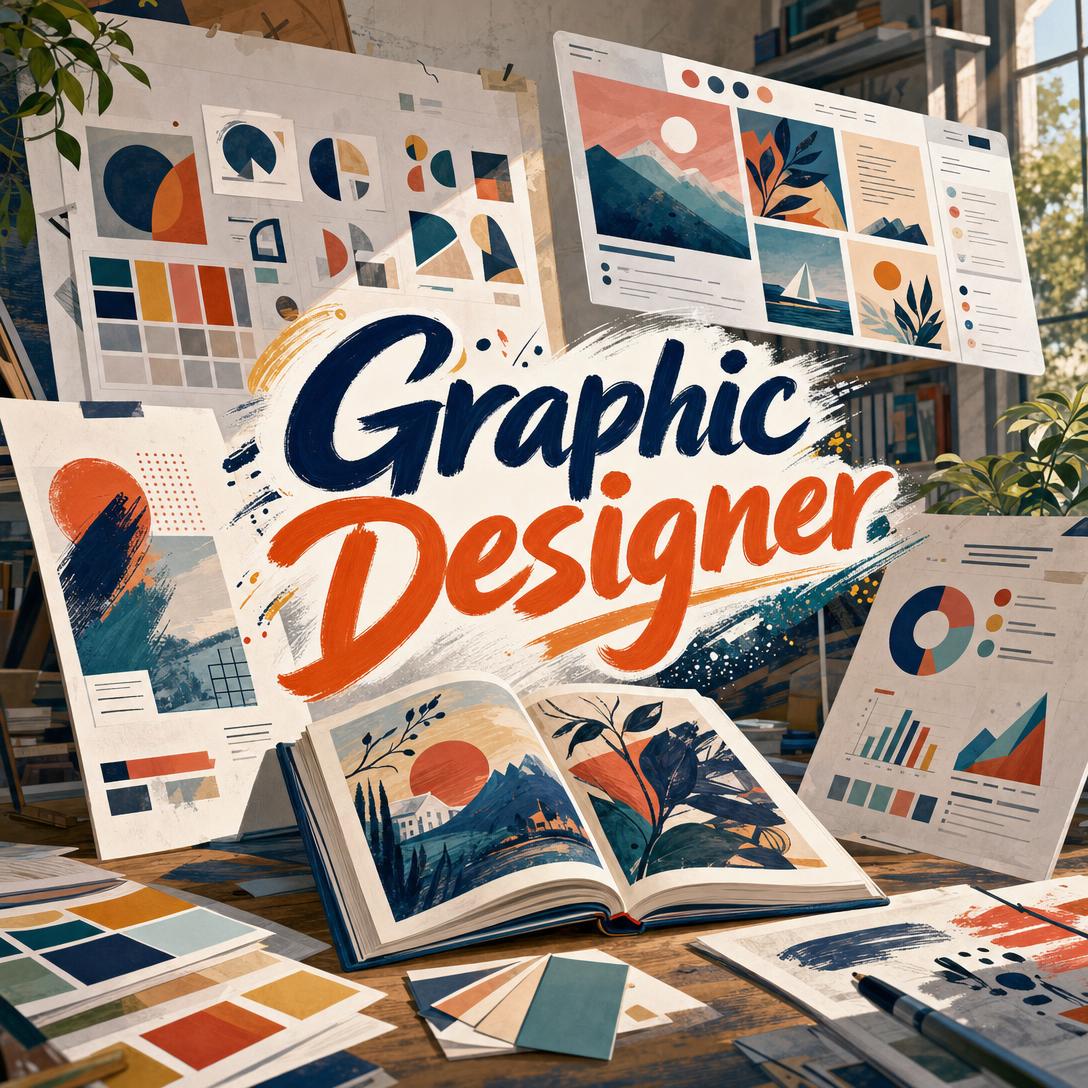
Graphic Designer helps you produce professional brand, social, and print visuals by applying real design craft—hierarchy, type pairing, color systems, and platform specs—to every brief. While waiting on an agency queue or a freelance round of revisions can stall a campaign for days, this AI provides finished creative from a conversation.
✅ Expert layout, typography, and color decisions—not template-looking output ✅ Platform-ready sizes for Instagram, LinkedIn, YouTube, Pinterest, print, and more ✅ Brand-aware work that matches uploaded logos, palettes, and existing assets ✅ Honest critique when a concept is weak, plus fast iteration when you want a change
To understand why this matters, look at how visual work actually gets stuck: not because teams lack ideas, but because production, approvals, and channel specs turn a simple post into a week-long bottleneck.
Quick Answer: What Is Graphic Designer?
Graphic Designer is an AI design partner that turns briefs into professional brand, social, print, and marketing visuals with expert layout, color, and typography. It works like a senior creative sitting with you—asking the right questions for logos, generating fast for social, and iterating until the piece is ready to ship.
Key capabilities:
- Social graphics sized for feed, Stories, thumbnails, and pins
- Logo exploration and brand-consistent marketing materials
- Print-aware layouts for flyers, posters, cards, and brochures
- Infographic structure, iconography, and presentation slides
- Critique of existing designs with specific, high-impact fixes
Creative Challenges Most Teams Still Face
Visual demand is not slowing down. Over half of businesses say they use graphic design first to communicate more clearly with customers, and the most-used formats remain social graphics, presentations, flyers, brochures, and posters. At the same time, the traditional supply of designers is tight: the U.S. Bureau of Labor Statistics puts median pay for graphic designers at $62,960 and projects employment to decline 2% from 2025 to 2035.
That gap shows up as rushed DIY work, overloaded in-house teams, and campaigns that miss the window. But getting professional creative on a deadline is still frustratingly difficult:
- Approval chains stretch a simple graphic across too many stakeholders
- Platform sizes change, and the wrong crop cuts off the headline or logo
- Color and type choices look “fine” in isolation and fail in a real feed
- Accessibility is treated as optional until contrast or type size becomes a problem
34% — Share of businesses that say design has to go through too many approval steps
24% — Share that say it takes too long to get the design done
Specs make the time cost worse. Vertical 4:5 and 9:16 formats now outperform square images on most networks, and a feed post, Story, and thumbnail each need different safe zones. A square Instagram image at 1080×1080, a portrait post at 1080×1350, and a Story at 1080×1920 are not interchangeable crops of the same file.
Taste has also moved. Adobe’s 2026 creative forecast points toward tactile texture, exaggerated letterforms, organic imperfection, and warmer, more human visual style—the opposite of generic stock layouts. Template libraries rarely hold that line. They repeat the same gradients, the same centered headline, the same clip-art energy.
Accessibility is not a polish pass. WCAG 2.2 requires a contrast ratio of at least 4.5:1 for normal text and 3:1 for large text. Designs that ignore that standard look stylish in a mockup and fail for a large share of readers.
This is exactly what this AI design partner was built for: professional visual decisions at the speed a content calendar actually requires.
How It Works
You do not fill out a form and hope a template fits. You brief the work the way you would brief a designer—project, audience, constraints—and get a finished piece you can critique and refine.
Step 1: Share the Brief and Any Brand Assets Describe the piece, the audience, and where it will live. If you already have a logo, palette, or past posts, upload them so the first draft matches your system instead of inventing a new one.
"Instagram portrait post for a neighborhood bakery’s Saturday sourdough drop. Our brand is cream, deep brown, and terracotta. Headline: Saturday Loaves. Warm, handmade, not cute."
Step 2: Lock Direction Before High-Stakes Work For logos, packaging, and brand identity, you get conceptual directions first—mood, type register, and visual tradition—so you are not generating ten near-identical marks. For social posts, flyers, and thumbnails, generation starts as soon as the essentials are clear.
"Explore three logo directions for a coastal architecture studio: one editorial serif wordmark, one geometric monogram, one restrained combination mark. Premium, not cold."
If you need a dedicated identity system after the mark is chosen, Logo Generator can stay on the symbol itself while this designer extends the look into posts, posters, and collateral.
Step 3: Generate to the Real Format The output follows the channel: 1080×1350 for an Instagram portrait, 1080×1920 for a Story or TikTok cover, 1280×720 for a YouTube thumbnail, 1000×1500 for a Pinterest pin, or print-aware proportions for a poster or card. Hierarchy is built for how people actually look—headline, visual, details, then CTA.
"LinkedIn post graphic, 1200×627, announcing our Series A. Navy and off-white, one big number, no stock handshake photo. Must read clearly at small size."
Step 4: Critique, Iterate, and Keep Brand Lock Vague notes such as “make it pop” get translated into specific moves: stronger weight contrast, a tighter crop, a calmer palette, more breathing room. Feedback is applied to the current piece; everything you did not mention stays put.
Try it free — no credit card required.
Step 5: Ship Across Web and Mobile Work continues on desktop or phone with the same conversation history. That matters when you are at an event, on a shoot, or rewriting a caption five minutes before scheduled publish.
Creative Showcase
📱 Weekend Campaign for a Local Café
Scenario: A café owner needs a Friday-to-Sunday Instagram set—feed post, Story, and a Reels cover—for a seasonal drink, designed on a phone between rushes.
Traditional Approach: Brief a freelancer, wait for a first round, then crop three times when Stories cut off the logo. A single delayed asset can miss the weekend.
Graphic Designer: One brief produces platform-native pieces with Story safe zones, feed-grid consistency, and type that holds up at thumb-scroll size.
- Portrait 4:5 for the feed, 9:16 for Story and cover
- Brand colors pulled from a uploaded menu photo or logo
- Headline short enough to read in under two seconds
🎯 Brand Identity for a New Product Line
Scenario: A founder launching rainwear for kids needs a mark, a palette, and a first set of product announcement graphics that feel playful without looking childish.
Traditional Approach: A brand studio discovery cycle, multiple presentation decks, and weeks before anything is usable in ads or packaging mockups.
This AI designer: Discovery first—industry, values, audience, competitors—then two or three distinct directions. Once a direction is chosen, the same visual language carries into launch posts and print references.
- Marks checked for favicon-size legibility and single-color use
- Type pairing with a clear headline / body split
- Color that considers cultural context, not only trend palettes
When the logo is set and you want guidelines, palette rules, and type specs in one system, Brand Kit Generator extends that identity into a cohesive kit you can reuse across every later asset.
📊 Report Visuals That People Actually Read
Scenario: A sustainability lead has three years of waste-diversion data and a leadership meeting on Thursday. The spreadsheet is accurate. The slides are not.
Traditional Approach: Hours in a deck tool, default charts, a legend no one reads, and a “design pass” that never happens.
The design partner: A narrative structure—hook headline, one hero statistic, supporting visuals, clear conclusion—using chart types that match the data rather than decorating it.
- Direct labels instead of buried legends
- Color used to highlight, not to fill every bar
- Slide type large enough for a conference-room screen
For research-heavy, data-dense stories that need a dedicated visual argument, Infographic Maker can take the same brief and build a full infographic flow with sourced figures.
💼 Launch Poster and Handout, Same Language
Scenario: A community theater needs a poster for the lobby and a smaller handout for the door. Date, time, venue, and ticket CTA have to survive a glance from across the street.
Traditional Approach: One file stretched into two sizes. The poster looks empty; the flyer looks cramped; the date gets lost.
This AI designer: Hierarchy first—title, visual, details, CTA—then two compositions that share type, color, and illustration style without cloning the layout.
- Print-aware proportions and content density
- Mood that matches the production, not a generic event template
- Clear next step without crowding the art
FAQ
Is Graphic Designer free to use?
Yes. You can use this AI design partner on a free plan with core features and limited monthly usage. Paid plans start at $20/month for higher usage and custom model selection, with higher tiers if you produce volume across campaigns. Usage resets monthly, and the same workspace is available on web, iOS, and Android.
How is an AI graphic designer different from Canva or a template pack?
Templates start from a fixed layout and ask you to drop in text. This partner starts from the brief—audience, medium, brand personality, and format—then composes hierarchy, type, and color for that piece. It will push back when a headline is too long for a poster, when contrast fails WCAG AA, or when a logo concept will collapse at favicon size. You still get speed; you do not inherit the same three-column sale flyer everyone else is using.
Can it design logos, Instagram posts, and print pieces?
Yes. Social graphics, logos and brand extensions, flyers, posters, presentations, infographics, icons, and illustrations are all in scope. Logo and packaging work begins with discovery rather than an instant generate-and-hope pass. Print outputs are high-quality visual references; for press-ready files with bleed and vendor specs, take the approved design to a print partner.
Does Graphic Designer work on mobile?
Yes. Full design conversations run on iOS and Android with the same history and brand context as desktop. That is the practical use case: shoot a product, upload the photo, and brief a Story or feed post before you leave the shop. Speech-to-text is available when typing a detailed brief on a phone is awkward.
Will the designs meet accessibility and brand standards?
Color contrast is treated as a design requirement, not an afterthought. WCAG 2.2 Level AA calls for 4.5:1 on body text and 3:1 on large text; those thresholds are part of how palettes and type are chosen. If you upload a brand kit, later pieces follow that palette, type, and logo usage. If a request would break readability or brand consistency, you get a better option instead of a weaker file.
What should I not expect it to do?
It does not produce video or motion graphics, dense data tables, UI/UX screen prototypes, 3D CAD, or studio-level photo retouching. Image generation also struggles with extremely text-heavy or number-heavy compositions; those belong in a document layout. For everything else in the graphic design brief—brand, social, marketing, print, and illustration—you can stay in one conversation.
Conclusion
Professional visual work is no longer optional, and it is no longer realistic to route every post, poster, and launch graphic through a week of production. Teams need brand-consistent creative that respects platform sizes, type hierarchy, and contrast rules—without waiting in a queue.
Graphic Designer gives you that working relationship: a senior design partner who takes a brief, makes strong defaults, and iterates until the piece is ready. From a café Story designed on your phone to a full identity direction for a new product line, you get finished visuals instead of another template to wrestle.
Try Graphic Designer now. Explore more at Jenova.
For Developers: Graphic Designer is available programmatically via the Jenova API — integrate on-brief brand, social, and marketing visual generation into your application with a single API call. Full documentation →