AI Food Photo Enhancer: Instant Appetite Appeal for Any Dish
2026-08-27
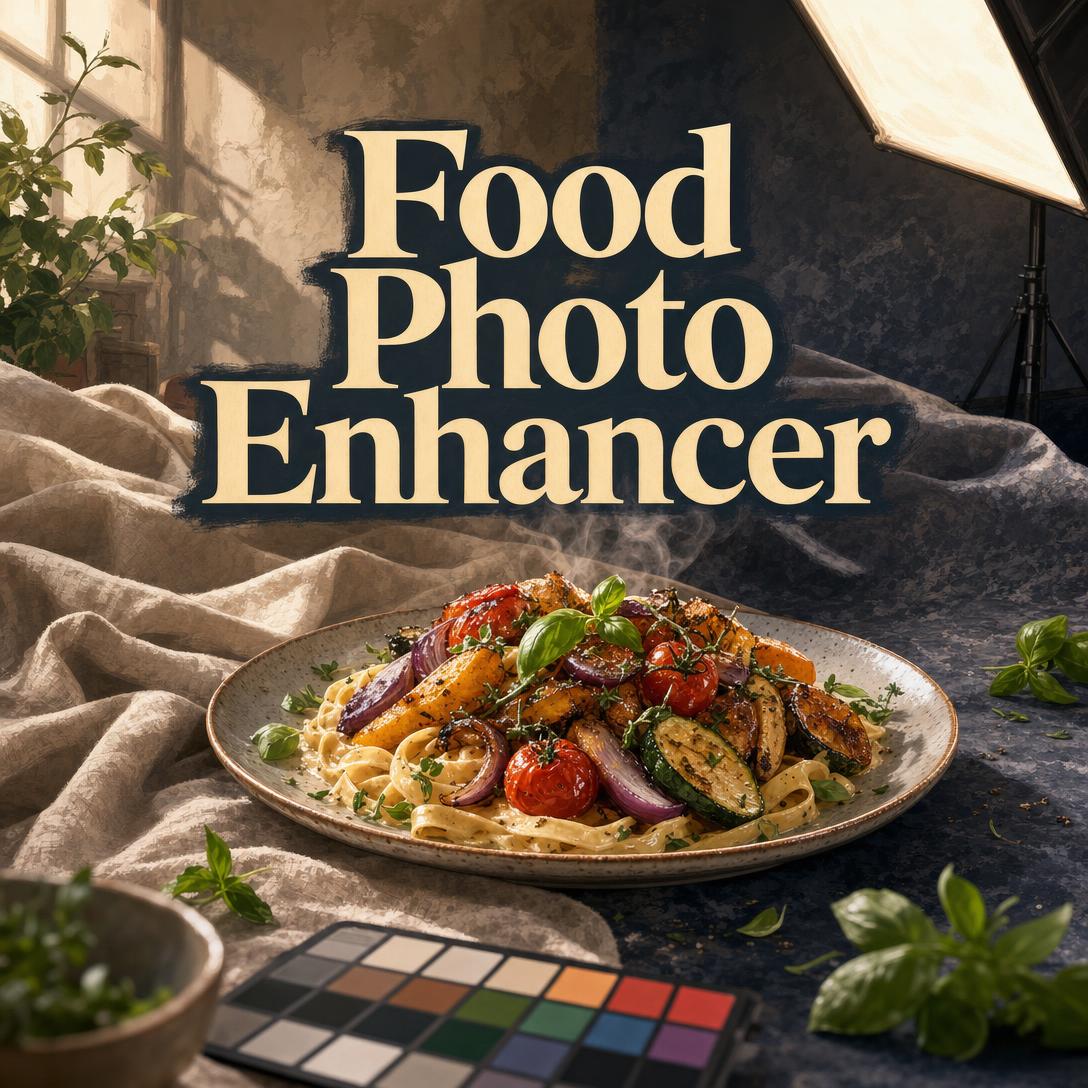
Food Photo Enhancer helps you turn ordinary plate shots into images that look freshly served and genuinely delicious by correcting color, texture, lighting, and background with food-specific judgment. While phone cameras flatten sauces, mute herbs, and wash out steam, this AI editor restores the cues that make people hungry — gloss, crumb, drip, and warmth — without turning the dish into something it is not.
✅ Color and white-balance correction matched to cuisine and food type ✅ Texture work that keeps crispy crisp, creamy smooth, and frozen cold ✅ Lighting, steam, and background fixes built for menus, feeds, and delivery thumbnails ✅ Style consistency across a full set — dark and moody, bright and airy, or clean commercial
Great food photos are not a vanity layer on top of the meal. They are how diners choose a restaurant, how a blog earns a click, and how a delivery listing wins a two-second glance. To understand why so many otherwise excellent dishes still look dull online, it helps to look at the creative constraints behind the camera.
Quick Answer: What Is Food Photo Enhancer?
Food Photo Enhancer is a food photography editor that corrects color, texture, and lighting to make any dish look irresistible in minutes. It is built for home cooks, restaurants, and food creators who need appetite appeal without a studio crew.
Key capabilities:
- Color correction and white balance that restore natural warmth or coolness by dish type
- Texture enhancement for crust, glaze, crumb, condensation, and sauce sheen
- Lighting fixes plus steam, frost, and “just-served” freshness cues
- Background cleanup, surface swaps, cropping, and platform-ready aspect ratios
Creative Challenges in Food Photography
Food is judged in a thumbnail before it is tasted. Research on restaurant online ordering found that 35% of respondents use food photography to choose new restaurants. On social platforms, the pressure is even more literal: a TableCheck report on restaurant food photography notes that one-third of social media users have admitted to ordering food just to take pictures.
That appetite-driven attention arrives while restaurants are already under cost pressure. Penn State Extension’s 2026 food-trend analysis cites USDA ERS forecasts of about 4.6% inflation for food-away-from-home, versus 1.7% for food-at-home — which means every menu photo has to work harder to justify the ticket.
35% — Share of diners who use food photography to choose a new restaurant
1 in 3 — Social media users who have ordered food primarily to photograph it
4.6% — Forecast 2026 rise in food-away-from-home prices (USDA ERS, via Penn State Extension)
But getting a photo that actually sells the dish is frustratingly difficult:
- Kitchen light lies. Overhead fluorescents, mixed window light, and phone auto-white-balance turn gold crusts green-gray and make tomato sauce look brown.
- Texture dies in the file. Crispy edges blur, ganache goes matte, ice cream pools, and herbs wilt in the frame even when the plate was perfect for thirty seconds.
- Platforms punish the wrong crop. Delivery grids shrink a hero dish to a postage stamp; Instagram wants a consistent feed; menus need negative space for type.
- Generic editors do not speak food. A slider that “pops” a landscape will oversaturate a curry, warm an iced latte, or smooth away the crumb that made the bread worth photographing.
Hospitality marketers still treat photography as a sales lever, not decoration. ION Hospitality’s restaurant photography guidance notes that photographing 20–30% of menu items can maximize sales impact without cheapening the brand — which only works if those selected images look like food people want to eat.
Delivery apps add a second, unforgiving layer of craft. Uber Eats merchant photo guidelines reject blur, harsh shadows, watermarks, clutter, and off-center plates, and they specify cover images at 2880 × 2304 in a 5:4 JPEG. Many aggregators further expect landscape masters; Deliverect’s menu-image rules call for 16:9 files around 1920 × 1080. A gorgeous 4:5 phone vertical can still fail the listing.
Taste trends make the visual job more specific, not less. IRCA Group’s 2026 food-trend outlook leads with a “sensory level up,” and industry coverage of SenseMaxxing emphasizes brightness, texture, and authenticity. If the photo cannot show crunch, gloss, or steam, the dish is competing with one hand tied.
This is exactly what a dedicated food editor was built for.
How It Works
Food Photo Enhancer starts from the photo you already have. You do not need a lighting diagram. You upload, name the dish and destination, and the editor applies food-category rules — warm savory light for a biryani, cool highlights for a scoop of gelato, tight contrast for a delivery thumbnail.
Step 1: Upload the Plate, Not a Mood Board Send the original photo. A phone snap from the pass, a blogger’s window-lit tart, or a slightly cluttered overhead bowl all work if the food itself is in focus. The editor identifies cuisine, temperature, and the hero element — cheese pull, glaze, crumb, condensation, herb scatter — before changing a pixel.
"This is our lunch special: spicy tuna crispy rice. Keep the plating, warm the light, and make the spicy mayo look glossy."
Step 2: Name the Job and the Platform Say where the image has to live. A DoorDash tile needs a tight crop, high contrast, and a simple surface. An editorial blog hero can keep negative space, linen texture, and a darker grade. Mention style in plain language: bright and airy, rustic warmth, clean commercial, or dark and moody.
"Crop for Uber Eats, 5:4, centered, no text, clean marble background, punchy color that still looks like the real bowl."
Step 3: Review Appetite Appeal, Then Honesty You get an enhanced frame plus a short explanation of what changed and why it reads as more delicious. Check three things: Does it still look like your dish? Are colors true? Did texture survive? If steam was added or a background was swapped, confirm it still matches what a guest will receive. Invisible edits beat theatrical ones.
Step 4: Lock a Look, Then Run the Set Once you approve a direction — warm highlights, cool shadows, rustic wood, identical crop — apply it to the rest of the menu or the week’s bake. Consistency is what makes a feed, a Google Business profile, or a delivery grid feel like one kitchen. Flag dessert or frozen items when they need a cooler grade than the savory plates.
"Match this pad Thai to the green curry we just approved: same warmth, same overhead crop, same white surface. Restore sauce gloss only."
If the source file cannot be saved — severe blur, wilted garnish, unreadable texture — the editor will say so and give a faster fix: move the plate to a window, shoot at 45 degrees, brush a drop of oil on the protein. For a deeper shooting curriculum, from window light to cheap bounce cards, Photography Coach can critique composition and lighting so the next capture needs less rescue.
Try the editor free — no credit card required. You can also switch image models with the App control under the chat box when you want a different balance of speed, style, and fidelity.
Creative Showcase
📊 Delivery Menu That Survives an 80-Pixel Tile
Scenario: A neighborhood Thai kitchen needs Grab, Uber Eats, and DoorDash photos for pad Thai, green curry, and mango sticky rice. The existing shots were taken under kitchen fluorescents; herbs look black, and the curry reads as brown soup.
Traditional Approach: Hire a food photographer for a half-day, style every plate, then recrop each file to every platform’s ratio. Easy to spend more than a week of delivery profit on a set that still gets rejected for shadows or watermarks.
Food Photo Enhancer: Warm the savory plates, lift the greens without neon, restore coconut-milk gloss, add a believable wisp of steam, and output tight, high-contrast crops on a clean surface that meets Uber’s catalog rules. Sticky rice shifts to a slightly softer, cooler dessert grade so mango stays fresh instead of sunburned.
- Hero element first: noodle separation, chili oil sheen, mango condensation
- Platform crops without reshooting
- Authentic color so the bag that arrives still matches the listing
💼 Blog and Instagram Feed With One Signature Grade
Scenario: A home baker is publishing a sourdough series — crust detail, crumb shot, cinnamon roll, and a breakfast plate — and the feed currently looks like four different cameras.
Traditional Approach: Build a Lightroom preset, fight mixed daylight, and still lose crust micro-contrast every time cloud cover changes. Hours per post before a caption is written.
This food editor: Lock a rustic, warm-highlight look with cool shadows and a wood surface. Sharpen crust crackle, reveal interior crumb, and keep flour dust without turning the loaf into plastic. The same grade then wraps the roll and the plated breakfast so the grid feels intentional.
- Matched color temperature across savory and bakery items, with smart exceptions
- Editorial crops with space for a title overlay
- Style you can reuse next Sunday without rebuilding a preset
If those images also need captions, carousels, and platform-native hooks, Social Media Content Generator can turn the finished photos into posts that keep the same voice as the bake.
📱 Phone Snap From a Pop-Up, Edited on the Walk Back
Scenario: You are at a weekend dumpling pop-up. The only camera is your phone. Overhead tent lighting is harsh, the folding table is cluttered, and you need a story still on Instagram and a vertical frame for TikTok before the line dies down.
Traditional Approach: Wait until you get home, realize the file is flat, and post anyway — or do not post at all.
The AI editor, on mobile: Remove table clutter, correct the green color cast, lift dumpling pleat texture, and add a controlled sheen on chili crisp. Export 4:5 for the feed and 9:16 for Stories without opening a desktop suite. Full editing works on web, iOS, and Android with the same history and style memory.
- Side-light contrast recovered from a flat file
- Vertical and square crops from one original
- Fast enough to post while the steam is still conceptually true
A packaged chili-crisp brand using the same stall may also need bottle-and-label shots for wholesale one-sheets. When the subject stops being a plated dish and becomes a product on white or in lifestyle context, Product Photo Editor is the closer fit for merchandising frames.
FAQ
Is Food Photo Enhancer free?
Yes. You can use Food Photo Enhancer on the free tier with all core editing features and a monthly usage cap. Paid plans start at $20 per month for Plus (30× usage), then scale through Premium, Pro, Max, Ultra, and Enterprise if you are running full menus or client batches. Usage resets on your billing date, with no daily drip cap.
How is this different from Lightroom, Photoshop, or a generic AI photo app?
Those tools are general. This editor is trained on the visual rules of food: warm tones for hot savory dishes, cooler grades for ice cream and drinks, cuisine palettes from Japanese restraint to Mexican saturation, and hero cues like steam, drip, crumb, and condensation. Generic “enhance” sliders often oversaturate, smooth away texture, or warm a cold drink until it looks stale. The goal here is enhanced-but-natural — the edit should disappear.
Can it prepare photos for Uber Eats, DoorDash, and other delivery apps?
Yes. Specify the platform and you get centered, high-contrast, clutter-free crops with no watermarks or text — the failure points called out in Uber’s merchant photo guidelines and in landscape specs such as Deliverect’s 16:9 menu-image standard. Always keep the plate honest; delivery customers compare the thumbnail to the bag.
Does Food Photo Enhancer work on mobile?
It does. Web, iOS, and Android share full feature parity, including speech-to-text if you would rather describe an edit than type it. That matters when the only good light is the ten minutes after plating, and you are editing from the pass or the sidewalk.
Will the food still look like what I actually serve?
That constraint is non-negotiable. The editor is instructed not to morph ingredients, invent garnish, or change portion size. After every pass you should still recognize the dish. If a request would make the photo dishonest — or if the source file is too blurry, wilted, or low-resolution to recover — you get a straight answer and a reshoot tip instead of a pretty lie.
Can I keep one look across a whole menu or blog series?
Yes. Once you approve a grade — lighting temperature, background family, contrast, crop — later photos in the same session follow it. Frozen desserts and salads can still shift cooler when the food requires it, while the rest of the set stays commercially consistent.
Conclusion
Diners decide with their eyes. Phone cameras, kitchen lighting, and delivery-grid rules strip out the warmth, texture, and freshness that make a dish worth ordering — and they do it in the exact moment food-away-from-home prices are climbing faster than grocery bills.
Food Photo Enhancer puts a food-fluent editor on that problem: color that respects cuisine, texture that still looks edible, lighting and steam that read as just-served, and crops that survive Instagram, blogs, and app thumbnails. You keep the plate. The photo finally keeps up.
Try Food Photo Enhancer now. Explore more at Jenova.
For Developers: Food Photo Enhancer is available programmatically via the Jenova API — integrate food-specific photo enhancement into your application with a single API call. Full documentation →