AI Fashion Mockup Studio: Photorealistic Product Photography
2026-08-27
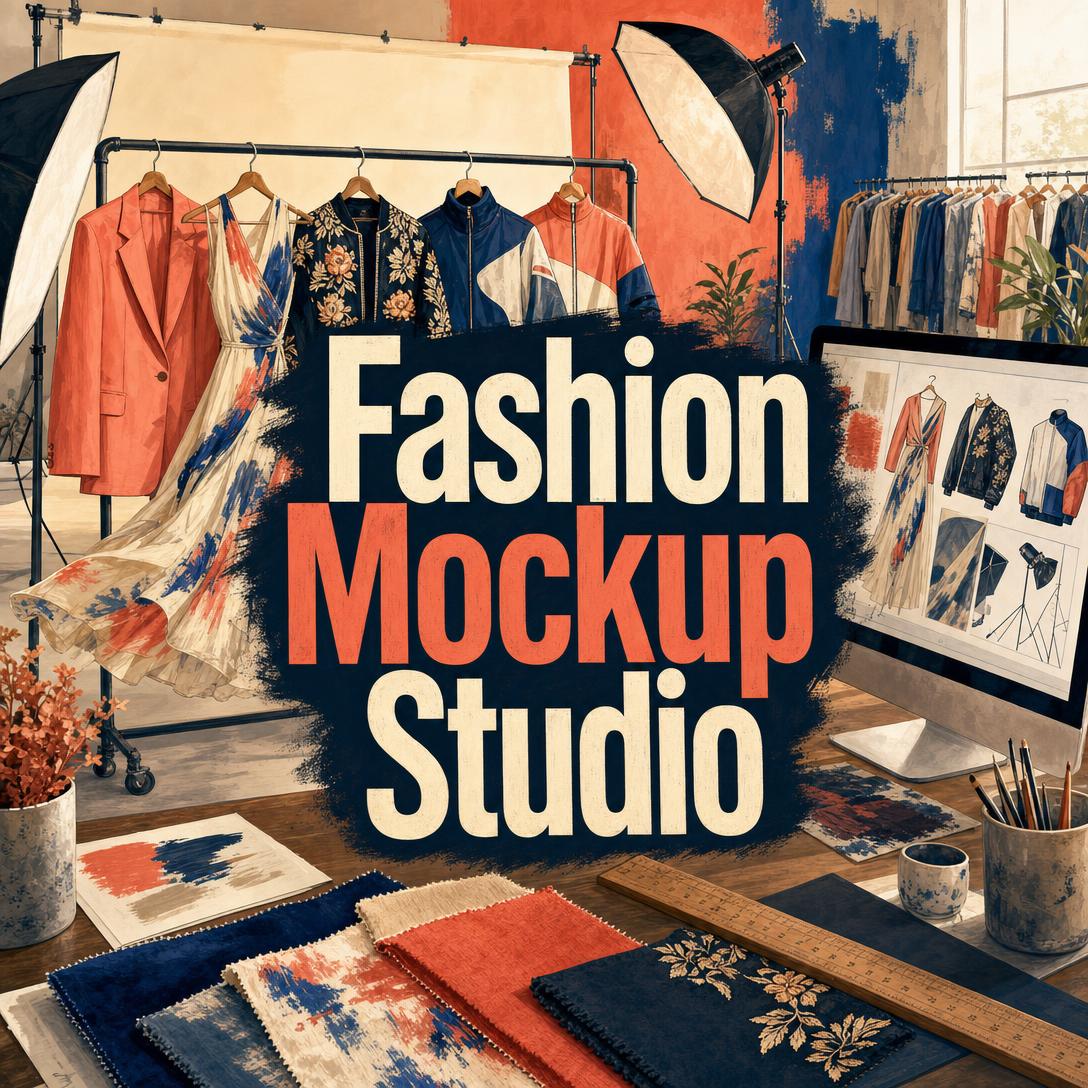
Fashion Mockup Studio helps you produce photorealistic fashion photography by mocking garments on models with studio-grade lighting, styling, and market-specific visual language. While traditional shoots require booking talent, renting space, and waiting on post-production, this AI studio turns a garment photo or description into campaign-ready images.
- ✅ Photorealistic garment-on-model mockups that read as real studio or location photographs
- ✅ Market-aware casting, lighting, and styling for US, Europe, Seoul, Tokyo, China, the Gulf, and South/Southeast Asia
- ✅ Output presets for e-commerce, editorial, social, campaign heroes, and digital lookbooks
- ✅ Fabric-accurate drape, construction detail, and styling coherence — not generic AI clothing renders
Fashion visuals decide whether a shopper trusts the product, understands the fit, and completes the purchase. To see why so many brands still ship catalogs that underperform, it helps to look at the production bottleneck itself.
Quick Answer: What Is Fashion Mockup Studio?
Fashion Mockup Studio is a photorealistic fashion photography studio that mocks garments on models to produce campaign-ready images in minutes. It is built for brands, creative directors, and sellers who need on-model photography without a physical shoot.
Key capabilities:
- Studio, lifestyle, and editorial mockups from a garment photo, description, or mixed brief
- Market archetype defaults covering model profile, lighting, posing, and styling conventions
- Platform-ready aspect ratios for listings, Instagram, Stories/Reels/TikTok, lookbooks, and web heroes
- Iteration on pose, lighting, background, and model archetype without rebooking a crew
Creative Challenges Facing Fashion Visual Production
In fashion e-commerce, the photograph is the product experience. Shoppers cannot touch the cloth, check the drape, or walk around the silhouette — they decide from pixels.
75% of online shoppers consider product photos crucial to their purchasing decisions, and professional images are associated with conversion lifts of roughly 30–33%.
That pressure collides with a brutal cost structure. Apparel also carries some of the highest return rates in retail.
20–30% of online fashion purchases are returned, according to The State of Fashion, while a 2025 National Retail Federation tally put total US retail returns at $849.9 billion.
22% of product returns happen because the item looks different than expected — a visual accuracy problem, not just a logistics problem.
Fit issues account for 53% of apparel returns globally, and some reports put average online clothing return rates near 30%, with certain segments much higher.
But producing photography that actually shows cut, cloth, and proportion is still frustratingly difficult:
- Shoot economics do not scale with SKU count. Every colorway, size run, and seasonal drop multiplies model days, studio time, styling, and retouching.
- Flat lays and ghost mannequins hide the garment. They are cheaper, but they fail at drape, volume, and how a hem or shoulder actually sits on a body.
- One visual language does not travel. A Seoul e-commerce look, a Gulf modest-luxury frame, and a European editorial campaign are different productions — not a filter swap.
- Generic image tools break fashion's hardest details. Silk that ignores gravity, prints that smear across seams, and anatomy that collapses at the hands are enough to kill shopper trust.
Photoroom's 2025 survey of more than 1,000 US and UK clothing brands found that 30% of fashion professionals already use AI for visual content, while 75% of clothing brands mix multiple photography styles in a single listing. The demand is not for more images. It is for images that behave like real clothes under real light.
This is exactly what this fashion photography studio was built for.
How Fashion Mockup Studio Works
You work with a creative director, not a blank prompt box. Share the garment, name the market and output, then iterate until the frame could hang in a lookbook.
Step 1: Brief the Garment Upload a product photo, describe the piece, or combine both. Include fabric, construction, and any brand constraints you already have — color rules, model age range, no visible logos, or a specific silhouette.
"Mock this bias-cut silk midi in ivory. Show true drape and weight, no stiffness. E-commerce front view, 3:4."
Step 2: Set Market, Model, and Output Choose the geography and the job the image has to do. US commercial, European luxury, Seoul, Tokyo, mainland China, Gulf, and South/Southeast Asia each carry different casting, lighting, and posing defaults. You can override any element.
"European luxury editorial, 2:3. Tall angular model, high-contrast architectural background, garment as sculpture. Minimal expression."
If you still need help deciding how the outfit should read — formal/casual mix, hem balance, accessory load — Fashion Consultant can pressure-test styling before you lock a visual direction.
Step 3: Generate the Photograph The studio composes camera, lighting, fabric behavior, and environment so the result reads as a photograph: natural skin texture, real shadow falloff, and cloth that holds or flows the way that textile should. Switch image models from the App control under the chat input when you want a different quality, style, or speed profile.
"Same coat, Seoul e-commerce default: bright diffused light, luminous skin, clean pastel set, oversized proportion, 3:4 listing crop."
Step 4: Iterate Like a Shoot Ask for the change, not a full re-description — warmer key light, three-quarter turn, outdoor street cast, different age range. Keep the garment locked while you explore pose, set, and model archetype.
"Keep garment and model. Swap to natural window light, add a rim for shoulder separation, crop 4:5 for Instagram."
Step 5: Deliver to Format Pull the frame into the ratio the channel needs: 3:4 or 4:5 for listings, 9:16 for Stories/Reels/TikTok, 16:9 or 21:9 for campaign heroes, 2:3 for lookbook pages. Batch additional SKUs against the same lighting and grade so the grid stays consistent.
Try this AI studio free — no credit card required.
Creative Showcase: From Sketch to Campaign-Ready Images
🛍️ Full-SKU E-Commerce Catalog Without a Studio Day
Scenario: A DTC shirt brand launches 18 colorways and needs on-model front, side, and detail frames before paid traffic goes live.
Traditional Approach: Cast a model, book a studio, style every color, then retouch for days. Adding a late SKU means another call sheet.
Fashion Mockup Studio: Upload one hero sample (or a tight technical description), lock lighting and pose, then generate the remaining colorways with the same camera height and crop.
- Fabric structure stays consistent so poplin does not suddenly look like jersey
- White-studio and lifestyle frames can sit in the same listing — 75% of clothing brands already mix styles
- New color drops do not wait on another shoot calendar
If you already have photos that need background cleanup, color correction, or marketplace formatting rather than a new mockup, Product Photo Editor is the better next step for the existing files.
📱 Mobile-First Social Drop in 9:16
Scenario: A streetwear label needs Stories, Reels, and TikTok stills tonight for a hoodie drop. The founder is briefing from a phone between packing orders.
Traditional Approach: A social shoot plus crop-and-regrade for every vertical format, or leftover 3:4 e-commerce images that look cramped on a full-screen story.
This AI studio: Generate the same hoodie as a 9:16 vertical with movement-aware posing, then a 4:5 feed crop that keeps the logo and hem honest.
- Brief and review on iOS or Android with the same session memory as desktop
- Lighting can shift from daylight street to night rim without recasting
- Output matches how mobile already carries about 70% of e-commerce traffic
When those stills need to become paid units — Meta placements, copy-on-image, batch variations — Digital Ad Designer can turn the mockup into conversion-oriented ad creatives without restarting the garment work.
🌍 One Garment, Three Market Languages
Scenario: A modest-luxury abaya and a matching tailored jacket must sell in Gulf e-commerce, a Seoul lookbook, and a US campaign hero — same construction, different visual contract with the shopper.
Traditional Approach: Three casts, three lighting packages, three styling teams. Most small labels ship one "global" image and hope it converts everywhere.
The studio: Apply each market's default package — model profile, lighting, posing, and set — then override any single variable.
| Market | What changes in the mockup |
|---|---|
| Gulf / modest luxury | Warm architectural light, composed pose, coverage as design, material quality in close detail |
| Seoul commercial | Bright diffusion, polished grooming, clean or pastel ground, coordinated oversized proportion |
| US campaign | Lifestyle authenticity, mixed casting, natural light, accessible posing |
- Cultural precision is treated as production craft, not a skin-tone slider
- You can keep the garment identical while the photograph's grammar changes
- Creative teams can review three heroes in one conversation instead of three vendors
📖 Lookbook Compilation From a Capsule
Scenario: An emerging label has a four-piece capsule and needs a digital lookbook PDF for wholesale appointments by Friday.
Traditional Approach: A two-day editorial plus layout in-house, or a freelancer queue that slips past market week.
The studio: Generate editorial heroes and clean e-commerce fronts per piece, lock a shared grade from the first approved frame, then compile the set.
- Visual lock across coat, trouser, blouse, and belt so the collection feels shot in one day
- 2:3 or 3:4 pages sized for screen presentations
- Iteration stays cheap when a buyer asks for a different model archetype after the first PDF
Examining current production data shows why this workflow is spreading: AI image generators were the fastest-growing AI category in 2024, up 441% year over year, and estimates put the AI-generated fashion photography market at $1.8 billion in 2025. The brands that benefit are the ones that still obsess over seam, drape, and cast — they just stop waiting on a call sheet for every SKU.
Frequently Asked Questions
Is Fashion Mockup Studio free?
Yes. A free plan includes core features with limited monthly usage. Paid tiers start at $20/month (Plus) and scale through Premium, Pro, Max, Ultra, and Enterprise if you are producing full catalogs or running heavier iteration. Usage resets on your billing date with no daily cap, so a launch week can use the full allotment on day one.
How is this different from a generic AI image generator?
Generic models guess at "clothes on a person." This studio is directed at garment accuracy: construction, fabric physics, print continuity, and market-specific photography language. You brief like a creative director — output style, model archetype, lighting, and crop — then iterate on the change rather than regenerating a new fantasy outfit. A beautiful image of the wrong garment is treated as a failed mockup.
Can Fashion Mockup Studio match my brand guidelines?
Yes. When you provide palette, photography style, logo rules, or model demographics, those constraints are treated as production law. If a guideline fights visual impact — for example, a lighting rule that flattens texture — the studio flags the conflict and recommends a fix instead of silently drifting. With no guidelines, aesthetic direction is inferred from the garment itself.
Does it work on mobile?
Yes. Full feature parity across web, iOS, and Android, with settings synced across devices. That matters for fashion because a large share of briefing, approval, and social publishing already happens on a phone. You can upload a garment photo from the factory floor and review a 9:16 story crop before the sample leaves the table.
How accurate are the garments and fabrics?
Accuracy is the point of the workflow: color, silhouette, construction details, and how that specific cloth should drape or hold shape. Prints, stripes, and hardware are checked as failure points because they are where fake fashion images usually collapse. If a result misses a critical detail, say so and iterate — do not ship a "close enough" listing image. Photorealism is the quality bar, not a slogan.
Can I produce images for more than one market or format at once?
Yes. The same garment can be mocked for multiple markets with separate casting, lighting, and styling packages, or batched across e-commerce, editorial, and social ratios. Multi-garment lookbooks and systematic catalog runs are supported so a drop stays visually consistent instead of looking like twelve unrelated prompts.
From Sample to Shoot-Ready Without the Call Sheet
High-converting fashion imagery has always been expensive because it had to be. Models, light, cloth, and cultural fluency do not assemble themselves — and shoppers punish listings that cannot show how a garment actually lives on a body. 90% of online shoppers name photo quality as the most important factor in a buying decision, while fashion's conversion rates still lag other retail verticals.
Fashion Mockup Studio compresses that production stack into a brief: garment in, market and format named, photograph out — then refined until the fabric, fit, and frame are honest enough to sell. Try it on the next SKU that would have waited for a studio day.
Explore more at Jenova.
For Developers: Fashion Mockup Studio is available programmatically via the Jenova API — integrate photorealistic garment-on-model fashion photography into your application with a single API call. Full documentation →