AI Email Generator: Write Better Emails in Seconds, Not Hours (April 2026)
2026-04-03
In April 2026, approximately 392.5 billion emails are sent every day globally, and the average professional receives 121 emails daily while spending up to 28% of their workweek — roughly 11 hours — just reading, writing, and managing their inbox (cloudHQ, Speakwise). Meanwhile, the AI-powered email assistant market has reached USD 2.56 billion and is growing at a 21.2% CAGR (Research and Markets). The reason is simple: email remains the highest-ROI channel in digital communication — returning $36–$42 for every $1 spent (Clean Email) — but the process of writing emails hasn't kept pace with the volume.
Jenova's Email Writer is a specialized AI agent that learns your voice, maintains organizational context, and generates professional emails — client outreach, internal updates, cold emails, follow-ups — in seconds instead of minutes. Unlike generic AI chatbots that produce one-size-fits-all text, the Email Writer adapts to your writing patterns, integrates with Gmail and Google Calendar via MCP, and remembers your communication history across unlimited sessions. Combined with supporting agents like the Personal Secretary for inbox logistics and the Newsletter Generator for automated email campaigns, Jenova transforms email from a productivity drain into a competitive advantage.
This article covers why manual email writing is costing professionals hours every week, how AI email generators work in 2026, and how to start writing better emails immediately.
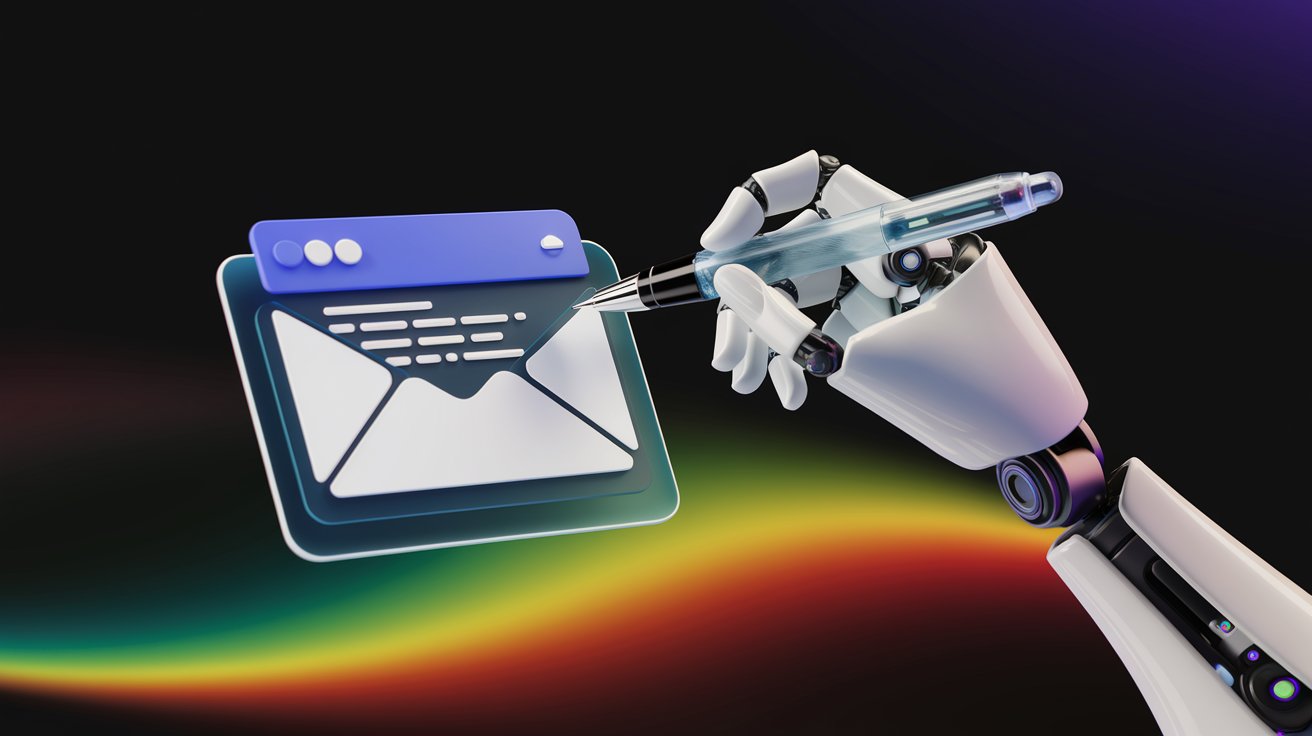
Quick Answer: What Is an AI Email Generator?
An AI email generator uses artificial intelligence to compose, refine, and optimize email content — including subject lines, body copy, and calls-to-action — through natural language interaction, learning your voice and context to produce personalized communication without manual drafting.
- Voice-adaptive composition: The Email Writer learns your sentence structure, vocabulary, and tone — then replicates it across every email
- Multi-purpose generation: Client outreach, cold emails, follow-ups, internal updates, sales sequences, and executive correspondence
- Connected workflows: Gmail, Google Calendar, Drive, and Notion integration via MCP for context-aware email drafting
- Multi-model intelligence: Choose between GPT-5.4, Claude Opus 4.6, or Gemini 3.1 Pro Preview for optimal output
The Problem: Email Is the Biggest Productivity Drain in the Modern Workplace
Email isn't just a communication channel — it's a full-time job hiding inside your actual job. In 2026, the scale of the problem is quantifiable and staggering.
Professionals Lose 11+ Hours Per Week to Email
Knowledge workers spend 28% of their workweek reading, writing, and managing email — roughly 11 hours per week or more than two full hours per day. This makes email the second-largest consumer of work time after role-specific tasks (Speakwise, citing McKinsey).
A 2025 workplace survey found the average knowledge worker spends 11.7 hours per week processing emails (Inbox Zero). The heaviest email users — the top 25% — log 8.8 hours per week on email alone, equivalent to an entire workday (Speakwise).
Only 24% of Emails Actually Matter
Analysis of email behavior shows that only 24% of all messages received are important enough to warrant attention, with the remaining 76% consisting of newsletters, automated notifications, internal updates, and threads where the recipient was unnecessarily CC'd (SaneBox, cited by Speakwise).
Workers effectively spend hours each day sorting through a communication channel where three-quarters of the content doesn't require their involvement. Email overload can decrease productivity by up to 40% due to task-switching and constant interruptions (Speakwise).
The Volume Is Growing, Not Shrinking
Global daily email volume will reach 392.5 billion messages in 2026 and 422 billion by 2027, with AI-generated and system-triggered emails now accounting for 38% of total traffic (cloudHQ).
Despite the rise of Slack, Teams, and other messaging platforms, email isn't declining. Microsoft's research shows the average employee now receives 117 emails plus 153 Teams messages daily — a combined 270 message-based interruptions per day (Microsoft, cited by Speakwise). The promise that chat would reduce email has failed; workers now manage two parallel communication channels, each demanding attention.
70% of workers cite email as their top source of workplace stress, with 42% describing their inbox as "out of control" (Speakwise).
This is exactly what the Email Writer was built for.
Why Email Writer
Most AI tools — including ChatGPT and Claude — can generate email text, but they produce generic output that requires significant editing to match your voice, lacks context about your recipients, and forgets everything between sessions. Jenova's Email Writer takes a fundamentally different approach: it learns how you write and becomes more accurate with every email.
| Capability | Manual Email Writing | General AI (ChatGPT, etc.) | Email Writer |
|---|---|---|---|
| Composition time | 10–30 minutes per email | 2–5 min + editing | 1–3 minutes, minimal editing |
| Voice consistency | Varies by mood and fatigue | Generic, requires heavy editing | Learns and replicates your voice automatically |
| Recipient context | You remember (or don't) | Re-explain every time | Persistent memory across sessions |
| Subject line optimization | Guesswork or A/B testing | Basic suggestions | AI generates 5–10 optimized options instantly |
| Follow-up management | Manual tracking, high forget rate | No tracking | Context-aware sequencing |
| Multilingual support | Requires translation or bilingual staff | Basic translation | Native generation in 100+ languages |
| Tool integration | Separate apps | None | Gmail, Calendar, Drive, Notion via MCP |
| Multi-model AI | N/A | Single model | GPT-5.4, Claude Opus 4.6, Gemini 3.1 Pro Preview |
While tools like Superhuman and Shortwave focus on inbox management and triage, and platforms like Grammarly specialize in grammar and tone correction (Precedence Research), Jenova's Email Writer specializes in generating complete, voice-consistent emails from scratch — the composition step that consumes the most time.
Voice Learning That Gets Smarter Over Time
The Email Writer doesn't just mimic your style superficially. It analyzes structural patterns — sentence length, vocabulary preferences, transition phrases, punctuation habits — and learns from your edits. When you modify AI-generated content, the system identifies what was changed and why, progressively improving match quality. After initial calibration, most emails require minimal editing.
Multi-Model Intelligence
Different emails demand different strengths. Claude Opus 4.6 excels at nuanced, empathetic communications — apologies, sensitive negotiations, relationship-building. GPT-5.4 handles structured business emails with precision — proposals, status updates, data-heavy communications. Gemini 3.1 Pro Preview brings analytical capabilities to complex, multi-stakeholder threads. Switch models mid-conversation to optimize each email.
Persistent Memory Across Sessions
The platform remembers your communication history, recipient relationships, and organizational context across unlimited sessions. Draft an email to a client today, and next month the Email Writer remembers the client's name, project details, communication preferences, and the tone of your previous exchanges — without re-explaining anything.
Connected Workflows via MCP
The Email Writer integrates with Gmail for direct sending, Google Calendar for scheduling-aware composition (avoiding conflicts when proposing meeting times), Google Drive for referencing shared documents, and Notion for pulling project context into emails. The email generation doesn't happen in isolation — it connects to your existing workflow.
"Draft a follow-up email to Sarah Chen at Meridian Partners about the Q1 proposal we discussed last Tuesday. Mention the revised pricing we agreed on and suggest three meeting times next week that work with my calendar."
The agent produces a voice-consistent email with accurate details pulled from your conversation history and calendar — ready to review and send.
"Write a cold outreach email to the VP of Engineering at a Series B fintech startup. We're offering API integration consulting. Keep it under 150 words, professional but not stiff."
"Create a team update email summarizing this week's sprint progress. We completed the authentication module, started the dashboard redesign, and pushed the payment integration to next sprint due to a third-party API delay."
Start with the Email Writer free — no credit card required.
Related Agents You'll Also Like
Personal Secretary
For professionals who need more than email composition — full inbox management, calendar coordination, travel logistics, and daily scheduling — the Personal Secretary handles the operational side of communication so you can focus on the strategic side.
- Inbox triage: Prioritize, categorize, and draft responses to incoming emails based on urgency and your preferences
- Calendar-aware communication: Schedule meetings, avoid conflicts, and send prep materials automatically
- Executive support: Learn your decision patterns and draft responses that require only review and send
Newsletter Generator
For marketing teams and content creators who need to produce regular email newsletters, the Newsletter Generator automates curation, writing, and formatting — transforming source material into polished, ready-to-send newsletters.
- Automated curation: Pull content from your preferred sources and organize by topic and relevance
- Brand voice consistency: Maintain your newsletter's tone and style across every issue
- Ready-to-send output: Formatted newsletters that can be exported directly to your email platform
Social Media Content Generator
When your email campaigns need coordinated social media support, this agent creates platform-native posts with brand voice consistency and engagement hooks — ensuring your messaging is aligned across email and social channels.
- Cross-channel alignment: Match social content to your email campaign messaging
- Platform-native formatting: Content optimized for each social platform's requirements
- Engagement optimization: Hooks, hashtags, and CTAs calibrated for each channel
Marketing Strategist
For teams that need strategic guidance behind their email campaigns — not just content generation — the Marketing Strategist provides CMO-level advice on segmentation, messaging strategy, channel mix, and campaign planning.
- Email campaign strategy: Audience segmentation, send timing, and A/B testing frameworks
- Messaging architecture: Value propositions, positioning, and narrative arcs across email sequences
- Performance optimization: Data-driven recommendations for improving open rates, CTR, and conversion
How It Works: From Prompt to Sent Email
Step 1: Open the Email Writer
Navigate to Jenova and select the Email Writer. The conversational interface opens immediately — no templates to browse, no forms to fill out. Just describe what you need.
Step 2: Describe Your Email
Write a natural language prompt describing the email you need. Include the recipient context, purpose, tone, and any specific details:
"Write a professional but warm email to a prospective client I met at a conference yesterday. His name is David Park, he's the COO of a logistics company in Chicago. We discussed how our analytics platform could help optimize their route planning. I want to follow up, reference our conversation about their 15% fuel cost increase, and suggest a 30-minute demo next week."
Step 3: Choose Your AI Model
Select from GPT-5.4, Claude Opus 4.6, Gemini 3.1 Pro Preview, or other available models. For warm relationship-building emails, Claude Opus 4.6 typically excels. For structured business communications, GPT-5.4 delivers precision.
Step 4: Review and Refine
The agent generates your complete email with subject line, body, and sign-off. Review and request changes conversationally:
"Make the opening more personal — reference the keynote we both attended. Also, add a P.S. mentioning I'll be in Chicago next month if he'd prefer an in-person meeting."
Step 5: Send or Export
Copy the finished email to your clipboard, or use the Gmail integration to send directly from the platform. The Email Writer remembers this interaction, so your next email to David will automatically reference the established context and relationship.
Results & Use Cases
📊 Sales Outreach at Scale
Scenario: A sales team needs to send personalized outreach to 200 prospects this week without resorting to generic templates that get ignored.
Traditional approach: Write each email manually (15–20 minutes each) or use mail merge templates that feel impersonal and achieve 1–2% response rates. Total for 200 emails: 50–65 hours of writing time.
Jenova solution: Provide the Email Writer with prospect context — company, role, recent news, pain points — and generate genuinely personalized outreach for each recipient. AI-driven campaigns achieve CTR of 13.44% versus 3% for non-AI campaigns, and AI-optimized subject lines deliver 50% higher open rates (VerifiedEmail). Total: 5–8 hours for all 200 emails.
💼 Executive Communication Efficiency
Scenario: A CEO spends 2+ hours daily on email, detracting from strategic priorities and decision-making.
Traditional approach: Hire an executive assistant to draft responses, creating delay and loss of personal touch. Or power through the inbox at the cost of deep work.
Jenova solution: The Personal Secretary learns the executive's voice and decision patterns, drafting responses that require only review and send. Research shows AI email assistants can save 7 hours weekly while maintaining authentic personal communication. The unlimited memory ensures consistency across months of correspondence with the same stakeholders.
📱 Quick Responses on Mobile
Scenario: A consultant between client meetings needs to respond to five urgent emails from their phone — each requiring a thoughtful, professional reply.
Traditional approach: Type abbreviated responses on a small screen, sacrificing quality for speed. Or wait until back at a laptop, risking delayed responses.
Jenova solution: Open the Email Writer on the Jenova mobile app. Provide brief context for each response — "Reply to Maria's budget question — approve the $15K increase for Q2 marketing, but ask her to reallocate from the events budget rather than requesting new funds." The agent generates a complete, voice-consistent response in seconds. Total: 10 minutes for all five emails.
📄 Newsletter and Campaign Production
Scenario: A marketing team needs to produce a weekly newsletter, three nurture sequence emails, and two promotional campaigns — every week.
Traditional approach: In 2023, 62% of marketing teams needed two or more weeks to produce a single email (Litmus). At that pace, weekly production of seven emails is impossible without a large team.
Jenova solution: Use the Newsletter Generator for automated newsletter curation and writing. Use the Email Writer for nurture and promotional emails with brand voice consistency. The Marketing Strategist provides segmentation and messaging guidance. Total production time: under 4 hours per week for all seven emails.
FAQ
How does an AI email generator maintain my authentic voice?
The Email Writer analyzes structural patterns in your writing — sentence length, vocabulary preferences, transition phrases, punctuation habits — rather than surface-level stylistic mimicry. It also learns from your edits: when you modify AI-generated content, the system identifies what was changed and progressively improves match quality. After initial calibration, most users find emails require minimal editing. Jenova's persistent memory ensures voice consistency across unlimited sessions.
Can AI email generators handle sensitive or confidential communications?
Yes. Jenova's data is never used for training, encrypted in transit and at rest, and not sold to advertisers. For professionals handling sensitive client communications, financial discussions, or legal correspondence, this privacy-first approach is essential. The Email Writer can be used for any communication type — the same privacy protections apply regardless of content sensitivity.
How does Jenova's Email Writer compare to ChatGPT for email writing?
ChatGPT produces competent but generic email text that requires significant editing to match your voice. It has no memory between sessions, no integration with email platforms, and treats every email identically. Jenova's Email Writer learns your individual voice patterns, maintains organizational knowledge across sessions, integrates with Gmail and Google Calendar via MCP, and offers multi-model access (GPT-5.4, Claude Opus 4.6, Gemini 3.1 Pro Preview). The difference is comparable to a generic template versus a dedicated assistant who knows your business.
What types of emails can the AI generate?
The Email Writer handles virtually any email type: cold outreach, warm follow-ups, client proposals, internal team updates, executive correspondence, sales sequences, customer support responses, meeting requests, thank-you notes, apology emails, newsletter content, and more. Each email is generated with your voice and the recipient's context in mind — not from a rigid template.
How much does Jenova cost for email generation?
Jenova offers a free tier with access to all core features including the Email Writer. Paid plans start at $20/month (Plus) with 30× usage versus the free tier and no watermarks on generated documents. All plans include access to every specialized agent — the Email Writer, Personal Secretary, Newsletter Generator, Marketing Strategist, and more.
Can the Email Writer integrate with my existing email platform?
Yes. The Email Writer integrates with Gmail and Google Workspace natively via MCP. Calendar integration enables scheduling-aware composition — the agent checks your availability before suggesting meeting times. Google Drive integration allows referencing shared documents in emails. For teams using other platforms, emails can be copied and pasted from the conversational interface.
Conclusion
Email remains the most universal and highest-ROI communication channel in business — returning $36–$42 for every $1 spent — yet professionals lose 11+ hours per week to inbox management, with 76% of received emails not even warranting attention. In a market where the AI email assistant industry is valued at USD 2.56 billion and growing at over 21% annually (Research and Markets), the gap between teams that write emails efficiently and those that don't is widening every quarter.
The Email Writer on Jenova transforms email from a time sink into a strategic advantage. It learns your voice, remembers your relationships, integrates with your tools, and generates professional emails in seconds — not minutes. For inbox management and scheduling, the Personal Secretary handles the operational side. For email marketing at scale, the Newsletter Generator and Marketing Strategist extend the platform into campaign strategy and execution.
Try the Email Writer now and write your first AI-generated email in under two minutes. Explore more agents at Jenova.