AI Document Formatting: How to Create Professional Documents Instantly (April 2026)
2026-04-03
In April 2026, the document AI market is valued at over USD 31 billion and growing at a staggering 64.3% CAGR (Research and Markets). The reason is simple: businesses are drowning in documents — contracts, invoices, proposals, reports, compliance filings — and manual formatting remains one of the most persistent bottlenecks in professional workflows.
Jenova is an AI platform with specialized agents purpose-built for document creation and formatting. Instead of wrestling with margins, headings, and export settings, you describe what you need in plain language and receive a professionally formatted, download-ready file — whether that's a PDF Doc Generator producing polished reports, a Word Doc Generator building ATS-optimized resumes, or a CSV Generator structuring data tables for analysis.
This article covers why manual document formatting is costing your team hours every week, how AI-powered formatting works in 2026, and which specialized agents can eliminate the formatting bottleneck entirely.
Quick Answer: What Is AI Document Formatting?
AI document formatting uses artificial intelligence to automatically structure, design, and export professional documents from natural language prompts — no manual layout work required.
- Instant structure: AI applies headings, tables, spacing, and typography based on document type recognition
- Multi-format output: Generate download-ready PDFs, Word (.docx), plain text, and CSV files with the PDF Doc Generator and Word Doc Generator
- Industry-aware conventions: Automatic formatting for resumes, research papers, business proposals, contracts, invoices, and reports
- Zero learning curve: Describe your document in plain English — the AI handles design, layout, and export
The Problem: Manual Document Formatting Is a Hidden Productivity Drain
The scale of document creation in 2026 is staggering. Over 290 billion new PDFs are created annually, growing at 12% year-over-year, and 98% of businesses use PDF as their default file type for external communication (APITemplate.io). Behind every one of those documents is someone fighting with formatting.
Time Lost to Layout and Design
Organizations report spending 60–80% more time on document tasks when relying on manual formatting, with error rates that only drop by 90% once automation replaces manual creation (APITemplate.io, citing EDocGen).
Attorneys alone report that document automation cuts drafting time by an average of 82% (Thomson Reuters). That time isn't just spent writing — it's consumed by adjusting margins, fixing heading hierarchies, reformatting tables, and troubleshooting export issues.
Inconsistency Across Teams and Documents
When multiple people format documents manually, the result is predictable: inconsistent fonts, misaligned spacing, broken tables, and brand-incoherent layouts. Courts have rejected legal filings for improper formatting. Clients question professionalism when proposals arrive with mismatched styles (Spellbook).
The Cost Multiplier
For organizations issuing over 100,000 documents monthly, manual processing costs approximately USD 1.00 per document compared to less than USD 0.10 with automated formatting — a 90% cost reduction at scale (APITemplate.io, citing MarketReportsWorld).
Over 71% of enterprises using automated document workflows report a 38% reduction in manual errors and a 46% reduction in processing time (APITemplate.io, citing MarketGrowthReports).
This is exactly what Jenova was built for.
The Jenova Solution: AI Agents That Format Documents for You
While general-purpose AI tools like ChatGPT and Claude can generate text, they require manual copy-paste and reformatting for export. Jenova's document agents produce download-ready, professionally formatted files directly from conversation — no post-processing required.
| Feature | Manual Formatting | General AI (ChatGPT, etc.) | Jenova Document Agents |
|---|---|---|---|
| Content generation | You write everything | AI generates text | AI generates text |
| Layout & design | You handle manually | Not included | Automatic, industry-aware |
| Export format | You configure | Copy-paste to Word/PDF | Direct .pdf, .docx, .txt, .csv download |
| Document type recognition | N/A | N/A | Auto-detects and applies conventions |
| Consistency | Varies by person | Text-only, no formatting | Consistent professional output |
| Time per document | 30–120 minutes | 10–30 min + reformatting | 1–5 minutes |
Multi-Model Intelligence
Jenova's document agents are powered by your choice of GPT-5.4, Claude Opus 4.6, Gemini 3.1 Pro Preview, and models from xAI and DeepSeek — no vendor lock-in. Switch models mid-conversation to optimize for different document sections.
Persistent Memory
The platform remembers your formatting preferences, brand guidelines, and document templates across sessions. Create a business proposal once, and subsequent proposals automatically inherit your preferred structure, tone, and layout conventions.
Tool Integration (MCP)
Connect Gmail, Google Drive, Notion, Dropbox, and other tools directly. Pull data from connected apps into your documents without leaving the conversation.
Specialized AI Agents for Document Formatting
PDF Doc Generator
The PDF Doc Generator transforms natural language prompts into professionally formatted PDF documents with adaptive design AI. It automatically recognizes document types — reports, proposals, invoices, certificates, research papers — and applies industry-standard conventions.
- Adaptive layout engine: Detects document type and applies appropriate formatting (margins, typography, spacing, headers/footers)
- Table and chart support: Structured data renders as clean, aligned tables within the PDF
- Multi-model intelligence: Choose between GPT-5.4, Claude Opus 4.6, or Gemini 3.1 Pro Preview for optimal output
"Create a quarterly sales report for Q1 2026 with an executive summary, revenue breakdown by region in a table, and three key recommendations."
The agent produces a download-ready PDF with professional headings, formatted tables, and consistent typography — in seconds.
Word Doc Generator
For documents that need to be edited, shared, or submitted in .docx format, the Word Doc Generator applies the same adaptive design intelligence to Microsoft Word files. Resumes, cover letters, business plans, academic papers, and contracts all receive format-appropriate styling.
- ATS-optimized resume formatting: Clean structure that passes applicant tracking systems
- Heading hierarchy and styles: Proper Word styles applied automatically for easy editing
- Persistent memory: Remembers your preferred formatting across sessions for brand consistency
TXT Doc Generator
When you need clean, structured plain text — README files, configuration documentation, meeting notes, or content for systems that don't accept rich formatting — the TXT Doc Generator produces well-organized plain text files with consistent indentation and structure.
- Clean structure without markup: Properly indented sections, bullet points, and numbered lists
- Universal compatibility: Output works in any text editor, terminal, or system
CSV Generator
For tabular data — financial records, inventory lists, contact databases, survey results — the CSV Generator structures your data into properly formatted spreadsheet files ready for Excel, Google Sheets, or database import.
- Automatic column detection: AI determines the optimal column structure from your description
- Data validation: Consistent formatting across rows for clean import into any system
- Bulk generation: Create large datasets from descriptions or specifications
Try any of these agents free — no credit card required.
How It Works: From Prompt to Professional Document
Step 1: Choose Your Document Agent
Navigate to Jenova and select the agent that matches your output format. Need a polished PDF report? Start with the PDF Doc Generator. Need an editable Word document? Choose the Word Doc Generator.
Step 2: Describe Your Document
Write a natural language prompt describing what you need. Be as specific or general as you like:
"Write a professional business proposal for a web development project. Include an executive summary, scope of work with 5 deliverables, timeline spanning 12 weeks, and pricing table with three service tiers."
Step 3: Select Your AI Model
Choose from GPT-5.4, Claude Opus 4.6, Gemini 3.1 Pro Preview, or other available models. Each model has different strengths — experiment to find the best fit for your document type.
Step 4: Review and Refine
The agent generates your document with full formatting applied. Review the output in the chat, request changes conversationally:
"Make the pricing table more detailed — add a column for estimated hours per deliverable."
Step 5: Download Your File
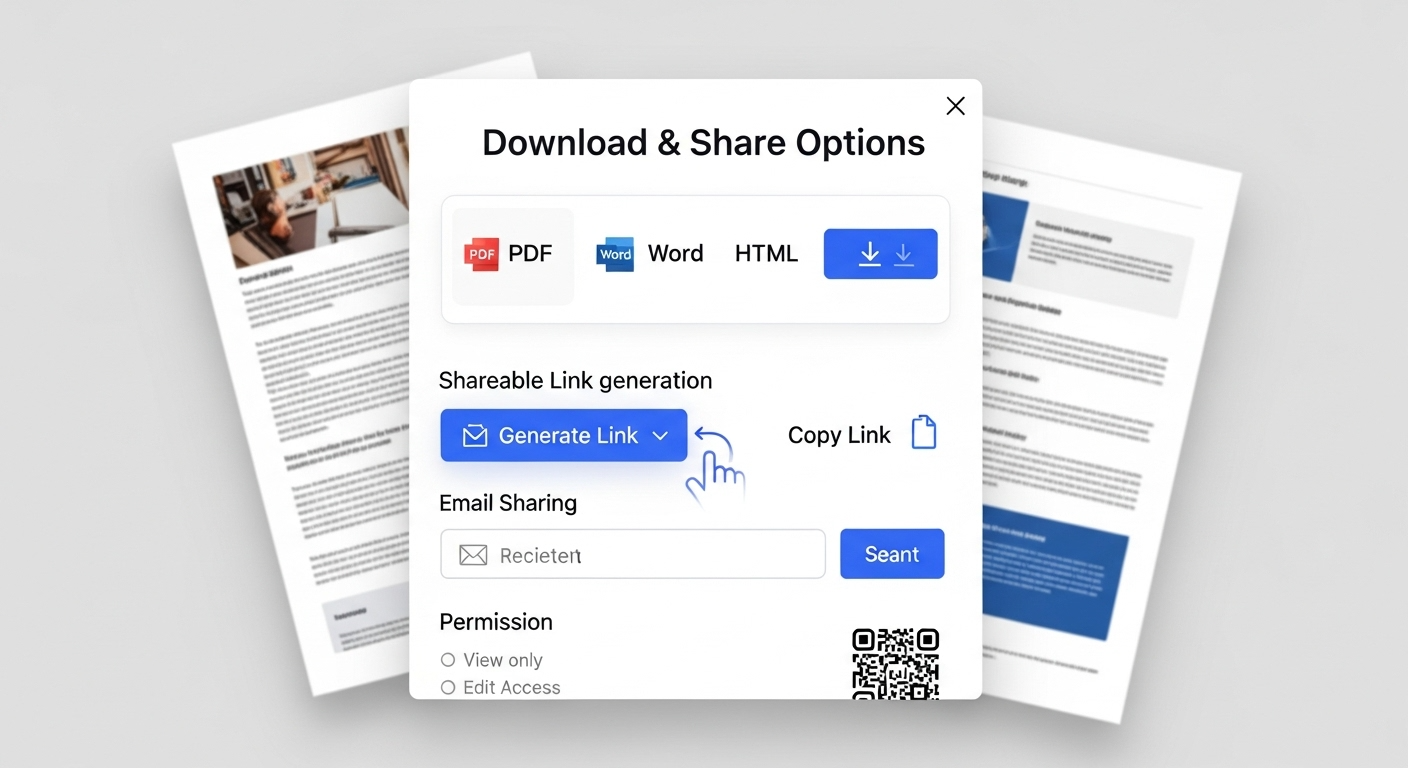
Download the finished document as a professionally formatted PDF, Word file, TXT, or CSV — ready to send, submit, or share. You can also use the built-in share feature to distribute directly.
Results & Use Cases
📊 Business Reports and Proposals
Scenario: A startup founder needs a 15-page investor pitch document by tomorrow morning.
Traditional approach: Open a blank Word document. Spend 2 hours writing content. Spend another 90 minutes formatting headings, aligning charts, fixing page breaks, and exporting to PDF. Total: 3.5+ hours.
Jenova solution: Describe the pitch structure to the PDF Doc Generator. The agent produces a formatted, download-ready PDF with executive summary, market analysis sections, financial projections table, and team overview — in under 10 minutes.
💼 Resumes and Career Documents
Scenario: A job seeker needs to tailor their resume for three different positions, each requiring different emphasis and formatting.
Traditional approach: Manually adjust a Word template three times, fighting with bullet alignment, section spacing, and ATS compatibility. Total: 45–60 minutes per version.
Jenova solution: Use the Word Doc Generator alongside the Resume & Cover Letter Writer for content strategy. Generate three tailored, ATS-optimized .docx files with proper heading styles and consistent formatting. Total: 15 minutes for all three.
📱 Data Exports and Spreadsheets (Mobile-Friendly)
Scenario: A small business owner on their phone needs to create a product inventory spreadsheet to share with a supplier.
Traditional approach: Open a spreadsheet app on mobile, manually type rows and columns on a small screen, struggle with formatting. Total: 30+ minutes of frustration.
Jenova solution: Message the CSV Generator from the Jenova mobile app: "Create a product inventory CSV with columns for SKU, product name, category, unit price, and quantity in stock. Include 25 sample rows for electronics accessories." Download the formatted CSV in under 2 minutes.
📄 Legal and Compliance Documents
Scenario: A freelance consultant needs a professional services agreement formatted with proper clause numbering and signature blocks.
Traditional approach: Find a template online, spend 45 minutes adapting it, manually number clauses, fix indentation, and add signature blocks.
Jenova solution: Describe the agreement to the PDF Doc Generator and consult the Legal & Contract Advisor for clause language. Receive a properly structured, numbered, and formatted contract PDF ready for review.
FAQ
How does AI document formatting differ from using Word or Google Docs templates?
Templates give you a static starting point that still requires manual content entry, adjustment, and formatting fixes. AI document formatting generates both the content and the professional layout simultaneously from a natural language description. Jenova's PDF Doc Generator and Word Doc Generator recognize document types automatically and apply industry-appropriate conventions — headings, tables, spacing, typography — without any manual layout work.
What document formats can Jenova's AI agents produce?
Jenova supports four primary document formats through specialized agents: PDF (.pdf), Word (.docx), plain text (.txt), and CSV (.csv). Each agent is optimized for its format — the PDF agent applies visual design elements, the Word agent uses proper Word styles for editability, the TXT agent ensures clean structure, and the CSV agent handles tabular data formatting.
Is AI document formatting accurate enough for professional use?
Yes. Enterprises using automated document workflows report a 38% reduction in manual errors compared to manual formatting (APITemplate.io). Jenova's agents are powered by leading AI models including GPT-5.4 and Claude Opus 4.6, and the platform's persistent memory ensures formatting consistency across sessions. For critical documents, the conversational interface lets you review and refine before downloading.
How much does Jenova cost for document generation?
Jenova offers a free tier with access to all core features including document generation agents. Paid plans start at $20/month (Plus) with increased usage limits and no watermarks on generated documents. All plans include access to the PDF Doc Generator, Word Doc Generator, TXT Doc Generator, and CSV Generator.
Can I use Jenova for document formatting on mobile?
Yes. Jenova is accessible via web browser and dedicated iOS and Android apps. The conversational interface works naturally on mobile — describe your document, and download the formatted file directly to your device. This is particularly useful for the CSV Generator and quick PDF generation on the go.
How does Jenova compare to ChatGPT or Claude for document creation?
ChatGPT and Claude excel at generating text content but produce raw text that requires manual formatting and export. Jenova's document agents generate download-ready files with professional formatting applied automatically. The platform also offers multi-model access — you can use GPT-5.4, Claude Opus 4.6, or Gemini 3.1 Pro Preview within the same document workflow, choosing the best model for each task.
Conclusion
Manual document formatting is a productivity tax that compounds across every team, every department, and every document your organization produces. In a market where AI-powered document automation is projected to grow from USD 4.42 billion to USD 9.77 billion over the next decade (APITemplate.io), the question isn't whether to automate — it's how quickly you can start.
Jenova's specialized document agents — the PDF Doc Generator, Word Doc Generator, TXT Doc Generator, and CSV Generator — turn plain language descriptions into professionally formatted, download-ready files in seconds. Combined with multi-model intelligence, persistent memory, and deep tool integrations, the platform eliminates the formatting bottleneck entirely.
Start with any document agent free at Jenova and see results in your first session.