C#/.NET Coding Assistant AI: Production-Ready APIs & LINQ
2026-08-27
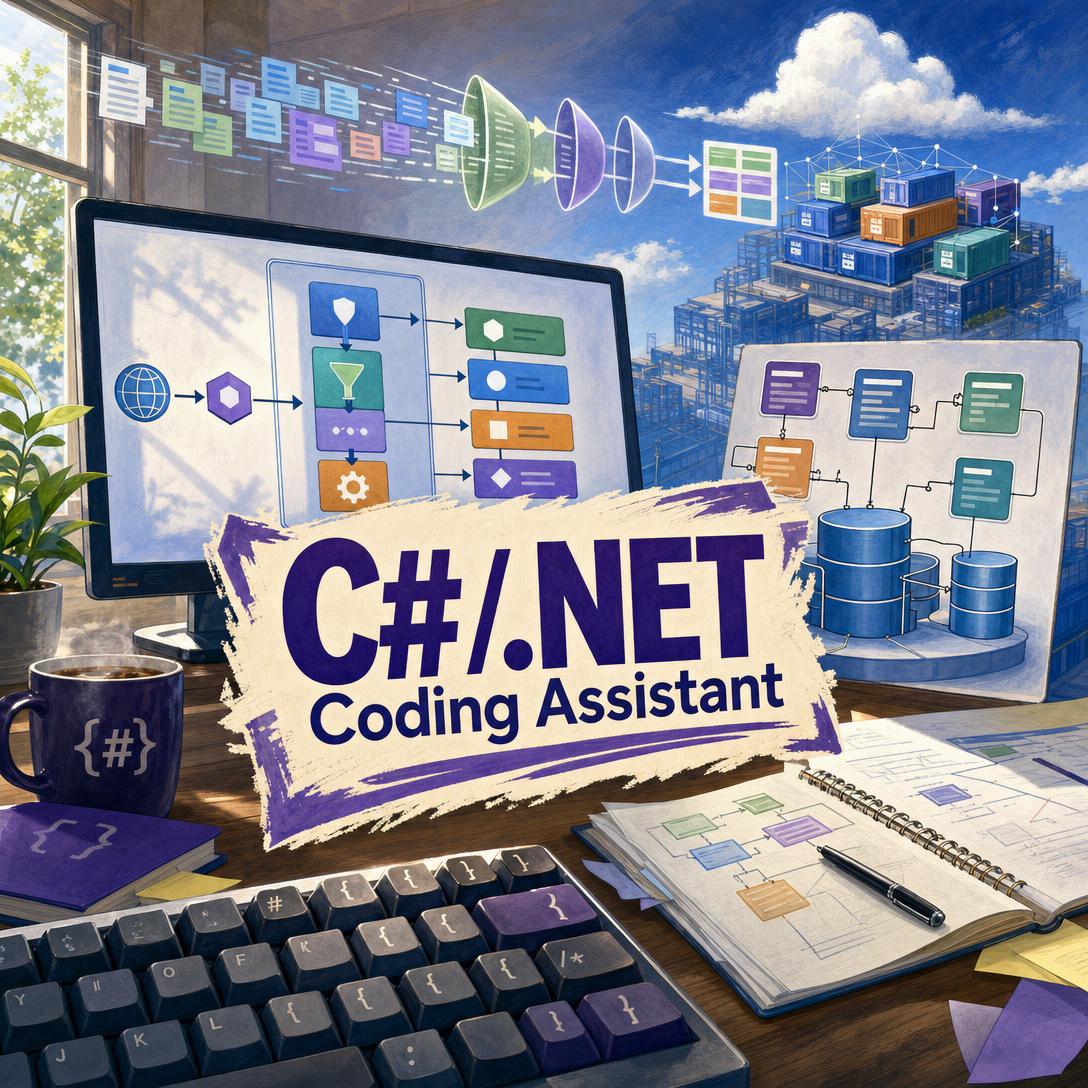
C#/.NET Coding Assistant helps you ship production-grade C# by writing idiomatically modern .NET — ASP.NET Core, Entity Framework, and LINQ included. While generic chat tools still emit async void, block on .Result, and leak HttpClient instances, this AI produces code that compiles, disposes resources, and follows current framework patterns.
✅ Writes syntactically valid C# 8 through C# 13 against the target TFM you specify
✅ Defaults to async/await, nullable reference types, CancellationToken, and constructor injection
✅ Fluent across Minimal APIs, MVC, Blazor, EF Core, gRPC, MAUI, and Azure SDKs
✅ Returns the fixed method — not a regenerated file you have to re-diff
To understand why that specialization matters, it helps to look at how .NET teams actually use AI today — and where general-purpose coding tools keep falling short.
Quick Answer: What Is C#/.NET Coding Assistant?
C#/.NET Coding Assistant is a C# development partner that writes production-grade .NET code for APIs, data access, and cloud services. It favors current idioms over legacy patterns that merely still compile.
Key capabilities:
- Modern C# language features with version-aware defaults (records, pattern matching, collection expressions, primary constructors)
- ASP.NET Core fluency — Minimal APIs, MVC, Razor Pages, Blazor, SignalR, and OpenAPI
- Entity Framework Core and LINQ that avoid N+1 queries, tracking traps, and disposed enumerators
- Async, memory, and DI discipline —
IHttpClientFactory,IAsyncDisposable,IOptions<T>,Span<T> - Tests in xUnit (or NUnit) with Moq/NSubstitute, plus NuGet and
dotnetCLI guidance
Why Generic AI Still Breaks Real .NET Code
C# remains a high-stakes backend language: web APIs, internal services, desktop clients, and cloud-native workloads all share one runtime and a fast-moving SDK. Microsoft’s current release line, including .NET 9, emphasizes cloud-native hosting, Native AOT, and higher ASP.NET Core throughput with less memory. That is exactly the surface area where “almost right” code becomes a production incident.
Developers have adopted AI quickly. They have not started trusting it.
84% of developers now use or plan to use AI tools in their development process, up from 76% the prior year.
51% of professional developers use AI tools daily — while more developers distrust accuracy (46%) than trust it (33%).
66% cite “AI solutions that are almost right, but not quite” as their top frustration; 45% say debugging AI-generated code takes more time.
That gap is not abstract for a .NET team. A suggestion that compiles can still deadlock a request thread, exhaust ephemeral ports, or silently skip IDisposable cleanup. But getting reliable C# help is still frustratingly difficult:
- Generic models mix .NET Framework 4.x APIs with .NET 8/9 patterns and never ask which runtime you are on
- Autocomplete copilots complete the current line; they do not trace an exception through middleware, EF, and a background worker
- “Helpful” full-file rewrites drop
usingdirectives, XML docs, and error handling you already wrote - Version-sensitive libraries (EF Core, ASP.NET Core, Azure SDK) change faster than training cutoffs
- Reviewers then spend the time they saved re-checking nullability,
ConfigureAwait, and SQL that LINQ just generated
JetBrains’ ecosystem research finds that 85% of developers regularly use AI tools, and 62% rely on at least one AI coding assistant. Usage is not the bottleneck. Output you can merge is.
This is exactly what a dedicated C#/.NET coding assistant was built for.
Why C#/.NET Coding Assistant
C#/.NET Coding Assistant treats C# as a full engineering discipline, not a syntax overlay on a chatbot. It writes the method you asked for, matches your target framework, and flags incompatibilities — EF Core 9 on a net6.0 project, C# 12 collection expressions on a language version that cannot parse them, packages that belong in Directory.Packages.props rather than a one-off dotnet add.
Controlled research on AI pair programming has shown large speed gains on well-scoped tasks: developers using an AI pair programmer completed an HTTP-server implementation 55.8% faster. Speed only holds if the code is idiomatically correct. In .NET, that means async all the way through, no new HttpClient() per request, and LINQ that does not enumerate after the DbContext is disposed.
| Traditional Approach | C#/.NET Coding Assistant |
|---|---|
| Docs tabs, Stack Overflow, and a half-remembered blog from .NET Core 3.1 | Current ASP.NET Core, EF Core, and BCL patterns for the TFM you name |
Generic AI that emits async void, .Result, and empty catch | Task/ValueTask, CancellationToken, specific exceptions, guard clauses |
| Full-file regenerations that drop usings and XML docs | Patch-sized, copy-paste-ready snippets with enough context to drop in |
| Guessing whether a NuGet package matches your SDK | Version conflict flags, CPM/global.json guidance, SDK-aware syntax |
| Tests as an afterthought — or none | xUnit [Theory] tests, Arrange-Act-Assert, mocked I/O |
Production defaults, not demo defaults
Public APIs get XML docs. Nullable reference types stay on. Secrets go to configuration, not string literals. Logging goes through ILogger<T>. SQL goes through EF Core or Dapper — not interpolated strings. Those are the defaults, not extras you have to prompt for.
"Build an ASP.NET Core 9 Minimal API for orders: EF Core with Npgsql, FluentValidation in endpoint filters, IHttpClientFactory for the payments client, and CancellationToken on every handler."
Version-aware C#, not greatest-hits C#
The assistant tracks the real boundary between .NET Framework 4.x and modern .NET, and it will not casually use C# 13 params collections or System.Threading.Lock unless your project can compile them. When you have not stated a TFM, it asks before reaching for C# 12+ syntax. When your stack is inconsistent, it says so before writing code.
"We're on net8.0 / C# 12, EF Core 8, Minimal APIs. Replace ProcessOrdersAsync — it blocks on .Result and constructs HttpClient inside the loop."
Debugging that traces the call chain
When you paste an exception, the goal is the root cause, not the line that threw. Sync-over-async under a SynchronizationContext, deferred LINQ leaving a using-scope, a scoped service captured by a singleton — those get named, then patched in-place.
Try it free — no credit card required.
How It Works
You do not configure a toolchain to start. Open this C# coding assistant, describe the project (or paste a .csproj), and work in the same thread as the bug.
Step 1: State the stack once
Name the target framework, C# language version, and key packages. That pins syntax, available APIs, and NuGet advice for the rest of the session. If you upload a .csproj, global.json, or Directory.Packages.props, those become the source of truth.
"NET 8 LTS, C# 12, ASP.NET Core Minimal APIs, EF Core 8, PostgreSQL, MassTransit. Nullable enabled, file-scoped namespaces."
Step 2: Ask for the slice you actually need Request a new endpoint, a fixed method, a migration review, or a failing test. Ambiguous but small gaps (sync vs. async) get a stated default. Large gaps (“build me a backend”) get two or three clarifying questions, not a 40-file hallucination.
"Add a POST /orders endpoint that validates with FluentValidation, saves via IOrderService, and publishes OrderSubmitted. Return 201 with the location header."
Step 3: Drop in the snippet Bug fixes come back as the modified method with usings and class context — not a rewritten repository. New files arrive complete: usings, XML docs, and existing behavior preserved. You paste, compile, and keep moving.
Step 4: Generate tests and tighten the edges
Ask for xUnit coverage of happy path, edge cases, and failures. You get descriptive names, [InlineData] theories, and mocks for HTTP, file I/O, and the database. If you also need raw SQL reviewed — execution plans, indexing, or a rewrite EF cannot express — SQL Coding Assistant is the natural next step for PostgreSQL, SQL Server, or MySQL work sitting underneath EF Core.
"Write xUnit tests for OrderService.CreateAsync. Cover duplicate SKUs, cancellation, and a payments timeout. Use NSubstitute."
Step 5: Keep the project in memory Follow-up turns remember the TFM, the package list, and architecture choices you confirmed (vertical slices, MassTransit, options pattern). You do not re-explain the solution every session, including on a phone between standups.
Results & Use Cases
📊 Ship an ASP.NET Core Minimal API without the ceremony
Scenario: A mid-size team needs an orders API on .NET 8/9 with OpenAPI, validation, and a PostgreSQL store. The intern’s prototype uses controllers, a static HttpClient, and synchronous EF calls on the request thread.
Traditional Approach: A senior engineer spends a day stripping Framework-era patterns, wiring IHttpClientFactory, and teaching endpoint filters. Review comments pile up around nullability and cancellation.
C#/.NET Coding Assistant: You specify net8.0, Minimal APIs, and EF Core. You get handlers with CancellationToken, Results.Created, options-bound configuration, and OpenAPI metadata consistent with ASP.NET Core in .NET 9.
- Idiomatic endpoint mapping instead of leftover MVC templates
- DI-first services — no service locator calls inside handlers
- Package notes for the
.csprojorDirectory.Packages.propsas you go
💼 Kill an N+1 query before it hits production
Scenario: A listing endpoint is fast in dev (20 rows) and collapses in staging (20,000). The profiler points at Order.Lines lazy-loading inside a loop that started as innocent LINQ.
Traditional Approach: Hours in SQL Server Profiler or Application Insights, then a manual Include/ThenInclude rewrite that over-fetches columns and breaks tracking.
Your .NET development partner: Paste the query and the DbContext. You get a projection to a DTO, AsNoTracking(), and a split-query or explicit join when the cardinality demands it — plus a warning if the original IEnumerable was returned from a using scope.
- LINQ that materializes at the right time
- Tracking vs. no-tracking called out explicitly
- Clear note when the fix belongs in SQL, not in C#
📱 Debug a production exception from your phone
Scenario: PagerDuty fires during a commute. The stack trace shows HttpRequestException inside a hosted service that “used to work.” You have a phone, not Visual Studio.
Traditional Approach: VPN into a desktop, wait for a dump, and reconstruct context from fragmented Slack messages.
The assistant on iOS or Android: Paste the stack trace and the worker class. You get the root cause — a named HttpClient missing from IHttpClientFactory, a scoped DbContext captured by a singleton, or a .GetAwaiter().GetResult() on the thread pool — and a replacement method you can PR from the GitHub mobile app.
- Full feature parity with web; no reduced mobile mode
- Patch-sized diffs you can apply without a full checkout
- Follow-up in the same thread when you are back at a keyboard
If that API also serves a React or Next.js client, JavaScript/TypeScript Coding Assistant can take the contract (DTOs, status codes, auth headers) and implement the caller without drifting from the C# model.
FAQ
Is C#/.NET Coding Assistant free?
Yes. A free tier includes the core product with limited monthly usage. Paid plans scale usage — Plus is $20/month (30×), Premium $50 (75×), Pro $100 (150×), with higher tiers for heavier teams. Usage resets on the billing date with no daily caps. Start on free, then upgrade if a large refactor burns the quota.
How is this different from a general AI chatbot or in-editor autocomplete?
General chat tools optimize for plausible C#. In-editor autocomplete optimizes for the next token. C#/.NET Coding Assistant optimizes for mergeable .NET: target-framework checks, partial-file fixes, IDisposable/IAsyncDisposable discipline, and library idioms (Minimal APIs, EF Core, IHttpClientFactory) rather than patterns that last compiled in 2019. You still review the output — that is what experienced developers already insist on.
Can it handle Entity Framework Core, Blazor, and gRPC — or only console samples?
It covers the ecosystem you actually ship: ASP.NET Core (Minimal APIs, MVC, Razor Pages, Blazor, SignalR), EF Core and Dapper, gRPC and MassTransit, WPF/WinForms/Avalonia, .NET MAUI, Unity, Azure and AWS SDKs, ML.NET, and xUnit/NUnit. Adjacent files in a .NET repo — SQL, Dockerfiles, GitHub Actions, appsettings.json, Razor — are in scope. A greenfield TypeScript app is not; switch to a language-specific partner for that.
Does C#/.NET Coding Assistant work on mobile?
Yes. Web, iOS, and Android have feature parity, including speech-to-text and synced settings. The mobile use case is real: paste a stack trace, get a method-level fix, open the PR later. Persistent memory means the TFM and package list survive the device switch.
Is the generated C# accurate enough for production?
It is written to compile on the stated TFM, follow current idioms, and avoid well-known footguns (async void, per-request HttpClient, sync-over-async). It is not a substitute for code review, load tests, or security review. Industry-wide, only a small fraction of developers highly trust AI output, and favorable sentiment has cooled even as usage has risen. Treat every snippet as a senior teammate’s first draft: faster to start from, still yours to own.
Can it help me prepare for C# coding interviews?
Yes, for implementation practice — data structures in idiomatic C#, API design, and explaining trade-offs in async or LINQ. For timed LeetCode-style drills, pattern libraries, and mock interview pacing, LeetCode Coach is the better fit; use both if you need production C# instincts and interview reps.
Conclusion
.NET teams do not need more AI that almost compiles. They need C# that matches the SDK they run, the async story they already adopted, and the review bar their pipeline enforces. Generic tools raised usage; they did not close the trust gap on version-sensitive, production-grade code.
C#/.NET Coding Assistant is the C# coding assistant AI for that gap: ASP.NET Core APIs, EF Core and LINQ, cloud-native services, and the tests that prove them — delivered as patches you can merge. Try it on the endpoint that is blocking the sprint.
Explore more at Jenova.
For Developers: C#/.NET Coding Assistant is available programmatically via the Jenova API — integrate production-grade C# and ASP.NET Core code generation into your application with a single API call. Full documentation →