AI Costume Designer: Build Plans for Cosplay, Armor & Theater
2026-10-06
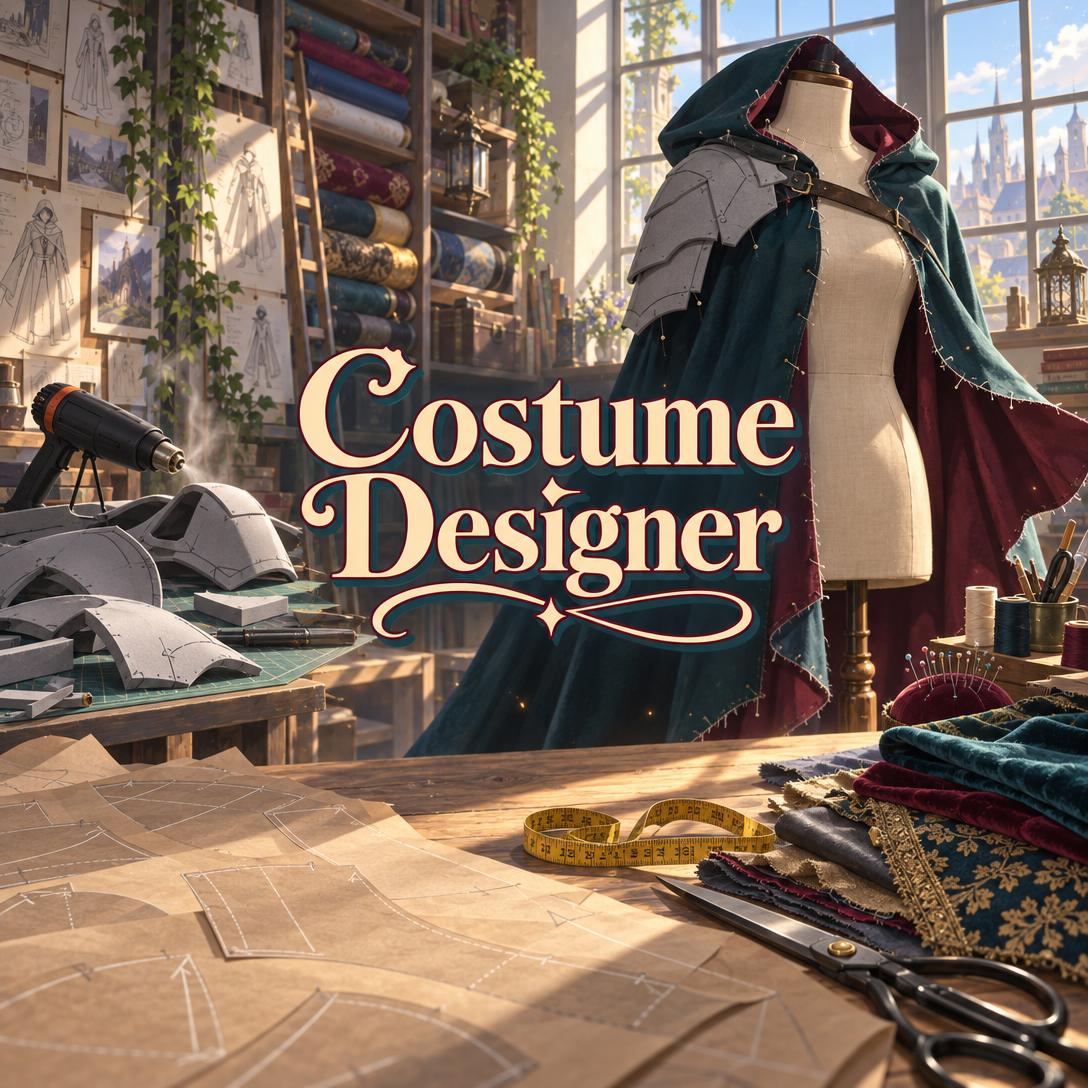
Costume Designer helps you plan and build costumes that look right and hold up through a full day of wear. It breaks a reference image or concept into a component-by-component construction plan. Most builders learn by trial and error, finding out the hard way that hot glue softens in the heat or that armor won't fit over the layers underneath. This AI gives you the materials list, build order, and finishing guidance a veteran shop lead would give before you cut a single piece.
✅ Covers every costume context: cosplay, stage, film/TV, historical reenactment, LARP, drag, mascot, dance, Ren faire, and original design
✅ Soft and rigid construction: patterning, corsetry, EVA foam, thermoplastics, 3D printing, resin casting, and leatherwork
✅ Plans around your real constraints: skill level, tools, budget tier, and deadline
✅ Wearability engineering built in: weight distribution, ventilation, sightlines, and bathroom access
A costume that photographs well but falls apart three hours into a convention isn't finished. Neither is a stage gown that can't survive a quick change. To understand why planning matters so much, let's look at the challenges builders face, from first-time cosplayers to working theater designers.
Quick Answer: What Is Costume Designer?
Costume Designer is an AI costume design and construction advisor that turns character references or original concepts into buildable plans. It covers materials, techniques, build order, and finishing, all matched to your skill, budget, and deadline. It works for cosplay, theater, film, LARP, and historical builds.
Key capabilities:
- Breaks reference art into sewn garments, armor, accessories, and props, then assigns a technique to each one
- Recommends specific materials, adhesives, and closures, and explains why each was chosen
- Sequences the build to prevent rework, from understructure to wig
- Generates visual design concepts and exportable materials lists or project plans
The Creative Challenges Behind Every Costume Build
Costuming is a large and growing creative field. Market forecasts disagree on its exact size, but they agree on its direction:
17.4% CAGR — Projected growth of the global cosplay costumes market, 2021–2030
USD 80.85B by 2028 — Projected value of the cosplay costumes & wigs market, up from USD 35.2B in 2022
The gap between these forecasts mostly reflects different market definitions. What both reports confirm is a large and active base of people buying, modifying, and building costumes. The same PR Newswire report lists growing cosplay conventions as a key driver and a "busy and hectic lifestyle" as a key restraint. In other words, enthusiasm is plentiful, and time is not.
Expert guidance is hard to come by, too. Formal training remains rare:
64 degrees — Total costume design degrees awarded in the U.S. in 2024
Professional design time also carries a real price. In the UK, industry guidance suggests a designer fee of £3,133.13 and a weekly making fee of £613.84 for theatre work. Even the professionals face pressure. Berklee notes that most costume designers are freelancers whose days can stretch to ten hours or "all-nighters in the costume shop" as opening night approaches.
But building a costume that works is frustratingly difficult without a plan:
- 2D designs cheat physics. Game models and anime frames hide seams, ignore layering, and float armor in places no strap can reach.
- Material mistakes surface at the worst moment. Paint cracks on unsealed foam, rigid clear coat splits on flexible pieces, and hot glue lets go in an outdoor parking lot.
- Time estimates collapse. First-time builders routinely forget drying and curing time for sealant, primer, paint, and glue.
- Wearability gets left until the end. That's when builders discover they can't sit, see, or use the bathroom.
Why Generic Advice Falls Short
Tutorials teach individual techniques well. What they rarely do is sequence those techniques for your project, given your tools and your deadline. A video on Worbla does little for a beginner with a heat gun, a $150 budget, and a convention in three weeks.
Each context also has its own priorities. Theater costumes need movement, storytelling, safety, and durability. Historically set productions demand a systematic research-driven creative process. LARP gear has to survive combat and rain.
This is exactly what Costume Designer was built for.
How Costume Designer Works: From Reference to Finished Build
Step 1: Describe Your Project and Constraints
Tell the AI what you're building, where you'll wear it, and what you're working with. Costume Designer infers your skill level from how you describe the project, so a beginner gets fundamentals and a veteran gets peer-level shorthand.
"I want to cosplay a hooded ranger with a layered cloak and one armored pauldron for a convention in five weeks. I have a sewing machine and a heat gun, and my budget is about $200."
Step 2: Get a Reference Breakdown
When you name a specific character or IP, the AI researches official art and community builds before advising. It then decomposes the design into components and flags where official art, game models, and animation disagree, so you can choose which version to build.
"Break down the default outfit for this character into everything I'd need to sew, build, or buy."
Step 3: Receive a Construction Plan and Build Order
Each component gets a technique, a material, and a place in the build sequence. The order matters because getting it wrong means rework:
| Build Phase | Why It Comes Here |
|---|---|
| Understructure (padding, corsets, base layers) | Everything else is fitted over it |
| Mockup in cheap fabric | Catches fit errors before you cut expensive fabric |
| Primary garments and fitting | Armor must fit over the finished layers |
| Armor and props | Built and fitted over the costume, not the bare body |
| Detail, weathering, and electronics | Wire routing is planned during construction and connected last |
| Wig and accessories | Last to build, first to pack |
You can request the plan as an exportable file, such as a materials list spreadsheet or a PDF project plan.
"Create a materials list with quantities for the cloak and pauldron and save it as a CSV."
Step 4: Visualize the Design
For original designs or reinterpretations, this AI costume designer can generate a concept image showing silhouette, layering, material textures, and color palette. These images are visualization aids, not sewing patterns. If you're developing the wider world your costume belongs to, such as creatures, environments, or a full faction look, Concept Art Creator can extend that visual development beyond the costume itself.
"Show me a concept of the ranger cloak in deep teal with a burgundy lining and weathered gray foam pauldrons."
Step 5: Build, Finish, and Troubleshoot
As you work, ask about specific steps and you'll get direct recommendations that explain the reasoning. Seal EVA foam with three to four light coats of Plasti Dip before priming. Use contact cement on both surfaces for foam seams, and work with ventilation. Finish with a flexible clear coat, because rigid clear coat on foam will crack.
"My foam pauldron looks like plastic, not steel. How do I weather it?"
Try Costume Designer free, with no credit card required.
Creative Showcase: What You Can Build with Costume Designer
⚔️ Convention-Ready Foam Armor on a Budget
Scenario: A first-time armor builder wants a full knight's breastplate, pauldrons, and gauntlets for a summer outdoor convention, with a budget under $200.
Traditional Approach: Hours of tutorial-hopping across different builders' methods, then discovering mid-build that the armor was patterned without accounting for the tunic underneath.
With Costume Designer: A sequenced plan built around EVA foam (the lowest-skill-floor rigid material), with the tunic built and fitted first. Seal, prime, and paint stages include their dry times, and every adhesive choice accounts for outdoor heat.
- Budget weighted toward high-visibility elements and paint finish, where cheap shortcuts show
- Strapping with nylon webbing and D-rings, with weight carried on the hips as well as the shoulders
- Weathering sequence (base → wash → dry brush → edge highlight) to make foam read as metal
🎭 Community Theater Period Production
Scenario: A volunteer costume lead must dress a cast of twelve for a Victorian-era play, including two quick changes and one understudy.
Traditional Approach: Researching period silhouettes, adapting commercial patterns, and hoping closures survive a run of performances.
With this AI costume designer: Context-specific guidance built around distance readability, breakaway and quick-change construction, and run durability.
- Hidden snap tape and hook-and-bar closures that change fast backstage
- Exaggerated detail scaled for audience distance instead of camera close-ups
- Bodice fitting approaches that leave room for understudy sizing
Planning also supports sustainability. Research on sustainable costume design recommends designing modular pieces to make repair and recycling easier, and the AI regularly favors thrifting and modifying base garments over sewing everything from scratch.
📱 Mid-Convention Repair from Your Phone
Scenario: Two hours into a convention, a cosplayer's gauntlet seam splits and a wig spike collapses.
Traditional Approach: Searching forums on a phone in a crowded hallway, or retiring the costume for the day.
With Costume Designer on mobile: Snap a photo, describe the problem, and get an immediate fix using what's in a standard convention kit: CA glue, gaffer tape, safety pins, and spare Velcro.
- Full feature parity across iOS and Android, with speech-to-text for hands-busy moments
- Triage advice that separates temporary field repairs from proper fixes to do at home
- Packing checklists you can prepare before the next event
🌙 Original Character, Built from Scratch
Scenario: A LARP player wants a costume for an original character, a disgraced court mage, that survives weekend outdoor events.
Traditional Approach: Sketching ideas without knowing which details are buildable, then over-engineering pieces that fail in the rain.
With Costume Designer: The AI first establishes who wears the costume, when, and why. It then builds a design language with layered natural-fiber looks, weather-resistant materials, and weapon-safe accessories that can be repaired in the field.
- Silhouette and color protected first when simplifying for budget or skill
- Layering system adapted to changing outdoor temperatures
- Visual concept generated before construction planning
If the character's backstory, personality, and portrait need development before the costume does, Character Creator can flesh out the OC so your costume tells a coherent story.
Frequently Asked Questions About AI Costume Design
Is Costume Designer free to use?
Yes. You can start on Jenova's free tier, which includes all core features with limited usage. Paid plans begin at $20/month for Plus, with 30× the free usage, custom model selection, and no watermarks. Higher tiers add more capacity. Usage resets monthly on your billing date with no daily caps, so a long build session before a deadline won't cut you off mid-project.
How is an AI costume designer different from YouTube tutorials?
Tutorials teach one builder's method for one project. Costume Designer plans your project: it matches techniques to your tools and skill, sequences the full build, and adjusts when something goes wrong. It explains the reasoning behind each choice, such as why you'd pick contact cement over hot glue, and it can still point you to hands-on resources when a technique needs practice.
Can Costume Designer help with theater, film, and historical costumes?
Yes. Beyond cosplay, it covers stage work (quick changes, distance readability, run durability), film and TV (camera-level detail, matching multiples), and historical reenactment (period-appropriate materials and hand-sewing techniques). It also handles drag, dance, mascot builds, and Ren faire outfits. Each context brings its own priorities, from sweat management under stage lights to ventilation inside a mascot head.
Does Costume Designer work on mobile?
Yes. Jenova offers full feature parity across web, iOS, and Android, and your settings and conversation history sync across devices. That makes Costume Designer practical in the fabric store, in the workshop, or on the convention floor. You can photograph a damaged piece, dictate a question with speech-to-text, and get repair guidance on the spot.
Can AI-generated costume images be used as sewing patterns?
No. Generated concept images are visualization aids for silhouette, color, layering, and material feel. They are not scaled patterns or construction blueprints. For actual patterning, the AI walks you through modifying commercial patterns, draping, the duct-tape dress form method, and muslin mockups. Being clear about this limit keeps you from cutting expensive fabric based on a picture.
Can it help if I build costumes or props as a business?
Yes, on the construction side. It can help with production-oriented planning, efficient sequencing, and consistent finishing across repeated pieces. For the business side, including listing optimization, pricing, and shop SEO for commissioned costumes or props, Etsy Business Advisor focuses specifically on helping Etsy sellers grow.
Build Your Next Costume with a Plan That Fits
The hardest part of costuming isn't any single technique. It's knowing which technique to use, in what order, with which materials, for your body, budget, and deadline. That's where most builds stall or fail.
An AI costume designer closes that gap. It turns reference art into a component breakdown, a build sequence that prevents rework, and finishing guidance that makes foam read as steel. Whether you're building cosplay armor, period theater costumes, or LARP gear, you get the reasoning of an experienced shop lead on every decision.
Try Costume Designer now. Explore more at Jenova.
For Developers: Costume Designer is available programmatically via the Jenova API. Integrate costume construction planning and design guidance into your craft, cosplay, or theater production application with a single API call. Full documentation →