AI Children's Book Creator: Illustrated Stories Spread by Spread
2026-08-27
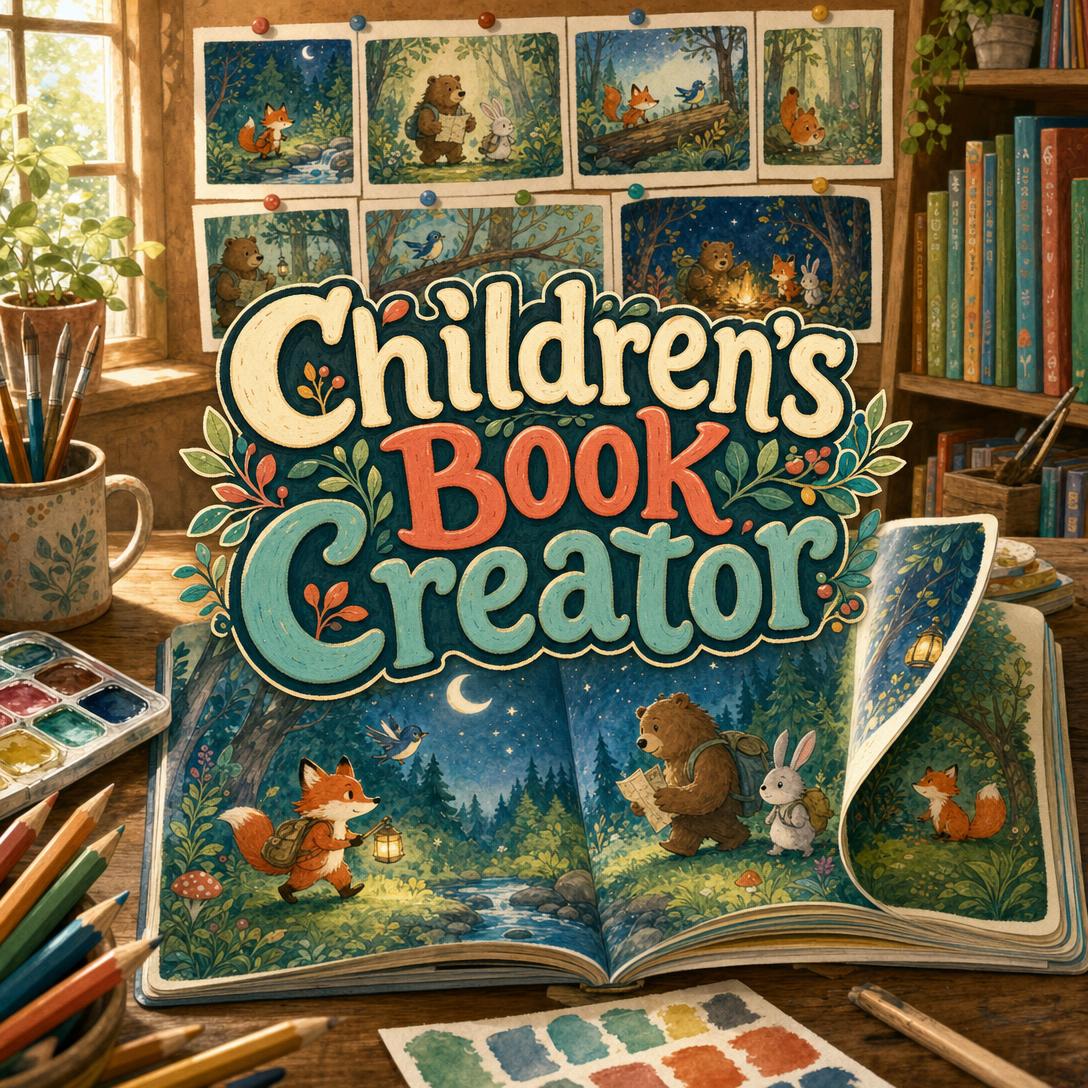
Children's Book Creator helps you turn a bedtime idea into a finished illustrated book by building it spread by spread — with characters who still look like themselves on the last page. While most parents, teachers, and first-time authors stall between a premise and a printable picture book, this AI studio treats art style, read-aloud text, and page-turn pacing as one continuous project.
✅ Builds board books, picture books, early readers, and chapter books to age-band conventions ✅ Locks character design and illustration style across every spread ✅ Writes text meant to be read aloud — rhythm, refrain, and natural breath points ✅ Plans the emotional arc before a single story illustration is made
A pretty picture is not a children's book. Young readers need characters they recognize, language that sounds right in a parent's mouth, and page turns that earn the next reveal. To understand why so many stories never make it that far, it helps to look at what actually stops a children's book from getting made.
Quick Answer: What Is Children's Book Creator?
Children's Book Creator is an AI children's book studio that builds illustrated stories spread by spread — from board books to chapter books — with consistent characters and read-aloud text. It is built for parents, educators, aspiring authors, and kids collaborating on their own stories.
Key capabilities:
- Age-band formats: board books (0–3), picture books (3–7), early readers (5–8), and chapter books (7–10)
- Character reference sheets and a locked art style so the fox on page 2 still matches the fox on page 28
- Read-aloud writing with rhythm, repetition, and words that are fun to say
- Spread-by-spread illustration with page-turn reveals, not a stack of unrelated images
- Illustrated-story or wordless modes, plus a full-book pacing map before generation begins
Creative Challenges Facing Children's Book Authors
Demand for stories children actually want to hold is not the problem. The US children's book publishing industry is a $3.3 billion market](https://www.ibisworld.com/united-states/industry/childrens-book-publishing/4394/), and the [global children's books market was valued at about $14.14 billion in 2026. Picture books still do foundational work that screens do not replace: they lay groundwork for later reading success and cultural literacy, and reading them aloud gives young children a reason to value literature.
$3.3 billion — US children's book publishing industry revenue
$14.14 billion — Global children's books market in 2026
5.8% CAGR — Projected growth of the children's books market through 2032
Getting a story into that market — or even onto a single child's nightstand — is a different matter. Children's book authors who self-publish face challenges adult novelists do not, especially in design, production, and promotion. Print is costly in small runs. Most parents still prefer a physical book at bedtime. And a picture book is two crafts at once: writing and sequential illustration.
But turning a loved idea into a book children will sit still for is frustratingly difficult:
- Characters drift. A fox drawn once is easy. A fox that matches across 14 or 32 pages — same snout, same backpack, same lantern — is the part generic image tools fail.
- Text fights the art. Beginners write what the picture already shows. Strong picture books split the labor: words carry rhythm and voice; pictures carry what is left unsaid.
- Age band is a constraint, not a vibe. Board books need one clear concept per page because toddlers flip at random. A standard picture book is 32 pages. Chapter books need spot art, not a mural on every leaf.
- The production stack is expensive. Self-publishing a children's book typically means hiring an illustrator, a designer, and an editor before a single copy is printed — and print control, speed, and royalties still have to be weighed against traditional routes.
Market taste is moving, too. 2025 trend coverage points to more diverse stories, eco-friendly themes, interactive formats, and books that take children's inner lives seriously. Publishing guides for 2026 already treat self-publishing, hybrid deals, and AI tools as part of the same landscape. The opportunity is real. The craft bar has not dropped.
This is exactly what a dedicated children's book studio was built to hold together — story, pictures, and the turn of the page — in one place.
How Children's Book Creator Works
Children's Book Creator does not dump 32 disconnected images into a folder. It runs a book project: format first, then characters and style, then a map of every spread, then illustration with the previous pages in mind.
Step 1: Choose the Age Band and Format
Pick who the book is for before you pick a plot. Age band controls page count, word count, how dense the art can be, and whether you generate a single square page or a double-page spread.
| Format | Typical ages | Pages | What the art does |
|---|---|---|---|
| Board book | 0–3 | 10–14 | The art is the story — one clear idea per page |
| Picture book | 3–7 | 32 (standard) | Art carries half or more of the meaning |
| Early reader | 5–8 | 32–64 | Art supports growing independence with text |
| Chapter book | 7–10 | 60–100 | Spot illustrations around longer chapters |
"A 32-page picture book for ages 3–7 about a little fox who loses her lantern in the woods and finds it with help from a bear and a rabbit. Warm watercolor, bedtime tone."
Step 2: Lock the Story, Characters, and Art Style
Set the premise, the feeling the child should have at the end, and the structure — linear, circular, cumulative, or call-and-response. Define each character's look in concrete terms: species, silhouette, costume, default expression. Then lock a visual language for the whole book, such as warm watercolor, bold graphic shapes, whimsical line, collage, soft digital, or a painterly style for older readers.
If you are still deciding who the hero is before the first spread, Character Creator is a natural side step: appearance, personality, and a portrait you can carry into the book as a reference.
"Pip the fox: russet fur, cream chest, oversized olive backpack, round brass lantern, curious eyebrows. Never bares teeth. Always slightly too small for the forest."
Step 3: Build Visual References Before Any Story Spread
A style exemplar sets palette, line quality, and texture — it is not a story page. Character sheets show the cast in neutral poses so later spreads have something to match against. Skipping this step is how books end up with three different rabbits.
Step 4: Map the Emotional Arc Across Every Spread
Before illustration, you get a pacing map: what each spread is for, where the peak lands, which page turn hides a reveal, and where comfort returns. For picture books, that map also leaves room for front matter, title page, and dedication inside a 32-page structure. Fixing structure on a spreadsheet is cheaper than fixing it after 12 finished paintings.
Step 5: Generate, Review, and Revise Spread by Spread
Each spread is scripted as a link in a chain: what the last page established, what this one delivers, what the next turn will reveal. In illustrated-story mode, the text is checked for read-aloud rhythm and for productive tension with the art — if you could delete the words or the picture and lose nothing, the spread is not finished. You review, request changes, and replace the spread rather than stacking near-misses.
"Left page: Pip at the stream, lantern dark, looking small. Right page: two pairs of eyes in the trees — not scary, curious. Text does not say she is lost. The picture does."
Try the studio free — no credit card required — and generate a sample spread before you commit to a full book.
Creative Showcase: Books You Can Make
🌙 A Bedtime Picture Book for One Specific Child
Scenario: A parent wants a 32-page story about their child's fear of the dark, starring a fox, a bear, and a rabbit who find a lantern together — not a generic "be brave" lecture.
Traditional Approach: Commission an illustrator, wait weeks between sketches, and hope the fox still has the same ears on the reunion spread. Picture-book reading interventions have been shown to raise interest in reading and help less experienced readers understand text — which is exactly why the homemade book is worth getting right.
Children's Book Creator: You lock a warm watercolor style, approve a pacing map that peaks at the dark woods and resolves in circular comfort, then build the book two pages at a time with the AI children's book studio.
- Separation and reunion stay developmentally sound for ages 3–5
- Refrain lines give the child something to chant on the second reading
- The lantern, backpack, and fur color do not reinvent themselves mid-story
📚 A Classroom Book That Matches Your Unit
Scenario: A second-grade teacher needs an early reader about river habitats — 40 pages, controlled vocabulary, art that supports (not replaces) the sentences emerging readers are sounding out.
Traditional Approach: Search for a trade title that almost fits the unit, or spend a weekend in slideshow software with clip art that fights the text.
This studio: You set early-reader constraints, keep illustration density lower so words can do their job, and generate spreads that leave safe margins for decodable lines. If the unit later needs a graphic-novel chapter for a small-group station, Comic Creator can carry the same cast into panel storytelling without abandoning sequential craft.
- Vocabulary and sentence length stay inside the 5–8 band
- Art clarifies setting without crowding the reading path
- You can revise one habitat spread without redrawing the whole book
📱 A Story Drafted on Your Phone During Nap Time
Scenario: An idea arrives at 1:40 p.m. — a wordless board book of weather for a two-year-old. You have twenty minutes and a phone, not a drawing tablet.
Traditional Approach: Notes app forever. The board book never happens because "one concept per page, bold shapes, no plot that depends on turning pages in order" is a lot to hold in your head in a parked car.
On web, iOS, or Android: You choose board book, square pages, bold graphic style, wordless mode. Ten pages. Rain is rain. Wind is wind. The last page is a window and a blanket. Full feature parity means the project is waiting on your laptop after bedtime.
- Toddlers can flip at random and still get a complete idea
- High-contrast shapes read at arm's length
- You can add a one-word label later without rebuilding the art
🦊 From Picture Book to Chapter Book — Same World
Scenario: An aspiring author has a 32-page woodland adventure that works. They want a 80-page chapter book for ages 7–10 in the same world, with spot illustrations rather than full-bleed spreads.
Traditional Approach: Rewrite in a vacuum, then try to brief an artist on "the same fox, only more detailed." Voice drifts. The scarf color changes. Competition in children's publishing is high, and unfinished visual continuity is one of the fastest ways a self-published book signals amateur.
With this studio: Chapter-book mode shifts to text plus spot art. Character sheets stay locked. If the chapters need more prose muscle between illustrations — interiority, chapter hooks, a subplot — Creative Fiction Writer can develop the manuscript while the children's book studio keeps the visual world honest.
- Spot illustrations match the original cast
- Word count can live in the 4,000–15,000 range without forcing picture-book syntax
- The emotional ending still resolves; it just has more room to earn it
Frequently Asked Questions
Is Children's Book Creator free?
Yes. You can use Children's Book Creator on the free plan with core features and limited monthly usage — enough to set up a project and generate sample spreads. Plus starts at $20/month for roughly 30× usage and custom model selection; higher tiers increase that allowance. Usage resets on your billing date, with no daily caps. No credit card is required to try it.
How is this different from a generic chatbot or image generator?
A general chatbot can draft a rhyming paragraph. A general image tool can draw a cute fox. Neither keeps a 32-page picture book coherent. This studio is built around children's-book conventions: age-band word counts, 32-page picture-book structure, character sheets, a locked art style, read-aloud cadence, and page-turn reveals. Spreads are generated as a chain, not as a pile of prompts you have to babysit.
Can it make a full 32-page picture book?
Yes. Picture-book projects follow the industry-standard 32-page format, including room for front matter, and are built as double-page spreads in a wide landscape ratio. Board books, early readers, and chapter books use their own page counts and generation units. You approve a pacing map first so the emotional peak and the final comfort landing are designed before the middle of the book is painted.
Does Children's Book Creator work on mobile?
Yes. It works on the web as well as iOS and Android, with the same project memory and tools on each. That matters for children's books because the useful moment is often not at a desk — it is a quiet room, a stroller nap, or a classroom planning period. Speech-to-text is available if you would rather talk the spread ("left page rain, right page puddles, no scary faces") than type it.
What art styles and languages can I use?
Built-in starting points include warm watercolor, bold graphic, whimsical line, collage/mixed media, soft digital, and realistic painterly — and you can define a custom look (woodcut, retro, ink-and-wash) with the same rigor. Text can be set in the language you choose for the project, including reading direction, so labels and spread lines match. Style is locked so page 12 does not quietly become a different book.
Will the characters stay consistent from start to finish?
That is the point of the reference system. Before story pages, you generate a style exemplar and character sheets in neutral poses. Later spreads are checked against those sheets — not against whatever the last pretty picture happened to look like. If a character changes for a story reason (a lost scarf, a new coat), you update the sheet on purpose rather than hoping the next illustration guesses correctly.
From Idea to a Book a Child Will Ask For Again
The hard part of a children's book is not a single beautiful image. It is making 10, 32, or 80 pages feel like the same world, in language a grown-up can perform at 7:45 p.m., with page turns that teach a child to anticipate. Picture books remain one of the most reliable ways to grow comprehension and a love of reading — and the people who want to make them are often parents, teachers, and new authors, not publishing imprints with in-house art departments.
Children's Book Creator is the studio for that work: age-band craft, locked characters, read-aloud text, and illustration that knows what the previous spread promised. Try it on the story you have been describing out loud for months. Explore more at Jenova.
For Developers: Children's Book Creator is available programmatically via the Jenova API — integrate spread-by-spread illustrated story generation into your application with a single API call. Full documentation →