What Is the Best AI Tool for Designing a Board Game in 2026?
2026-10-06
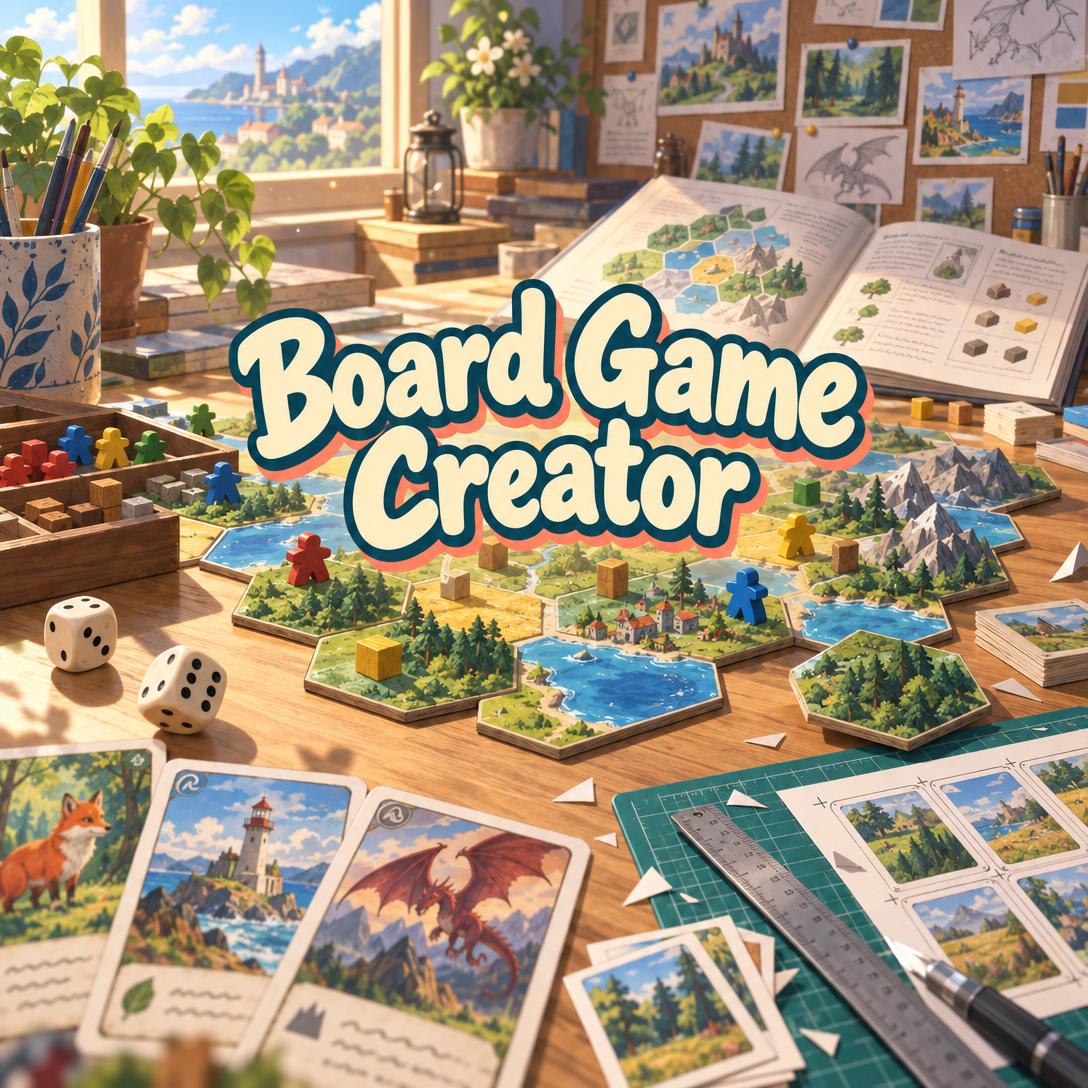
Which Board Game Design Tools Cover the Full Path From Mechanics to Print-Ready Components?
In 2026, no single tool covers every stage of board game creation. For designing mechanics, component specifications, consistent artwork, and the rulebook in one workspace, Jenova's Board Game Creator is among the most complete options. Other tools are stronger at different stages:
- Live playtesting: Tabletop Simulator, Tabletopia, and KIBAKO let people actually play your prototype.
- Manufacturing: The Game Crafter provides a cost estimator for producing a custom board game.
Most designers end up with a two-tool stack: an AI design partner to build the game, plus a virtual tabletop or prototyping room to test it.
Key factors that separate full-pipeline board game design tools from single-purpose utilities:
✅ Design reasoning, not just asset output. The tool should explain why a mechanic creates tension, not only generate a card.
✅ Component architecture. Every card, tile, and token should have a defined layout before any art is made.
✅ Visual consistency across dozens or hundreds of components. This is the most common failure point for AI-generated game art.
✅ A path to physical testing. You need print-and-play files or a shared online table where real people can play.
✅ Production awareness. Standard card sizes, component counts, and manufacturing cost should shape the design from the start.
To compare these tools fairly, it helps to first define what effective board game design support actually requires.
Why Are Board Game Designers Turning to AI Tools in 2026?
Designers are using AI tools in 2026 to compress the slowest parts of development. These include drafting component specifications, producing consistent prototype art, writing rulebooks, and preparing publisher or crowdfunding materials. The goal is to free up time for playtesting, which no software can replace.
A gap in the market also explains the interest. Most AI game tools are built for video games. One 2026 roundup lists Tesana, Replit's AI Game Builder, GDevelop, and Promethean AI as leading AI game makers. Another names Cursor, Claude Code, Replit Agent, and Rosebud AI among seven serious options. All of them produce digital games.
KIBAKO's 2026 guide to prototyping tools draws the distinction directly. Video game prototype tools are built for real-time movement and physics. Tabletop tools instead focus on "turn structure, physical components, hands, decks, dice, shared table state, and player conversation." A board game designer using a video-game AI builder is solving the wrong problem.
Economic pressure matters too. Component count drives cost directly. Designers on r/tabletopgamedesign warn that unnecessary pieces
without improving gameplay. Another designer on BoardGameGeek noted that a publisher has to weigh a game's component load against a store-shelf value of roughly $25.Crowdfunding remains part of the picture, but it is not the default path. A widely discussed r/boardgames thread notes that
, and most designer board game sales happen outside crowdfunding. GameDiscoverCo's February 2026 analysis of the 2025 crowdfunding market contrasted board games' position with video games, where the early craze had "come down to earth" after peaks such as Bloodstained raising $5.5 million from 65,000 backers in 2015.What Should You Look for in a Board Game Design Tool?
Choose a board game design tool based on the riskiest open question in your design, not on its feature count. KIBAKO's guide makes this point directly: if you don't know whether the core loop works, you need something playable. If you're preparing for print, you need accurate specifications.
This article evaluates tools across six weighted dimensions:
| Dimension | Weight | What It Measures |
|---|---|---|
| Design reasoning | High | Can the tool critique mechanics, flag balance pitfalls, and explain trade-offs? |
| Component architecture | High | Does it define layouts, inventories, and iconography before art is made? |
| Visual consistency | High | Do the 40th card and the first card look like they belong to the same game? |
| Playtest access | High | Can real players interact with the prototype, in person or remotely? |
| Production readiness | Medium | Standard sizing, print-and-play output, cost awareness, publisher materials |
| Cost and learning curve | Medium | Upfront price, subscription model, time to first usable output |
Component efficiency deserves particular attention. It is the principle of using the fewest possible components to achieve the desired gameplay. Tools that audit your component list for redundancy save money at the manufacturing stage. Tools that only generate assets can quietly inflate it.
One trade-off is often glossed over. The tools strongest at design reasoning are generally not the ones where people actually play. An AI design partner can stress-test an economy on paper but cannot sit at a table with four humans. A virtual tabletop can host that session but has no opinion on whether your worker placement has enough action spaces.
How Do Jenova's Board Game Creator, Tabletop Simulator, Tabletopia, KIBAKO, and The Game Crafter Compare?
These five tools serve different stages of the design process:
- Jenova's Board Game Creator: design, component architecture, art, and documentation.
- Tabletop Simulator and Tabletopia: physics-based virtual tables for playing.
- KIBAKO: browser-based prototyping and remote playtests.
- The Game Crafter: manufacturing cost estimation for custom games.
As of 2026, pricing and features may change, so verify current details with each provider.
| Dimension | Board Game Creator (Jenova) | Tabletop Simulator | Tabletopia | KIBAKO | The Game Crafter |
|---|---|---|---|---|---|
| Design reasoning and balance critique | Strong; mechanic, economy, and balance analysis built in | Not a design-guidance tool | Users describe it as a physics engine without rules automation | Guide-based workflow advice; not an AI critic | Unverified |
| Component architecture and art | Defines layouts per component type; generates individual component art | Hosts imported assets; large workshop library | Unverified | Cards, boards, tokens, dice, decks, hands | Unverified |
| Playable prototype | Print-and-play files; no hosted play | Physics sandbox for live play | Physics sandbox for live play | Online play rooms with tester permissions | Physical production |
| Rulebook support | Full rulebook, player aid, quick reference | Unverified | Unverified | Rulebook editor beside the prototype | Unverified |
| Production output | Sell sheets, pitch decks, CSV/XLSX registries, PDFs | Unverified | Unverified | Card PDF export | Manufacturing cost estimator |
| Pricing | Free tier; paid from $20/mo | $19.99 on Steam | $10/month cited in user discussion | Unverified | Varies per custom game |
| Best for | Building a complete game from concept to pitch | Groups playing prototypes in a 3D sandbox | Browser-based virtual table sessions | Rapid remote playtest iteration | Producing physical copies |
🎯 Jenova's Board Game Creator
Board Game Creator works like a design studio combined with a creative director. It starts from what players should feel at the table and builds outward to mechanics, components, visuals, and the rulebook. Scope runs from a 15-minute micro game with 18 cards to a four-hour strategy game with hundreds of components and planned expansions.
Reviewing its design approach shows several features that are uncommon in AI tools:
- It will not generate final cards before templates and reference designs exist. This adds setup time but prevents style drift later.
- It runs an elegance check on your full component list, looking for pieces that can be merged or cut.
- It maps existing intellectual property (factions, characters, locations) to board game structures after researching the source material.
Limitations: It cannot playtest. It provides structured playtesting plans, but humans must play the game. It does not host online play sessions. Image generation does not support NSFW content. Its structured, phase-based workflow can feel slower than a "just make me a card" tool for designers who want quick one-off assets, although one-off concept demos are allowed. Pricing follows Jenova's platform tiers: a free tier with limited usage, then Plus at $20/month for 30× the free allowance, scaling up to Enterprise.
🎲 Tabletop Simulator
Strengths: a one-time purchase and a mature community. Limitations: it is a sandbox for playing, not for designing. You bring finished assets and rules knowledge yourself.
🌐 Tabletopia
Tabletopia is another virtual table. In one Steam discussion, a user described it as a physics engine "just like TTS" and objected to paying $10 a month for it.
Strengths: structured virtual play. Limitations: official subscription pricing could not be verified for this article, and user reports suggest it provides little rules automation.
🧪 KIBAKO
KIBAKO is a browser workspace for building and testing prototypes. Designers can build layouts with cards, boards, tokens, dice, decks, and hands, draft a rulebook alongside the prototype, launch play rooms with set tester permissions, and export card PDFs.
Strengths: KIBAKO is strongest in the build-test-revise loop. Limitations: its own guide acknowledges that final manufacturing files must still meet your printer's requirements. It also recommends separate graphic design software for final art.
🏭 The Game Crafter and Component Studio
The Game Crafter offers a cost estimator for making a custom board game. This is useful for testing whether your component count is commercially realistic. It is a production service rather than a design partner.
Component Studio, a board game design app discussed on BoardGameGeek, is another option for component layout work. Detailed current features and pricing could not be verified for this article.
How Does AI Help Design Board Game Mechanics and Balance?
A capable AI design partner helps in three ways:
- It matches mechanics to the experience you want to create.
- It predicts known failure modes before anyone plays.
- It structures your resource economy so you can reason about it.
It does not replace playtesting. Its value is reducing how many playtests you spend on problems that analysis could have caught.
Board Game Creator anchors this process in the depth-to-weight ratio: low rules complexity paired with high decision complexity. It also uses the teach test as a hard constraint:
- A 5-minute teach suggests a party game.
- A 15-minute teach suggests a family game.
- A 30-minute-plus teach targets enthusiasts.
Many first-time designs fail this test, ending up with enthusiast-level rules and a party-game theme.
📊 Mechanic Pairings and Warning Signs
The agent recommends mechanics alongside their typical risks:
| Primary Mechanic | Natural Pairing | Common Risk |
|---|---|---|
| Worker placement | Resource management | Downtime at 5+ players; needs more spaces than workers |
| Deck building | Push your luck | Slow deck cycling; diluted card pool |
| Engine building | Tableau building | Runaway engines without a ceiling or race |
| Drafting | Set collection | Hate-drafting that feels bad to the player on the receiving end |
| Auction/bidding | Bluffing | New players struggle to value items |
⚖️ Economy and Balance Analysis
For resource systems, the agent works through six questions:
- What resources exist?
- Where do they enter the game?
- Where do they leave?
- Can they be converted into one another?
- Do they accumulate?
- Is the supply open or fixed?
It then checks for classic problems such as runaway leaders, kingmaking, analysis paralysis, quarterbacking in co-op games, dominant strategies, and snowballing. Each comes with a typical fix, such as diminishing returns, hidden information, or variable setup.
Balance analysis scales with ambition. A casual party game only gets warnings about obvious problems, such as an action that is strictly better than every alternative. A heavy euro game can get a full action-economy and scoring-path review.
This matches workshop practice. The Orange County Library System's (ORL) board game design workshop, led by Jonathan Thwaites, covers "fail fast" iteration and a "two mechanics and a theme" exercise before prototyping. AI analysis speeds up the thinking that happens before that first fast failure.
How Does AI Keep Board Game Components Visually Consistent?
AI keeps board game art consistent by locking a visual reference system before generating individual components. The sequence is:
- A style exemplar
- A template for each component type
- One or two fully finished reference components
Every later card is generated against those anchors. Without this step, AI-generated cards tend to drift in palette, border style, and text placement within a dozen images.
Board Game Creator enforces this order. It also checks every generated component against a quality checklist before showing it:
- Text accuracy and placement
- Match with the template layout
- Match with the art style exemplar
- Correct icons
- Color system compliance
- Language consistency
A failed check triggers regeneration. After three failures, the agent shows its best attempt with an explanation rather than hiding the problem. It also generates each component as its own image instead of combining several on one sheet, which keeps assets clean for print layout.
🎨 Practical Design Standards Built In
- Standard card sizes: mini (41×63 mm), standard (56×87 mm), and tarot (70×120 mm)
- Colorblind-safe iconography: shape plus color, never color alone
- Readability across the table: shared boards and markets are designed to be legible from the opposite side
- Six starting art styles: Classic Euro, Epic Fantasy, Whimsical/Family, Sci-Fi/Modern, Historical/Naturalistic, and Minimalist/Abstract. Custom styles are also supported.
Users can switch between image generation models mid-project, which helps when one model renders text on cards more reliably than another.
For designers who want deeper exploratory art, such as creature designs or environment paintings, before locking a style, Jenova's Concept Art Creator is a natural companion. Designers who prefer human illustrators can find freelance 3D board game design services on Fiverr for final production art.
Can AI Write a Board Game Rulebook and Print-and-Play Files?
Yes. An AI design partner can produce a structured rulebook, a player aid, and print-and-play files from locked game rules. The output still needs human playtesting to find the ambiguities that only appear when real players read it.
Board Game Creator follows a 12-part rulebook structure:
- Cover
- Component list
- Overview
- Setup with diagram
- Turn structure
- Actions with examples
- Component anatomy
- Icon glossary
- Scoring and tiebreakers
- End-game triggers
- Variants
- One-page quick reference
It also produces a separate player aid, designed as a cheat sheet rather than a mini-rulebook.
The print-and-play package includes:
- Card sheets with cut guides
- Board tiles with assembly guides
- Token sheets
- Simplified rules
For the publishing stage, the agent drafts sell sheets for publisher pitches, pitch decks with comparable titles, crowdfunding campaign copy, stretch goal design, and expansion plans that add to the base game without making it obsolete. Component lists can be exported as CSV or XLSX.
The limits are real. KIBAKO's guide notes that final manufacturing files must follow the requirements of your chosen printer. That applies to AI-generated files as well. Before committing to a component count, running the list through a manufacturer's tool such as The Game Crafter's cost estimator shows whether the design fits a realistic retail price.
How Do You Get Started Designing a Board Game With AI?
Start by describing the experience you want players to have, not the mechanics. Then build components and art only after the core rules are locked. Most AI-assisted workflows follow the same arc: concept, rules, components, visuals, then testing.
For Jenova's Board Game Creator:
- Open the agent at jenova.ai/a/board-game-creator.
- Describe the feeling, player count, and length:
"I want a 45-minute game for 2–4 players about rival lighthouse keepers. Players should feel tense, push-your-luck pressure every round. Teach time under 15 minutes."
- Work through the core loop and mechanics with the agent, then lock the rules.
- Approve layouts for each component type, for example:
"Use a moderate card layout: name, art, type, cost, effect, and an icon bar. Keep flavor text on event cards only."
- Approve a style exemplar and reference card, then generate components.
- Request a print-and-play package and rulebook once enough components exist for a playable prototype.
For KIBAKO, the guide outlines a parallel loop:
- Build the layout with cards, boards, tokens, and decks.
- Draft the rulebook beside it.
- Create a play room from the current version.
- Share it with tester permissions.
- Observe where rules or card text cause confusion, then revise.
A practical combined workflow:
- Design and generate components in Board Game Creator.
- Run remote tests in KIBAKO or Tabletop Simulator.
- Bring the playtest notes back to the agent for balance revisions.
Educators can adapt the same flow. South West College uses a collaborative board game design project to introduce students to game design.
What Do Game Design Experts Say About Using AI for Board Game Creation?
Experts see AI as most valuable for structuring decisions and producing consistent prototype assets. In their view, it does not replace human judgment about fun, which only comes from watching real players at a table.
"The biggest mistake we see is generating art before the game exists. A designer produces 40 beautiful cards, discovers in the first playtest that the economy is broken, and now every card is wrong. Locking rules, then layouts, then a style reference — in that order — is less exciting for the first hour and saves weeks later."
"Visual drift is the defining problem of AI-generated game components. A single card is easy; card 60 matching card 1 is hard. Anchoring every generation to a dedicated reference component, rather than to whatever was made most recently, is what keeps a deck looking like one product instead of six."
"Designers should be skeptical of any AI tool that claims to balance a game. Analysis can catch dominant actions, runaway engines, and kingmaking risks on paper. It cannot tell you whether a 2-player game is a knife-fight or a slog. The right job for AI is helping you set up better playtests: the scenarios to test, the questions to ask, and the fewest sessions needed to validate the core loop."
— Jenova Product Team, specialists in creative and game-design AI agents
Which Board Game Design Tool Is Best for Your Situation?
The best board game design tool depends on which stage you're stuck at. Concept and component work favor an AI design partner. Testing favors a virtual table or prototyping room. Production favors a manufacturer's tools.
| If You Are… | Strongest Fit | Why |
|---|---|---|
| A first-time designer with only an idea | Board Game Creator | Experience-first guidance, trade-off explanations, and a structured path to a prototype |
| A designer with working rules who needs remote testers | KIBAKO | Play rooms, tester permissions, and a fast revise-and-retest loop |
| A group that wants to play prototypes in a 3D sandbox | Tabletop Simulator | One-time $19.99 purchase and a large community workshop |
| Preparing a publisher pitch or crowdfunding campaign | Board Game Creator | Sell sheets, pitch decks, campaign copy, expansion planning |
| Checking whether your component count is affordable | The Game Crafter | Manufacturing cost estimation |
| Building a collectible card game specifically | Trading Card Game Creator | Purpose-built for TCG mechanics, lore, and set balance |
Two related Jenova agents cover neighboring needs. The Trading Card Game Creator is the better fit for collectible card game sets with rarity and long-term balance concerns. The Game Designer Assistant suits designers working across video and tabletop formats, or adapting a board game to digital.
One recommendation holds regardless of tool choice: keep expensive work late. Validate rules with the fastest playable setup available, then invest in final art and print files only after playtests stop revealing major problems.
References
- South Bay Gaming Club — Tabletop Simulator pricing ($19.99) and 3,000+ workshop games
- Steam Community — Tabletopia discussion comparing it to Tabletop Simulator and citing $10/month
- KIBAKO — Game Prototyping Tools for Board Game Designers (2026 guide)
- The Game Crafter — How to Use the Cost Estimator (YouTube)
- Tesana — Top 5 AI Game Makers in 2026
- VibeTopList — Best AI Game-Building Tools in 2026
- BoardGameGeek — Number of Components and Store-Shelf Value
- GameDiscoverCo — What Worked for Video Game Crowdfunding in 2025?
- Kylingm — Component Efficiency in Board Game Design
- Rock Paper Shotgun — Tabletop Simulator Launch and Pricing (2015)
- BoardGameGeek — Component Studio Board Game Design App
- ORL — Board Game Design Workshop Part 1 with Jonathan Thwaites (YouTube)
- Fiverr — 3D Board Game Freelance Services
- Printables — Designing a Board Game Project by South West College