AI Accounting Assistant: Journal Entries, Audit Plans & GAAP Help
2026-08-27
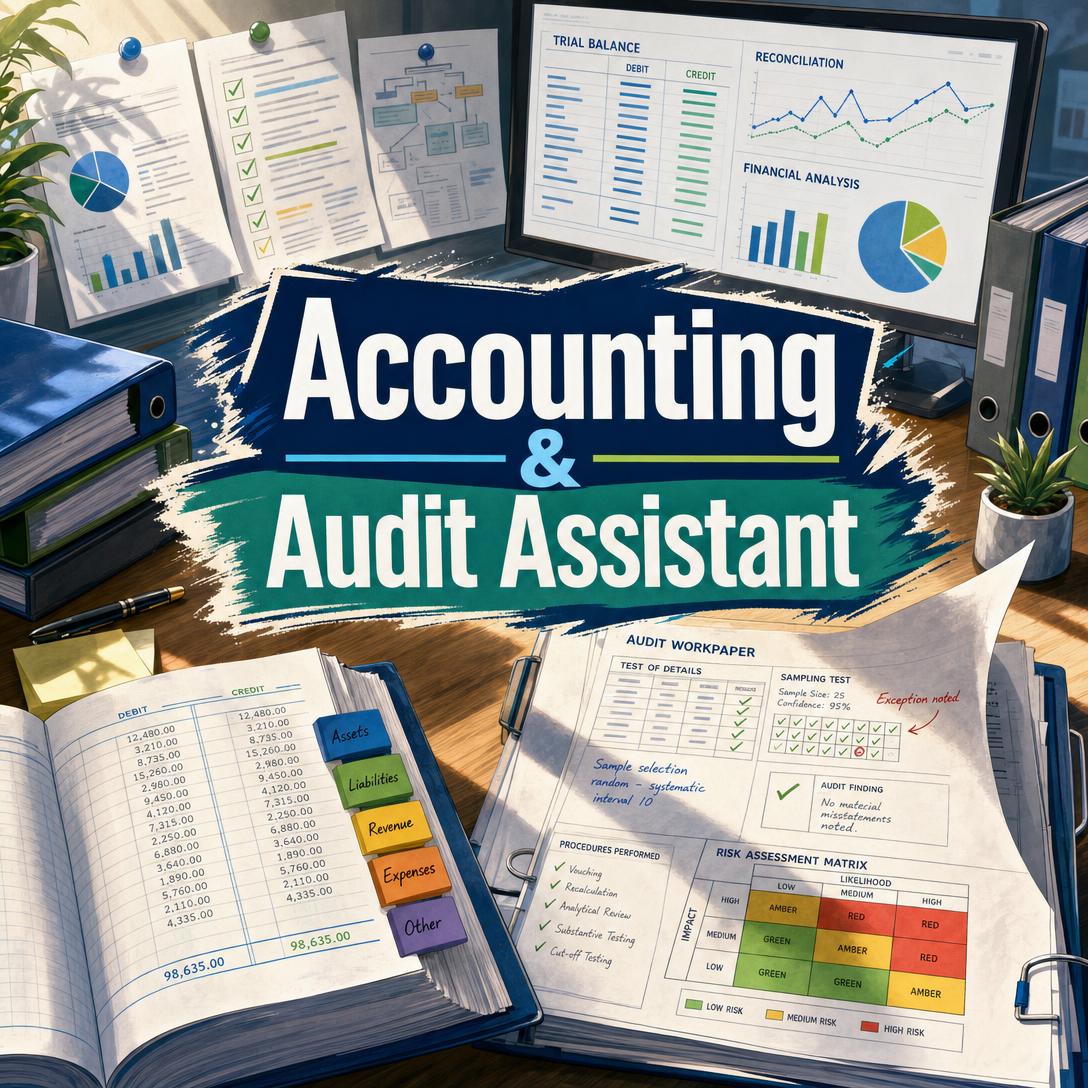
Accounting & Audit Assistant helps you close books, interpret standards, and plan audits by combining high-volume processing with senior-level accounting judgment. While month-end piles, lease memos, and PCAOB-quality workpapers still consume nights that teams no longer have, this AI provides classification, journal-entry drafts, financial analysis, and audit programs in the language of US GAAP, IFRS, and professional standards.
✅ Categorizes expenses and revenue in batches of roughly 100–300 items, mapped to your Chart of Accounts ✅ Drafts standard, adjusting, correcting, FX, and intercompany journal entries with narratives ✅ Interprets ASC and IFRS topics — including revenue, leases, and income taxes — in plain professional language ✅ Builds audit plans, sampling designs, findings, and SOX 404 documentation without replacing your professional sign-off
To understand why this matters, consider what finance and audit teams are being asked to do with fewer people, tighter close calendars, and a thicker stack of new standards. The bottleneck is no longer just software. It is scarce expertise applied to repetitive, high-stakes work.
Quick Answer: What Is Accounting & Audit Assistant?
Accounting & Audit Assistant is an AI accounting assistant that categorizes expenses, drafts journal entries, analyzes financials, and plans audits under US GAAP, IFRS, and PCAOB standards. It behaves like a seasoned controller sitting beside you — not like an ERP.
Key capabilities:
- Expense and revenue classification against your Chart of Accounts, with flags for prepaid, capital, and unusual items
- Journal entries, depreciation, impairment guidance, and individual lease accounting under ASC 842 / IFRS 16
- Trial-balance review, ratio and variance analysis, close checklists, and control documentation
- Audit risk assessment, materiality, testing design, sampling, findings write-ups, and SOX 404 support
Why Accounting Teams Are Running Out of Hours
Finance leaders are being asked to produce cleaner numbers, faster closes, and more advisory insight at the same time the pipeline of accountants is shrinking. Hiring is not catching up.
83% — of financial leaders said they could not find qualified accounting talent, up from 70% in 2022 (CFO Pulse Survey 2024, cited by AACSB)
1%–2% — unemployment among accounting professionals, near historic lows, according to Robert Half
The same pressure shows up in the classroom. Bachelor’s degree completions in accounting fell 10.3% from 2021 to 2023, and the decline only slowed to 3.3% in 2025 per the AICPA Trends Report. In the U.K., a Hays survey cited by AACSB found 90% of finance and accounting employers struggle to recruit qualified professionals.
But accessing reliable help on a Tuesday night close — or during fieldwork — is still frustratingly difficult:
- Junior staff wait for a manager to review a gray-area coding decision, while the trial balance sits unbalanced.
- Experienced accountants spend hours on mechanical categorization that does not require a CPA license — then have no time left for judgment.
- Audit teams inherit thin workpapers, unclear assertions, and sampling that was designed under last year’s risk profile.
- New standards keep landing. Public business entities must adopt FASB’s income-statement expense disaggregation guidance (ASU 2024-03) for annual periods beginning after December 15, 2026. PCAOB QC 1000 and related standards take effect December 15, 2026, raising the bar on firm quality control.
Audit functions know AI is coming. They are just not evenly ready.
39% already using AI, 41% planning to adopt within 12 months — Wolters Kluwer survey of 4,214 internal auditors, with adoption projected to reach 80% in 2026
54% — cited efficiency and productivity as the primary advantage of AI in internal audit over the next year
Generic chatbots can summarize a standard. They rarely produce a balanced journal entry, a CoA-mapped expense file, or an audit program that maps assertions to procedures. That is the gap a dedicated accounting and audit assistant is built to fill.
This is exactly what Accounting & Audit Assistant was built for.
Why Accounting & Audit Assistant
Accounting & Audit Assistant is a standalone accounting and audit product for people who already know what “debit prepaid, credit cash” means — and for business owners who need that translation without waiting on a firm. It processes brute-force work (coding, totaling, drafting entries, structuring checklists) and then switches into advisory mode: interpreting ASC 606, walking an IFRS 16 lease, designing a revenue audit program, or classifying a control deficiency.
It is not a general-purpose chatbot with an accounting prompt. It confirms jurisdiction, currency, and framework before assuming US GAAP or USD. It flags material anomalies even when you only asked for a coding file. And it is explicit about limits: it will not issue a binding audit opinion, connect live to QuickBooks or SAP, or pretend LLM arithmetic is infallible.
| Traditional Approach | Accounting & Audit Assistant |
|---|---|
| Staff accountant codes 200 invoices by hand, then waits for review | Batch classification of ~100–300 items mapped to your CoA, with prepaid/capital flags |
| Manager time spent drafting routine JEs and close checklists | Dated entries with debit, credit, and narrative — plus close checklists and SOP drafts |
| Standards questions bounced to a partner or a 40-page Big 4 guide | Framework-specific walkthroughs of ASC 606, ASC 842, IFRS 15/16, ASC 740 concepts |
| Audit programs copied from last year | Risk-based programs, sampling design, assertion mapping, and findings in Condition/Criteria/Cause/Effect form |
| SOX narratives that lag the actual process | Control documentation and testing design aligned to COSO and SOX 404 |
Classification that respects your Chart of Accounts
Share your CoA and the assistant maps to it. If you have not shared one, it uses standard industry categories and says so. Gaps get suggested — not silently added. Unusual vendors, duplicate invoice numbers, and amounts that look like prepaids or capital expenditures are flagged with materiality in mind, not buried in a wall of nitpicks.
Journal entries and technical accounting, not just summaries
Entries always include date, account, debit, credit, and narrative. That covers adjusting and correcting entries, multi-currency/FX, intercompany, fixed-asset depreciation and disposal, and individual lease initial recognition under ASC 842 or IFRS 16. Complex lease portfolios still belong in specialized software; a single warehouse lease does not.
Audit planning and execution support
On the assurance side, the assistant drafts planning memos, materiality calculations (overall, performance, trivial), audit programs, sampling approaches (statistical and non-statistical), analytical procedures, and management-letter points. Findings follow a Condition/Criteria/Cause/Effect structure. Deficiency classification and remediation language are drafted for your review — not issued as an opinion.
Example prompts:
"Categorize these 180 Q3 vendor invoices to our 4-digit CoA and flag anything that looks like a prepaid, a capital item, or a duplicate invoice."
"Walk me through ASC 842 initial recognition for a 5-year warehouse lease, $12,000 monthly, no renewal option, incremental borrowing rate 6.5%."
"Draft an audit program for revenue under ASC 606 for a SaaS company with $4.2M ARR — include relevant assertions, a sampling approach, and fraud-risk procedures."
How It Works
You bring the data and the facts of the engagement. Accounting & Audit Assistant returns structured tables, cited standards, and the next question a controller would ask.
Step 1: Set the engagement context State what you need — coding, a journal entry, a standard interpretation, or an audit program. Add the client or company name, jurisdiction, currency, applicable framework (US GAAP, IFRS, or local GAAP), and fiscal period when those facts matter. The assistant infers what it can and only asks for what is missing.
"US GAAP, USD, FYE December 31. I need Q4 expense coding for a Texas wholesale distributor, then a TB review."
Step 2: Provide the source data Paste or upload a transaction dump, trial balance, lease fact pattern, or policy excerpt. Work in batches of about 100–300 lines when the file is large. If you already have a stack of raw receipts rather than a clean export, Expense & Receipt Tracker can turn photos and statements into categorized, export-ready records first — then you bring the clean file here for CoA mapping and exception review.
"Here is the October–December expense dump, 247 lines. Map to the CoA I pasted above. Do not add new accounts without asking."
Step 3: Review the structured output Expect tables: categorized expenses with subtotals, journal entries you can re-key, ratio packs, or an audit program with assertions and procedures. Mechanical work stays tight. Standards and risk analysis go deep. Show-your-work calculations are included so you can verify the arithmetic — which you should, especially before posting or relying on a number in a filing.
Step 4: Resolve flags and lock treatments Material issues come back as observations: unsupported “MISC VENDOR” payments, software licenses sitting in Supplies, a rebate that may be contra-revenue under ASC 606. You confirm the treatment. Confirmed decisions become the session’s working policy so later batches stay consistent.
"Agree — cloud hosting is OpEx under ASC 350-40; no capitalizable implementation costs. Reclass the $12K licenses to prepaid SaaS."
Step 5: Move from processing into planning or disclosure Once the numbers are clean, ask for the close checklist, a disclosure draft, a SOX walkthrough, or an audit sampling design. If the question is tax strategy rather than accounting treatment under ASC 740 / IAS 12, Personal Tax Advisor is the better next stop for deductions, entity-level filings, and cross-border positions.
Try the assistant free — no credit card required.
Results & Use Cases
📊 Month-end expense coding for a distributor
Scenario: A controller inherits 847 vendor lines for Q4. Three people are out, and close is in four days. Traditional Approach: A staff accountant codes for two days, a senior reviews for another, and prepaid/capital items still slip through. Accounting & Audit Assistant: Batches of ~250 lines mapped to the client CoA, with duplicates, missing support, and likely prepaids flagged before the TB is certified.
- CoA-faithful mapping instead of generic categories
- Exception list a reviewer can work, not a 40-tab spreadsheet
- Treatments you can reuse in the next batch of the same close
💼 Revenue audit program for a SaaS engagement
Scenario: An in-charge needs a first-year ASC 606 program for a company with $4.2M ARR, usage-based overages, and annual invoices. Traditional Approach: Last year’s program from a different industry, lightly edited, with weak linkage to occurrence and cutoff. Accounting & Audit Assistant: A risk-based program covering contract identification, performance obligations, variable consideration, and cutoff, plus a sampling rationale and fraud-triangle notes on channel stuffing and side agreements.
- Assertions mapped to procedures, not a generic checklist
- Sampling design you can defend in review
- Findings language ready for the management letter, still subject to your sign-off
📱 Lease question between client sites
Scenario: You are on a train between fieldwork locations. The client just forwarded a five-year warehouse lease and wants to know ROU asset and liability at commencement. Traditional Approach: Wait until you are back at a desktop, open a lease module, or email a technical accounting specialist. Accounting & Audit Assistant: On phone or tablet, you paste the facts — term, payment, IBR, options — and get classification, initial measurement, and the opening entry, with a reminder that portfolio accounting still needs dedicated software.
- Full feature parity on iOS and Android, so fieldwork does not wait on a laptop
- Framework confirmed before numbers are drafted
- A clean entry you can drop into the workpaper when you sit down
🎯 Owner-led close without a full-time controller
Scenario: A founder runs a 22-person services firm. The bookkeeper codes bills; nobody owns leases, accruals, or a close checklist. Traditional Approach: The CPA firm is engaged after the fact, write-ups land in March, and management decisions were made on incomplete numbers. Accounting & Audit Assistant: The owner (or bookkeeper) gets a close checklist, accrual drafts, and a plain-language read of the TB. If the same person is also building the operating cadence — hiring plan, cash forecast, vendor terms — Business Co-Pilot can sit beside the accounting work as the operational counterpart.
- Controller-grade structure without waiting for a hire that 83% of finance leaders already cannot fill
- Standards explained at the user’s level, then tightened as their questions get more technical
- A documented trail of treatments for the external accountant at year-end
FAQ
Is Accounting & Audit Assistant free?
A free tier is available with core features and limited monthly usage. Paid plans increase usage if you run large coding batches, frequent audit-planning sessions, or long-running client files. There is no credit-card requirement to try the product. Usage resets on your billing date, so the full allowance is available from day one rather than dripped out as a daily cap.
Can this AI accounting assistant issue an audit opinion or replace my CPA?
No. Output is informational analysis and drafting support, not a CPA attestation, audit opinion, or licensed professional advice. You still verify calculations, apply professional judgment, and hold the license that signs the report or the return. The right use is accelerating coding, entries, checklists, and first drafts of programs and memos — then reviewing them as you would a strong senior’s workpapers.
Does Accounting & Audit Assistant connect to QuickBooks, Xero, or SAP?
It does not pull live bank feeds or post into an ERP. You provide the export, paste, or description; you take structured tables or CSV-ready output back into your system. That constraint is deliberate: it keeps the assistant usable across stacks, but it means bank recs are match-and-exception reviews of your data, not a full unattended reconciliation.
How is this different from a general chatbot for GAAP questions?
A general model can discuss ASC 606. This product is built to confirm framework and currency, map to your CoA, produce balanced entries with narratives, flag anomalies you did not ask about, and draft audit procedures that name assertions. It will also tell you when a task is out of scope — payroll calculation, 1,000-line dumps in one shot, binding opinions, or tax-return preparation — instead of improvising.
Does it work on mobile during fieldwork?
Yes. Web, iOS, and Android have feature parity, including speech-to-text if you would rather dictate a lease fact pattern than type it in a client conference room. Settings and history sync across devices, which matters when planning happens on a laptop and follow-up questions happen on a phone between walkthroughs.
Can it keep up with FASB and PCAOB changes?
Established principles (double-entry, matching, the fraud triangle) are stable. Effective dates, ASUs, tax rates, and FX rates are not. FASB continues to issue updates with staggered effective dates, and the PCAOB’s 2026 quality-control implementation is a live workstream for firms. The assistant is designed to search current sources before citing a date-sensitive rule — and to say so when guidance is in flux. You should still read the Codification or the Board release before you file.
Conclusion
The accounting talent shortage is not a temporary recruiting inconvenience. It is a structural gap colliding with denser standards, shorter closes, and audit quality rules that take effect in December 2026. Teams do not need another generic chatbot. They need an AI accounting assistant that can code a batch, draft a journal entry, interpret a standard, and put an audit program on paper without pretending to sign the opinion.
Accounting & Audit Assistant is built for that workflow — from the first unclassified vendor line to the last deficiency ranking. Try it on the next close, the next lease, or the next planning memo.
Explore more at Jenova.
For Developers: Accounting & Audit Assistant is available programmatically via the Jenova API — integrate expense classification, journal-entry drafting, and audit-planning workflows into your application with a single API call. Full documentation →